AppRecs review analysis
AppRecs rating 4.0. Trustworthiness 90 out of 100. Review manipulation risk 19 out of 100. Based on a review sample analyzed.
★★★★☆
4.0
AppRecs Rating
Ratings breakdown
5 star
50%
4 star
33%
3 star
0%
2 star
0%
1 star
17%
What to know
✓
Low review manipulation risk
19% review manipulation risk
✓
Credible reviews
90% trustworthiness score from analyzed reviews
✓
High user satisfaction
83% of sampled ratings are 4+ stars (4.0★ average)
About UGV Driver Assistant
* Warning! You still have to keep your eyes on the road regardless of using this app or not.
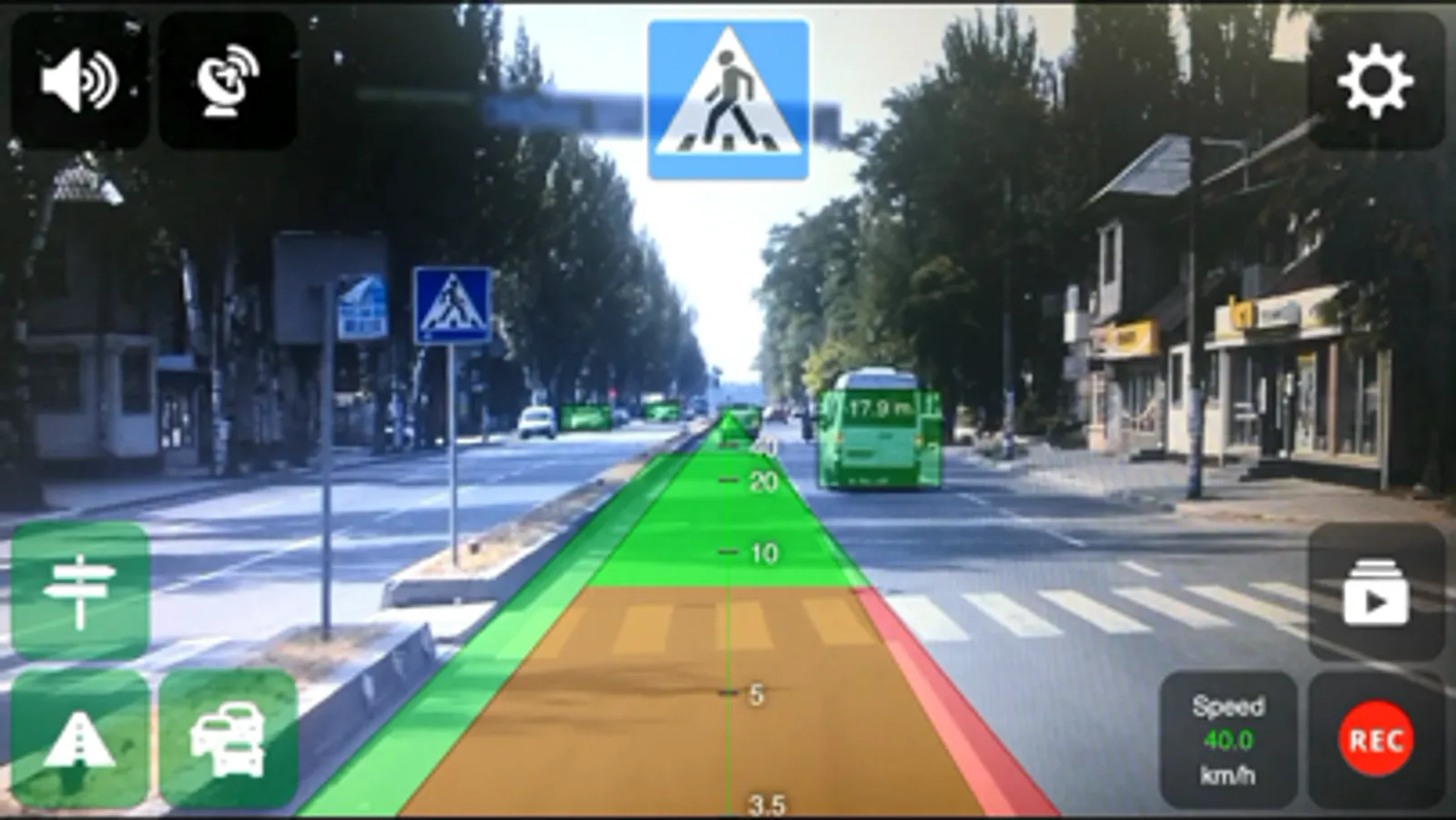
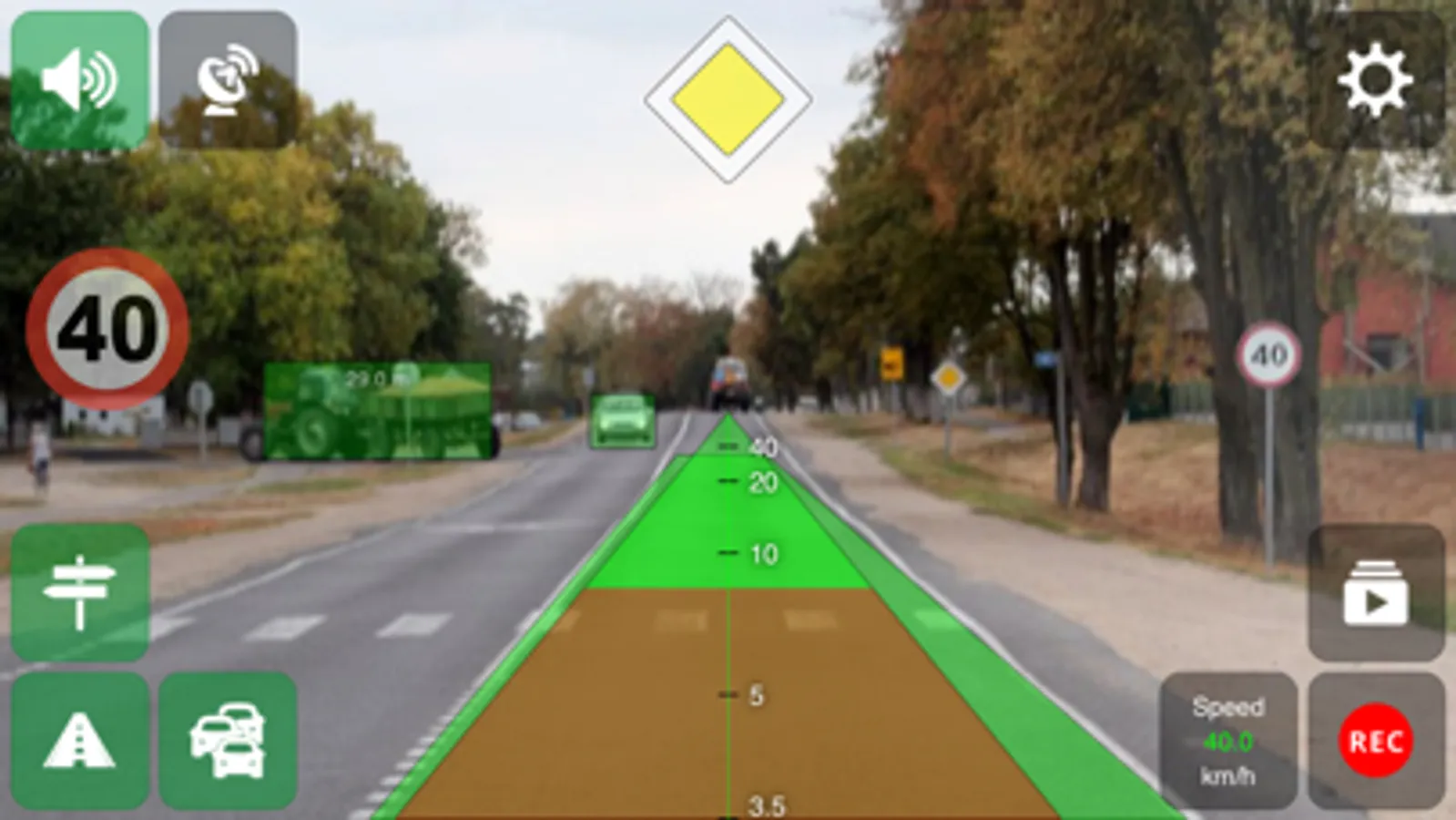
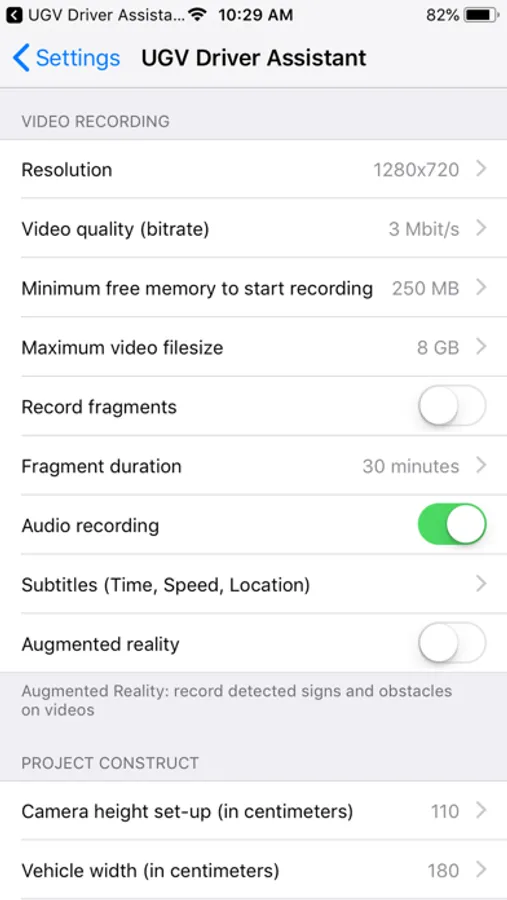
- Video recorder (video recording using the rear camera, subtitles (date, time, speed, location), augmented reality, fragment recording)
- Distance control (obstacle detection and warnings of dangerous approach to them)
- Road sign notifications, speed limit warnings
- Vehicle trajectory control (road edge detection and warnings in case of deviation from the road)
How to use
1. Using car smartphone mount, attach your device to the windshield of your car
2. Start the app and adjust the position of the smartphone so that there is no green lines
3. Set the camera (smartphone) height and the width of your car or stay with defaults
4. Start recording by pressing the REC button and activate the driving assistance modules you need
UGV Driver Assistant Screenshots
Tap to Rate:
Reviews for UGV Driver Assistant
Mike Mart
Promising at first but no good
First when it started recording it will suddenly stop recording in a few minutes. Thats a big no no you thought it is recording but its not. Then after a phone call it will no longer continue recording. I cannot always start this when am driving. Third when playing back those green squares is nor centered on the vehicle showing the distancw. You dont know which vehicle. Third the speed recorded is always in zero when playing the video.
riririleyiancoyle
This app can save lives!
I was driving down the road and my phone beeped accurately when I was to close to a car has a few bugs but works great