In this app, you can record videos during your car trips and include GPS data and speed information. Includes multiple video resolutions, image stabilization, and clip management features.
AppRecs review analysis
AppRecs rating 4.4. Trustworthiness 80 out of 100. Review manipulation risk 20 out of 100. Based on a review sample analyzed.
★★★★☆
4.4
AppRecs Rating
Ratings breakdown
5 star
59%
4 star
18%
3 star
9%
2 star
4%
1 star
10%
What to know
✓
Low review manipulation risk
20% review manipulation risk
✓
Credible reviews
80% trustworthiness score from analyzed reviews
✓
High user satisfaction
77% of sampled ratings are 4+ stars (4.1★ average)
About CamCarDer
Features:
* Capture video in 3 resolutions (Low, Medium, High) with option to include audio and perform image stabilization
* Turn-by-turn navigation assistance while recording video
* Automatic separation to clips of fixed length (user-selectable: 1, 5, 10, 15, 30 or 60 minutes)
* Record GPS location and speed along with video frames
* Detect speed limit signs and notify in case of exceeding
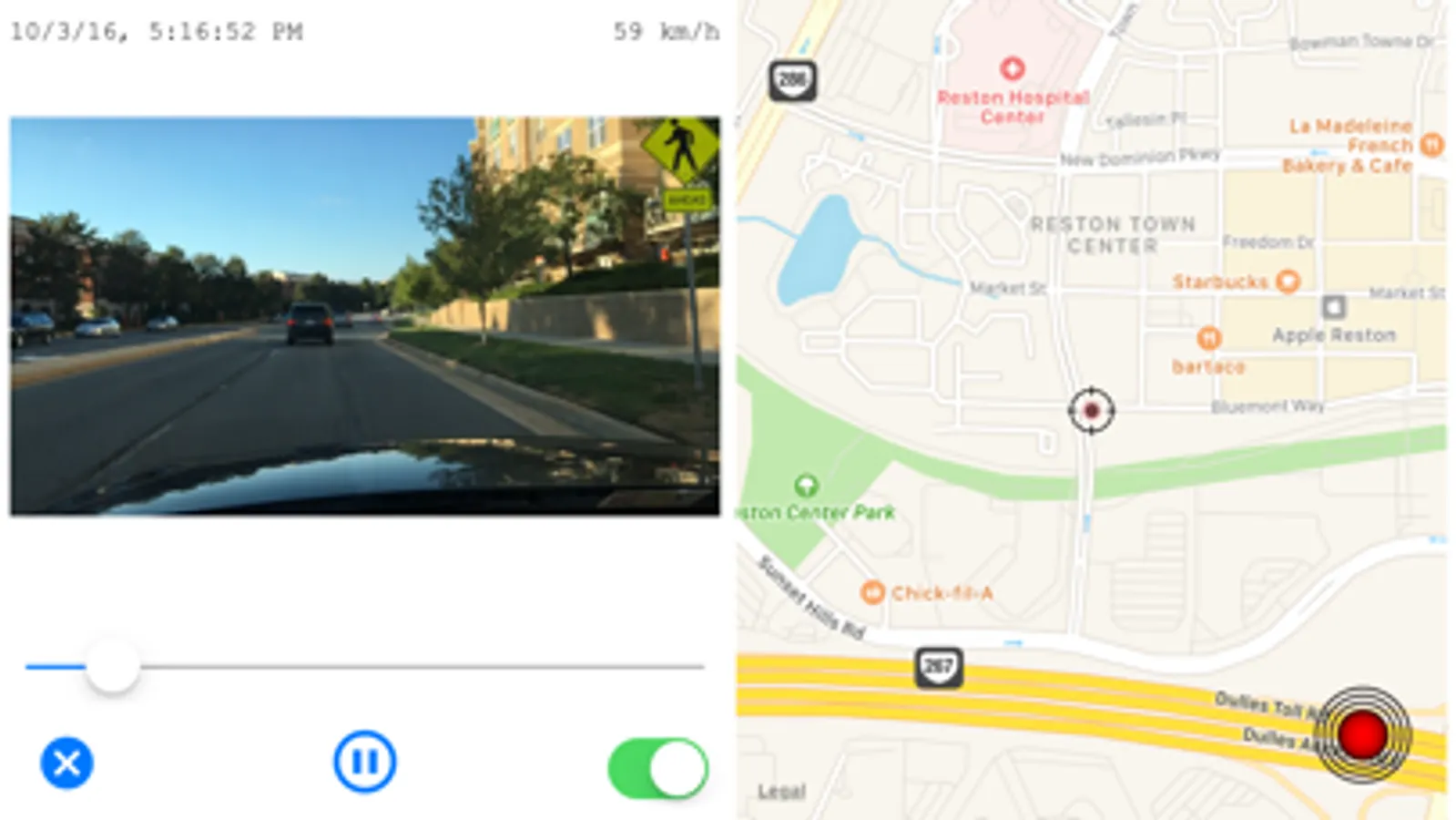
* Play back video with showing marker on a map and timestamp / speed of a moment
* Export video to album for sharing or storage
* Take photo snapshots while recording video
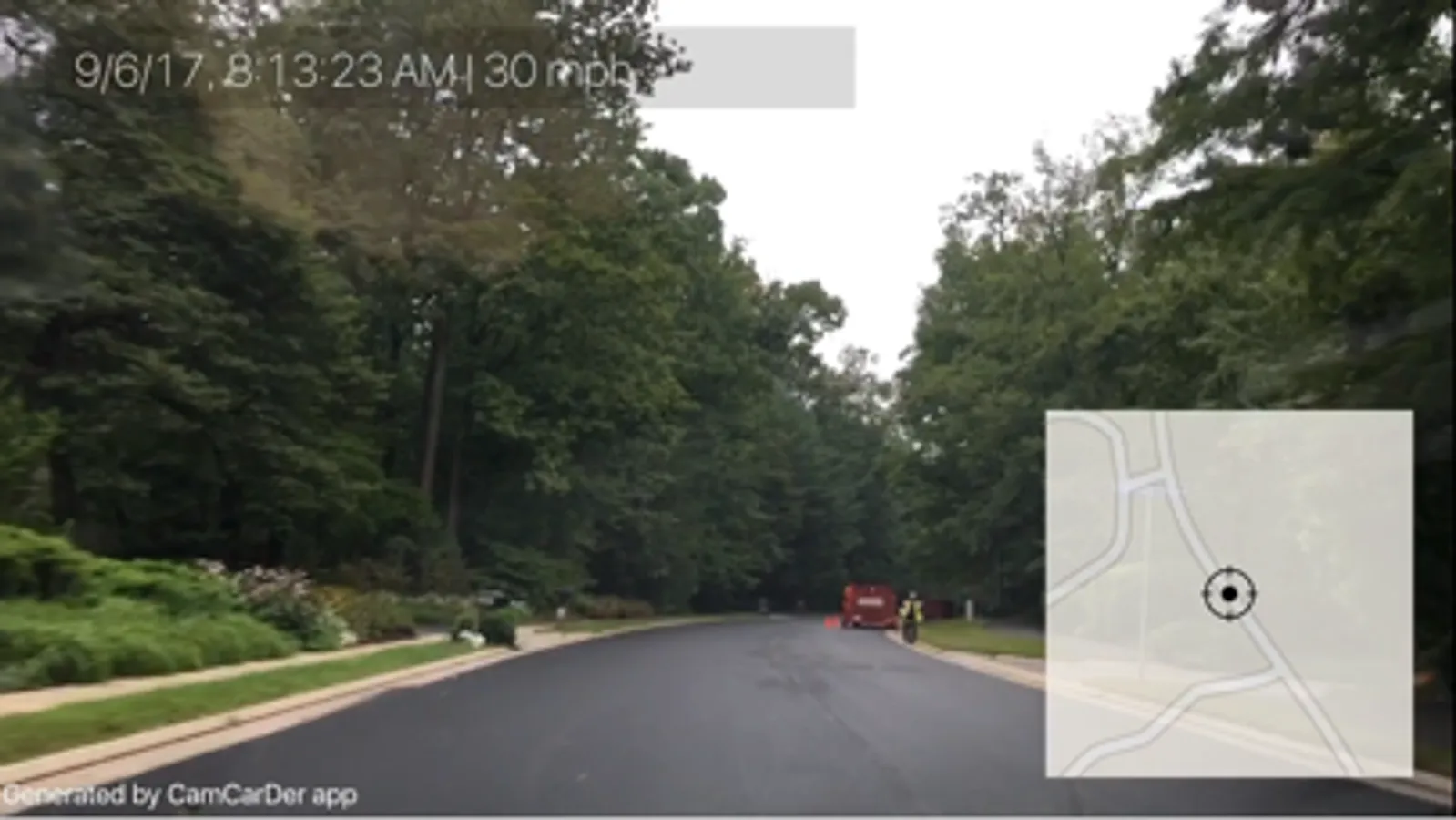
* Imprints date/time, speed stamp into exporting video as well as actual map with dynamic marker
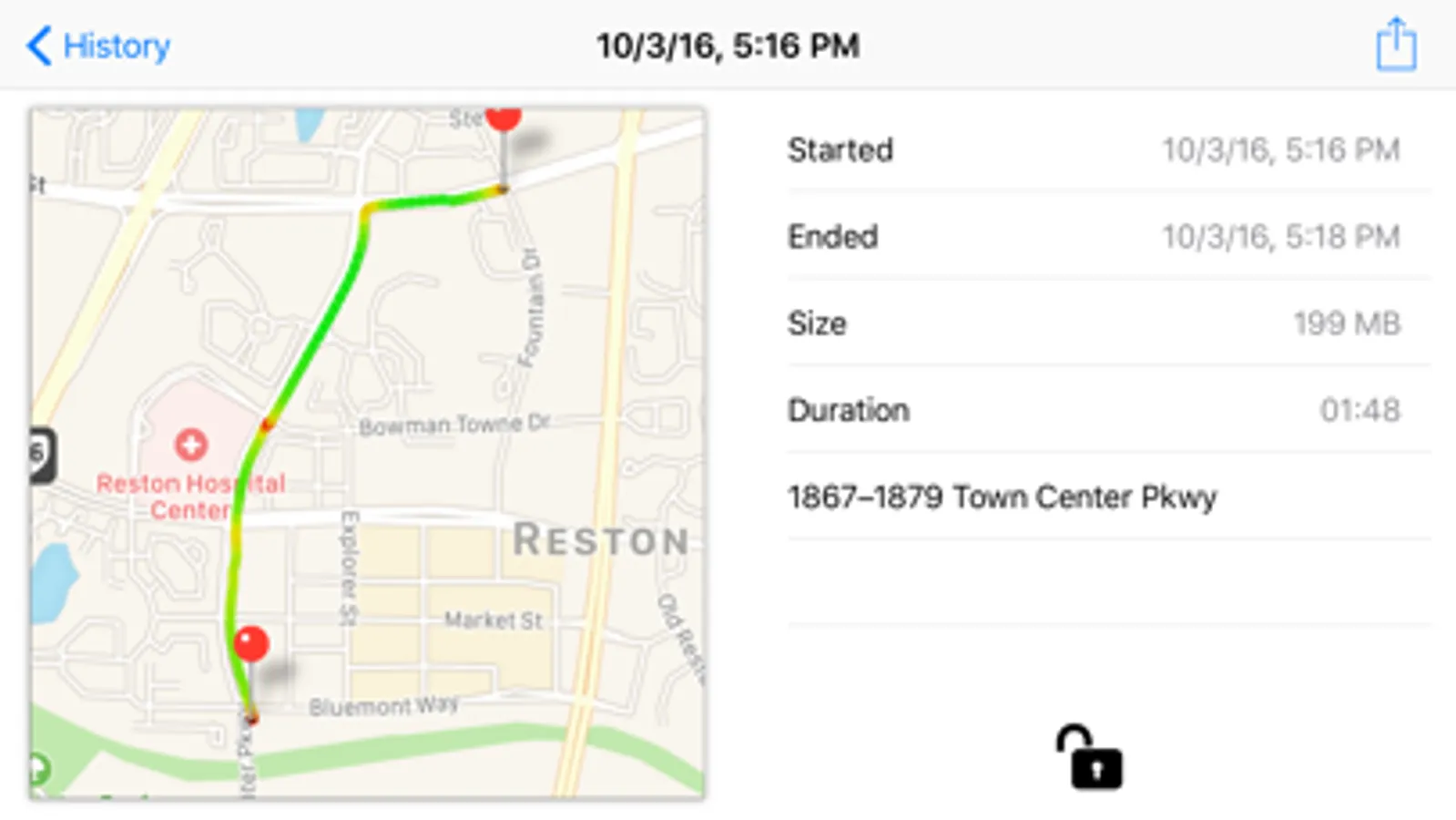
* Keep recorded clips as a history; view History as a List (by Date) or on an interactive Map (by Location)
* Show path for particular clip on a map with speed indicated by color
* Option to start recording when open the app (or 3D Touch)
* Option to recycle old recorded clips automatically
* Mark important clips "protected" to spare from deletion/recycling
* G-Force sensor to record acceleration and braking
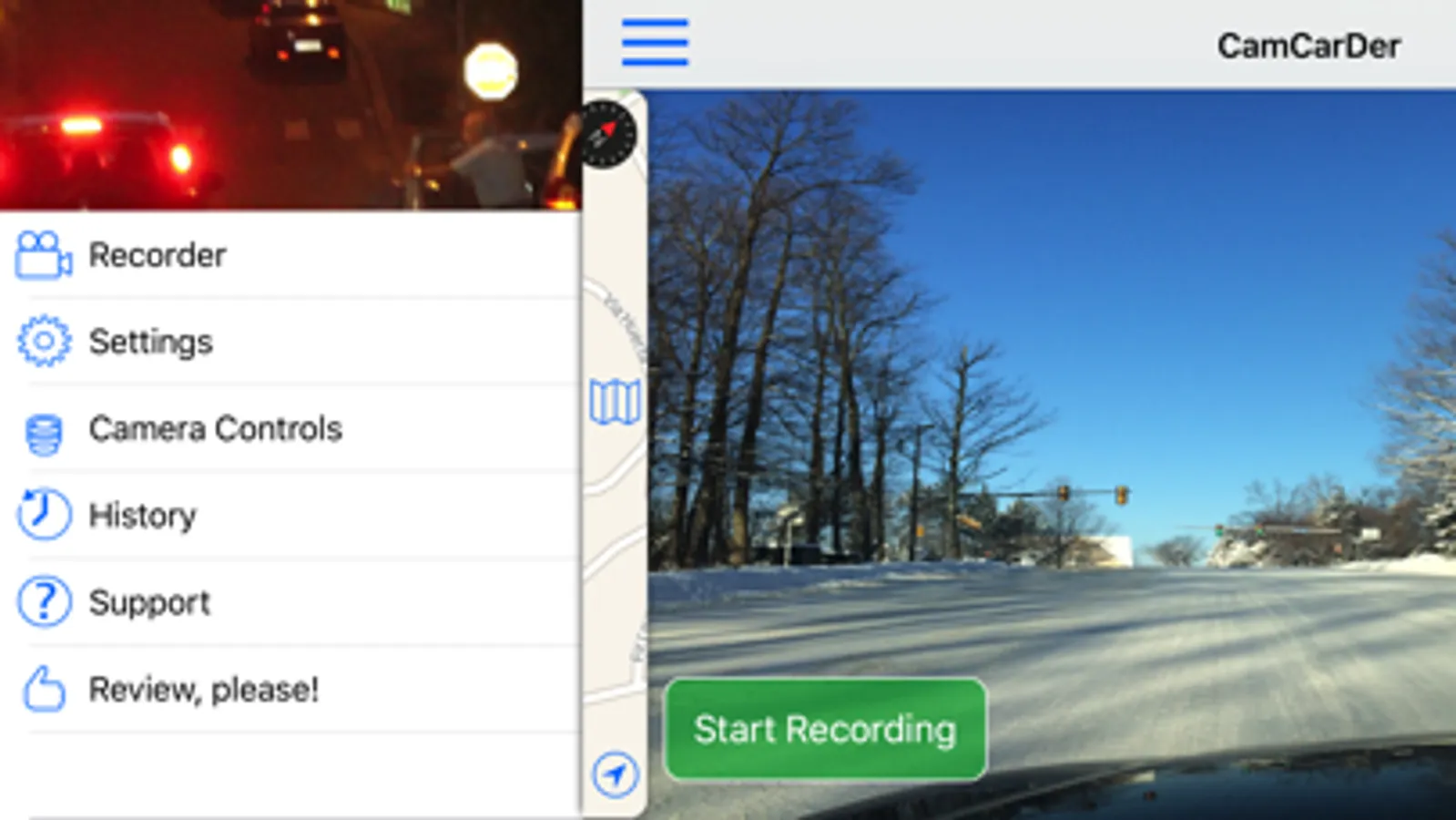
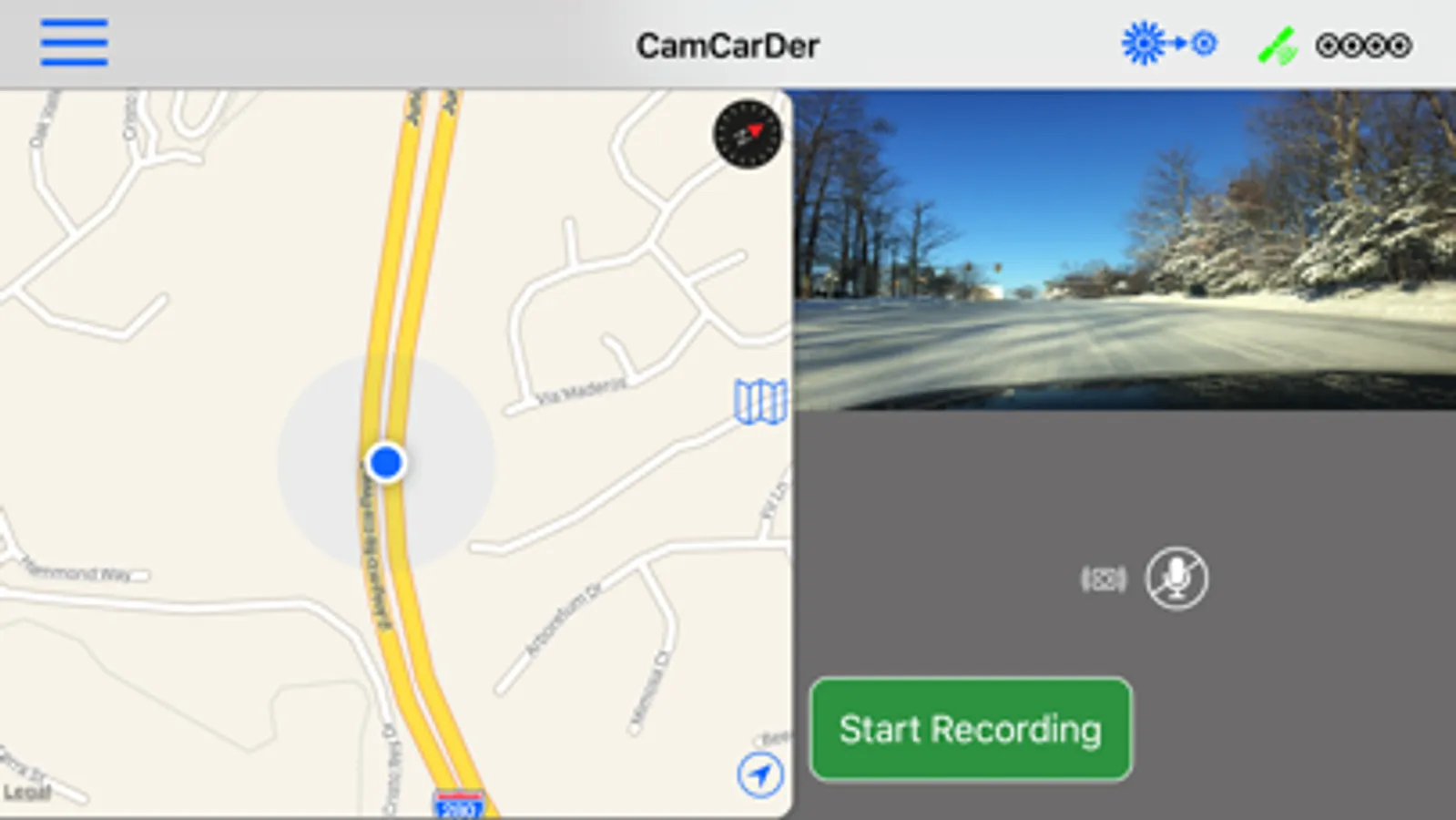
* Show/hide map on main screen for easy navigation
* Dim screen to reduce heating and power consumption
* Detect speed limit signs and optionally notify if exceeding
NOTE: Continued use of GPS running in the background can dramatically decrease battery life. Please see details on our website at http://oxigenator.com/products/camcarder/ . We suggest that you connect your iPhone to a power, rather than using it on a battery.
So if your phone receives an incoming call or you want to switch to another app, CamCarDer will save current clip. You can start new clip manually, or set application to auto-start it when application goes back to foreground.
CamCarDer Screenshots
Tap to Rate:
Reviews for CamCarDer
Mr. X-Y-Z
I liked old version better
Happy for any bug fixes, thank you! I’ve used this new version for a few days now and I’m sad to say that I really hate that navigation takes up half the screen even when it is not being used. Prior version allowed navigation to be hidden and the dashcam was full screen. This change is awful. Allow the dashcam to be full screen. I DO like having the buttons on the grey background. Much easier to see them at a glance. I would also like the “dim” button down at the bottom in the grey area. Features I would like: An option to automatically dim the display after recording starts. Option to save rear facing video and map videos separately from the forward facing video, with important information on each (date, time, gps coordinates). When the map and rear facing video are enabled in the export they are superimposed over the main view, which blocks a lot of the view.
Ian896
Update is awesome, but still some issues
By far the best dash cam app I’ve found, but some minor issues make use a little awkward. Pros: 1. Can customize how many clips to save/recycle 2. Fantastic customizable video quality 3. Can simultaneously record with front and back camera 4. Interface is simple to use 5. Exporting large clips is super fast Cons: 1. Can not listen to music while mic is recording 2. No way to close navigation which takes up half of the screen