
In this document scanning app, you can capture images, extract text, translate it into multiple languages, and export as PDFs or editable files. Includes OCR for printed and handwritten text, translation, text-to-speech, and editing tools.
AppRecs review analysis
AppRecs rating 4.4. Trustworthiness 82 out of 100. Review manipulation risk 23 out of 100. Based on a review sample analyzed.
★★★★☆
4.4
AppRecs Rating
Ratings breakdown
5 star
79%
4 star
9%
3 star
1%
2 star
1%
1 star
11%
What to know
✓
Low review manipulation risk
23% review manipulation risk
✓
Credible reviews
82% trustworthiness score from analyzed reviews
✓
High user satisfaction
87% of sampled ratings are 4+ stars (4.4★ average)
About SmartScan AI
SmartScan AI is your intelligent OCR assistant for effortlessly extracting handwritten and printed text from images. Powered by advanced AI, it helps you translate text into over 150 languages and export it as editable files or professional PDFs.
Whether you’re digitizing notes, translating signs, or are tired of typing, SmartScan AI helps you work faster and smarter.
AI Assistant (New!)
Free Chat Mode: Ask AI anything, not just about scanned text.
Summarize: Get concise summaries of long texts.
Explain: Break down complex text into simple language.
Keywords: Extract the most important terms instantly.
Insights: Discover key takeaways or action points.
Printed Text OCR
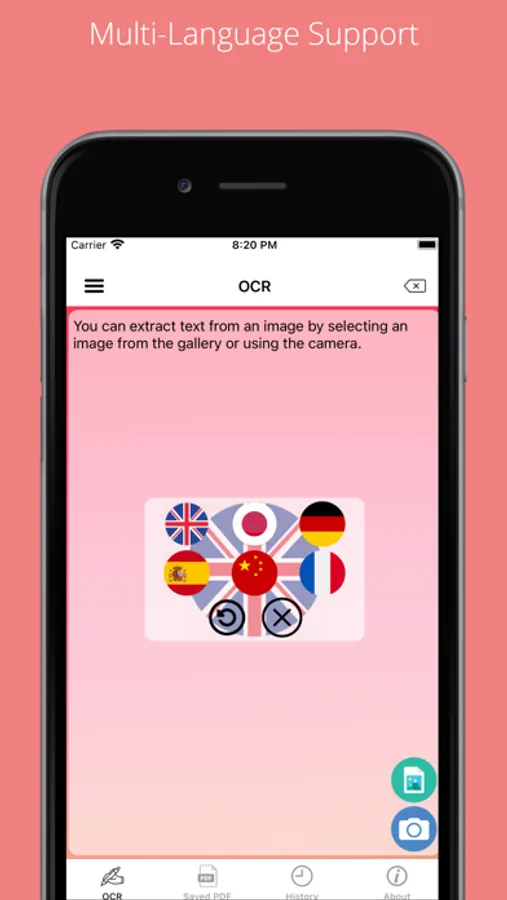
Instantly recognize printed text in over 150 languages — perfect for documents, books, labels, or signs. Includes Hindi, Arabic, Russian, Thai, and many more.
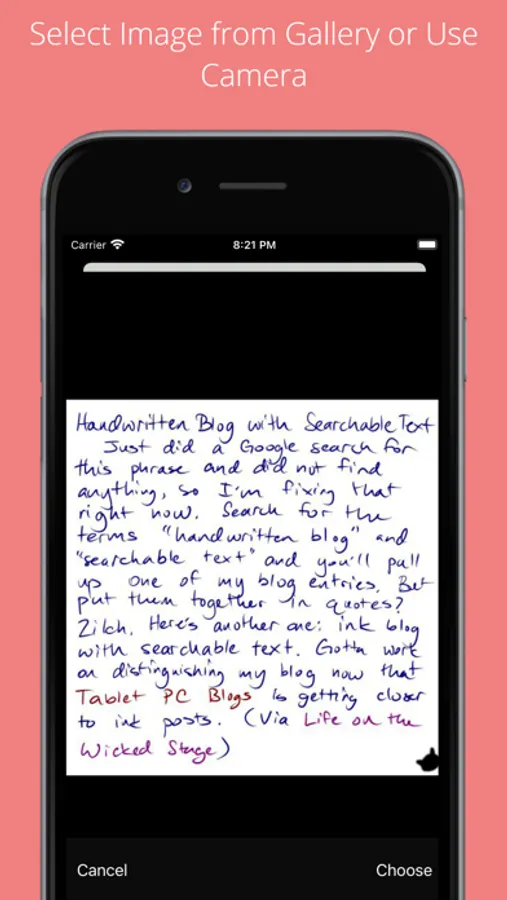
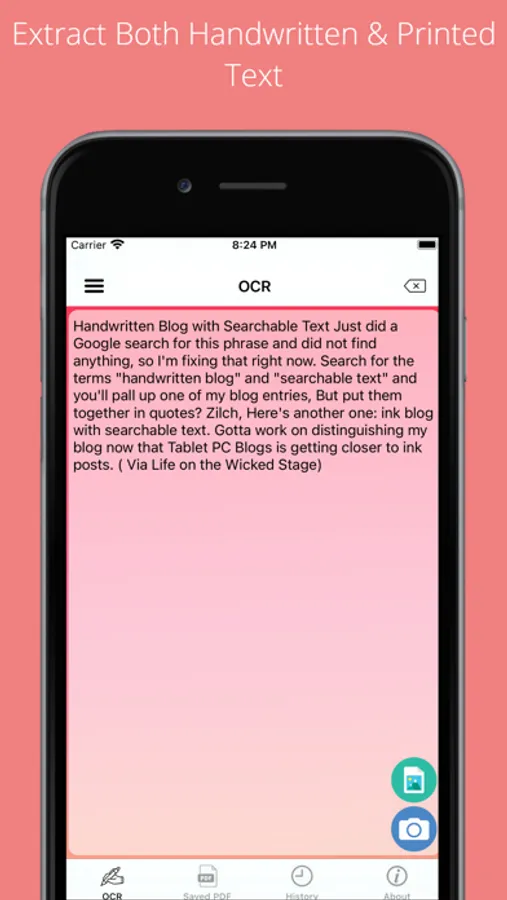
Handwritten Text Extraction
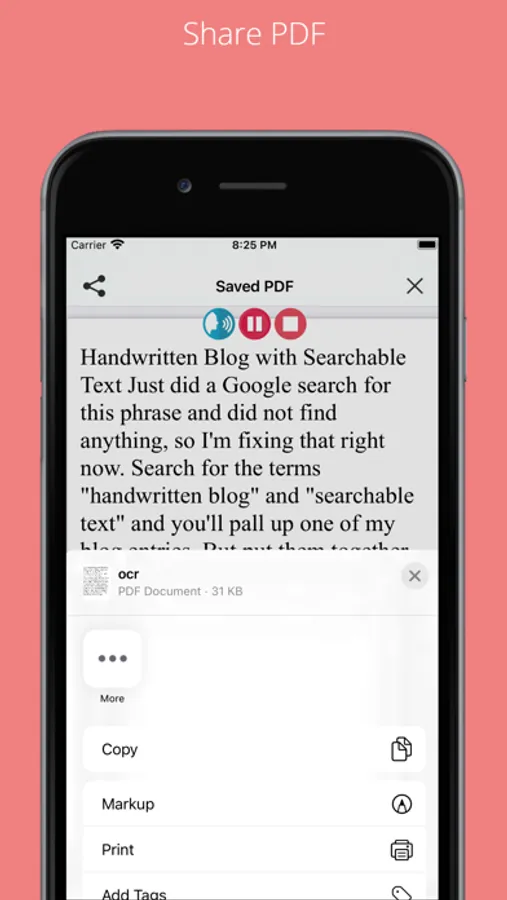
Turn notes, letters, forms, and whiteboards into a digital text with a single tap. Works across surfaces like sticky notes, notebooks, and more.
Languages: English, French, German, Spanish, Italian, Japanese, Chinese (Simplified), Korean, Portuguese.
AI-Powered Translation
Translate any scanned text into over 150 languages within seconds — no external apps needed.
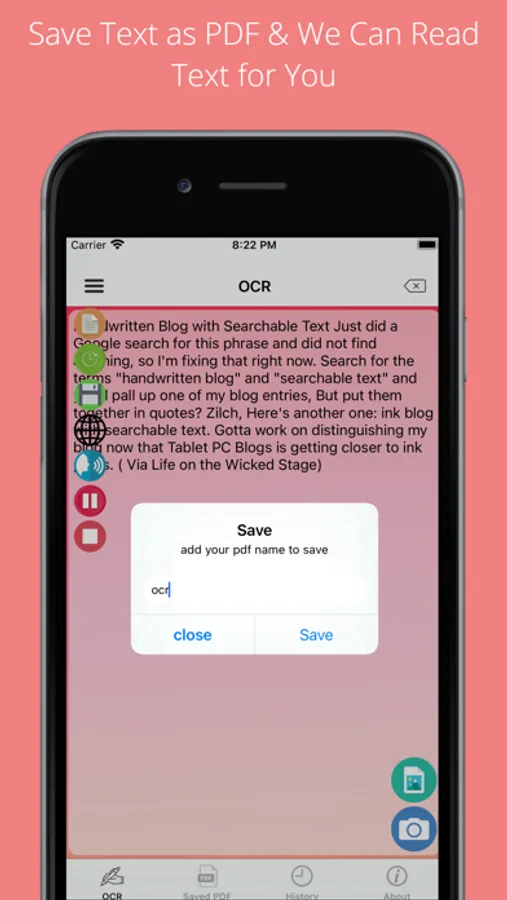
Text-to-Speech
Let the app read the extracted text aloud in 30+ languages. Ideal for studying, accessibility, and multitasking.
History & Editing Tools
All Ai, image scans are saved on your device. Share, edit text, add notes, preview PDFs, and manage your history with ease.
Export Options
Save as plain text or PDF. Print or share via email, AirDrop, messaging apps, and more.
Private by Design
No sign-up required. Your data stays on your device unless you choose to share it.
Free with Optional Upgrade
Enjoy the full feature set for free, supported by ads. Upgrade with in-app purchases for an ad-free experience.
Made for You
Switch between light/dark mode and choose your preferred app language. Designed with a clean, distraction-free interface.
SmartScan AI Screenshots
Tap to Rate:
Reviews for SmartScan AI
nidhin.vijay
Great update with AI features
The latest update with the AI capabilities is very friendly and easy to use
bobbiday93
Seems bad
Asked for review before I could even figure out controls. Looking for app to translate as I write. I have to save the translation pic the. The translation? Annoying and can’t see translation in app . Will take far to much memory to be useful


![Text from Picture AI [OCR] icon](https://apprecs.org/ios/img/icons/webp/150/6470018354/Tav8PIIgnUKv3sEB9jtqNQIbMeJFUKxD6fOSEZ-Rqa4-icon)