
With this OCR app, you can recognize and convert text from images, scan documents, and save editable files in various formats. Includes multi-language support, handwriting recognition, batch processing, and cloud synchronization.
AppRecs review analysis
AppRecs rating 4.6. Trustworthiness 0 out of 100. Review manipulation risk 0 out of 100. Based on a review sample analyzed.
★★★★☆
4.6
AppRecs Rating
Ratings breakdown
5 star
83%
4 star
3%
3 star
7%
2 star
0%
1 star
7%
What to know
✓
High user satisfaction
83% of sampled ratings are 5 stars
About Text Extractor: Image to Text
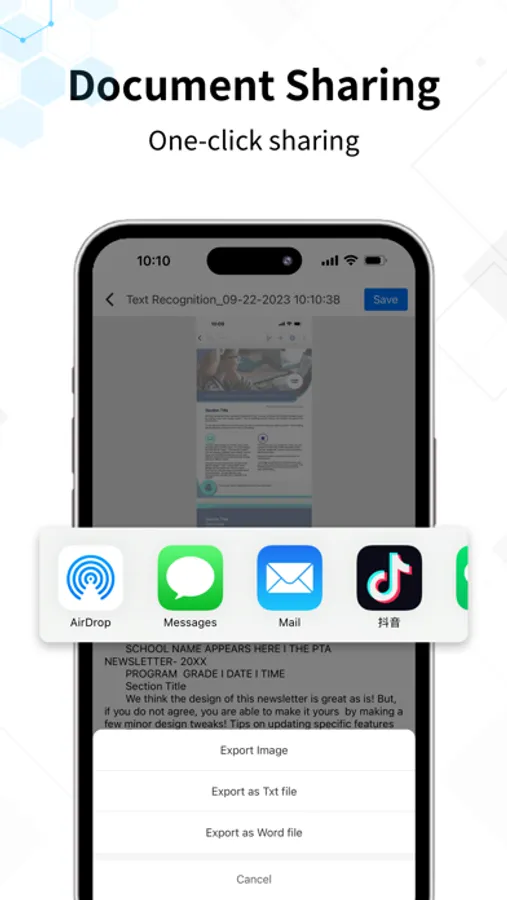
Text Extractor is an OCR text recognition software that integrates functions such as text scanning to text, image to Word, image to Excel, handwriting recognition, document restoration, and more. The recognized text can be saved and shared in formats such as text, Word, Excel, etc., and can be synchronized across multiple devices like mobile phones, tablets, and computers.
------Key Features------
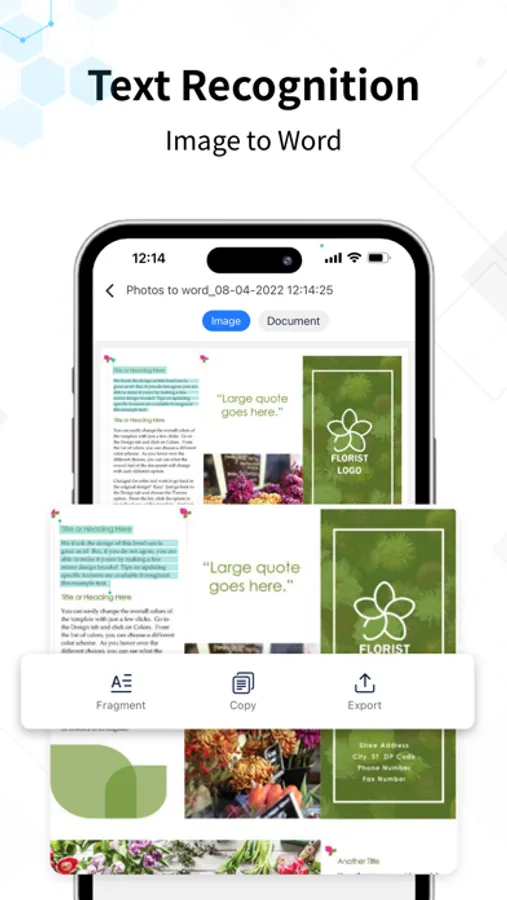
-Text Recognition: Easily recognize text in images or scanned documents and convert it into editable documents.
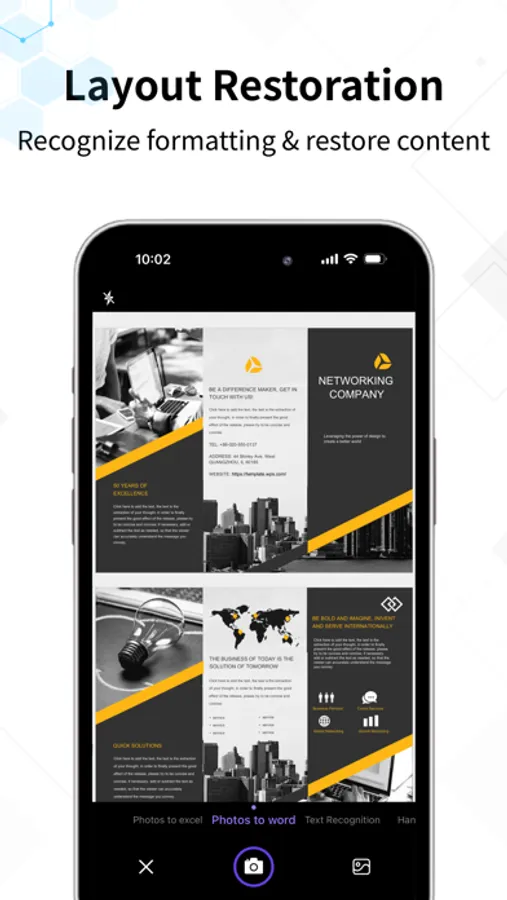
-Image to Word: Convert images into Word documents, accurately preserving formatting and content.
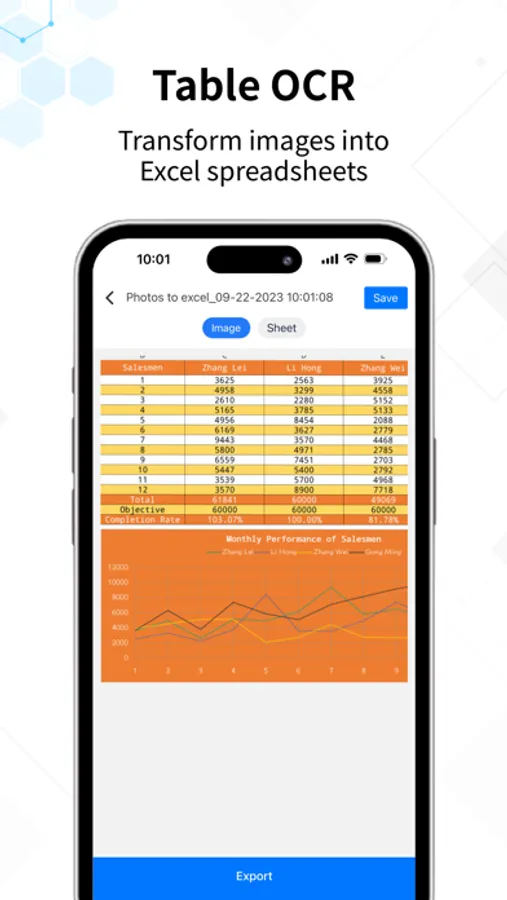
-Image to Excel: Convert images into editable Excel spreadsheets.
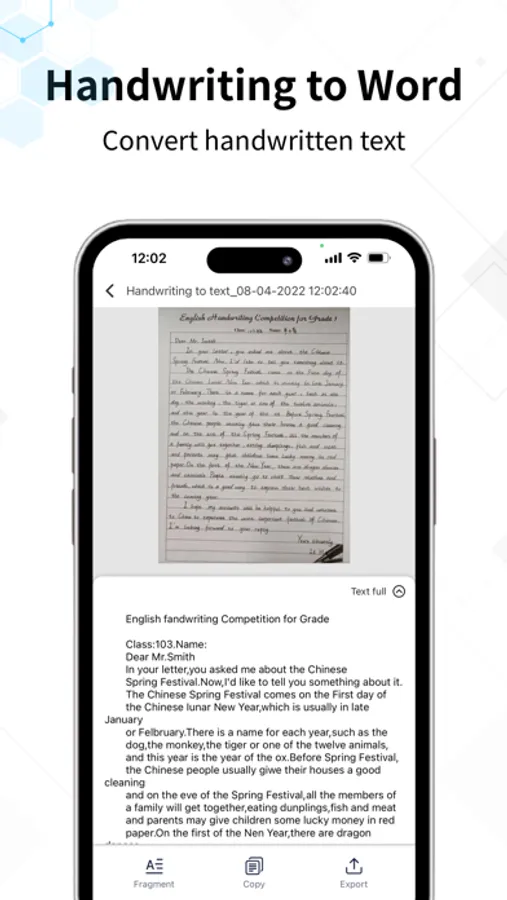
Handwriting Recognition: Convert handwritten fonts into editable Word documents.
-Batch Recognition: In addition to single-image recognition, it also supports batch recognition to improve efficiency.
-Multi-Language Support: Supports multiple languages including Simplified Chinese, Traditional Chinese, English, Japanese, Korean, French, German, Russian, Spanish, and more.
-Document Scanning: Capture documents, intelligently remove cluttered backgrounds, and generate high-definition JPEG and PDF documents for saving and sharing.
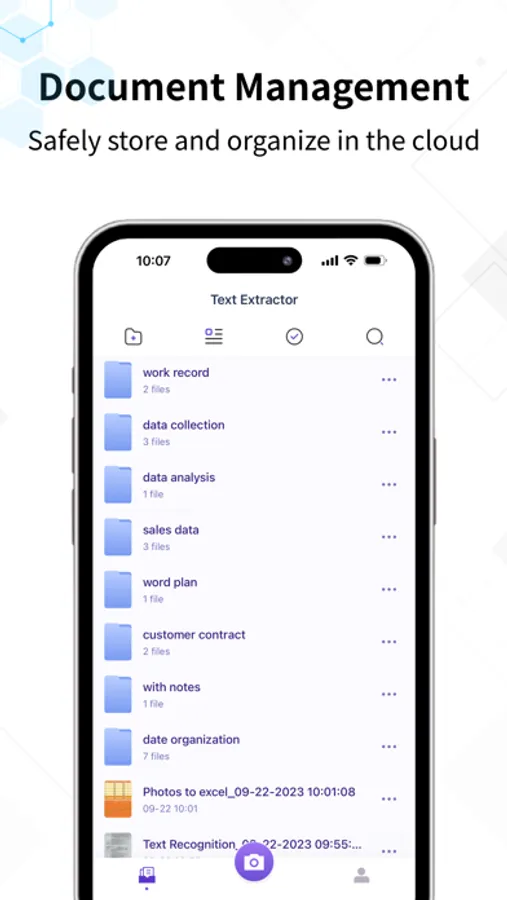
-File Management: Create folders, categorize, search by tags, cloud storage, and share and view across multiple devices.
------Subscription Details------
Payment: User confirms the purchase and makes payment, which is charged to the iTunes account.
Renewal: Apple iTunes account will be charged 24 hours before the expiration, extending the subscription period upon successful payment.
Canceling Service: You can cancel automatic subscription services by going to "Settings" on your Apple phone, entering "iTunes Store & App Store," clicking on "Apple ID," selecting "View Apple ID," entering the "Account Settings" page, and clicking on "Subscriptions." To avoid charges, cancel 24 hours before the end of each billing cycle.
Privacy Policy: http://www.palmmob.cn/yinsi/wztqyinsiios.html
User Terms: http://www.palmmob.cn/yinsi/wztqyonghuiios.html
------Key Features------
-Text Recognition: Easily recognize text in images or scanned documents and convert it into editable documents.
-Image to Word: Convert images into Word documents, accurately preserving formatting and content.
-Image to Excel: Convert images into editable Excel spreadsheets.
Handwriting Recognition: Convert handwritten fonts into editable Word documents.
-Batch Recognition: In addition to single-image recognition, it also supports batch recognition to improve efficiency.
-Multi-Language Support: Supports multiple languages including Simplified Chinese, Traditional Chinese, English, Japanese, Korean, French, German, Russian, Spanish, and more.
-Document Scanning: Capture documents, intelligently remove cluttered backgrounds, and generate high-definition JPEG and PDF documents for saving and sharing.
-File Management: Create folders, categorize, search by tags, cloud storage, and share and view across multiple devices.
------Subscription Details------
Payment: User confirms the purchase and makes payment, which is charged to the iTunes account.
Renewal: Apple iTunes account will be charged 24 hours before the expiration, extending the subscription period upon successful payment.
Canceling Service: You can cancel automatic subscription services by going to "Settings" on your Apple phone, entering "iTunes Store & App Store," clicking on "Apple ID," selecting "View Apple ID," entering the "Account Settings" page, and clicking on "Subscriptions." To avoid charges, cancel 24 hours before the end of each billing cycle.
Privacy Policy: http://www.palmmob.cn/yinsi/wztqyinsiios.html
User Terms: http://www.palmmob.cn/yinsi/wztqyonghuiios.html
Text Extractor: Image to Text Screenshots
Tap to Rate:






![Text from Picture AI [OCR] icon](https://apprecs.org/ios/img/icons/webp/150/6470018354/Tav8PIIgnUKv3sEB9jtqNQIbMeJFUKxD6fOSEZ-Rqa4-icon)