AppRecs review analysis
AppRecs rating 3.4. Trustworthiness 77 out of 100. Review manipulation risk 20 out of 100. Based on a review sample analyzed.
★★★☆☆
3.4
AppRecs Rating
Ratings breakdown
5 star
40%
4 star
20%
3 star
0%
2 star
20%
1 star
20%
What to know
✓
Low review manipulation risk
20% review manipulation risk
✓
Credible reviews
77% trustworthiness score from analyzed reviews
About GlobeViewer
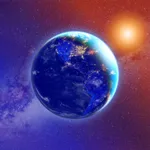
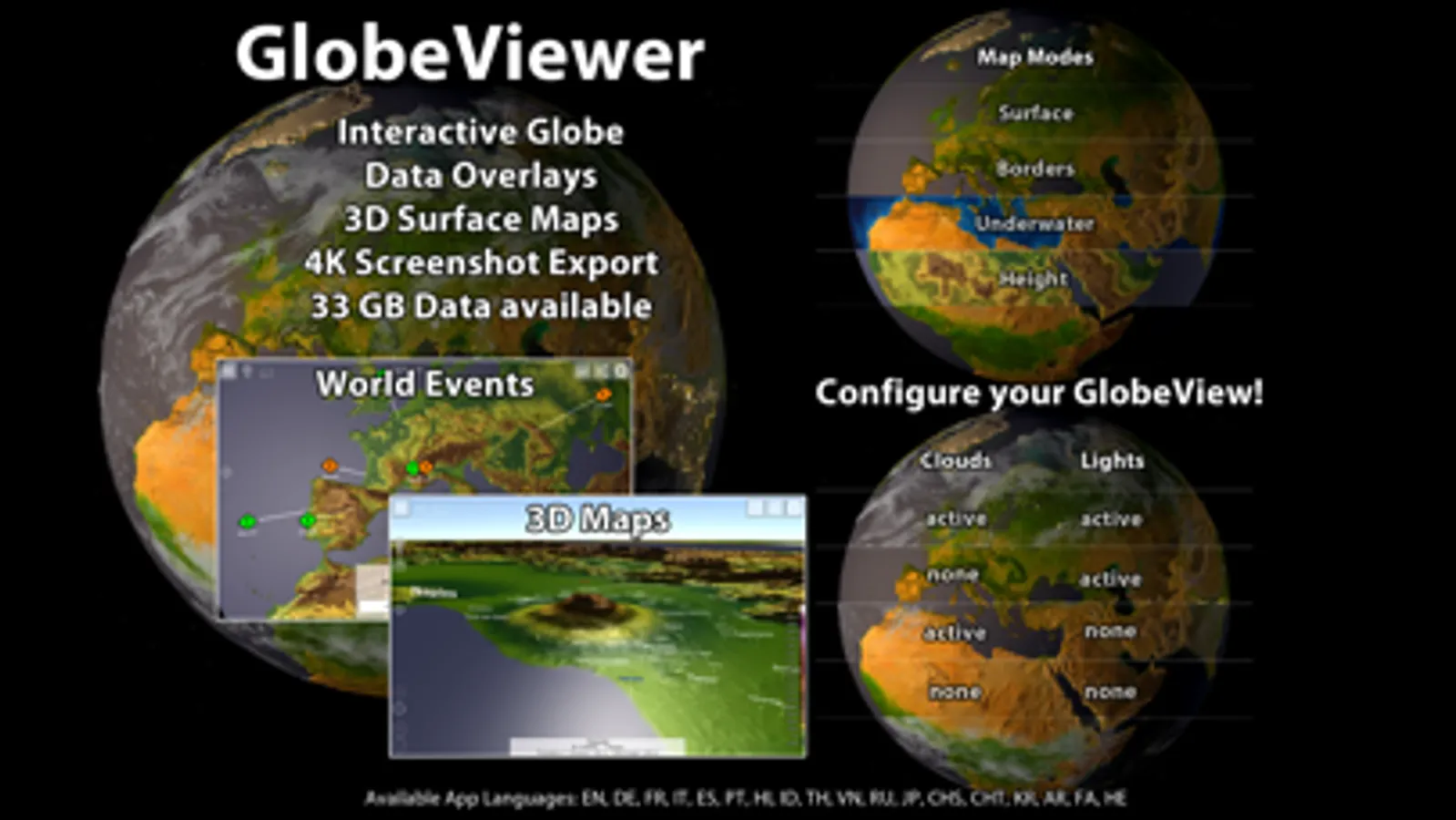
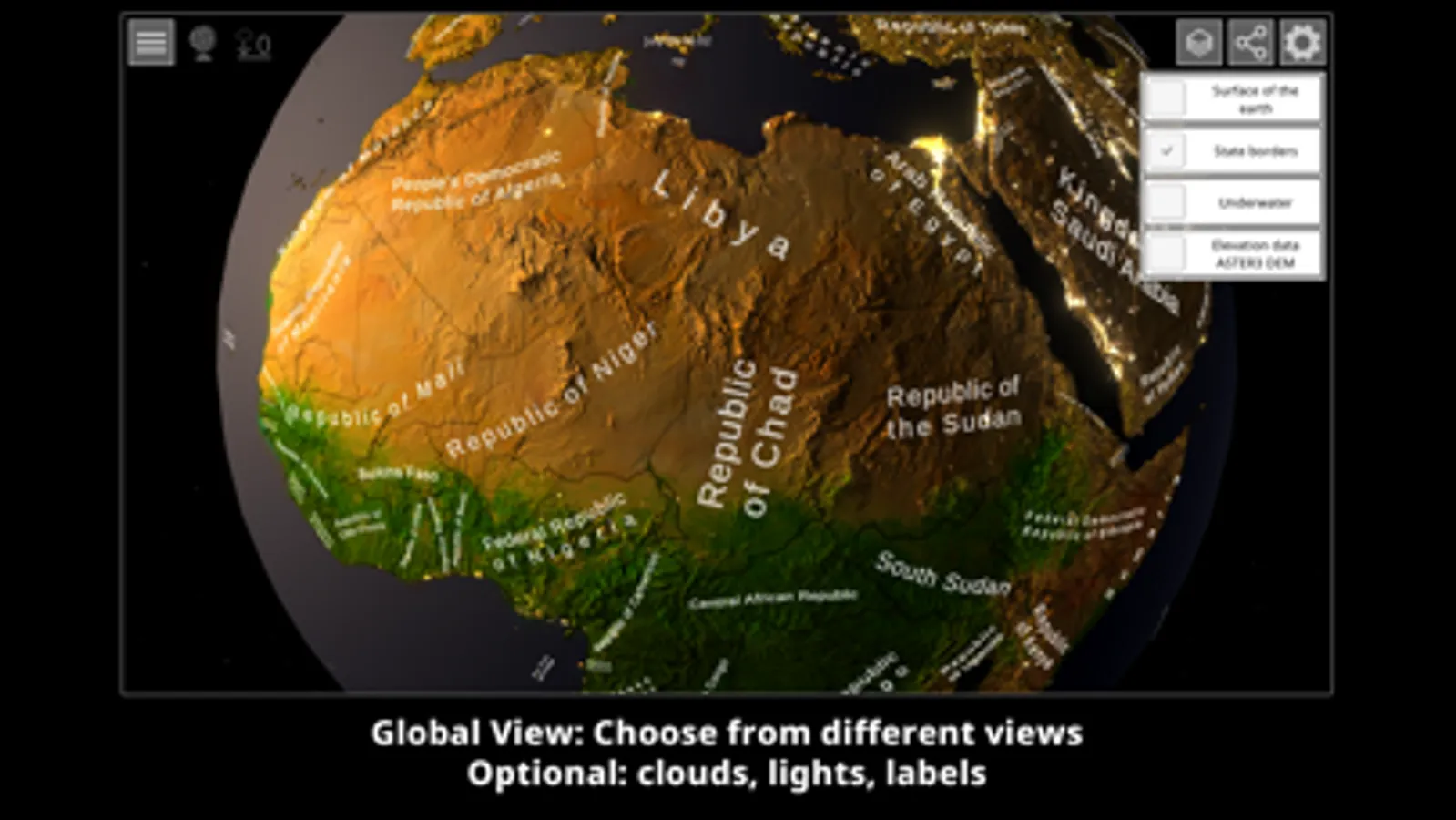
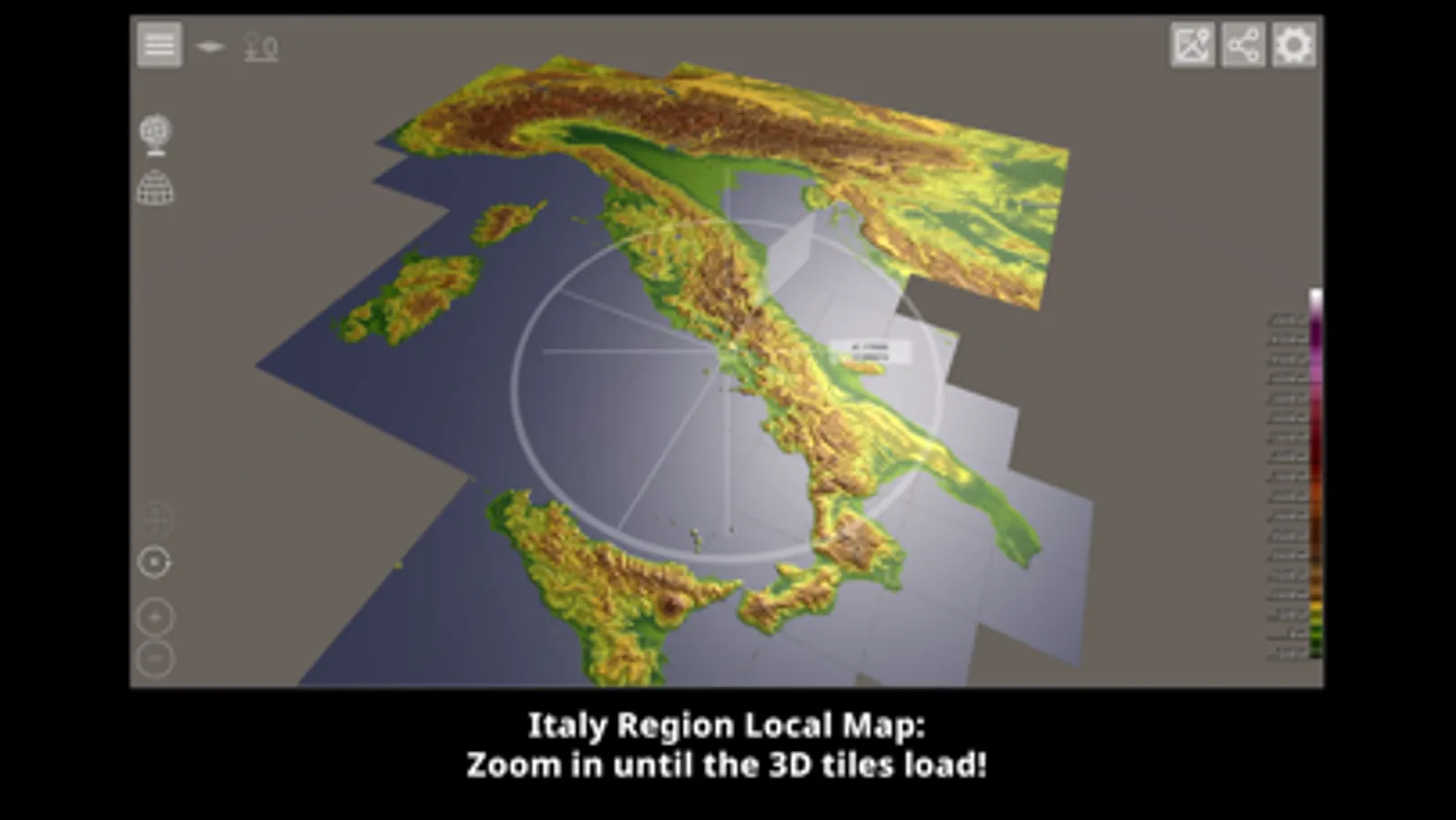
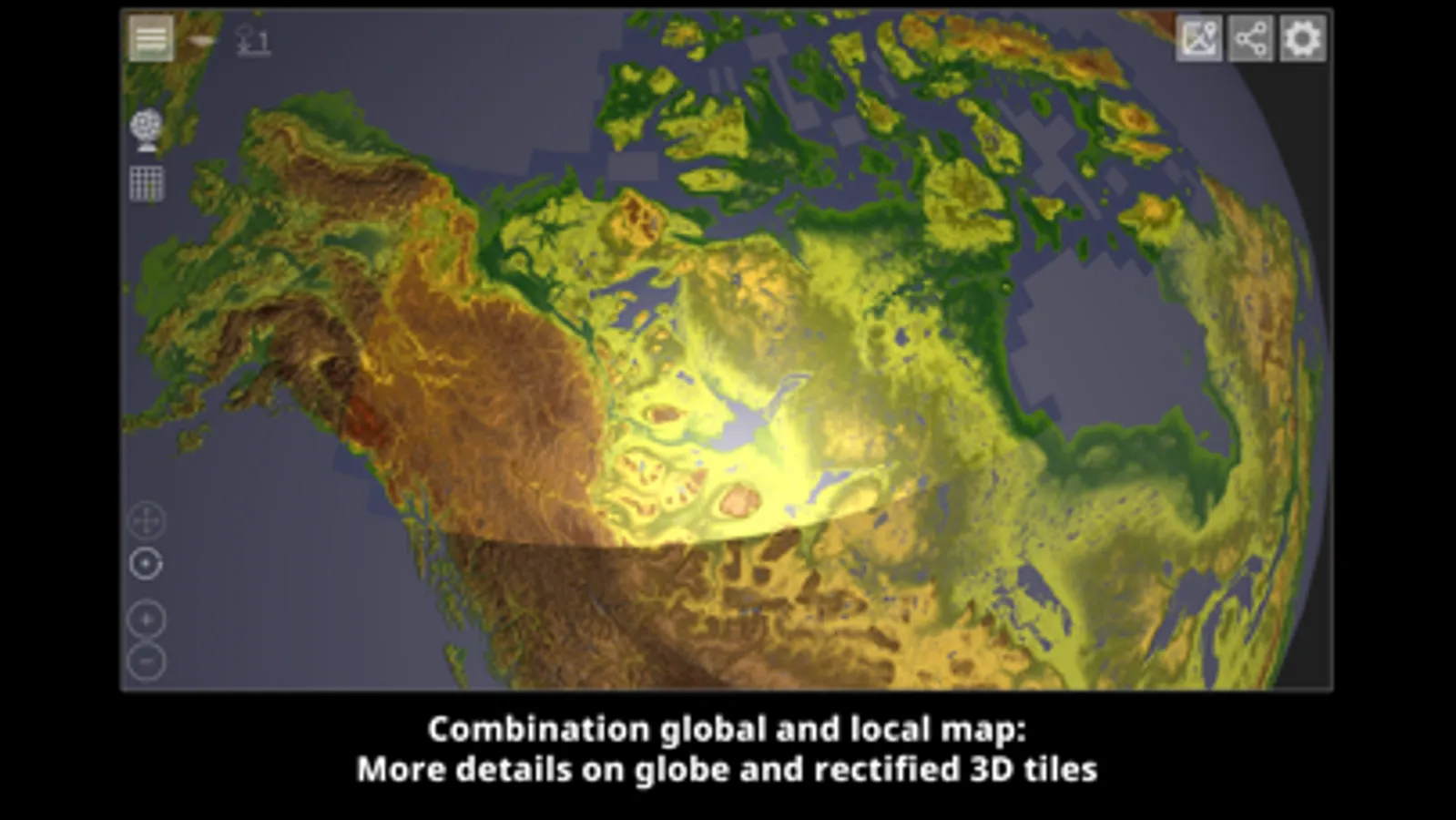
This app enables a high-quality view of the surface of our blue planet. It is divided into two areas: the rotatable, global view as an interactive globe and a high-resolution 3D map representation of the Earth's topography.
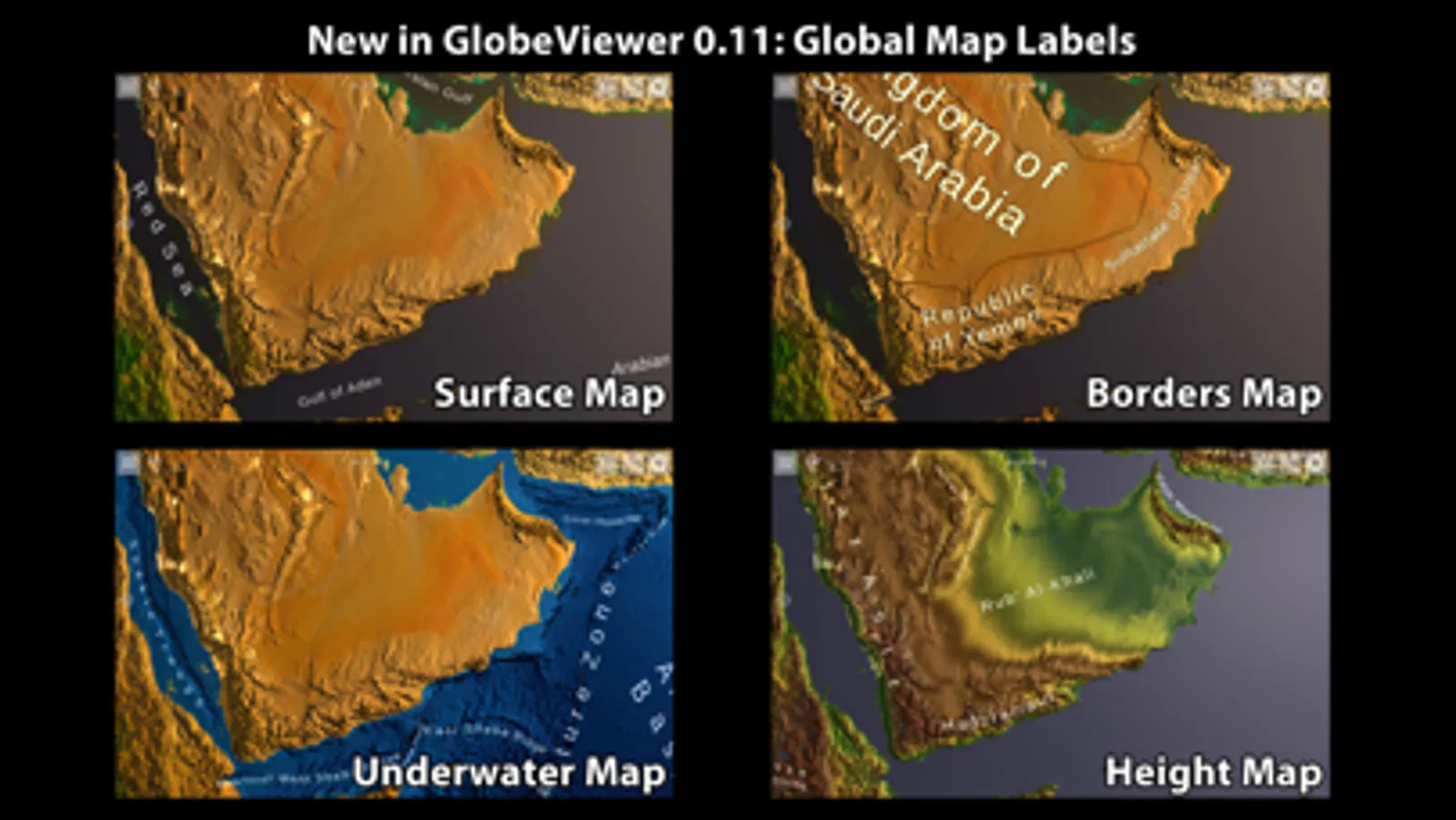
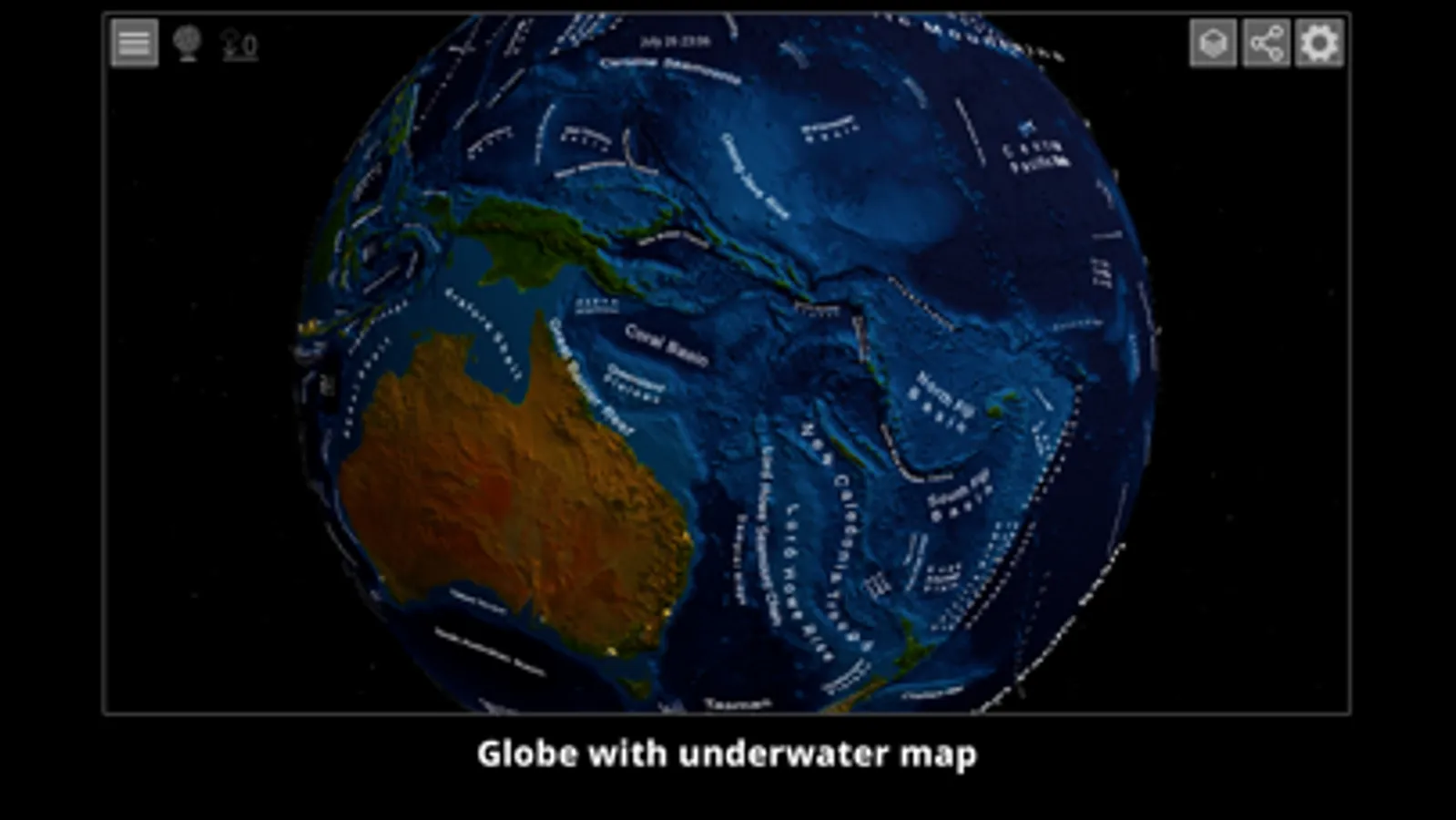
- Interactive 3D globe with surface, underwater and topography maps
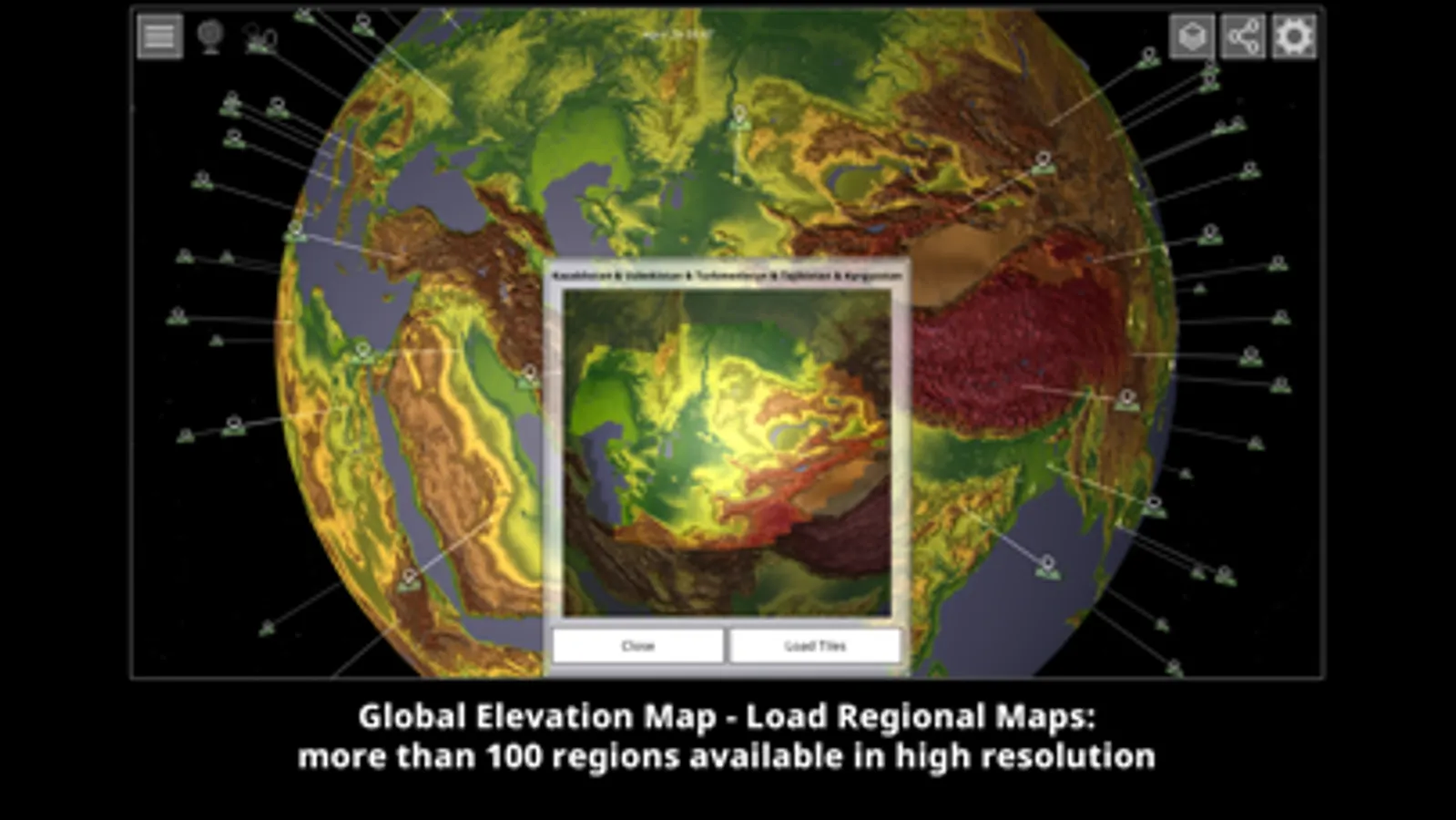
- High-resolution 3D topography map set of the entire Earth's surface - divided into 22,912 individual tiles.
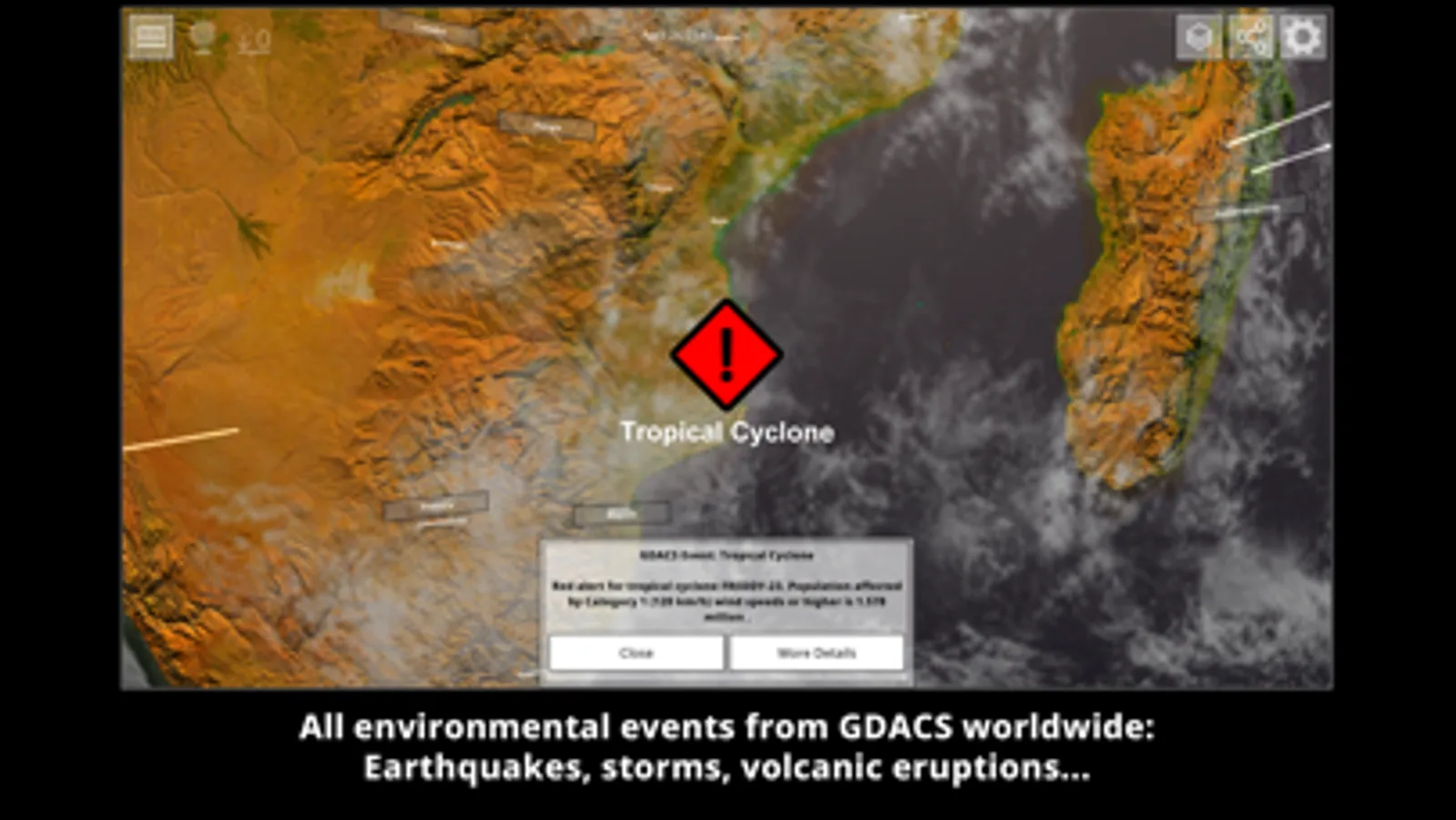
You can load 110 different regions onto the interactive globe, which then present the many individual tiles in a meaningful, connected way and reload them automatically. The app initially only contains the textures for the globe in low resolution. All required downloads are automatically loaded from our server. A total of around 105 GB of data is available. The data remains in the cache on your device for offline use, but can be deleted at any time in the main menu. Furthermore, all events recorded by the GDACS, such as hurricanes, earthquakes, etc., are entered on the globe.
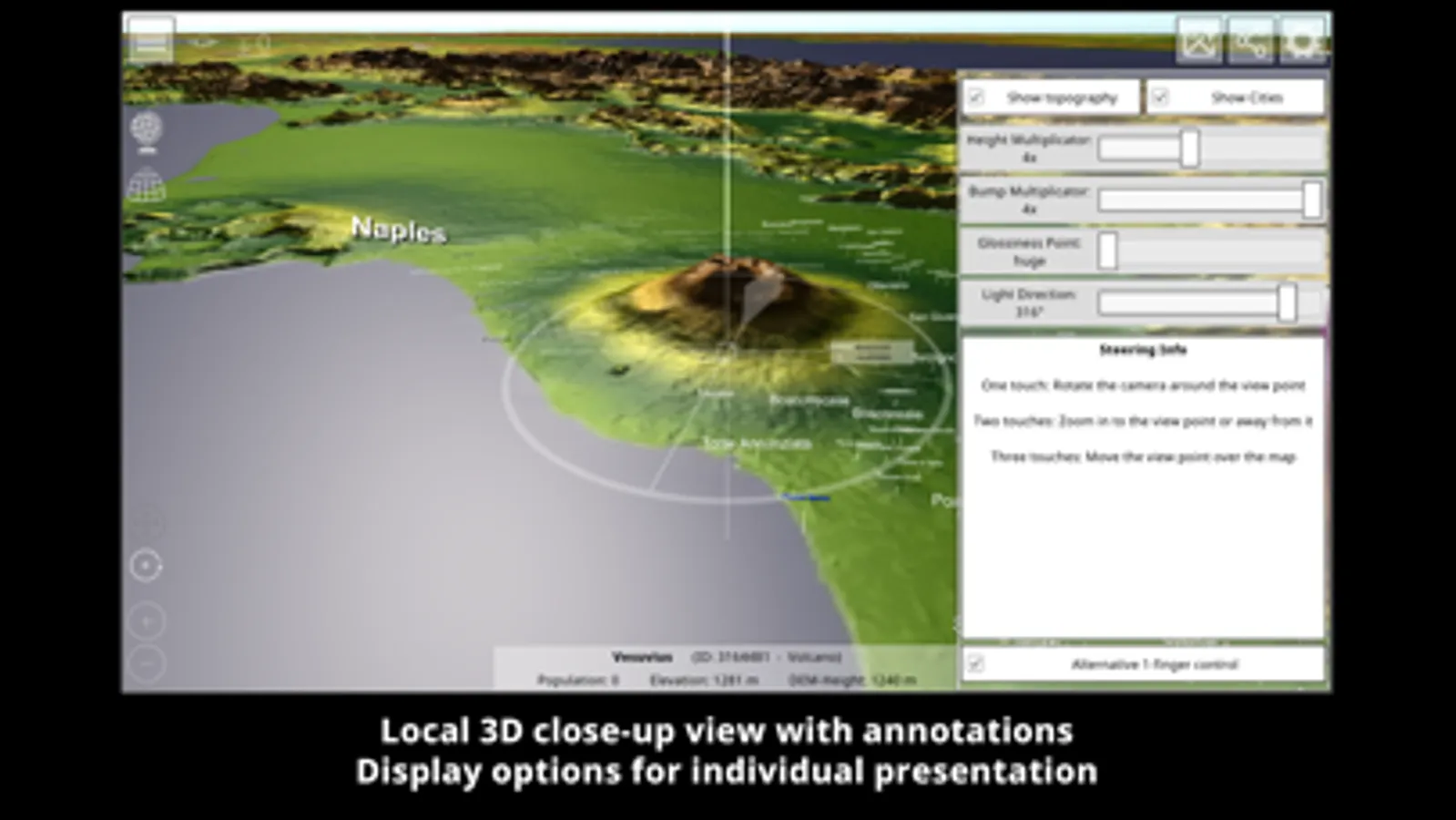
The 3D topography map is based on the elevation data from the NASA Terra probe, which recorded 83° of the northern and southern hemispheres between 2000 and 2013 - this is the result of the ASTER3-DEM. With version 0.10.0, the map is enriched with around 7.5 million place names from geonames.org. This means that all the towns, mountains, lakes, deserts and many other geographical features entered there are shown on the map. From version 0.12.0, data from OpenStreetMaps (buildings, borders, streets...) is also available on the tiles - but only for the demos and the purchased maps.
Use the tutorial in the app to get started quickly or read the manual to find out which functions are included in this app. Since the app is still under development, some functions may still change.
We hope you enjoy using GlobeViewer!
GlobeViewer Screenshots
Tap to Rate:
Reviews for GlobeViewer
cool cars 2d
Make the free 2K version a longer time than 2 minutes
The reason why is because it is not fair make it 10 or 20 minutes or 1 hour because we want to see other places of the word with out 2 minutes
JTMaustin
Some patience required, but not disappointing
Have the Pro version of Earth. Have NoAds versions of Moon & Mars now. Still finding layers & options difficult to use. Beginning to understand them a bit better by comparison. Have no complaints about the higher res map detail. Tiles seems the most promising feature. Just don’t expect to drop in and be an instant expert. Experimentation seems the best cure. Patience recommended. Not bad value!