
CATLINK
Shanghai Catlink Intelligent Technology Co.,Ltd
3.5 ★
97 ratings
Free
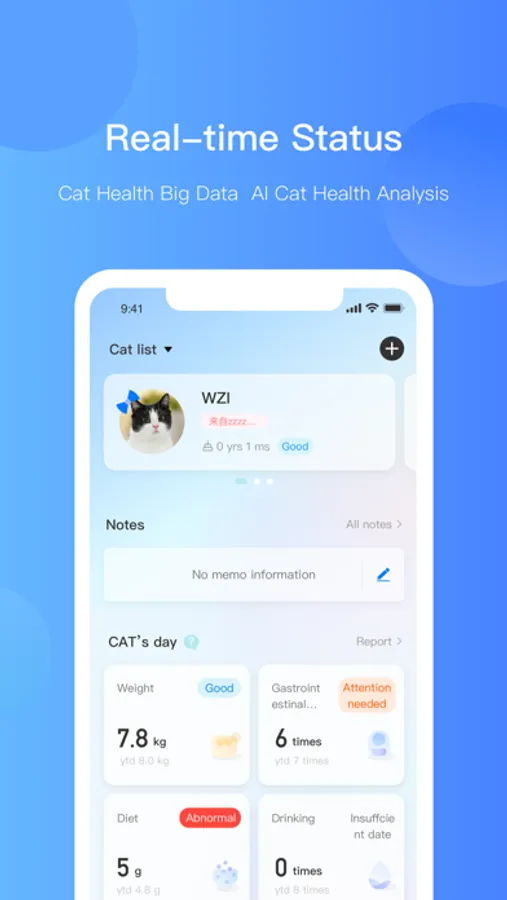
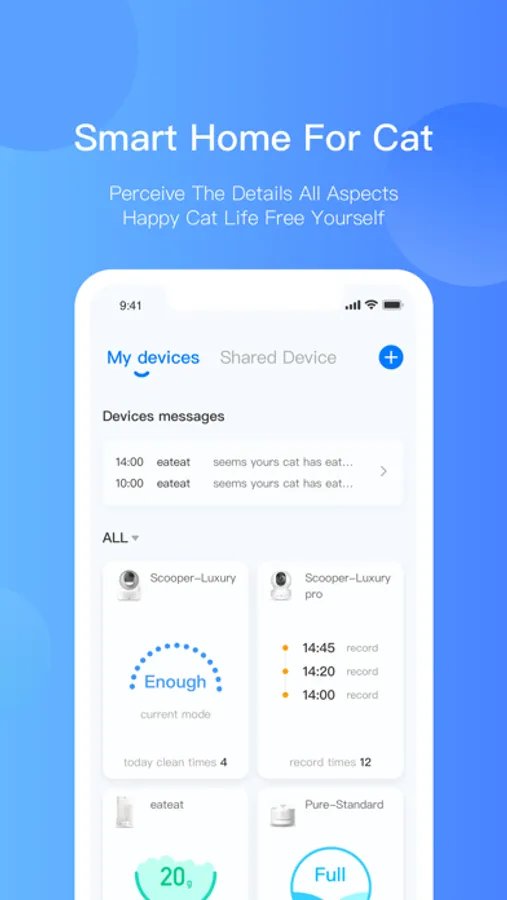
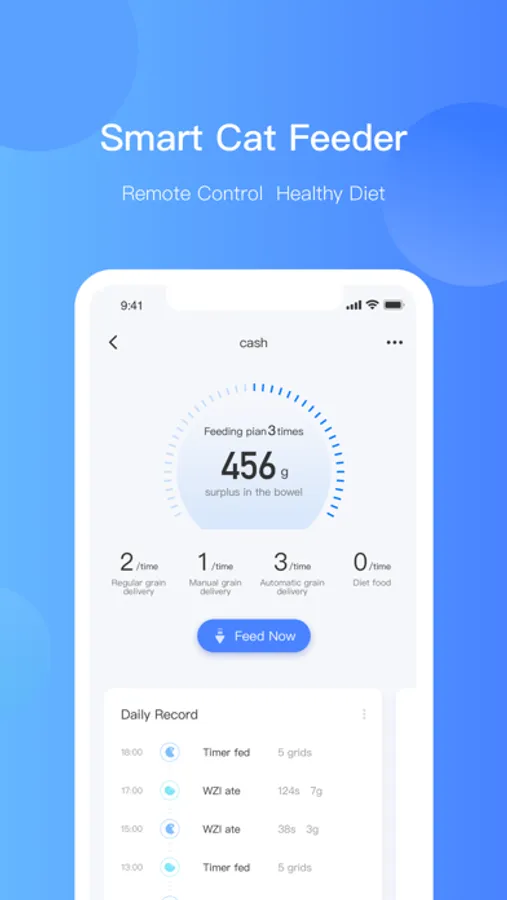
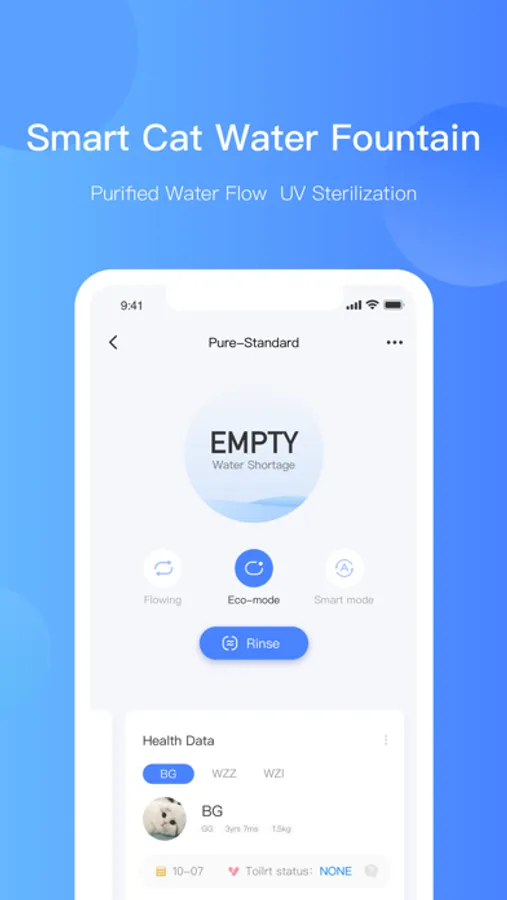
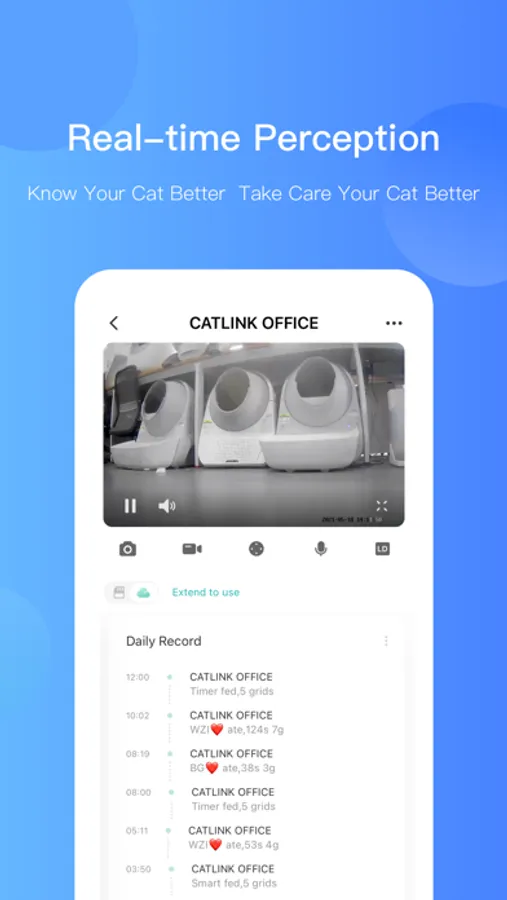
With this pet care app, you can monitor and manage your cat’s activities and health data. Includes activity tracking, health management, and remote device control features.
AppRecs review analysis
AppRecs rating 3.6. Trustworthiness 80 out of 100. Review manipulation risk 21 out of 100. Based on a review sample analyzed.
★★★☆☆
3.6
AppRecs Rating
Ratings breakdown
5 star
59%
4 star
4%
3 star
2%
2 star
2%
1 star
33%
What to know
✓
Low review manipulation risk
21% review manipulation risk
✓
Credible reviews
80% trustworthiness score from analyzed reviews
⚠
High negative review ratio
35% of sampled ratings are 1–2 stars
About CATLINK
CATLINK Screenshots
Tap to Rate:
Reviews for CATLINK
knablsus
Nothing Works
I don’t know what was done, but now I cannot connect to the litter box and it won’t empty. Complete waste of $800.
DanV
Not as bad as other reviews suggest
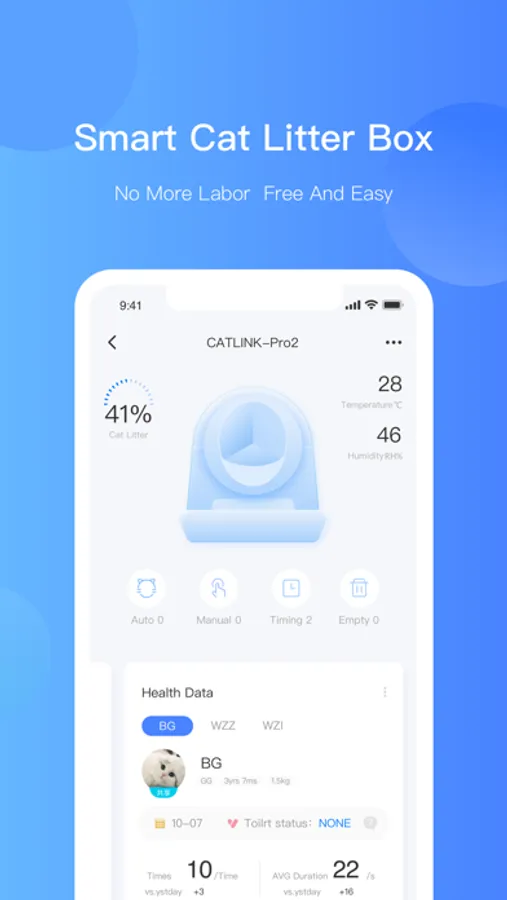
Most of the negative reviews had to do with connecting to WiFi, see the last few paragraphs for tips on that. In my experience setting up and using this app for the CatLink Open-X litter box (have not had experience with their other products), I found it to be intuitive, and functional. It logs usage activity — helpful for monitoring your cat’s health — and sends notifications for cycles, errors, and waste‑bin reminders. You can also: * Check real‑time status * Trigger a cleaning cycle remotely * Adjust cleaning delay * Switch between manual and automatic modes * Change weight units * Rename the device * View usage statistics * Perform Firmware Updates Additional settings include Kitten Protection Mode, manual‑only mode for acclimating cats, and a “soft stool burial” option that covers softer waste in litter before cycling to prevent smearing. The app also has easy to access video tutorials under "Device Settings" as well as full detailed user manual within "User Help". I did notice a few leftover Chinese characters when deleting activity log entries, but the confirmation prompts revert to English. This and other minor grammar and translation issues that don’t affect functionality will likely be patched in a future update. Cleaning the language barrier issues earns it a 5 out of 5! ~ Now for what many seem to have an issue with ~ Setting up the Open‑X in the CatLink app and connecting it to Wi‑Fi was straightforward for me — not quite as effortless as assembling the unit, but far from difficult. I did notice that the CatLink app has some low ratings in the Apple App Store, mostly tied to connectivity issues. With that in mind, here are two tips that made my setup smoother: 1. Avoid special characters in your Wi‑Fi name (SSID). The manual mentions this, and while my network did include a dash (“‑”) without causing problems, more complex characters may interfere. 2. Temporarily disable Access Control on your router. This was the key for me. Simply setting the router to “allow new devices” wasn’t enough — I had to fully disable Access Control during setup. Once connected and updated, I re‑enabled it with no issues. This isn’t unique to CatLink; I’ve seen the same behavior with with other devices such as robot vacuums. So before blaming the app or the litter box, double‑check your router’s security settings — I’ve learned that lesson the hard way.