Volkswagen Bank photoTAN
Volkswagen Financial Services AG
1.7 ★
6 ratings
Free
AppRecs review analysis
AppRecs rating 1.7. Trustworthiness 0 out of 100. Review manipulation risk 0 out of 100. Based on a review sample analyzed.
★☆☆☆☆
1.7
AppRecs Rating
Ratings breakdown
5 star
17%
4 star
0%
3 star
0%
2 star
0%
1 star
83%
What to know
⚠
Mixed user feedback
Average 1.7★ rating suggests room for improvement
About Volkswagen Bank photoTAN
Volkswagen Bank photoTAN App – safe, fast and convenient
From now on you can do all your banking business by mobile anytime and anywhere using our photoTAN Service.
This photoTAN Service always applies when you authorize your online banking orders by TAN. Simply scan the graphics using the photoTAN App which includes all the details of your order. The app then generates a TAN which you type into your online banking screen and confirm.
Even more convenience with our new App2App Service
If you installed the photoTAN App and the Volkswagen Bank Banking App you can do your banking business by our App2App Service.
Simply input your order into our banking app, click onto “Zur photoTAN-App” and you will directly be transferred to the photoTAN App. Your order details will be encrypted and transferred to the photoTAN App and displayed to you for checking. Simply confirm your order by clicking “Ausführen” and the TAN will be encrypted and transferred to the banking app. There you can finally confirm your order.
From now on you can do all your banking business by mobile anytime and anywhere using our photoTAN Service.
This photoTAN Service always applies when you authorize your online banking orders by TAN. Simply scan the graphics using the photoTAN App which includes all the details of your order. The app then generates a TAN which you type into your online banking screen and confirm.
Even more convenience with our new App2App Service
If you installed the photoTAN App and the Volkswagen Bank Banking App you can do your banking business by our App2App Service.
Simply input your order into our banking app, click onto “Zur photoTAN-App” and you will directly be transferred to the photoTAN App. Your order details will be encrypted and transferred to the photoTAN App and displayed to you for checking. Simply confirm your order by clicking “Ausführen” and the TAN will be encrypted and transferred to the banking app. There you can finally confirm your order.
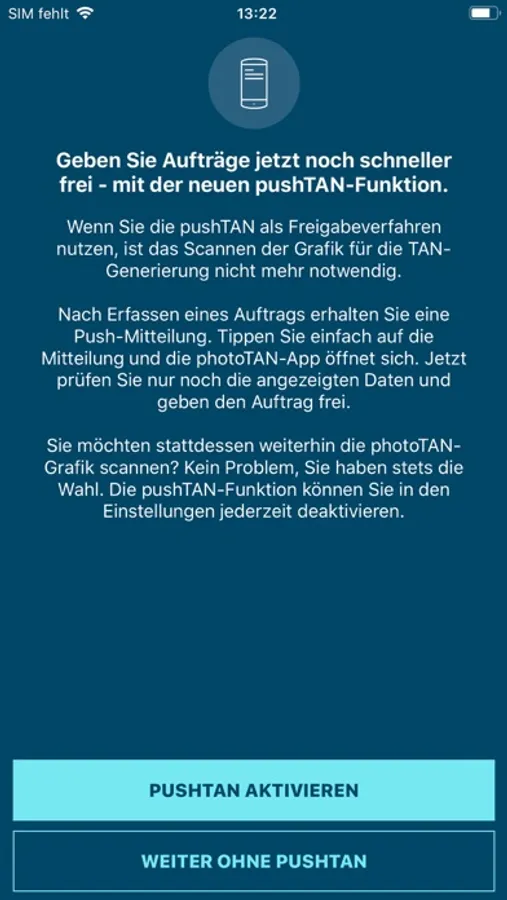
Volkswagen Bank photoTAN Screenshots
Tap to Rate:
Reviews for Volkswagen Bank photoTAN
ELD trucker
???
Do we all need to learn German language to understand??? One can tell by the number of reviews that nobody is or can use this app. Wish I could rate ZERO stars.
CmaKh
Language problem
It Should be in English so everyone can use the App