With this video editing app, you can add live camera effects and color looks to create surreal footage and stills. Includes professional effects, reality distortion options, cinematic LUTs, and easy-to-use editing tools.
AppRecs review analysis
AppRecs rating 4.2. Trustworthiness 80 out of 100. Review manipulation risk 23 out of 100. Based on a review sample analyzed.
★★★★☆
4.2
AppRecs Rating
Ratings breakdown
5 star
76%
4 star
13%
3 star
4%
2 star
1%
1 star
6%
What to know
✓
Low review manipulation risk
23% review manipulation risk
✓
Credible reviews
80% trustworthiness score from analyzed reviews
✓
High user satisfaction
76% of sampled ratings are 5 stars
About Nception - Video FX & LUTs
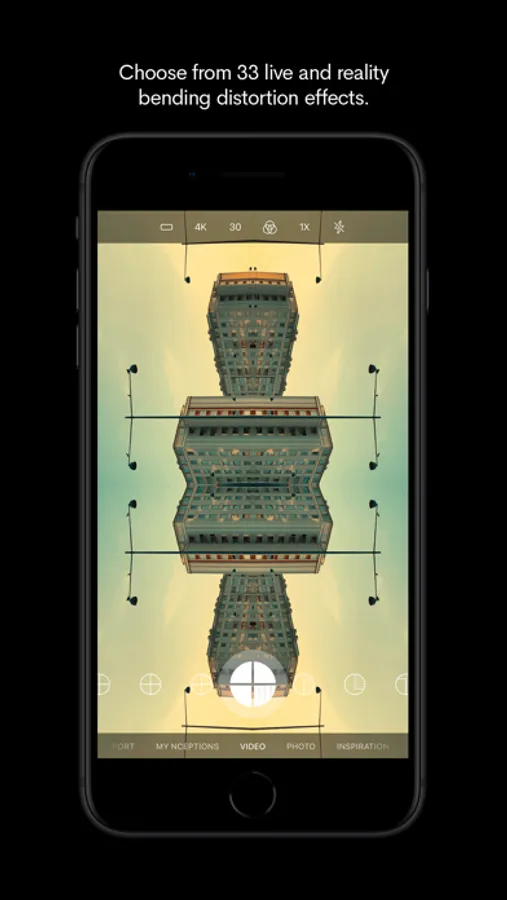
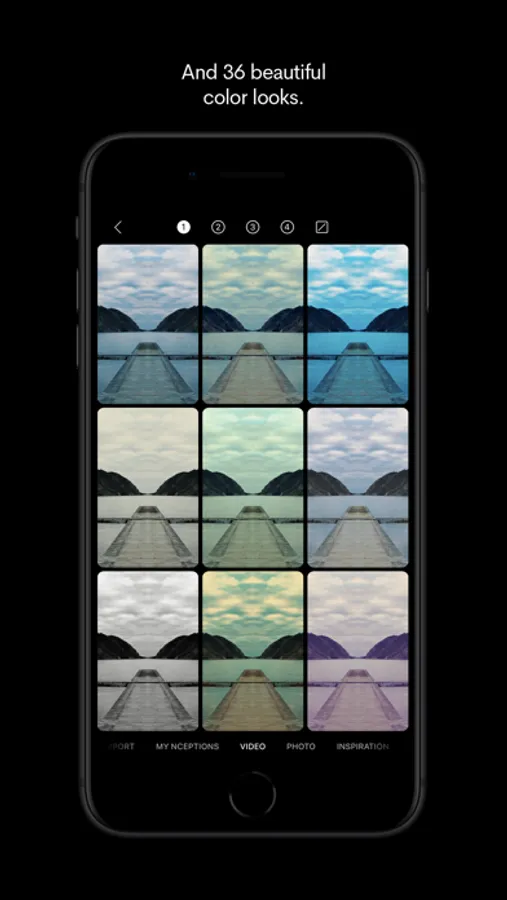
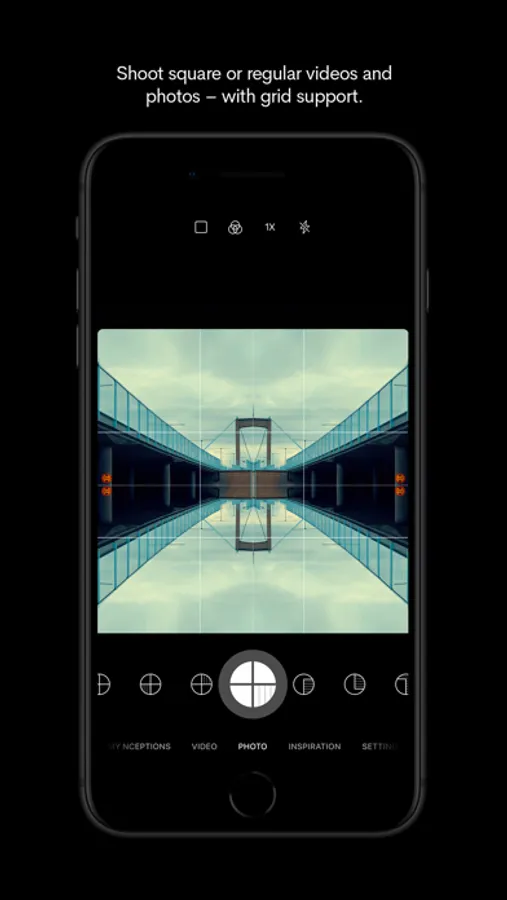
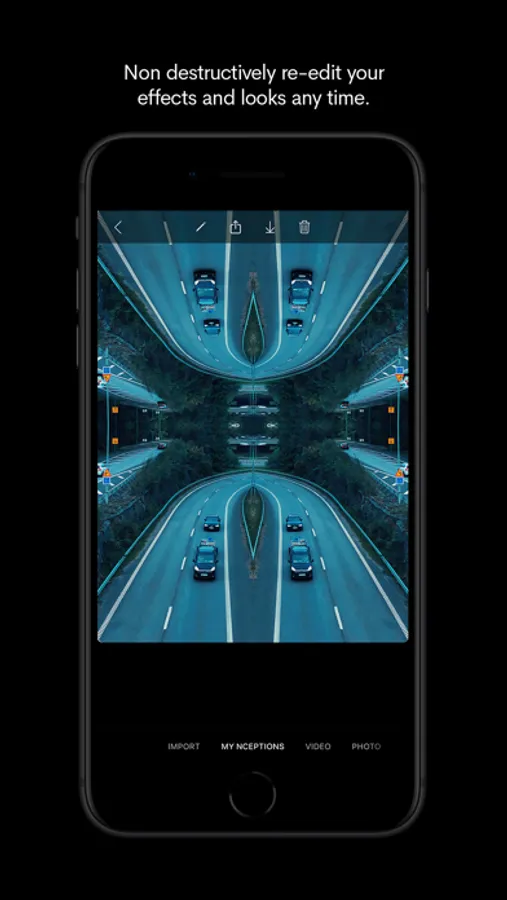
Create surreal Inception-like videos by choosing from a collection of reality distortion effects and color looks – all with live camera preview. Or take captivating stills using the same effects and looks, both in standard or square format.
• Professional Video Effects - Live preview while recording.
• Reality Distortion - Create mesmerizing Inception effects.
• Cinematic LUTs - Premium color grading presets.
• Mirror Reflections - Add symmetrical transformations.
• Photo Mode - Apply effects to still images.
• Social Format - Perfect for Instagram and TikTok.
• Easy-to-Use - Stunning results instantly.
• Import and add effects and looks to videos and photos created with other apps.
Join more than 200.000 creators who trust nception for stunning visual content.
Download now to start creating viral-worthy videos and photos!
• App Store ”Editor’s Choice” in the UK and Ireland.
• App Store "App of the Day" in 19+ countries.
• Featured in App Store's "Today" 10 times in 55 countries.
••• Visual examples:
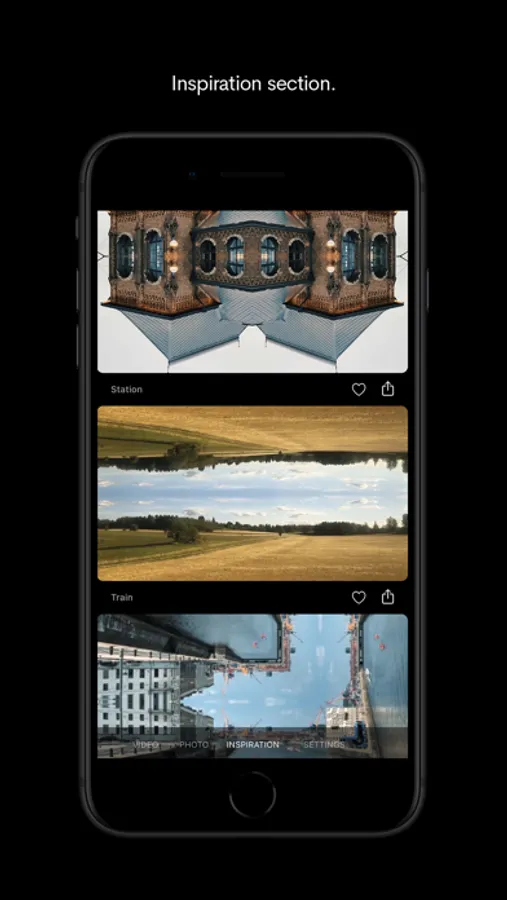
You can find lots of user created examples here:
www.instagram.com/explore/tags/nceptionapp/
Or just search Instagram for "nceptionapp".
••• Contributions:
Share your own creations to #nceptionapp on Instagram.
There's also a link to Instagram #nceptionapp in the "INSPIRATION" section of the app.
••• Frequently Asked Questions •••
• Can I import images and videos with custom resolutions?
Absolutely. This also works for pictures that you have cropped or edited within the iPhone's native library.
• Why is there no audio in my Nception video?
Nception videos are always recorded with audio. However, the sound is muted by default. You can enable audio for any previously recorded video in the “MY NCEPTIONS” view. Just select your silent video, tap the pencil icon to edit, and then tap on the speaker icon to turn the audio on.
• How do I remove a color look?
Choose your video in “MY NCEPTIONS”, tap edit (the pencil icon), tap the color looks icon and then the reset icon “/“.
• How do I activate slow motion recording?
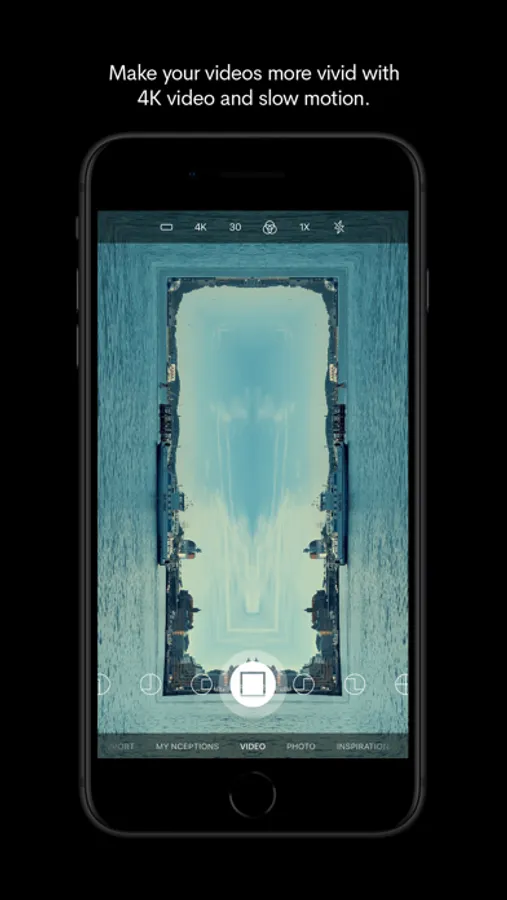
In the “VIDEO” view, just tap the frame rate icon (24/30/60/120) to select your preferred recording frame rate. The higher the frame rate while recording, the slower the video will appear when played back at a lower frame rate.
• Does Nception support 4K video?
Nception supports 4K in-app video recording at 30 fps on iPhone 7 and later. You can switch between HD (1080p) and 4K (2160p) in the "VIDEO" section.
• Can I backup or clear my Nception Library?
You can access all your original Nception-photos and videos if you connect your iPhone with iTunes. Copy them to any folder you like for backup - or delete them if you want a fast way to clear your Nception Library. Every Nception consists of three files, all starting with the same file name, so just make sure you select all three of them before backup or deletion. And as always, make sure to back up your iPhone before deleting anything.
• Will there be more distortion filters, color looks and other features anytime soon?
Absolutely! We’re constantly updating Nception with new features and enhancements.
Send your suggestions or any questions to support@hugekids.com - we'd love to help you out.
Have fun! :)
/The Nception Team
• Professional Video Effects - Live preview while recording.
• Reality Distortion - Create mesmerizing Inception effects.
• Cinematic LUTs - Premium color grading presets.
• Mirror Reflections - Add symmetrical transformations.
• Photo Mode - Apply effects to still images.
• Social Format - Perfect for Instagram and TikTok.
• Easy-to-Use - Stunning results instantly.
• Import and add effects and looks to videos and photos created with other apps.
Join more than 200.000 creators who trust nception for stunning visual content.
Download now to start creating viral-worthy videos and photos!
• App Store ”Editor’s Choice” in the UK and Ireland.
• App Store "App of the Day" in 19+ countries.
• Featured in App Store's "Today" 10 times in 55 countries.
••• Visual examples:
You can find lots of user created examples here:
www.instagram.com/explore/tags/nceptionapp/
Or just search Instagram for "nceptionapp".
••• Contributions:
Share your own creations to #nceptionapp on Instagram.
There's also a link to Instagram #nceptionapp in the "INSPIRATION" section of the app.
••• Frequently Asked Questions •••
• Can I import images and videos with custom resolutions?
Absolutely. This also works for pictures that you have cropped or edited within the iPhone's native library.
• Why is there no audio in my Nception video?
Nception videos are always recorded with audio. However, the sound is muted by default. You can enable audio for any previously recorded video in the “MY NCEPTIONS” view. Just select your silent video, tap the pencil icon to edit, and then tap on the speaker icon to turn the audio on.
• How do I remove a color look?
Choose your video in “MY NCEPTIONS”, tap edit (the pencil icon), tap the color looks icon and then the reset icon “/“.
• How do I activate slow motion recording?
In the “VIDEO” view, just tap the frame rate icon (24/30/60/120) to select your preferred recording frame rate. The higher the frame rate while recording, the slower the video will appear when played back at a lower frame rate.
• Does Nception support 4K video?
Nception supports 4K in-app video recording at 30 fps on iPhone 7 and later. You can switch between HD (1080p) and 4K (2160p) in the "VIDEO" section.
• Can I backup or clear my Nception Library?
You can access all your original Nception-photos and videos if you connect your iPhone with iTunes. Copy them to any folder you like for backup - or delete them if you want a fast way to clear your Nception Library. Every Nception consists of three files, all starting with the same file name, so just make sure you select all three of them before backup or deletion. And as always, make sure to back up your iPhone before deleting anything.
• Will there be more distortion filters, color looks and other features anytime soon?
Absolutely! We’re constantly updating Nception with new features and enhancements.
Send your suggestions or any questions to support@hugekids.com - we'd love to help you out.
Have fun! :)
/The Nception Team
Nception - Video FX & LUTs Screenshots
Tap to Rate:
Reviews for Nception - Video FX & LUTs
Eye_flip_noise
Potent and psychedelic 🍄l
Powerful and teeming with surprising quality while allowing for versatility. Never gets bitting to the artists eyes. Simple streamline and ever so user friendly. My cup of psychedelic tea !
Spice Miner
Love it
It’s so fun to play around with