
In this wallpaper editing app, you can convert dark images into pure black wallpapers and adjust black pixel threshold. Includes editing tools, cropping options, and a sharing feature for Reddit.
AppRecs review analysis
AppRecs rating 4.4. Trustworthiness 72 out of 100. Review manipulation risk 27 out of 100. Based on a review sample analyzed.
★★★★☆
4.4
AppRecs Rating
Ratings breakdown
5 star
86%
4 star
6%
3 star
4%
2 star
1%
1 star
3%
What to know
✓
Low review manipulation risk
27% review manipulation risk
✓
Credible reviews
72% trustworthiness score from analyzed reviews
✓
High user satisfaction
86% of sampled ratings are 5 stars
About OLEDify Pure Black Wallpapers
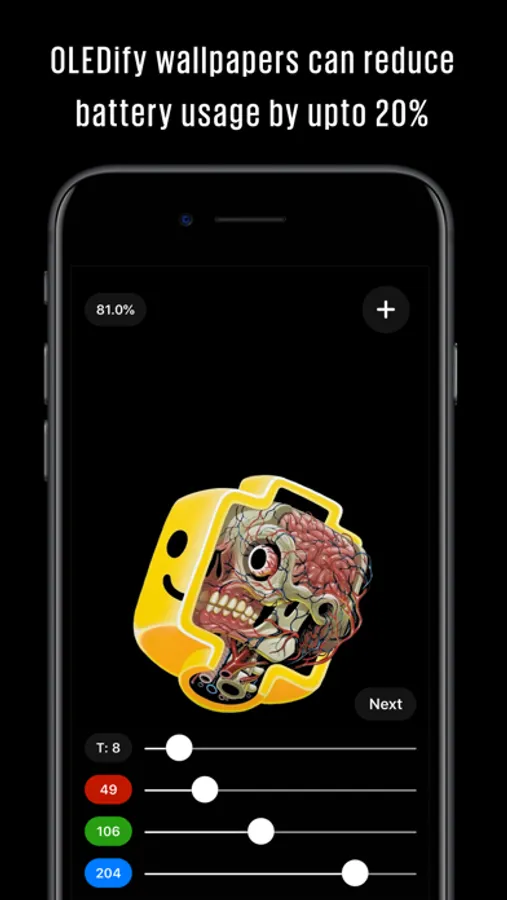
Wallpapers which contain grey or other dark colors still keep the pixel on which utilizes the battery more as compared to a wallpaper which contains pure black pixels. You can read supporting research of battery usage on OLED screens here:
https://www.greenbot.com/article/2834583/how-much-power-does-a-black-interface-really-save-on-amoled-displays.html
As per this, pure black wallpapers can reduce 15-20% battery usage.
How to use the app:
1. Open a dark wallpaper by tapping +
2. Set the threshold (T) slider to something higher than 0. Start off with 5 for example.
3. Long press on the image to enable the eyedropper/color picker and pick the dark color.
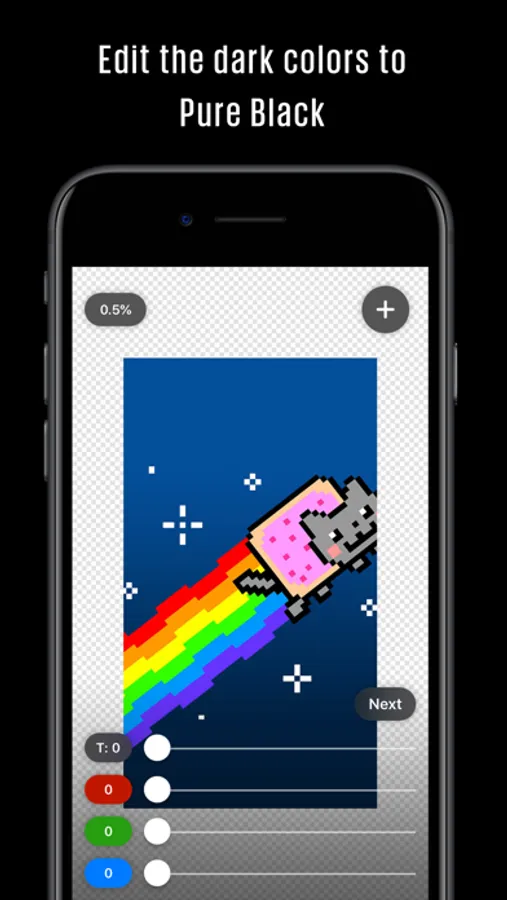
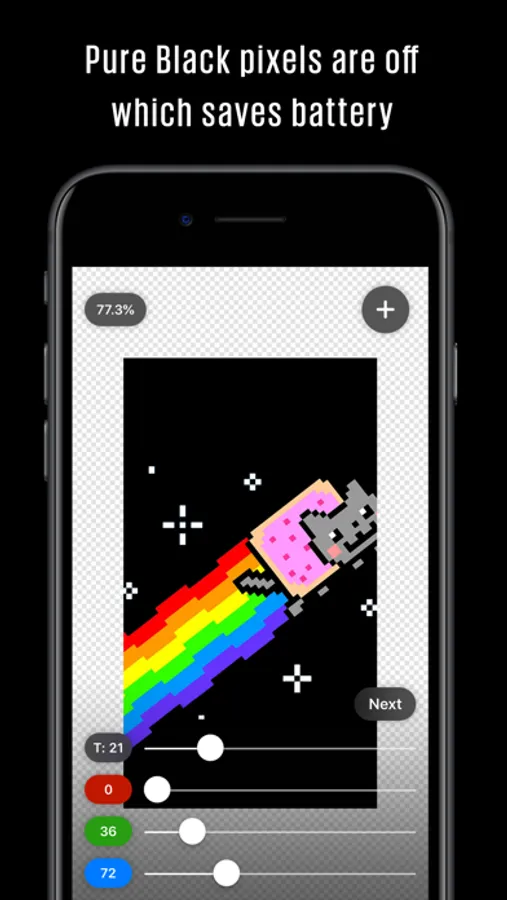
4. OLEDify will turn all colors darker than the picked color into pure black #000000
5. The Pure Black % at the top tells you how many of the pixels are off. You can tap on it to toggle and see the black pixels.
6. Play around with the Threshold and R, G, B sliders until you achieve a suitable look.
7. Tap “Next” to Save the image.
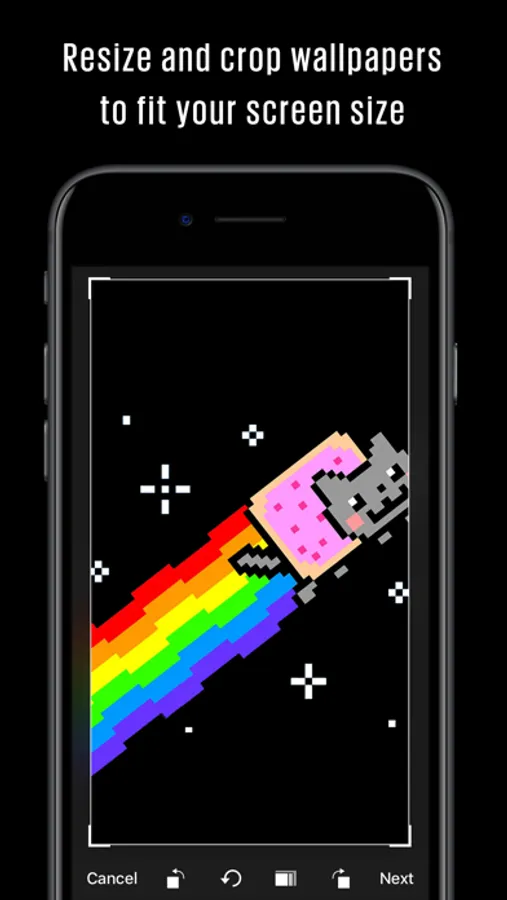
8. The “Crop & Resize” tool can be used to resize & fit wallpapers for your screen. This is useful when you have an image which doesn't perfectly fit your screen as it helps you create a new image of the suitable size.
9. The "Post to Reddit" option posts the wallpaper directly to the /r/AmoledBackgrounds subreddit.
All features are 100% free and no ads in the app. There is a tip jar option but it's not necessary, only if you really really find the app useful and have some spare change, you can buy me a beer with a small tip!
Help spread the word by leaving a review in the app store and tell your friends about it!
If you have any feedback, reach out to:
pran@pranapps.com
OLEDify Pure Black Wallpapers Screenshots
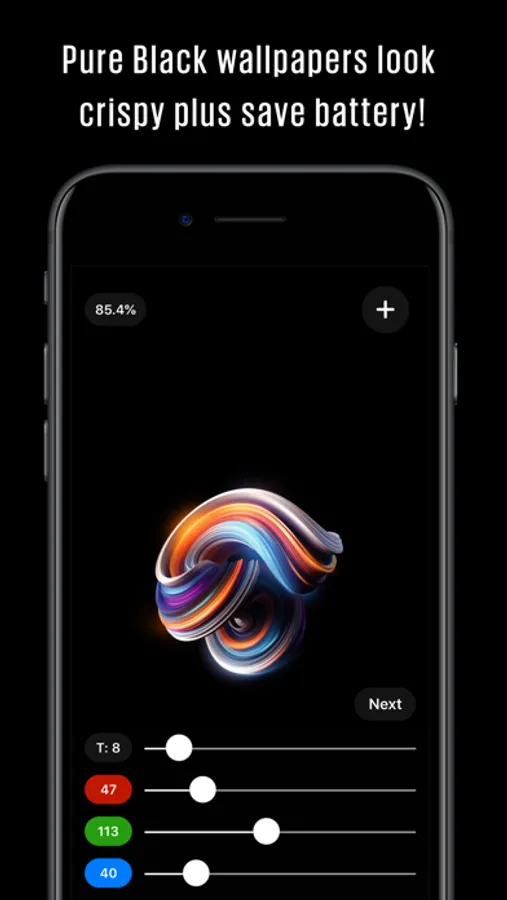
Tap to Rate:
Reviews for OLEDify Pure Black Wallpapers
zeuphorix
Exceptional
Always works with exceptional results. I’ve been using OLEDify for years! Easy to use, works as intended and never lets you down!
Blackbery-12
Wonderful, than you dev
If you’re concerned about saving battery life with your wallpapers this is definitely a must have. I wrote this few years ago and it’s still true today.
More from Pranoy Chowdhury
Similar to OLEDify Pure Black Wallpapers




More from Pranoy Chowdhury
Painteresque Photo to Sketch
4.8

MoodWell: moody tracker diary
4.8

Image Text OCR Photo Scanner
4.7
HACK for Hacker News YC Reader
4.7

Sudoku Extreme: Classic Number
4.6
School Timetable - class study
4.5

Fititude - Cardio, Workout, Exercise tracker and full log with music player for fitness and training
4.5
Keyboard Warrior Speed Typing
4.2