AppRecs review analysis
AppRecs rating 3.8. Trustworthiness 80 out of 100. Review manipulation risk 44 out of 100. Based on a review sample analyzed.
★★★☆☆
3.8
AppRecs Rating
Ratings breakdown
5 star
50%
4 star
17%
3 star
17%
2 star
0%
1 star
17%
What to know
⚠
Questionable review patterns
44% review manipulation risk - some review patterns appear unusual
About AudClick2
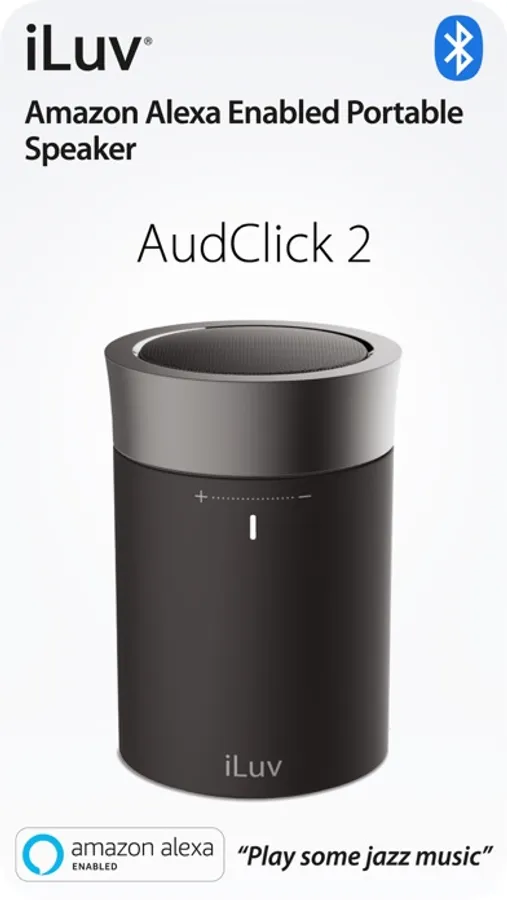
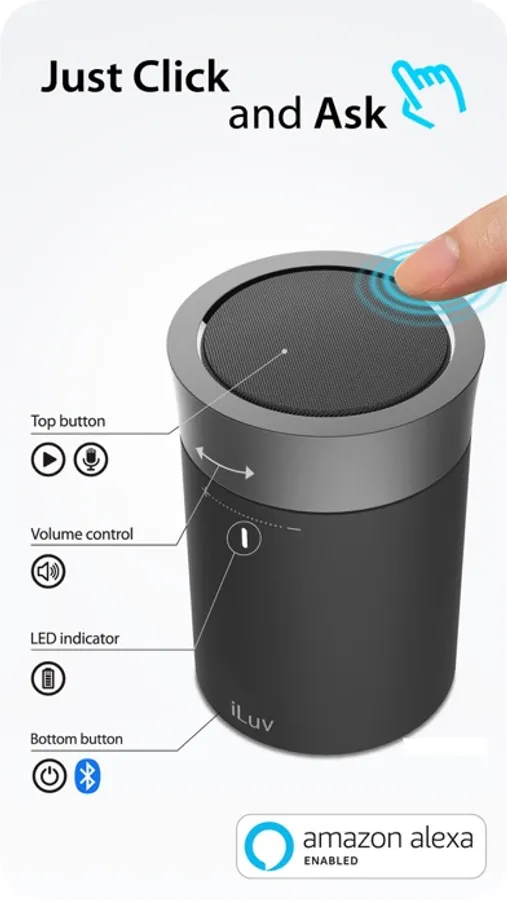
Easy-to-use Aud Click 2 app guides you to set up iLuv Aud Click 2, a Portable Bluetooth Speaker with Amazon Alexa.
CLICK AND ASK ALEXA WITH YOUR VOICE
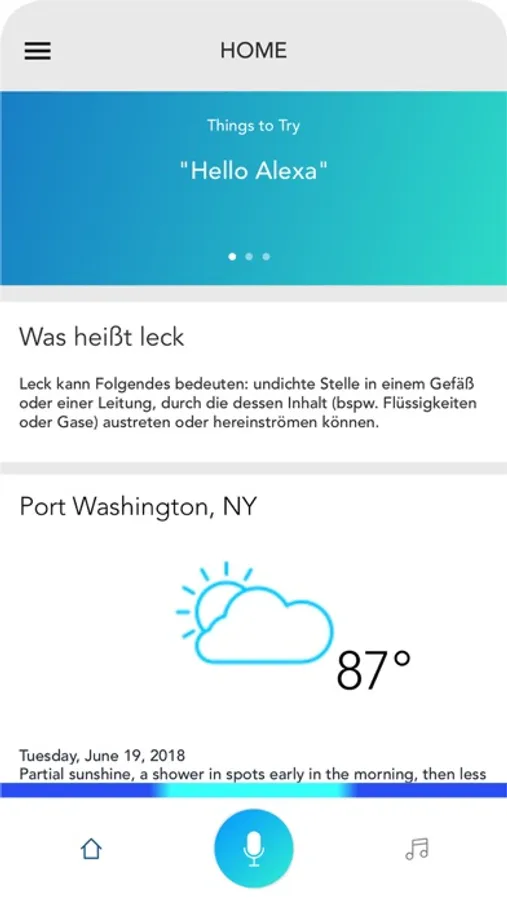
The free Aud Click 2 App is a companion to your iLuv Aud Click 2, a Portable Bluetooth Speaker with Amazon Alexa. This app will help you setup your device easily. Interactions with the Aud Click 2 will automatically be mirrored on your Amazon Alexa App, providing more information for your reference.
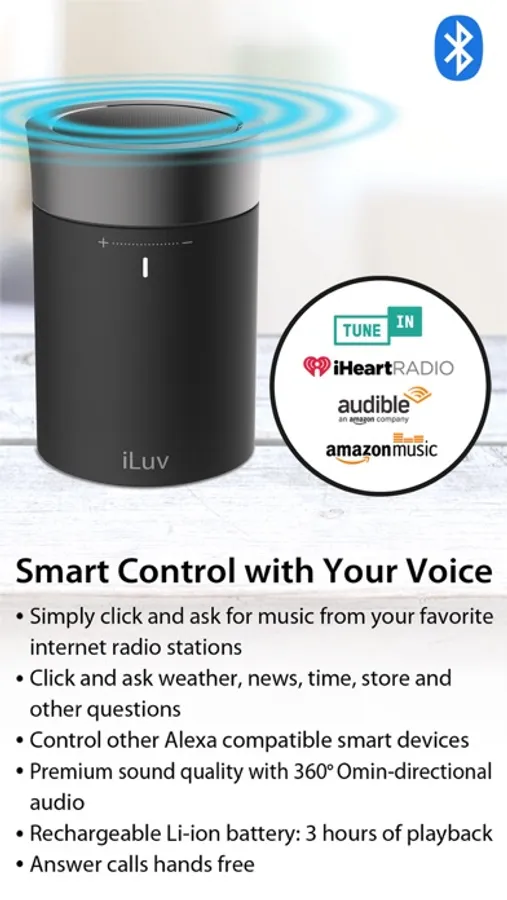
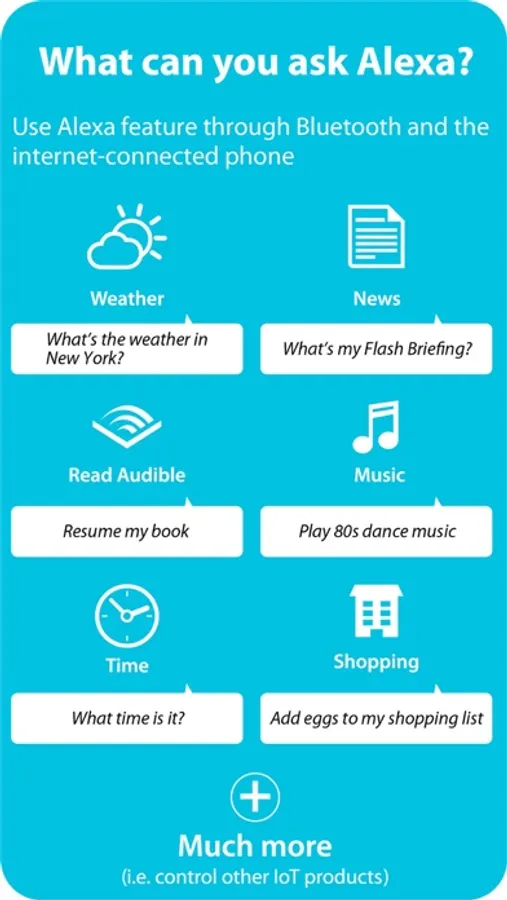
After opening Aud Click 2 app, simply click top ring and ask Alexa with your voice to answer questions, update news and add products to your shopping list. Using the Aud Click 2, you can also play music, generate weather reports, and a lot more. The Aud Click 2 works with all major services and stations, including but not limited to: amazon music, tunein, iHeartRadio, and more. When you have an incoming call, you can talk hands free conveniently. If you have other Alexa compatible smart devices such as bulb, plug, or thermostat, you can control them with your voice through Aud Click 2 too.
DIRECTIONS
Make sure your phone is connected to internet via WiFi or 3G/4G data network. Pair Aud Click 2 with your mobile device via Bluetooth. Download Amazon Alexa app and Aud Click 2 app. Simply set up, using the free Aud Click 2 app. Set up your preference such as location on Alexa app.
CLICK AND ASK ALEXA WITH YOUR VOICE
The free Aud Click 2 App is a companion to your iLuv Aud Click 2, a Portable Bluetooth Speaker with Amazon Alexa. This app will help you setup your device easily. Interactions with the Aud Click 2 will automatically be mirrored on your Amazon Alexa App, providing more information for your reference.
After opening Aud Click 2 app, simply click top ring and ask Alexa with your voice to answer questions, update news and add products to your shopping list. Using the Aud Click 2, you can also play music, generate weather reports, and a lot more. The Aud Click 2 works with all major services and stations, including but not limited to: amazon music, tunein, iHeartRadio, and more. When you have an incoming call, you can talk hands free conveniently. If you have other Alexa compatible smart devices such as bulb, plug, or thermostat, you can control them with your voice through Aud Click 2 too.
DIRECTIONS
Make sure your phone is connected to internet via WiFi or 3G/4G data network. Pair Aud Click 2 with your mobile device via Bluetooth. Download Amazon Alexa app and Aud Click 2 app. Simply set up, using the free Aud Click 2 app. Set up your preference such as location on Alexa app.
AudClick2 Screenshots
Tap to Rate:
Reviews for AudClick2
Poorscratcher
Yes
Yes
Mcollins1021
Save your money and frustration!
Followed directions to a T, and this doesn’t work. Linked with my amazon account and still shows my weather and location as if I live in the UK. Alexa app does not recognize the device to play music with the multiple room feature which was the intended purpose for this speaker. Don’t waste your time and money on this product.