AppRecs review analysis
AppRecs rating 4.5. Trustworthiness 55 out of 100. Review manipulation risk 19 out of 100. Based on a review sample analyzed.
★★★★☆
4.5
AppRecs Rating
Ratings breakdown
5 star
94%
4 star
6%
3 star
0%
2 star
0%
1 star
0%
What to know
✓
High user satisfaction
94% of sampled ratings are 5 stars
About ISS Explorer
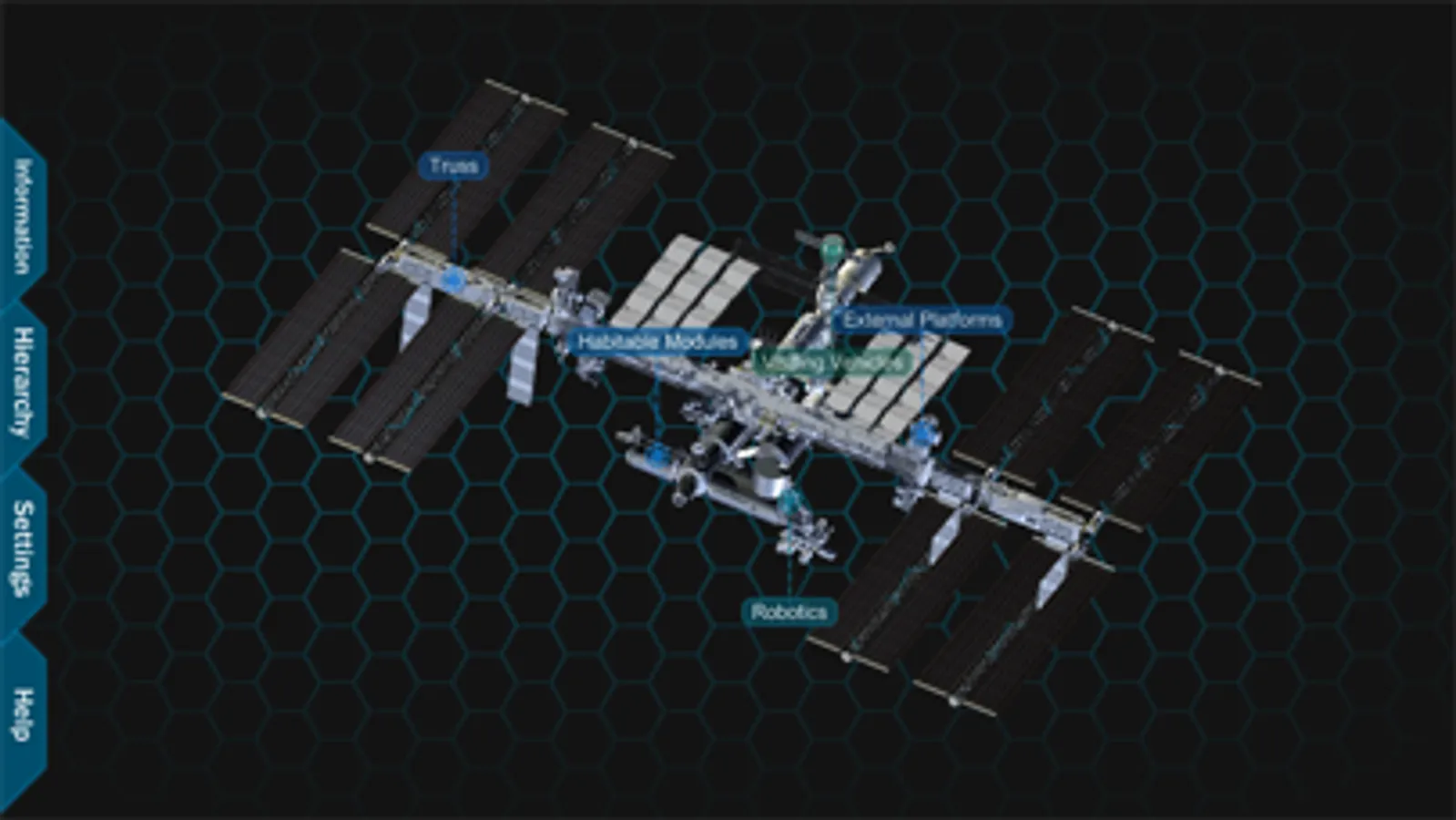
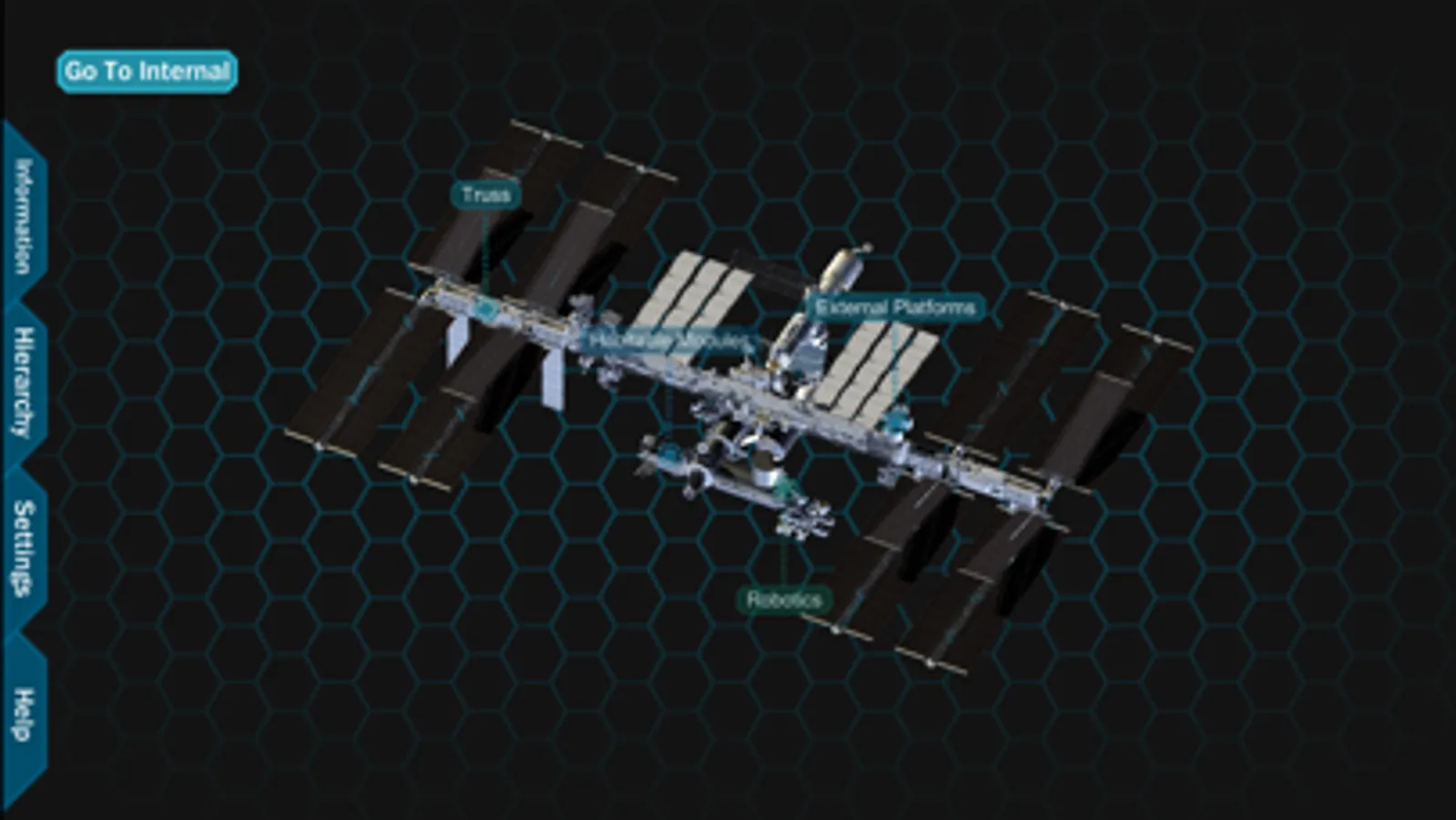
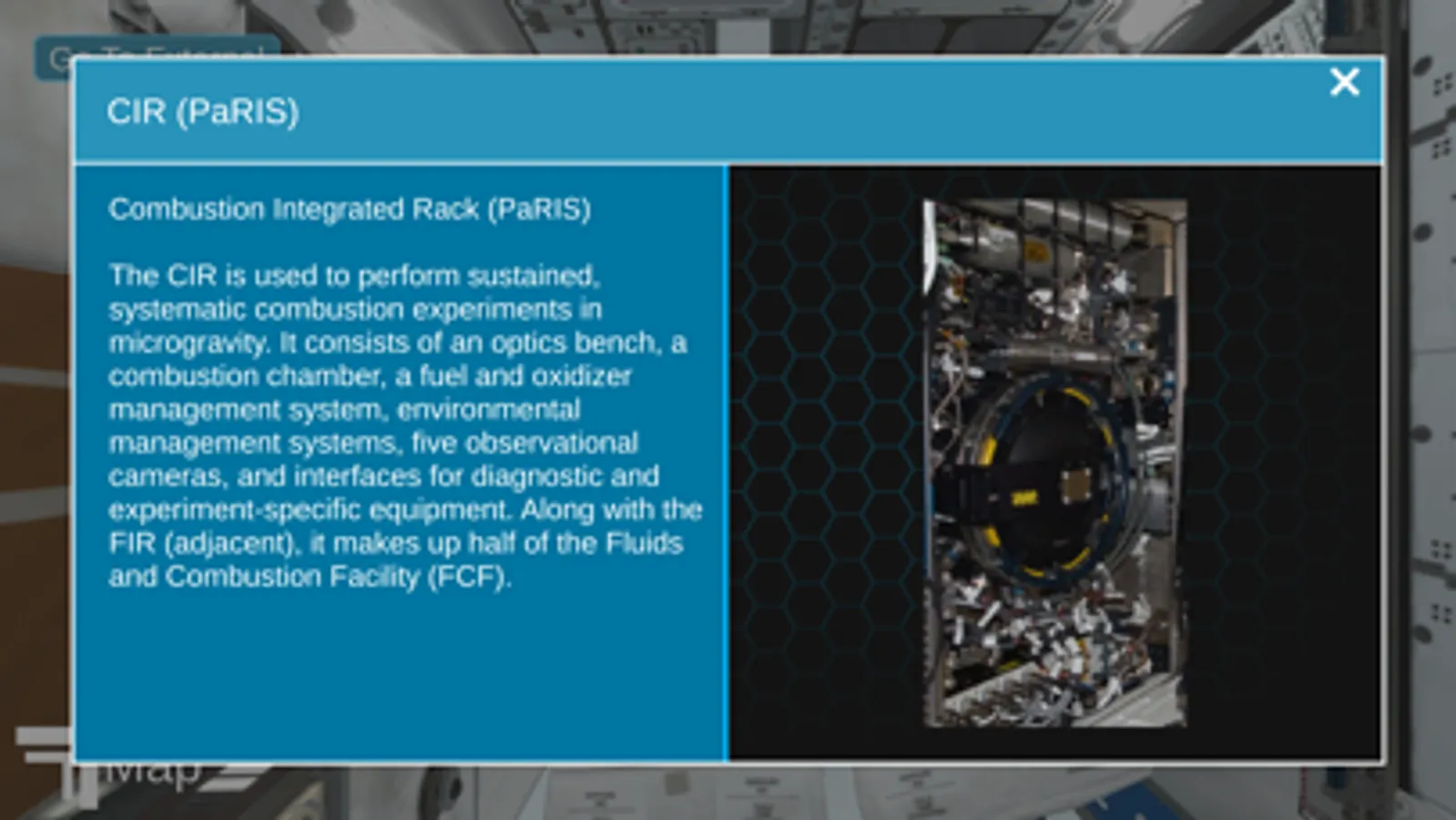
The ISS explorer is an interactive tool for exploring the parts and pieces of the International Space Station (ISS). The application allows the user to view a 3D model of the ISS, rotate it, zoom into it, and select different parts and pieces.
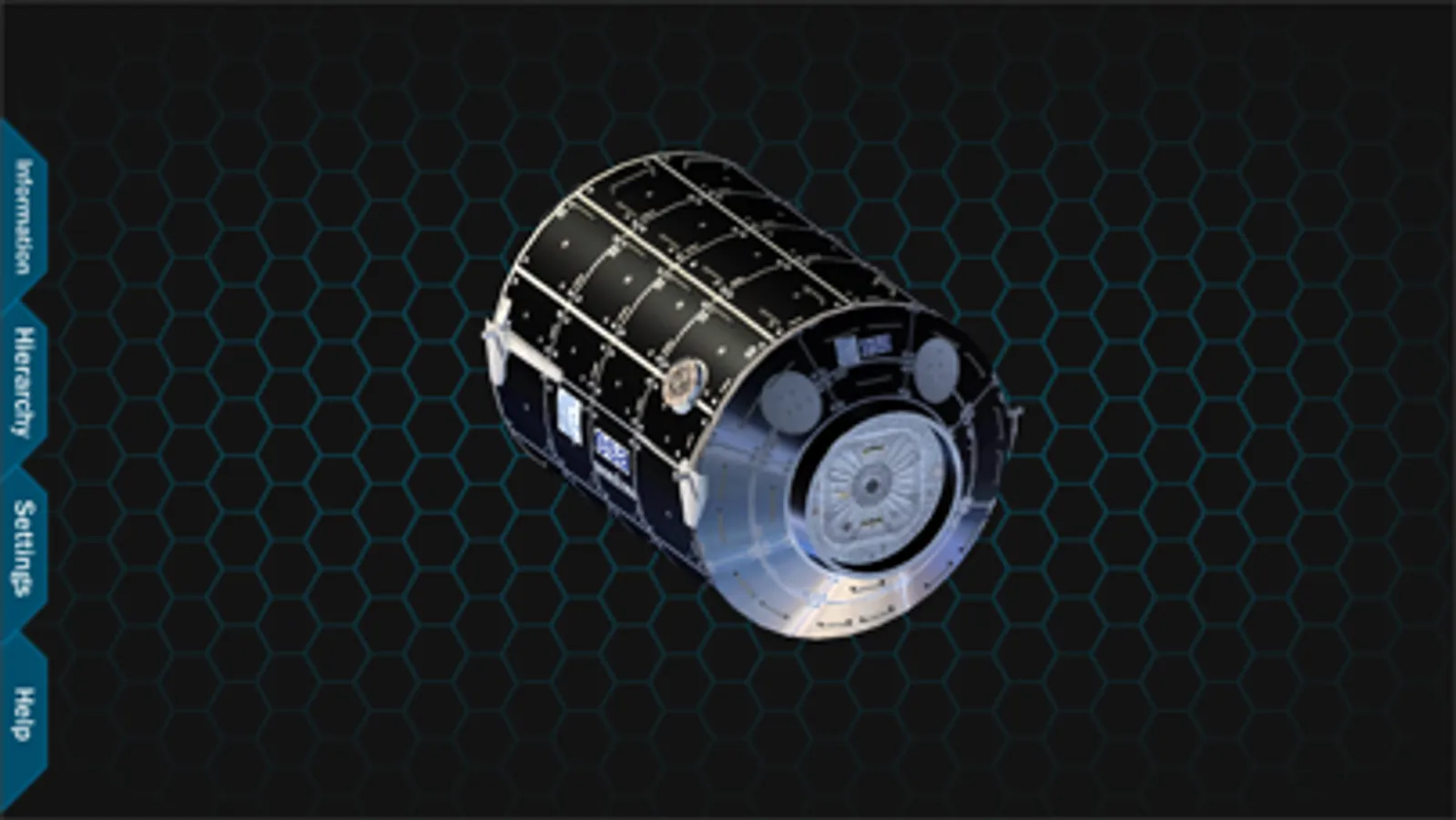
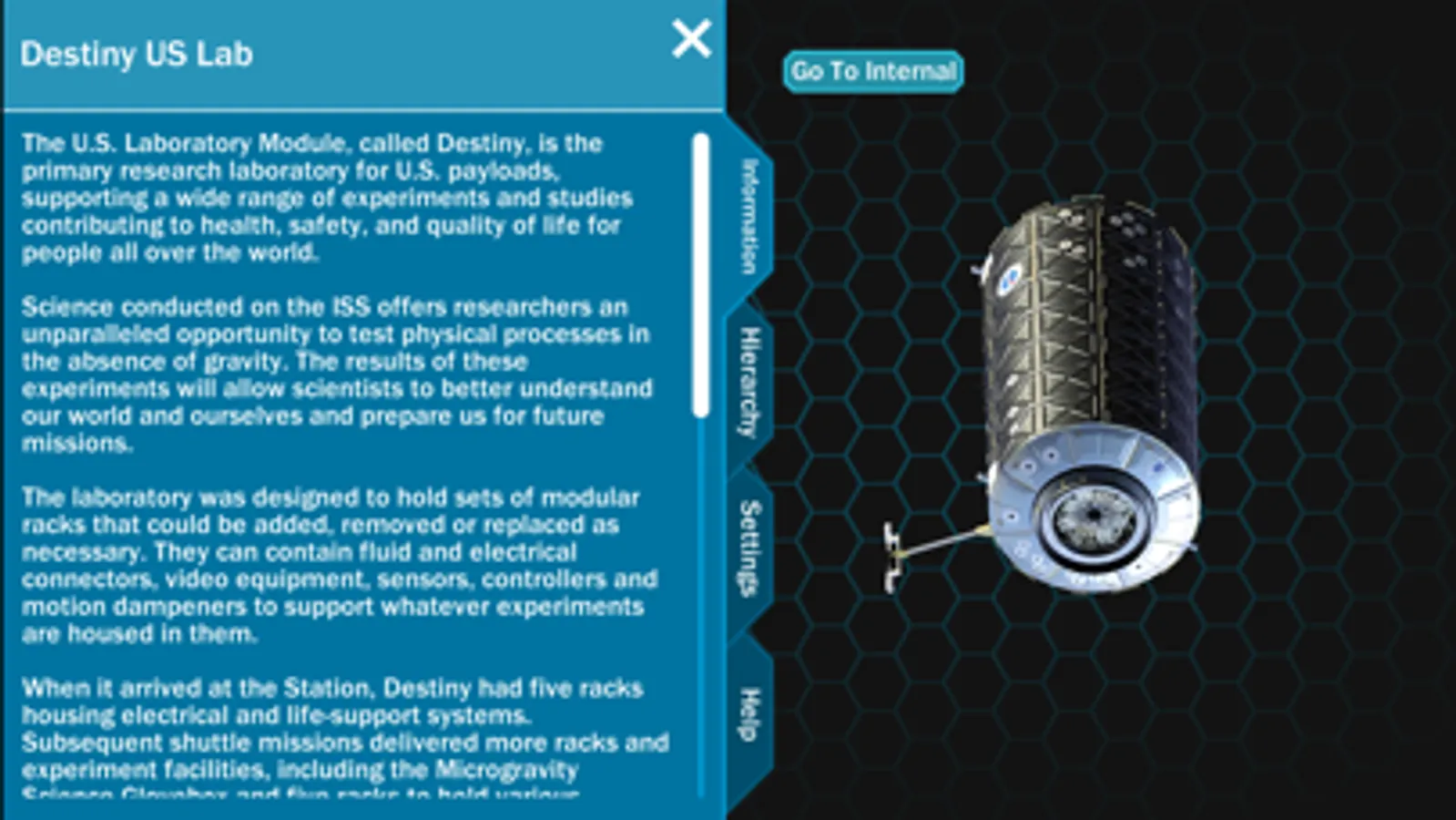
When the application starts, you can see a view of the entire ISS with category labels. Tabs are available on the left hand side of the screen which allow you access to information, the hierarchy, settings and application information. From this point, you can zoom into the station, revealing more labels of visible parts. The station can also be rotated to view from different angles. If a part is selected, the part is isolated so that you can focus on the specific piece. The information tab shows information about the currently isolated part.
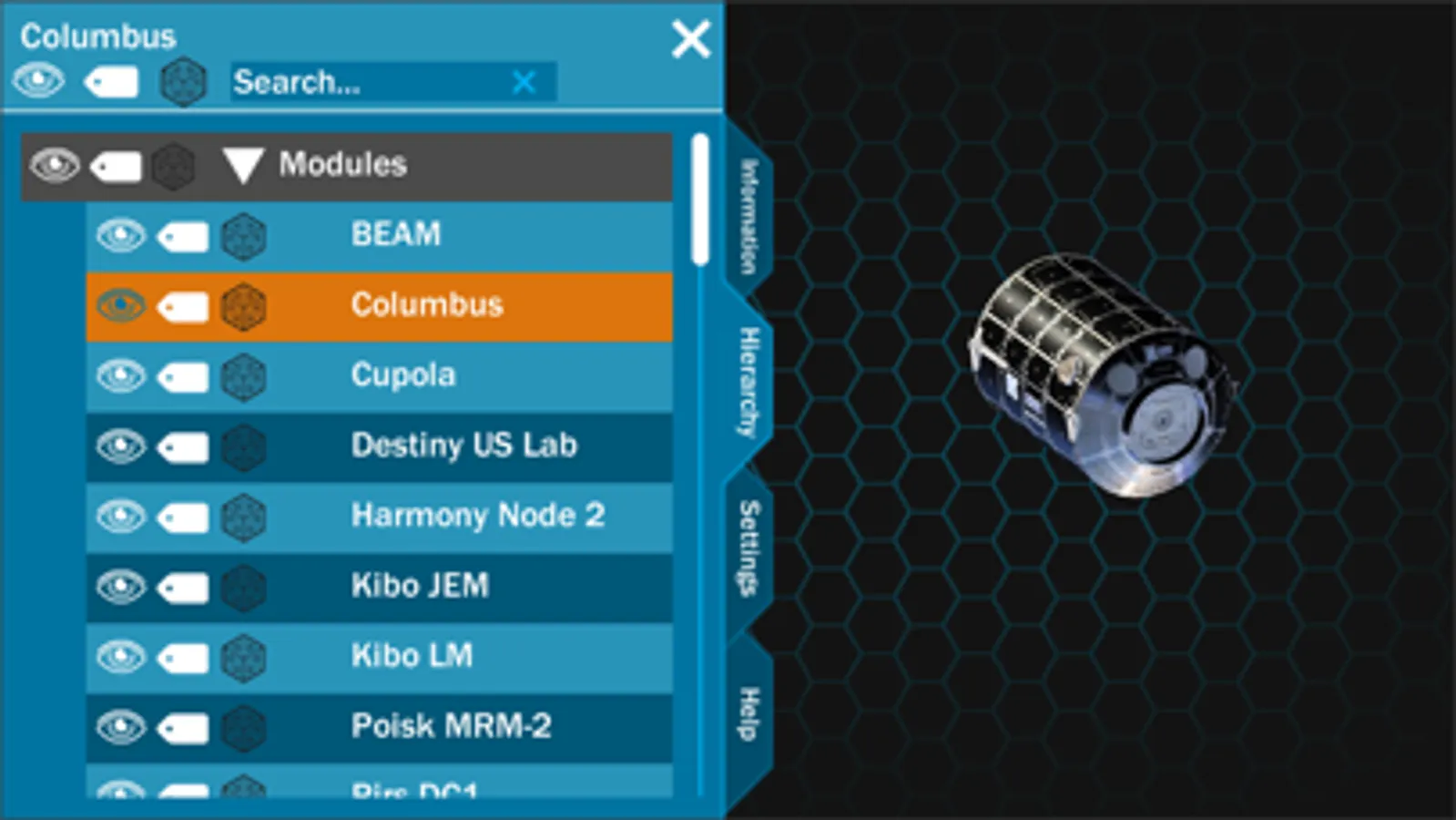
Inside the hierarchy tab, you can turn parts on or off, turn labels for parts on or off, turn parts transparent, or select a part to focus on. The parts are organized in a hierarchy to allow for systems to be described and displayed. This includes things such as truss, modules, and external platforms.
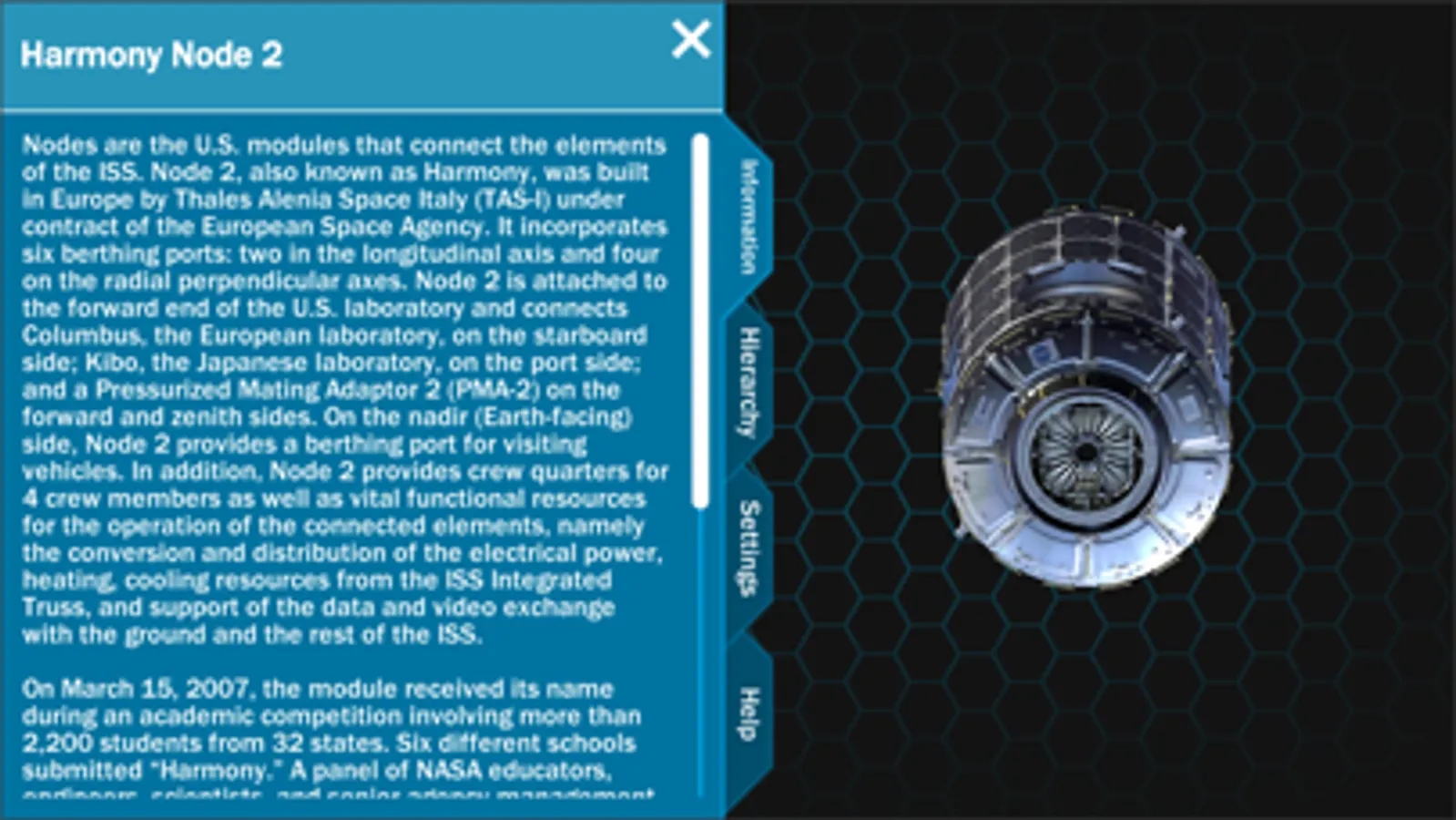
The Information tab shows information about the current isolated part, system, or the full ISS if the entire station is shown.
When the application starts, you can see a view of the entire ISS with category labels. Tabs are available on the left hand side of the screen which allow you access to information, the hierarchy, settings and application information. From this point, you can zoom into the station, revealing more labels of visible parts. The station can also be rotated to view from different angles. If a part is selected, the part is isolated so that you can focus on the specific piece. The information tab shows information about the currently isolated part.
Inside the hierarchy tab, you can turn parts on or off, turn labels for parts on or off, turn parts transparent, or select a part to focus on. The parts are organized in a hierarchy to allow for systems to be described and displayed. This includes things such as truss, modules, and external platforms.
The Information tab shows information about the current isolated part, system, or the full ISS if the entire station is shown.
ISS Explorer Screenshots
Tap to Rate:
Reviews for ISS Explorer
Jennaidan
Space suits
Please add the space suits inside the air lock
pd3ski
Wow!
Don’t know how I missed this app... but this is exactly what I’ve been looking for ever since a mysterious new gold disc array showed up on the HDEV experiment a couple months ago. I couldn’t find a 3D model to give a clue as to where located... looks like it’s attached to Columbus ESA module between the camera and the Soyuz capsules (rear facing camera). Thanks NASA et al 🖖 !!