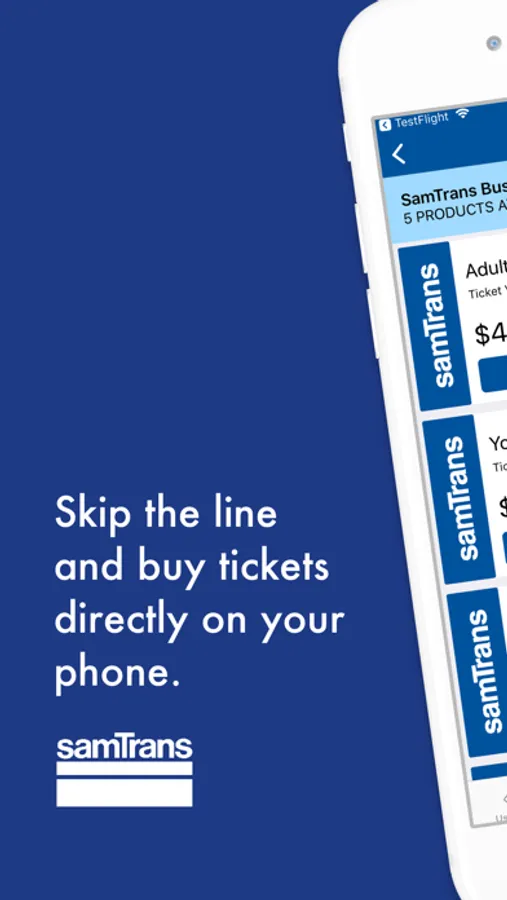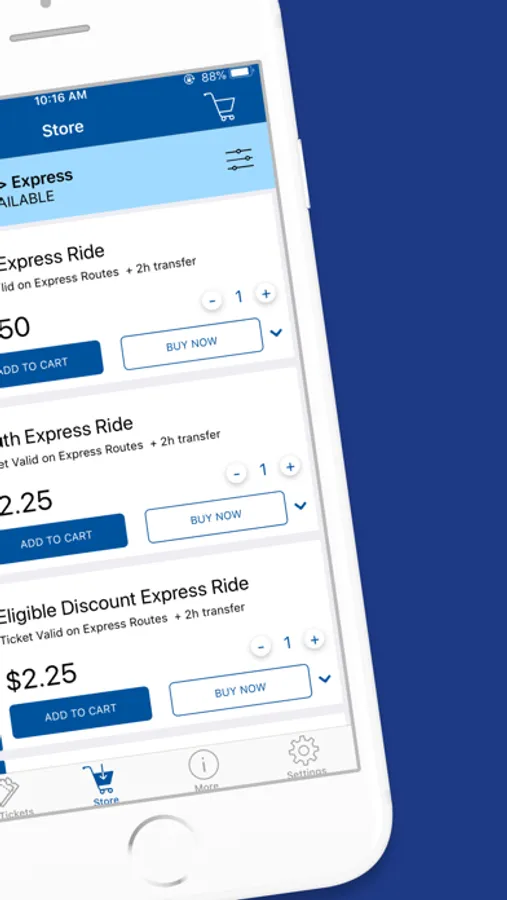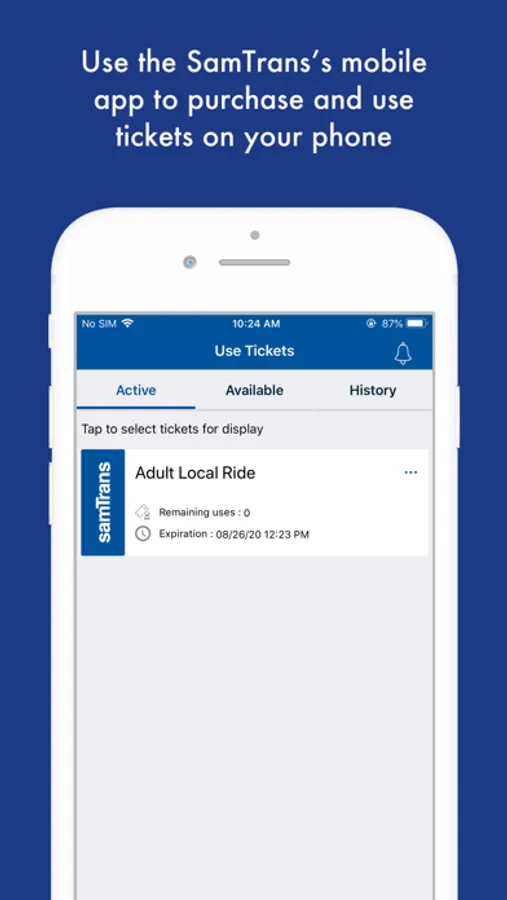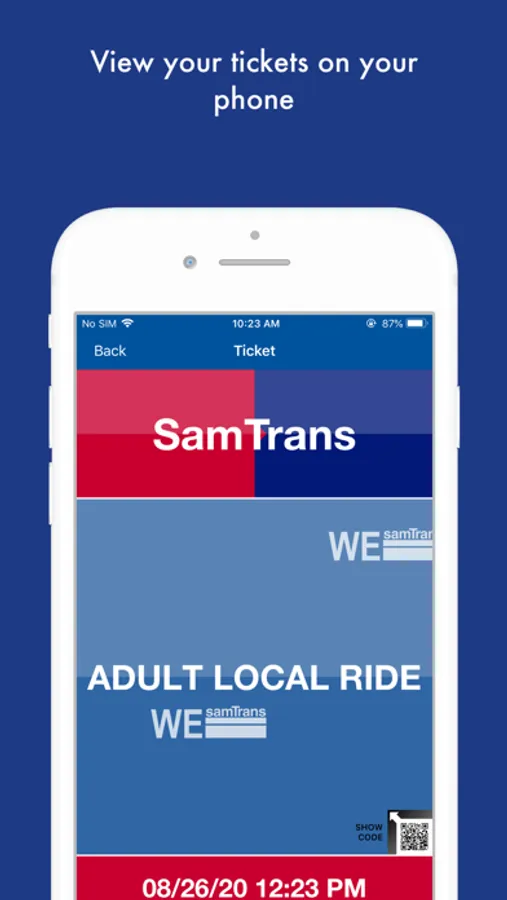
With this mobile ticketing app, you can purchase and activate bus fares using your phone and save tickets for offline use. Includes secure payment processing and ticket management features.
AppRecs review analysis
AppRecs rating 3.5. Trustworthiness 79 out of 100. Review manipulation risk 26 out of 100. Based on a review sample analyzed.
★★★☆☆
3.5
AppRecs Rating
Ratings breakdown
5 star
52%
4 star
14%
3 star
6%
2 star
3%
1 star
25%
What to know
✓
Low review manipulation risk
26% review manipulation risk
✓
Credible reviews
79% trustworthiness score from analyzed reviews
⚠
Pricing complaints
Many low ratings mention paywalls or pricing
About SamTrans Mobile
The official SamTrans Mobile ticketing app lets you use your phone to pay your fare on any SamTrans local or express routes. Just download the free app, register your debit/credit card in our secure system, and we’ll get you where you need to go.
WHAT YOU CAN DO WITH THIS APP:
* Pay bus fare using your phone without having to carry cash or worry about exact change.
* Buy and use fares instantly using a debit/credit card for a single fare or multiple fares for a group of riders. Mobile tickets must be used within thirty days.
HOW IT WORKS
Tickets:
1. Go to Buy Tickets
2. Choose mode of travel
3. Add tickets to cart
4. Checkout
5. Activate ticket when bus arrives
6. Show ticket to driver
COMMON QUESTIONS
How do I pay for my tickets in the SamTrans Mobile app?
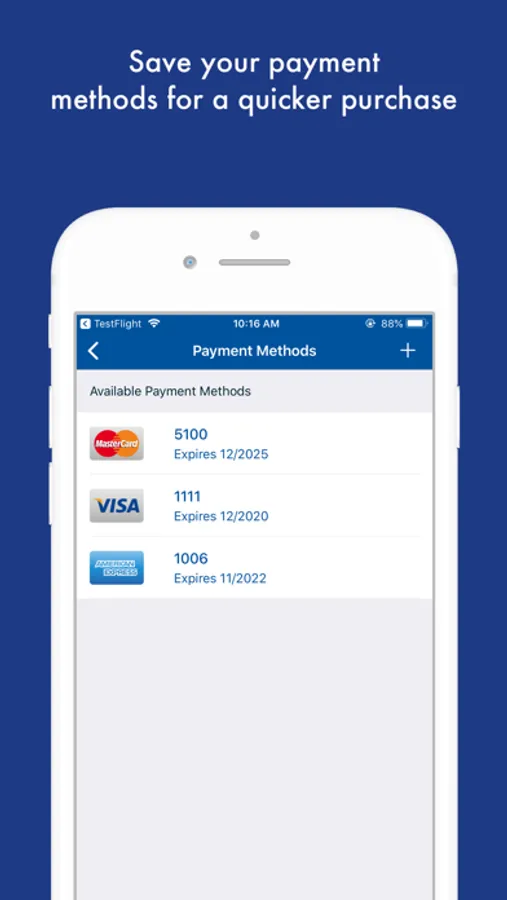
Debit or credit (American Express, Visa, MasterCard, and Discover) cards are accepted.
Can customers use a commuter debit card?
Yes, provided you have funds in your account. If the card is denied, it will take three to five business days before the funding will appear back on your card.
If I am having a problem loading the application, who should I call?
Please call customer service at 1-800-660-4287. All problems should be directed to customer service which is available: weekdays 7am – 7pm, weekends & holidays 8am – 5pm.
Do I need an internet connection to buy or use tickets?
You will need an internet connection to buy and activate bus passes. However, if you save the purchased tickets in your device, you will not need to have internet connection to activate them.
IMPORTANT REMINDERS:
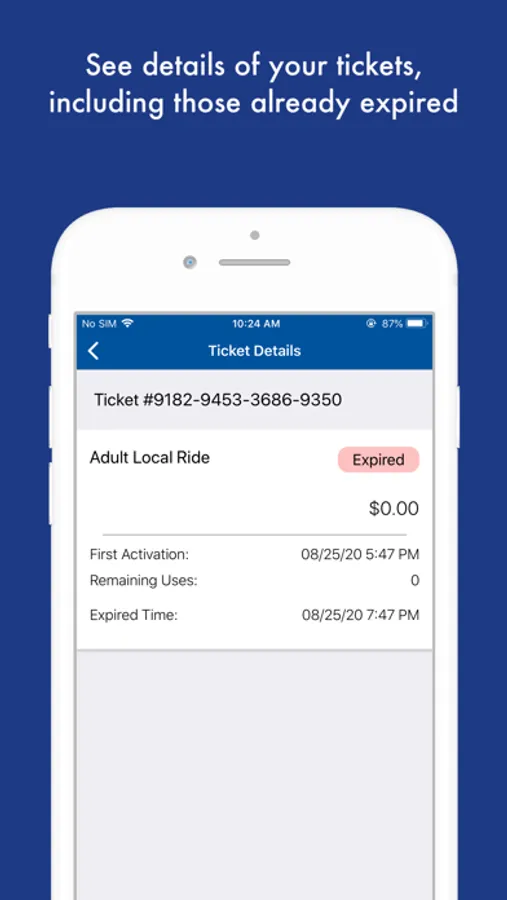
- Don’t uninstall the SamTrans Mobile app or erase your phone while you have active tickets on it. This will cause you to lose your tickets. Your tickets are stored on your phone (which makes it possible to use them without a cellular network or a wireless Internet connection). Before uninstalling the app or resetting your phone move tickets to the cloud (See Frequently Asked Questions for info).
- Activate your ticket right before boarding
- Show your ticket to the driver upon boarding
- Watch your battery level. You cannot board without showing your ticket.
WHAT YOU CAN DO WITH THIS APP:
* Pay bus fare using your phone without having to carry cash or worry about exact change.
* Buy and use fares instantly using a debit/credit card for a single fare or multiple fares for a group of riders. Mobile tickets must be used within thirty days.
HOW IT WORKS
Tickets:
1. Go to Buy Tickets
2. Choose mode of travel
3. Add tickets to cart
4. Checkout
5. Activate ticket when bus arrives
6. Show ticket to driver
COMMON QUESTIONS
How do I pay for my tickets in the SamTrans Mobile app?
Debit or credit (American Express, Visa, MasterCard, and Discover) cards are accepted.
Can customers use a commuter debit card?
Yes, provided you have funds in your account. If the card is denied, it will take three to five business days before the funding will appear back on your card.
If I am having a problem loading the application, who should I call?
Please call customer service at 1-800-660-4287. All problems should be directed to customer service which is available: weekdays 7am – 7pm, weekends & holidays 8am – 5pm.
Do I need an internet connection to buy or use tickets?
You will need an internet connection to buy and activate bus passes. However, if you save the purchased tickets in your device, you will not need to have internet connection to activate them.
IMPORTANT REMINDERS:
- Don’t uninstall the SamTrans Mobile app or erase your phone while you have active tickets on it. This will cause you to lose your tickets. Your tickets are stored on your phone (which makes it possible to use them without a cellular network or a wireless Internet connection). Before uninstalling the app or resetting your phone move tickets to the cloud (See Frequently Asked Questions for info).
- Activate your ticket right before boarding
- Show your ticket to the driver upon boarding
- Watch your battery level. You cannot board without showing your ticket.