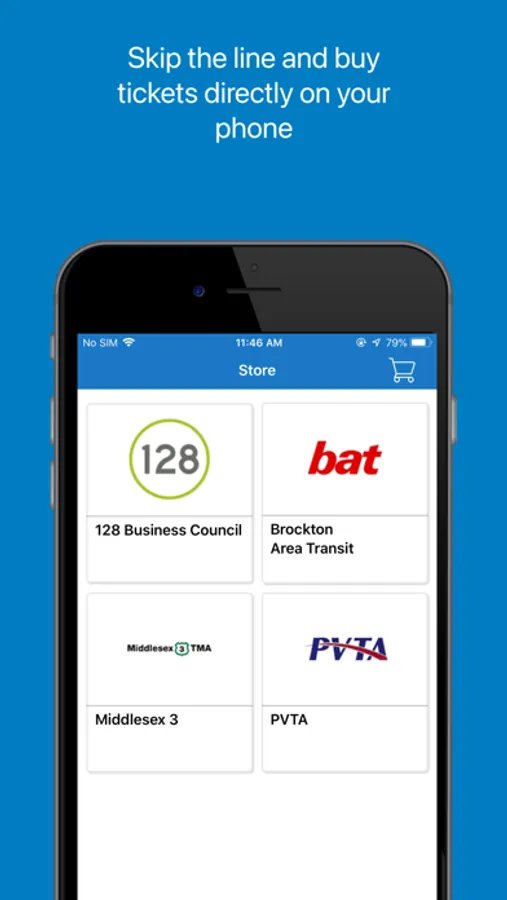
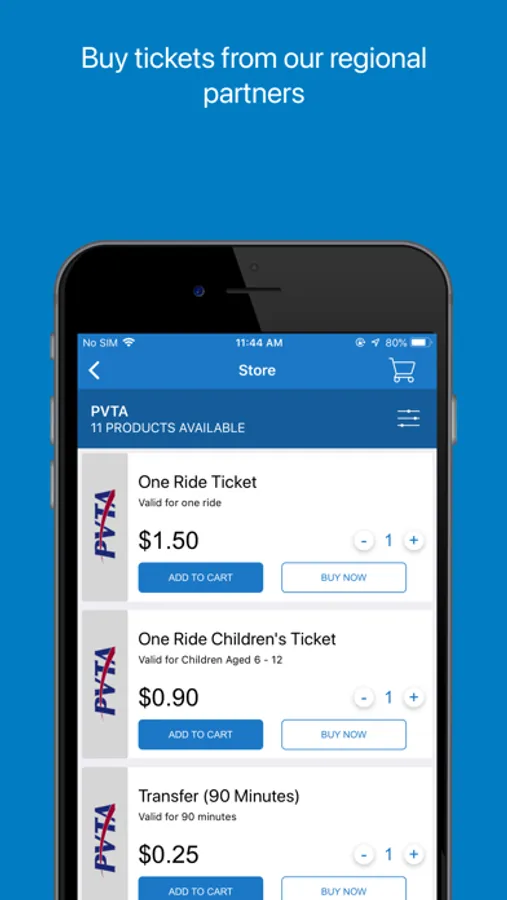
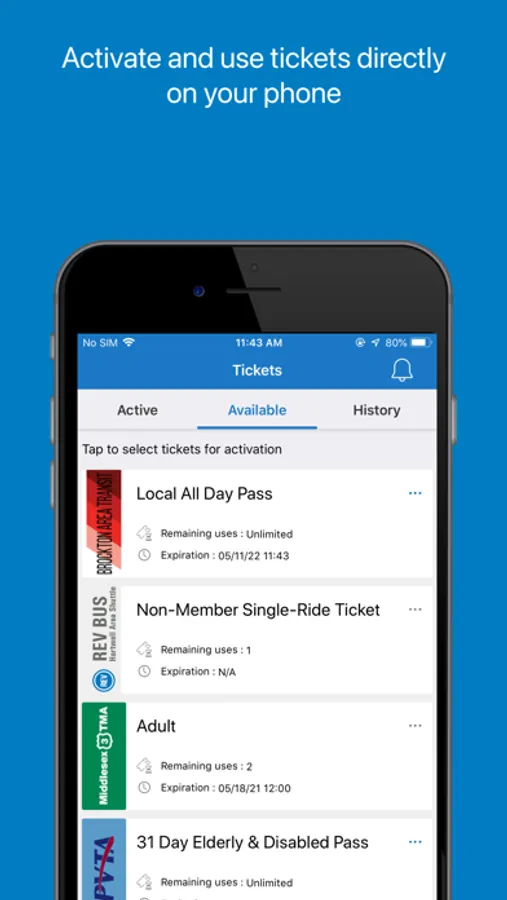
With this ticketing app, you can purchase and activate bus tickets for intercity and commuter routes. Includes secure payment options, trip planning, and offline ticket use.
AppRecs review analysis
AppRecs rating 4.1. Trustworthiness 73 out of 100. Review manipulation risk 28 out of 100. Based on a review sample analyzed.
★★★★☆
4.1
AppRecs Rating
Ratings breakdown
5 star
75%
4 star
8%
3 star
5%
2 star
3%
1 star
9%
What to know
✓
Low review manipulation risk
28% review manipulation risk
✓
Credible reviews
73% trustworthiness score from analyzed reviews
⚠
Pricing complaints
Many low ratings mention paywalls or pricing
About MassDOT BusPlus
The official mobile ticketing app of BusPlus – a program of the Massachusetts Department of Transportation.
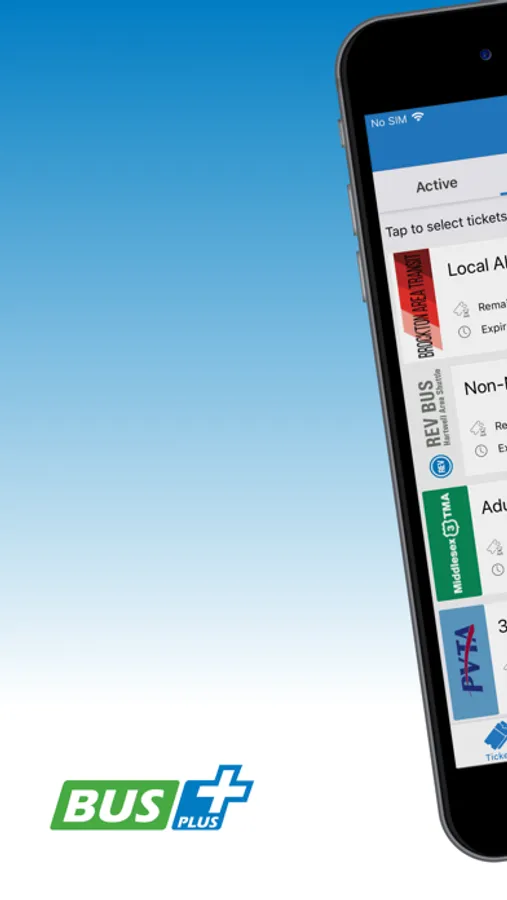
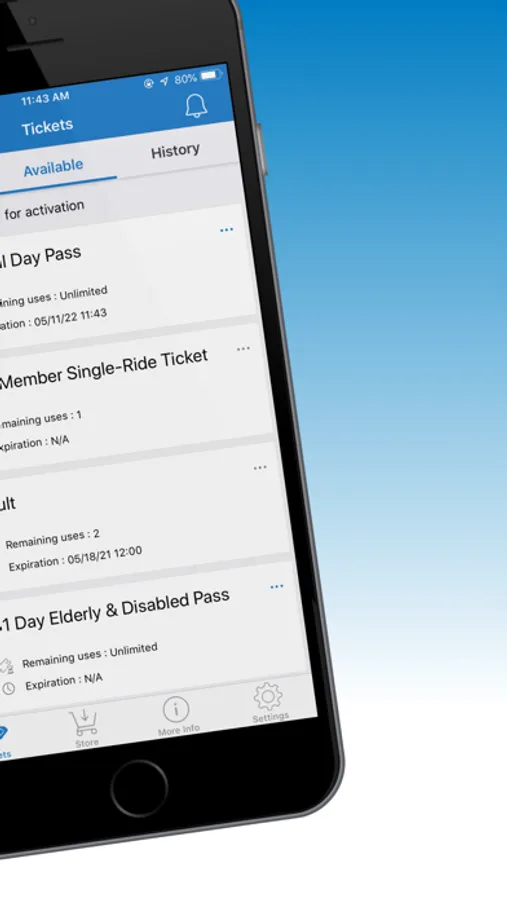
The BusPlus app lets you purchase and use intercity and commuter bus tickets instantly on your phone. Here’s how it works:
1. Plan a trip by selecting an origin, destination, and schedule
2. Choose the type of ticket and quantity
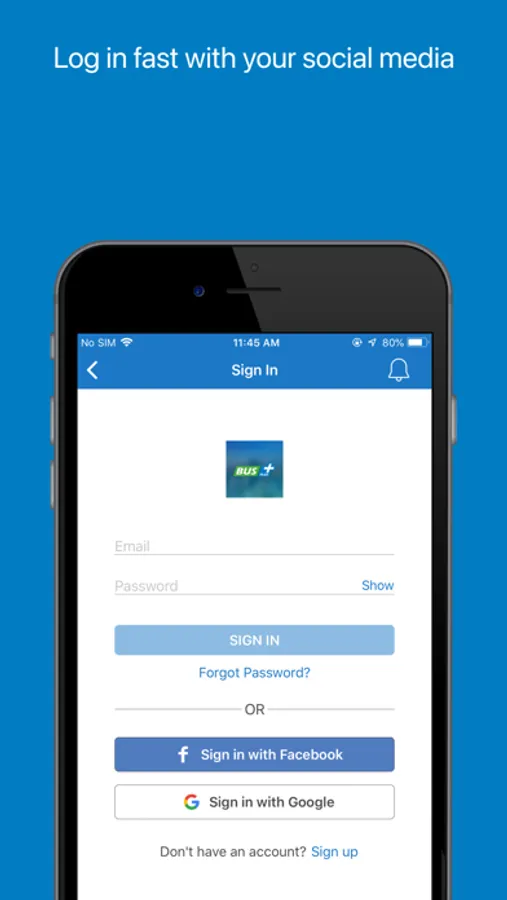
3. Create an account and link your credit/debit card to complete checkout
4. Activate your ticket and show it to the bus driver
An internet connection is required to purchase tickets, but you can use your ticket(s) offline. All personal information and payments are securely transmitted and stored.
Please contact support@bytemark.co for customer service assistance. Any comments or suggestions you may have are welcome. We are aware of problems with the scanning feature while adding new credit cards, and are working to correct this issue.
The BusPlus app lets you purchase and use intercity and commuter bus tickets instantly on your phone. Here’s how it works:
1. Plan a trip by selecting an origin, destination, and schedule
2. Choose the type of ticket and quantity
3. Create an account and link your credit/debit card to complete checkout
4. Activate your ticket and show it to the bus driver
An internet connection is required to purchase tickets, but you can use your ticket(s) offline. All personal information and payments are securely transmitted and stored.
Please contact support@bytemark.co for customer service assistance. Any comments or suggestions you may have are welcome. We are aware of problems with the scanning feature while adding new credit cards, and are working to correct this issue.
MassDOT BusPlus Screenshots
Tap to Rate:
Reviews for MassDOT BusPlus
Shaga9
Excellent Service
Love my rides
Billonario$
⭐️⭐️⭐️⭐️
⭐️⭐️⭐️⭐️⭐️