AppRecs review analysis
AppRecs rating 3.0. Trustworthiness 71 out of 100. Review manipulation risk 28 out of 100. Based on a review sample analyzed.
★★★☆☆
3.0
AppRecs Rating
Ratings breakdown
5 star
25%
4 star
25%
3 star
13%
2 star
0%
1 star
38%
What to know
✓
Low review manipulation risk
28% review manipulation risk
✓
Credible reviews
71% trustworthiness score from analyzed reviews
About Chime Clock
Use it in various settings—whether in class, at work, at home, as a morning alarm, during meetings, or whenever you want to know the time without checking the clock.
Features:
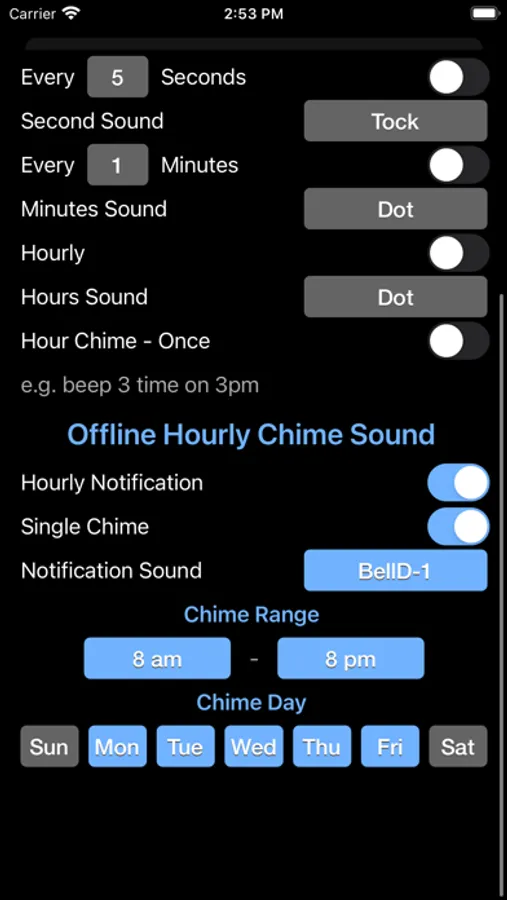
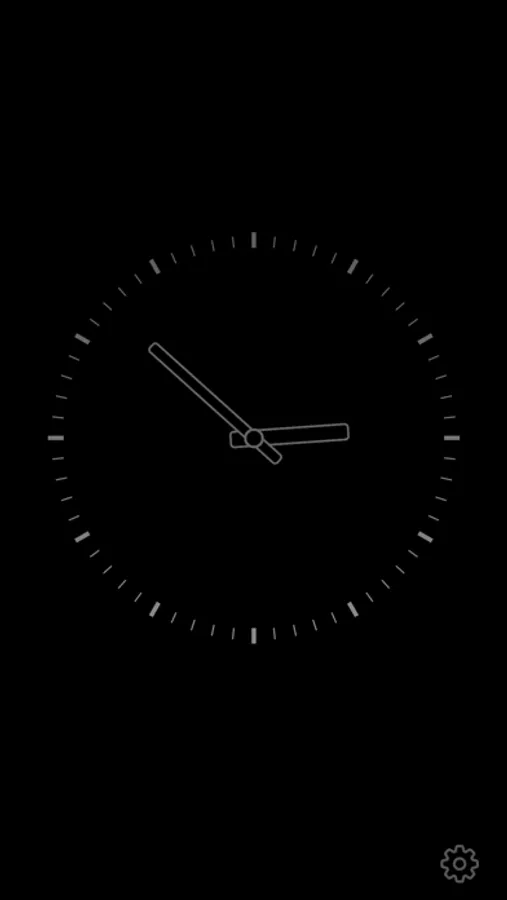
•- Clock Display -•
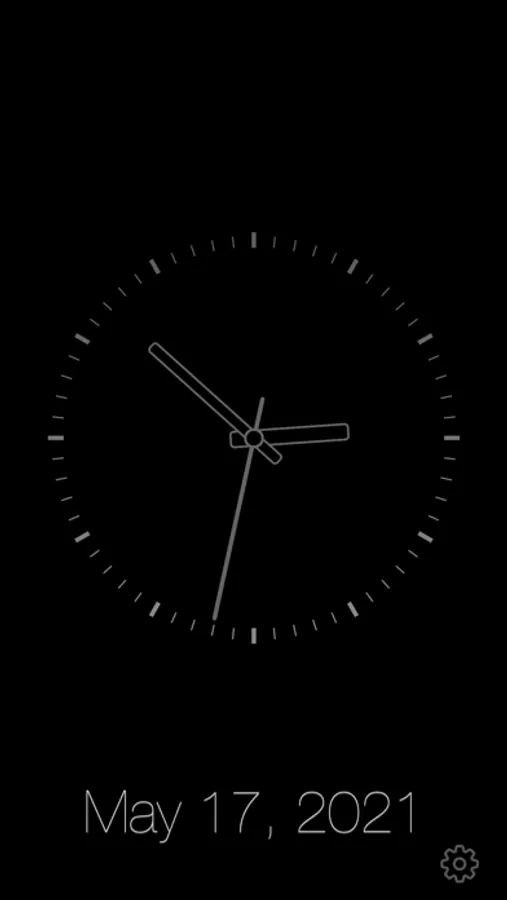
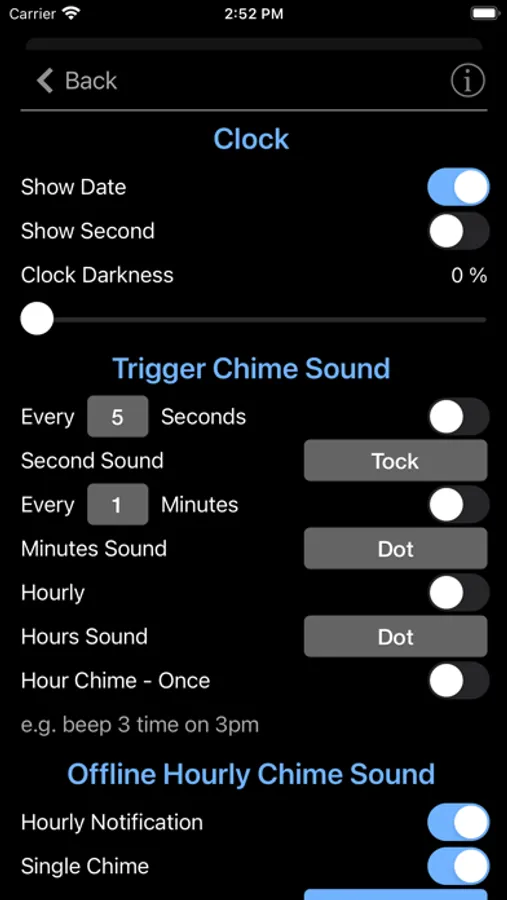
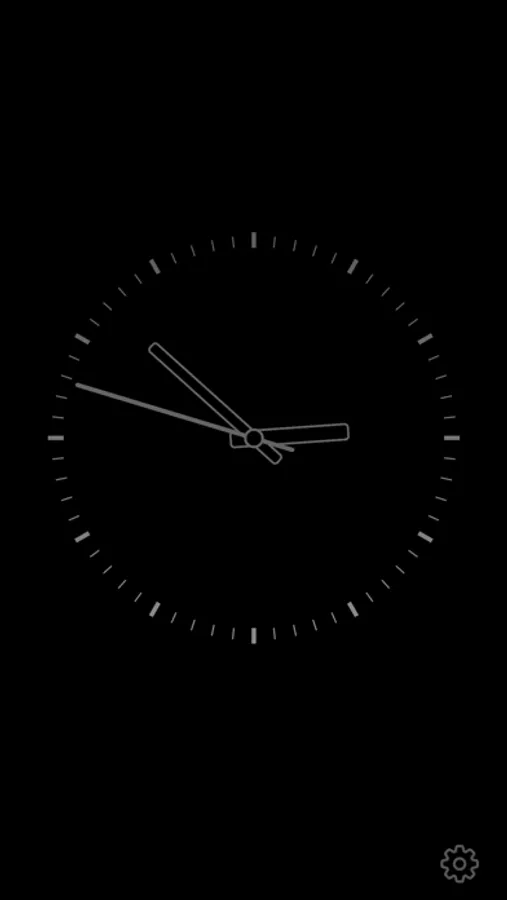
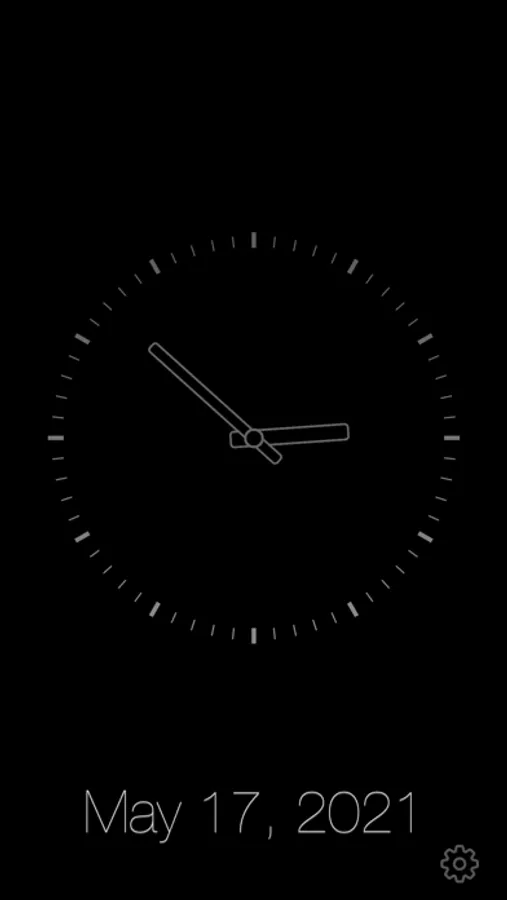
• Show or hide the date
• Show or hide the seconds
• Dim the screen to conserve battery life
•- Chime Function [Offline Mode] -•
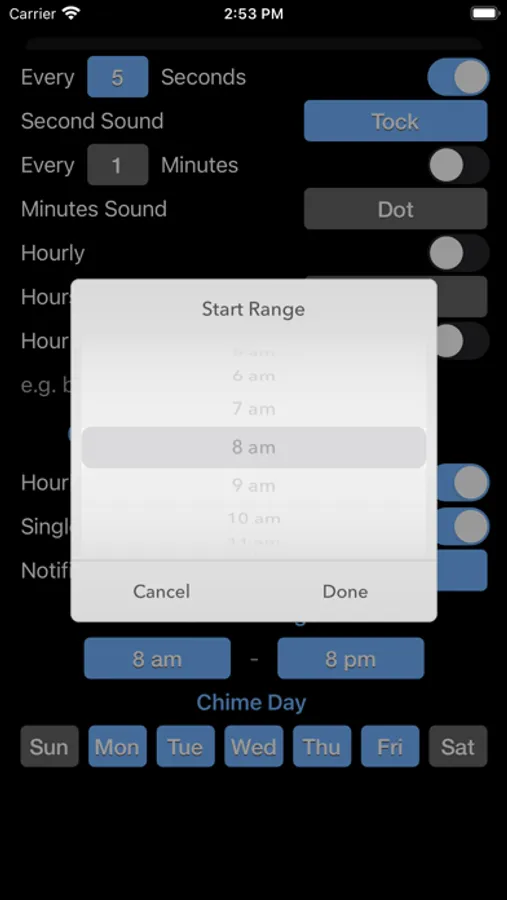
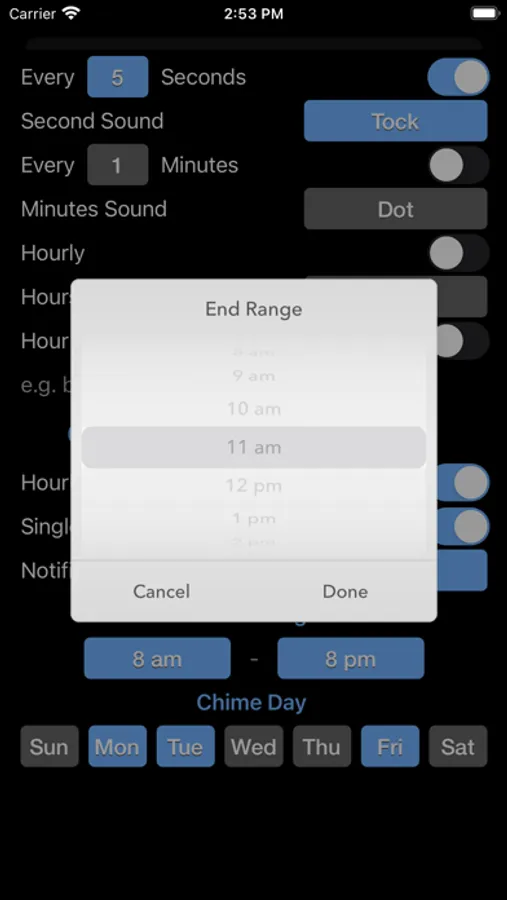
• Manually set chime times
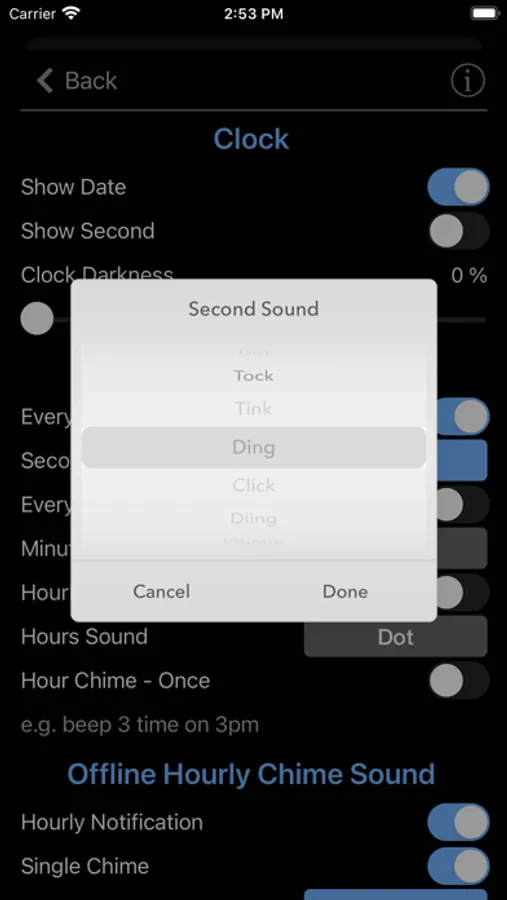
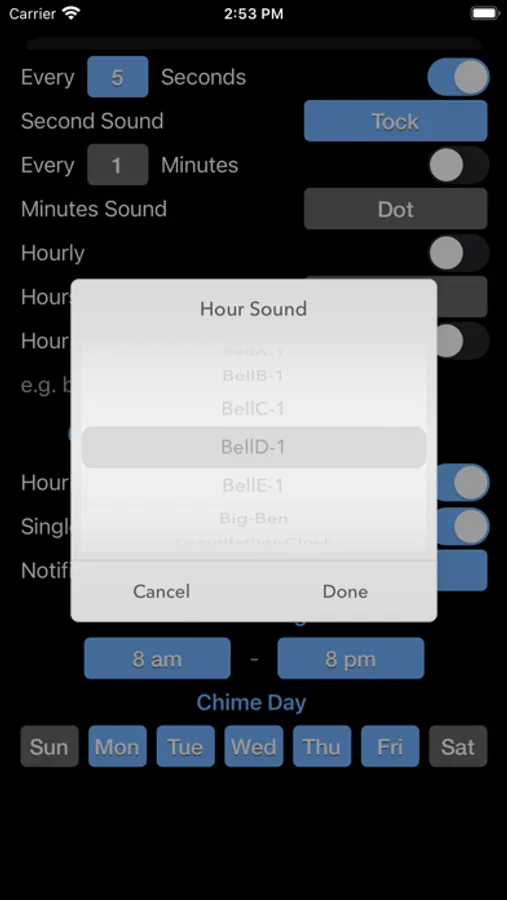
• Choose from 5 default bell sounds, plus Big Ben and Grandfather Clock options
• Schedule chimes for specific days (e.g., Daily, Sunday, or Monday through Saturday)
• Add custom notification sounds
For custom notification sounds:
• Copy custom sounds into the Chime Clock folder in the Files app.
• Sound clips need to be under 30 seconds and in MP3 or WAV format.
Info:
A clock chime is a melody that plays at set intervals, usually on the hour, to signify the passing of time. These chimes are commonly heard from grandfather clocks, carillons, or bell towers, and different melodies are often tied to specific locations or towers.
A striking clock, also called a chiming clock, audibly strikes the hours on a bell or gong. In the typical 12-hour striking system, the clock strikes once at 1:00 AM, twice at 2:00 AM, and continues up to twelve times at 12:00 PM. It then repeats the process from 1:00 PM to 12:00 AM.
Note: Ensure notifications are enabled for the chimes to work properly.
Notification sound will be disabled if the phone is in Low Power Mode, Do Not Disturb mode, or Sleep mode.
Thank you for your support! Visit nitrio.com for more iOS apps.
Chime Clock Screenshots
Tap to Rate:
Reviews for Chime Clock
Dog walker6
Terrible
Does not allow 12 hour striking as advertised.
Ennairdah
Update problems
I’ve had this for 3 years and LOVE it. Latest update needs fixed. No longer gives the option for chime the same number as the hour 3times at 3 o’clock 12 times at 12. No longer allows me to customize the days of the week or the hours. I want to hear the chimes. I set chimes from 7am-7pm. On weekdays. It keeps me on task and I know what time it is without having to pick up my phone… Updates usually make it buggy for a couple days but this has been drastic. Please fix asap.