
In this design tool, you can create and share screenshots and screen recordings of your projects. Includes screen capture and sharing features.
AppRecs review analysis
AppRecs rating 4.2. Trustworthiness 71 out of 100. Review manipulation risk 23 out of 100. Based on a review sample analyzed.
★★★★☆
4.2
AppRecs Rating
Ratings breakdown
5 star
75%
4 star
4%
3 star
6%
2 star
2%
1 star
14%
What to know
✓
Low review manipulation risk
23% review manipulation risk
✓
Credible reviews
71% trustworthiness score from analyzed reviews
✓
High user satisfaction
78% of sampled ratings are 4+ stars (4.2★ average)
About STL Master
STL Master Screenshots
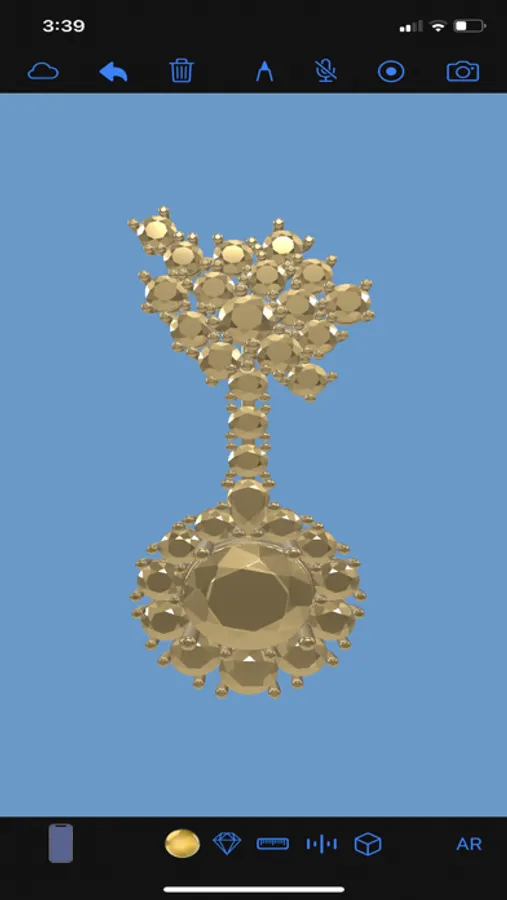
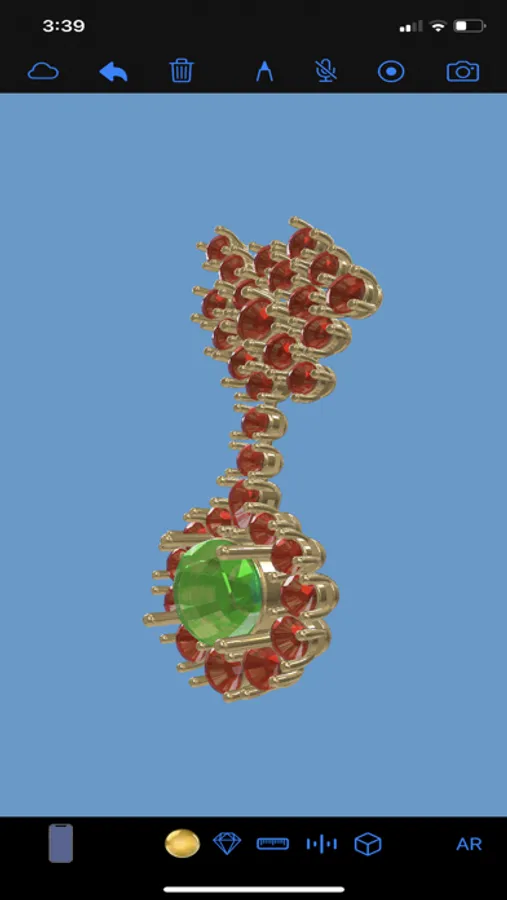
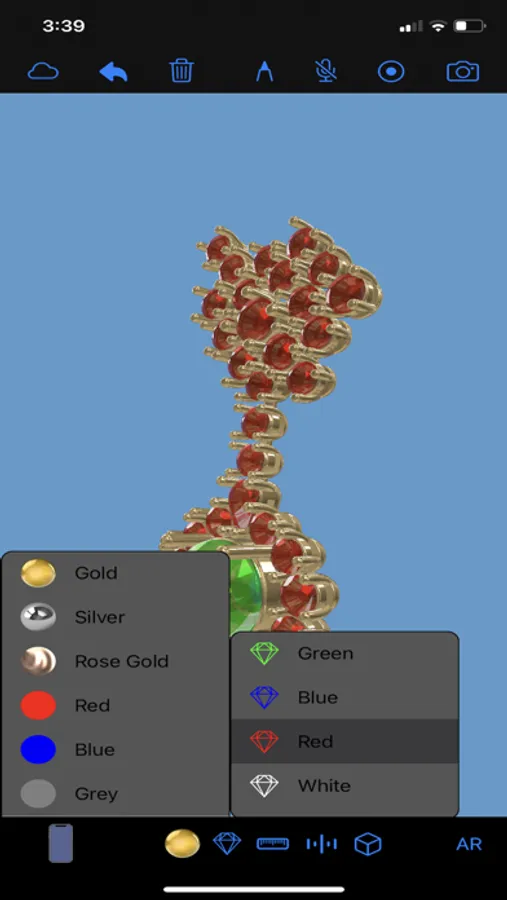
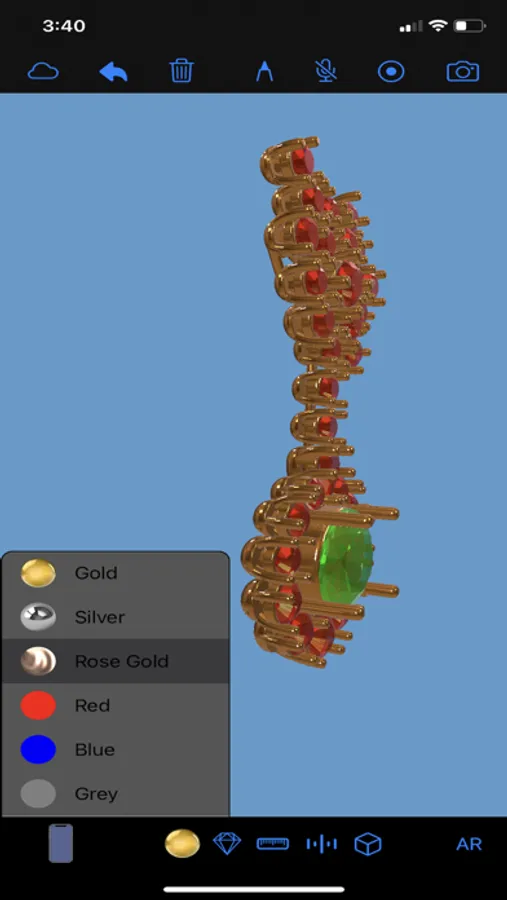
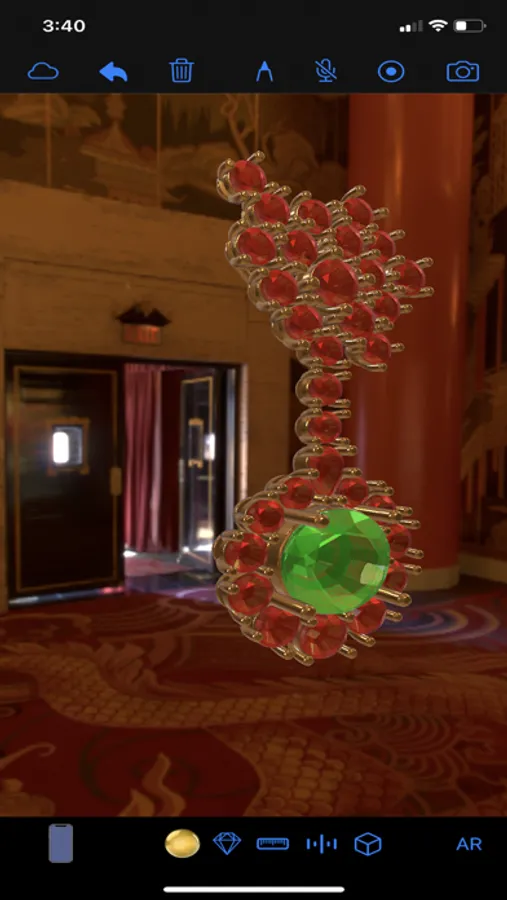
Tap to Rate:
Reviews for STL Master
Gaseoussaucer85
Good STL Viewer
I needed a way to view stl files and this does that and runs well on my phone. It has its quirks but I use it often. The dev could add more color options and turning the metal slider down has helped on certain models that look funny at first load. And it’s completely free, small, and no trackers or spying!
SuperMacGuy
A little rough but works
First time I opened a file it wasn’t oriented right and I could not see most of it. Second time, it was centered in the viewport. Seems OK, just basic surfacing options. No menu items (like for Open File). Can’t drag and drop a file into the window to open it, or onto the icon. That is BASIC Mac functionality stuff. The “cloud” icon is for open, that doesn’t make sense. View buttons on the bottom don’t close their menus, you have to click in the window to hide them. OK, easy to try options, but clicking the button again doesn’t close them. No way to zoom in/out.