In this transit payment app, you can manage your PRESTO cards, load funds, and pay using NFC or Apple Pay. Includes card management, balance checks, transaction history, and fare reminders.
AppRecs review analysis
AppRecs rating 1.7. Trustworthiness 69 out of 100. Review manipulation risk 23 out of 100. Based on a review sample analyzed.
★☆☆☆☆
1.7
AppRecs Rating
Ratings breakdown
5 star
14%
4 star
6%
3 star
6%
2 star
11%
1 star
62%
What to know
⚠
Pricing complaints
Many low ratings mention paywalls or pricing
⚠
Mixed user feedback
Average 2.0★ rating suggests room for improvement
⚠
High negative review ratio
73% of sampled ratings are 1–2 stars
About PRESTO
With the official PRESTO app you can manage your card and tap your iPhone or Apple Watch to pay for transit.
Use the PRESTO app for iPhone to:
• Convert a physical PRESTO card to PRESTO in Apple Wallet and tap your iPhone or Apple Watch to pay for transit (not available on OC Transpo)
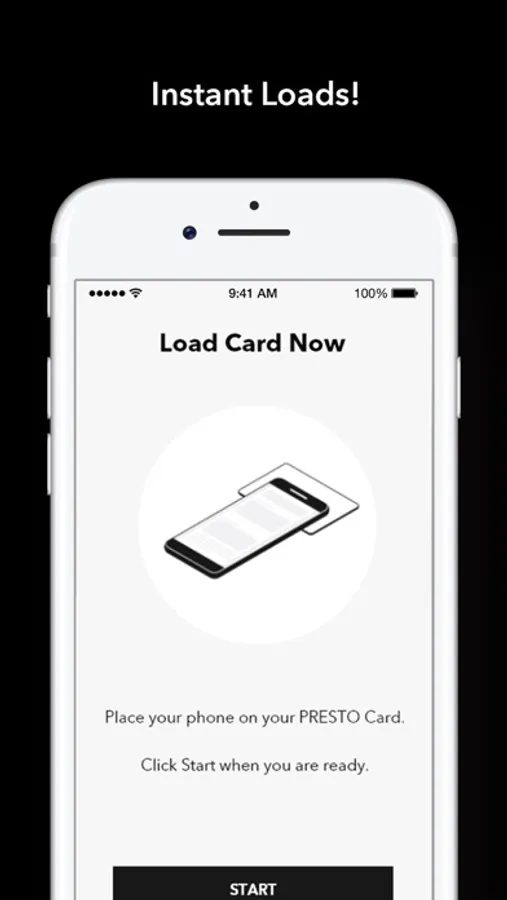
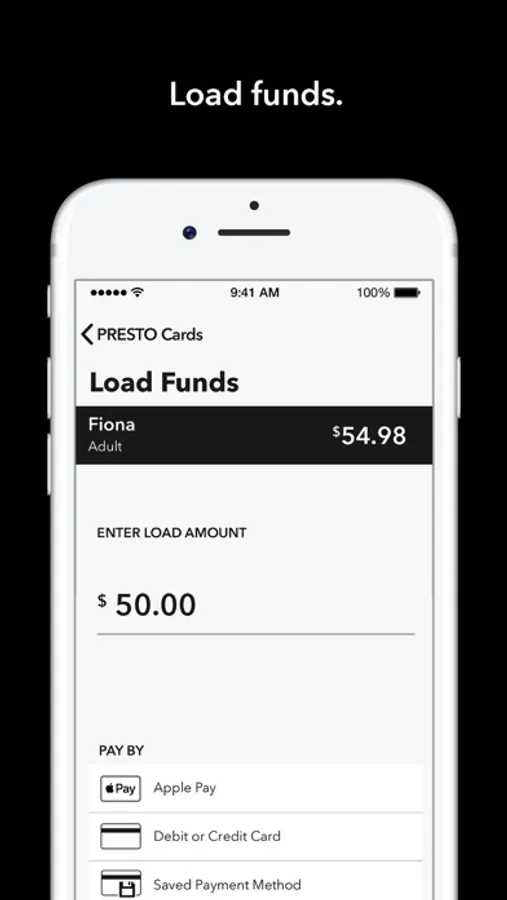
• Load funds instantly with NFC
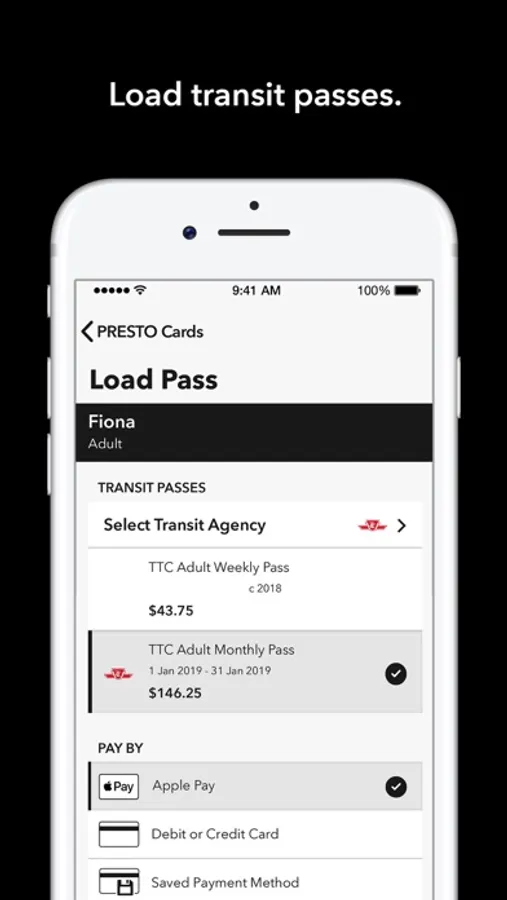
• Load transit passes instantly with NFC
• Pay with Apple Pay, debit/credit cards, or saved payment method
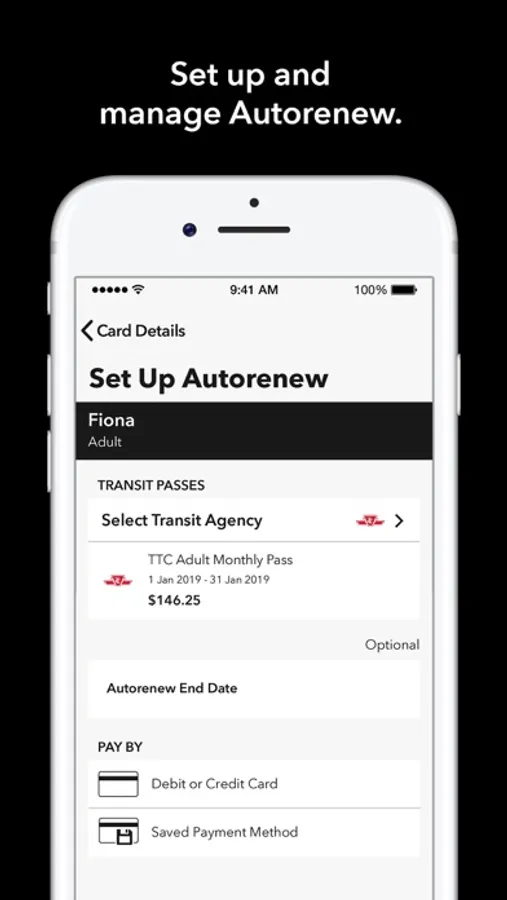
• Set up and manage Autoload and Autorenew
• Manage up to 10 PRESTO cards
• Check your PRESTO card balances
• View transaction history
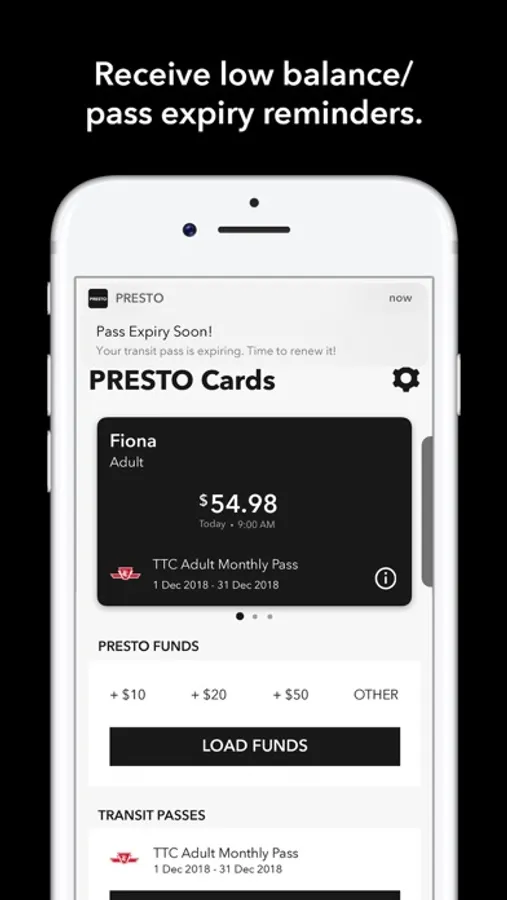
• Receive low balance/pass expiry reminders and email receipts for fare purchases
• Buy a PRESTO card and create a PRESTO account
• Display the time that your active transfers will expire with the check balance feature
• Set, modify or remove a default trip for GO Transit rail trips through the settings menu
PRESTO can be used on:
• Brampton Transit
• Burlington Transit
• Durham Region Transit (DRT)
• GO Transit
• Hamilton Street Railway (HSR)
• MiWay (Mississauga)
• Oakville Transit
• OC Transpo (Ottawa)
• TTC (Toronto)
• UP Express (Greater Toronto Area)
• York Region Transit/Viva (YRT/Viva)
For security reasons, the PRESTO app is not supported on jailbroken devices.
Use the PRESTO app for iPhone to:
• Convert a physical PRESTO card to PRESTO in Apple Wallet and tap your iPhone or Apple Watch to pay for transit (not available on OC Transpo)
• Load funds instantly with NFC
• Load transit passes instantly with NFC
• Pay with Apple Pay, debit/credit cards, or saved payment method
• Set up and manage Autoload and Autorenew
• Manage up to 10 PRESTO cards
• Check your PRESTO card balances
• View transaction history
• Receive low balance/pass expiry reminders and email receipts for fare purchases
• Buy a PRESTO card and create a PRESTO account
• Display the time that your active transfers will expire with the check balance feature
• Set, modify or remove a default trip for GO Transit rail trips through the settings menu
PRESTO can be used on:
• Brampton Transit
• Burlington Transit
• Durham Region Transit (DRT)
• GO Transit
• Hamilton Street Railway (HSR)
• MiWay (Mississauga)
• Oakville Transit
• OC Transpo (Ottawa)
• TTC (Toronto)
• UP Express (Greater Toronto Area)
• York Region Transit/Viva (YRT/Viva)
For security reasons, the PRESTO app is not supported on jailbroken devices.
PRESTO Screenshots
Tap to Rate:
Reviews for PRESTO
Jake on the Lake
Bad UX Design
Doesn't list my US state when creating my account
/PRS
zero stars
What a terrible, terrible system. Toronto should be embarrassed. No one we met there uses this; I wish we hadn’t either.