In this cross-stitch app, users can view, mark, and navigate interactive patterns with customizable tools. Includes pattern management features, stitching progress tracking, and material estimation tools.
AppRecs review analysis
AppRecs rating 4.6. Trustworthiness 82 out of 100. Review manipulation risk 22 out of 100. Based on a review sample analyzed.
★★★★☆
4.6
AppRecs Rating
Ratings breakdown
5 star
85%
4 star
4%
3 star
0%
2 star
2%
1 star
9%
What to know
✓
Low review manipulation risk
22% review manipulation risk
✓
Credible reviews
82% trustworthiness score from analyzed reviews
✓
High user satisfaction
85% of sampled ratings are 5 stars
About Cross Stitch Saga
The application produces an interactive cross-stitch pattern from source files:
• XSD — Pattern Maker v. 4
• XSP — XSPro Platinum
• PAT — PC Stitch v. 6-10
• OXS — MacStitch
• The interactive pattern format SAGA is being distributed by embroidery pattern designers and embroidery kit manufacturers.
The application opens up patterns of various sizes and complexity, which use: cross, half-cross, quarter-cross, petit, oblong, backstitch, longstitch, french knot, decorative stitches, beads.
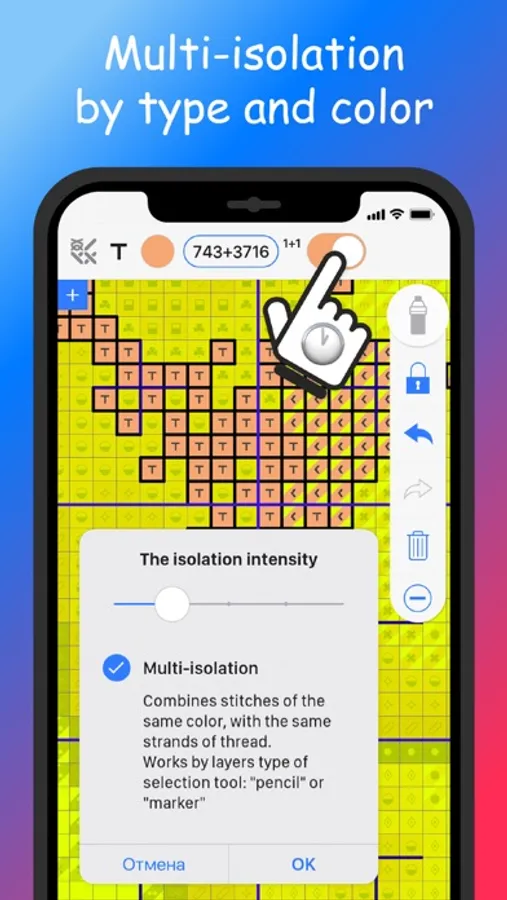
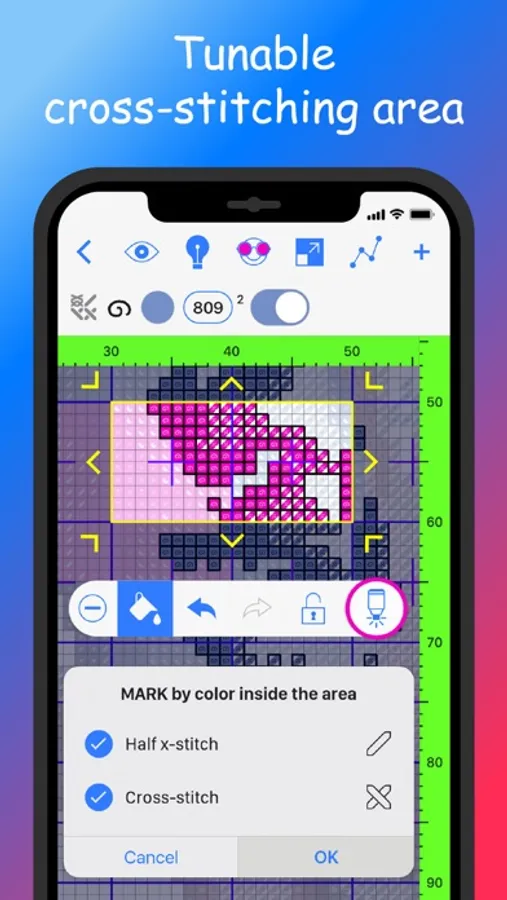
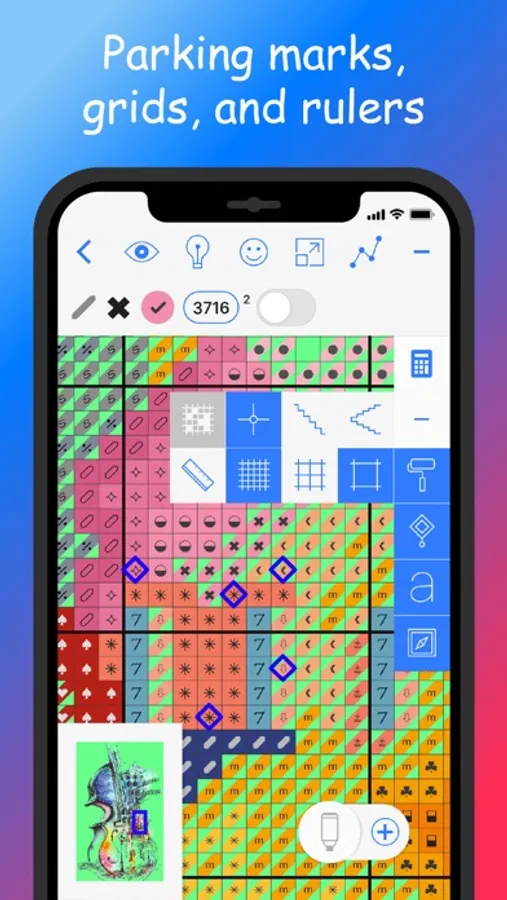
The application is suitable for various cross-stitching methods: "by colors", for all types of "parking", for complex patterns with backstitch, etc. To help the cross-stitcher: multi-isolation, link strands, mark mask, restricting areas, as well as jump automation between colors after marking.
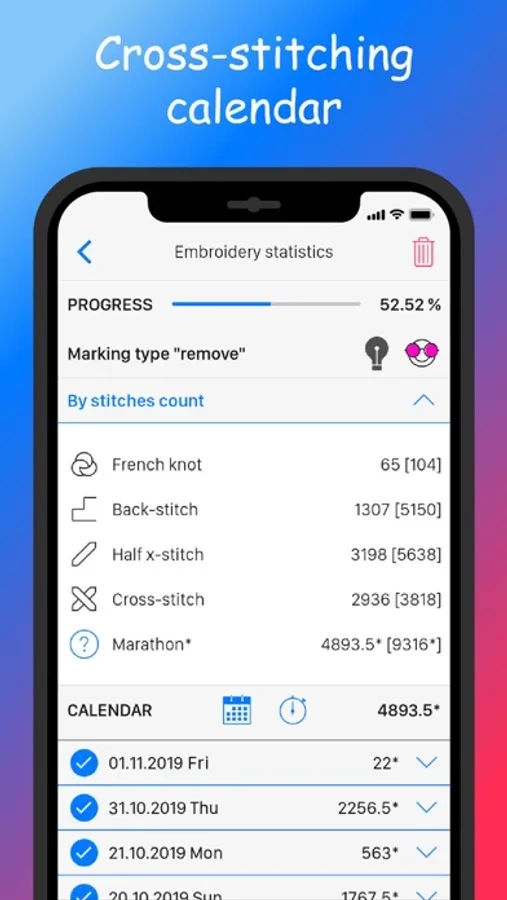
The application keeps a detailed calendar of cross-stitching, sprints timing and marking and goals for your pattern marks.
The application works in landscape and portrait orientation, supports Split View mode, dark and light interface themes.
The application has a user-friendly ergonomic interface with the ability to customize the location of toolbars and the visibility of buttons. To call up additional settings for any tool, long press its icon.
• Use the built-in calculator to estimate fabric, floss, and beads
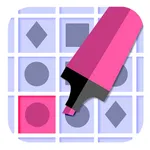
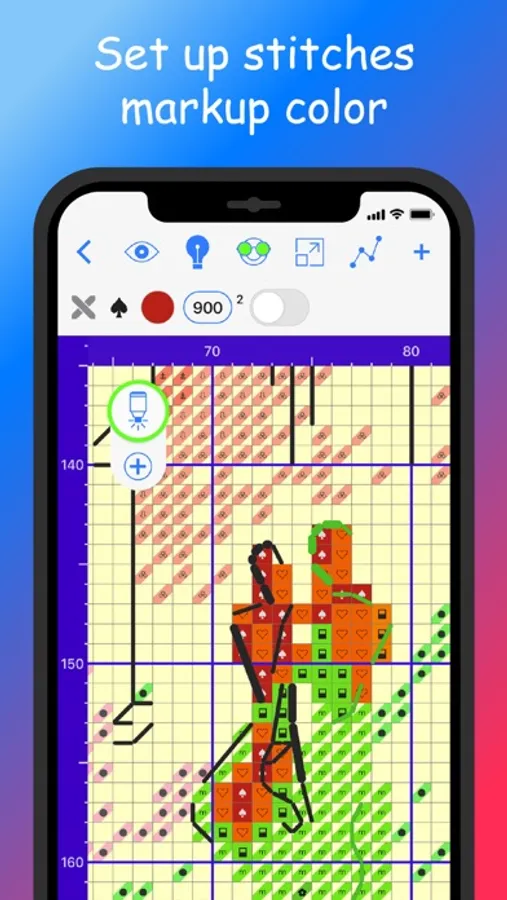
• Mark what is already stitched (color up or erase) in a convenient way
• Instantly navigate through the pattern, use gestures, scale without loss of quality
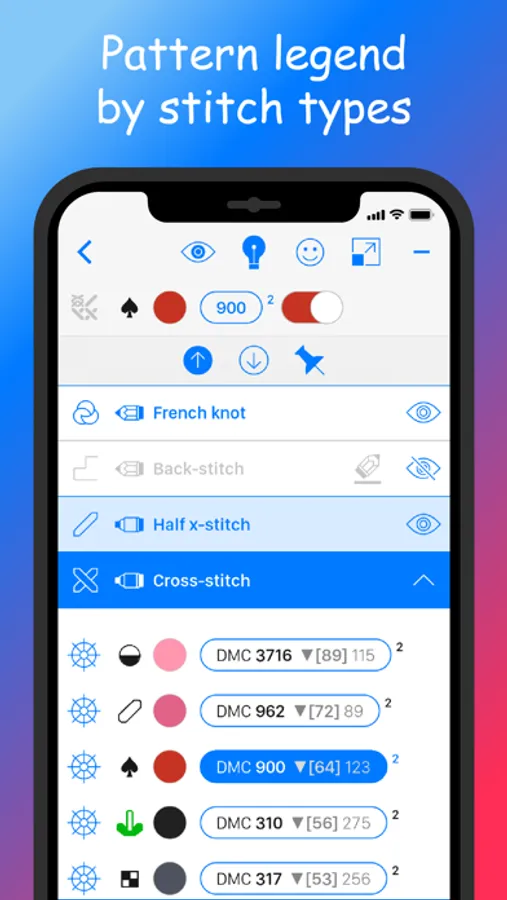
• Control the visibility of stitches on a pattern: highlight, isolate the necessary elements of the pattern, turn off the layers according to their types
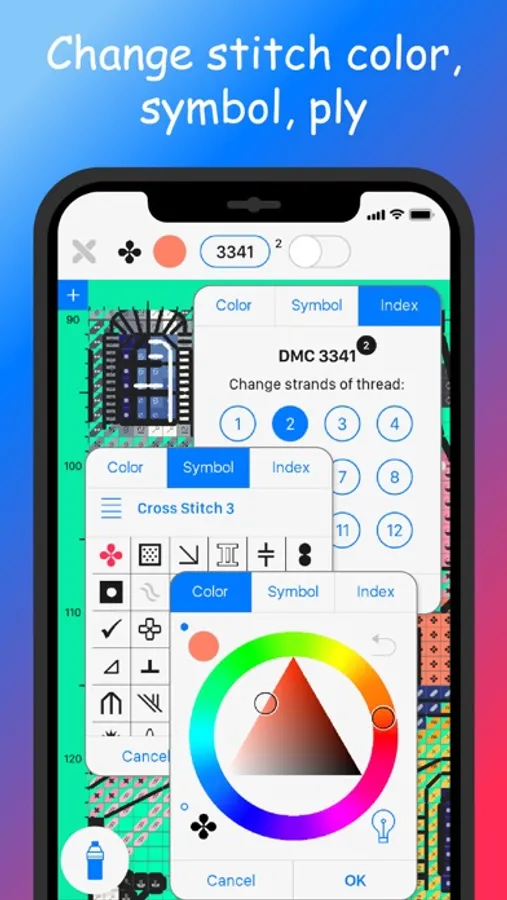
• Instantly get all the information about each pattern element (type, color, number of threads, blended floss content)
• Sort the floss in the pattern legend list, use the search by numbers
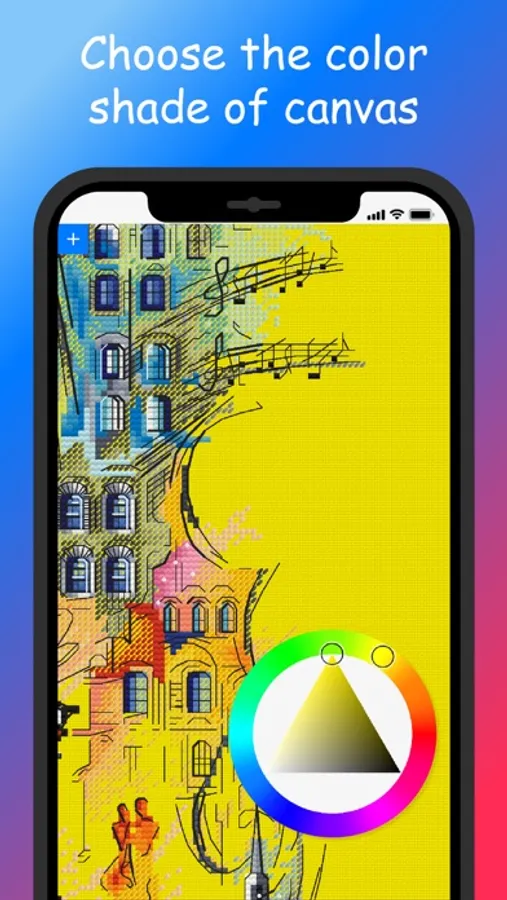
• Customize the appearance of the pattern — set any color of the symbols, stitch fill, grids, background, measurement rulers and guides, borders and background of the restricting cross-stitch area. Rotate or mirror the pattern
• Participate in cross-stitch competitions and marathons
• Save the progress of the pattern marks to the Cloud or to Files for storage or subsequent transfer of the stitching process to your other devices, share patterns via AirDrop
Interactive cross-stitch pattern — all control at your fingertips!
*The cross-stitch pattern on the screenshots illustrating the functionality of the application is not distributed with the application
Cross Stitch Saga Screenshots
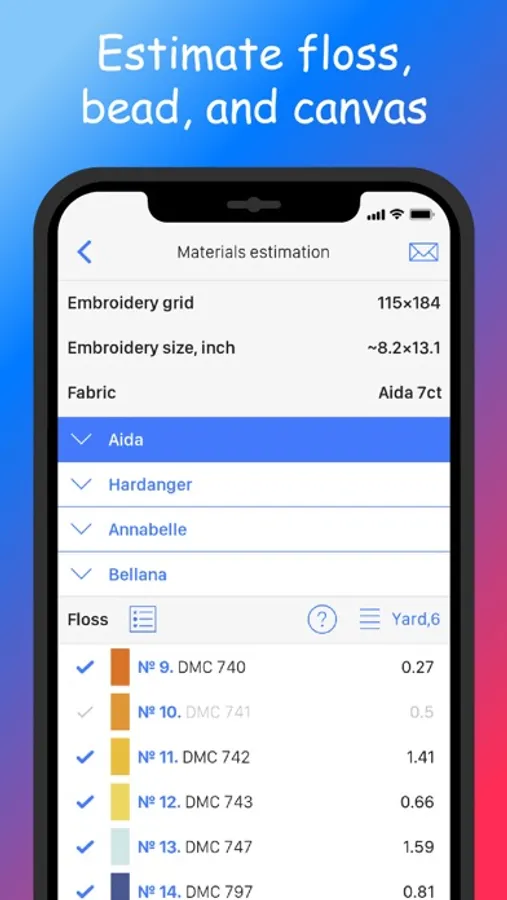
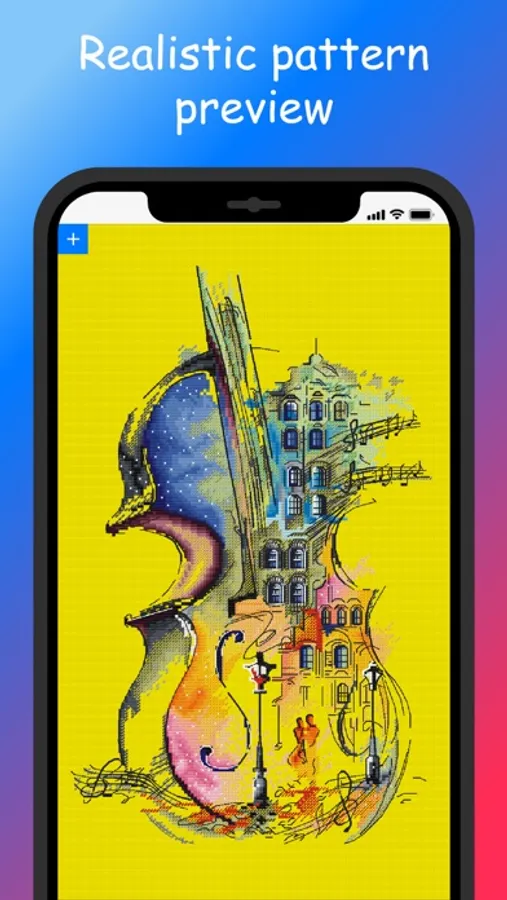
Tap to Rate:
Reviews for Cross Stitch Saga
isoph335
waste of time & money
if you buy patterns off etsy, don’t use this app. 99% of sellers don’t give you the file types this app offers because svg and pdf are standard. converting them to the files this app requires is impossible. don’t waste 14$ on an app that is very specific on what it requires (which is files you can’t convert) update: and when you give a review they get rude. definitely don’t waste your money, use a better app than this one with nicer developers! :)
KittyMom04
An extraordinarily well designed app
I got this app because I love stitching Owl Forest designs which aren’t fully compatible with the other markup apps and this app is designed for use with SAGA files. It’s a brilliant app that makes following a pattern so much easier and more enjoyable. It’s elegant and easy to use at its basic level and there are loads of customization options to make following the pattern easier for one’s individual style. Probably the most challenging aspect of it is just getting a handle on all the options. Documentation is good, although the descriptions of the different tools and their options are so succinct that I found it hard to keep track of everything. There are links to video tutorials, but they too are short and with no verbal explanation so they can be difficult to follow. Read the developer’s description thoroughly before purchasing. This app does NOT support the importing of PDF’s — you must have one of the file formats she notes in the description. This is not an app for designing — it is a markup and tracking app to make the stitching process simpler and that it does better than any other markup app for either iOS or Android.