
AppRecs review analysis
AppRecs rating 4.5. Trustworthiness 81 out of 100. Review manipulation risk 22 out of 100. Based on a review sample analyzed.
★★★★☆
4.5
AppRecs Rating
Ratings breakdown
5 star
79%
4 star
6%
3 star
6%
2 star
0%
1 star
9%
What to know
✓
Low review manipulation risk
22% review manipulation risk
✓
Credible reviews
81% trustworthiness score from analyzed reviews
✓
High user satisfaction
85% of sampled ratings are 4+ stars (4.5★ average)
About Esri Support
With the Esri Support app you can:
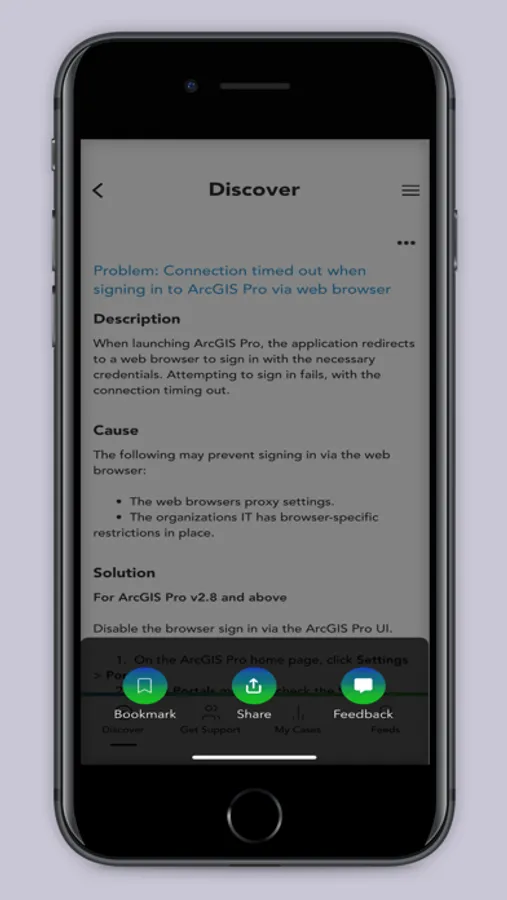
1. Find answers to your questions and solutions to technical issues using our generative AI chatbot.
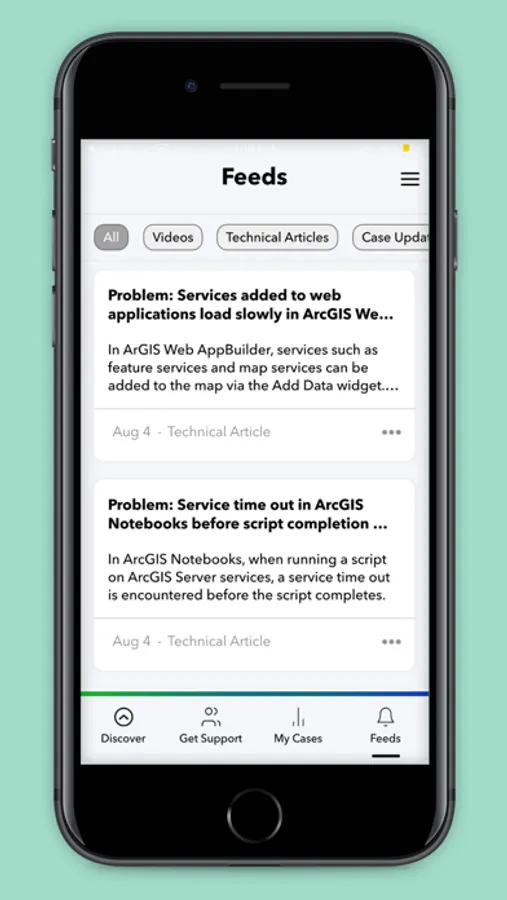
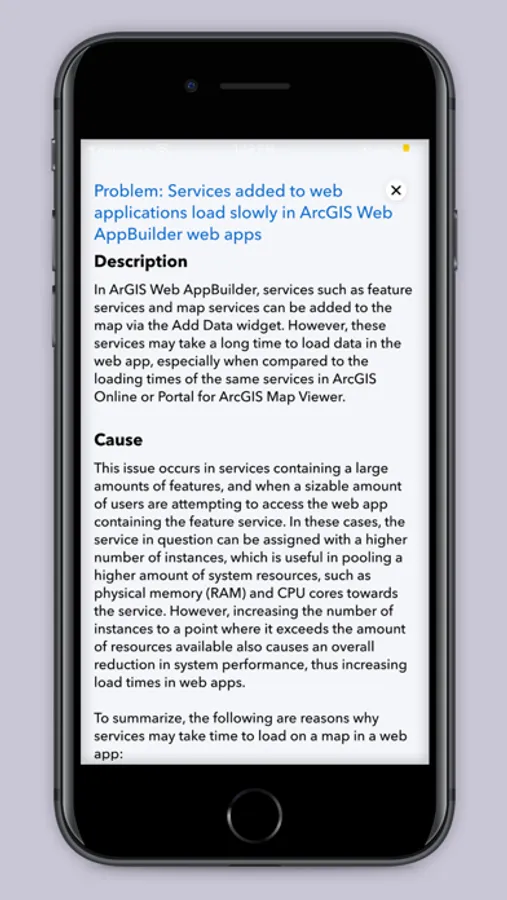
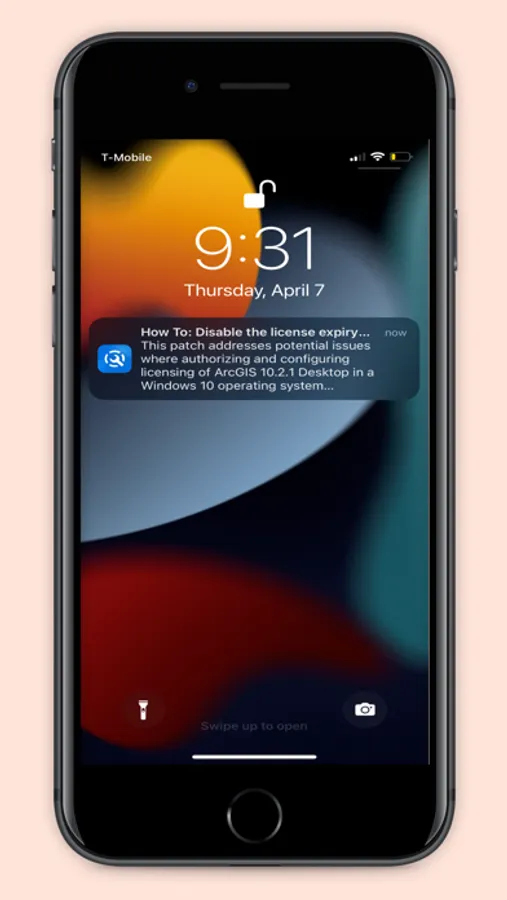
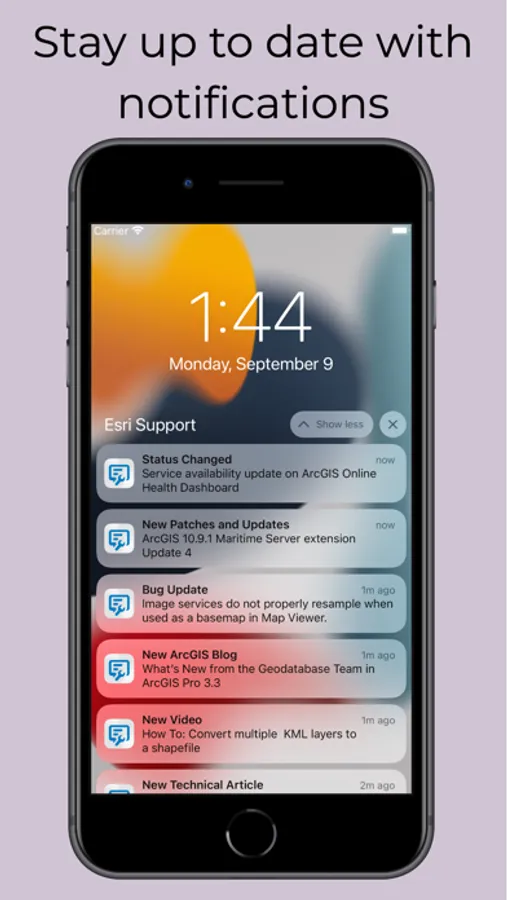
2. Get notified instantly about new technical articles, videos, patches, bug status updates, case updates, ArcGIS Blogs, and more.
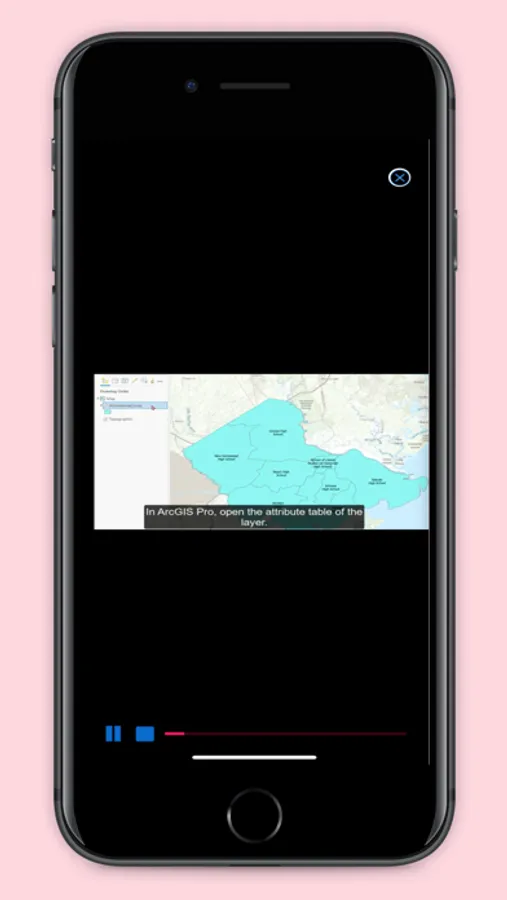
3. Explore video tutorials for Esri technologies.
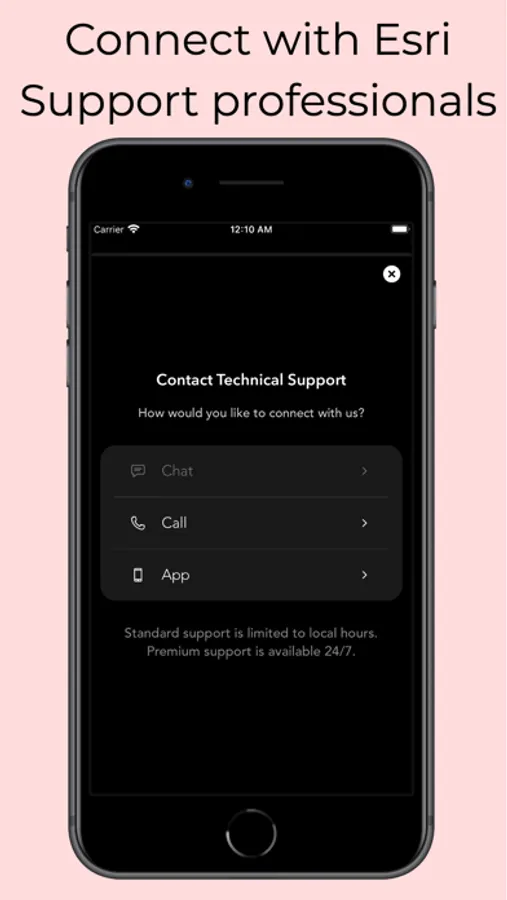
4. Contact Esri Support by phone, chat, or case submission form.
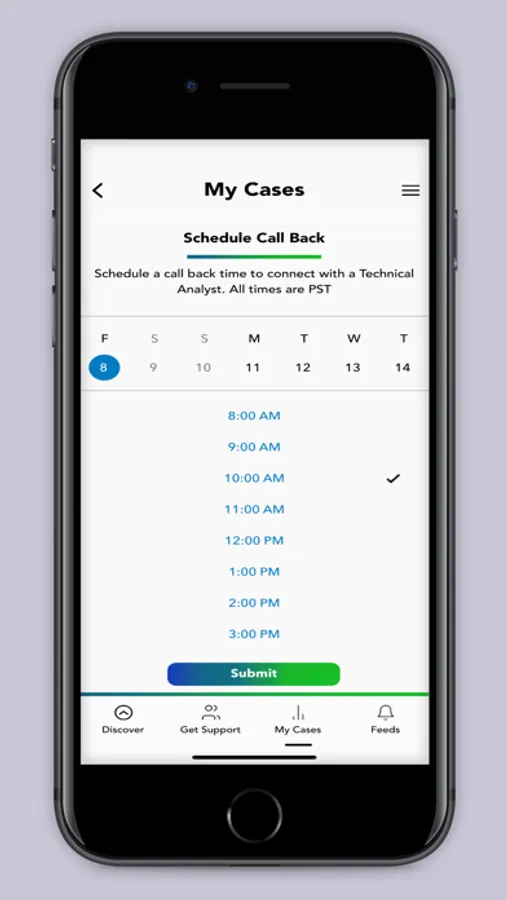
5. Request a call back to get help on your schedule.
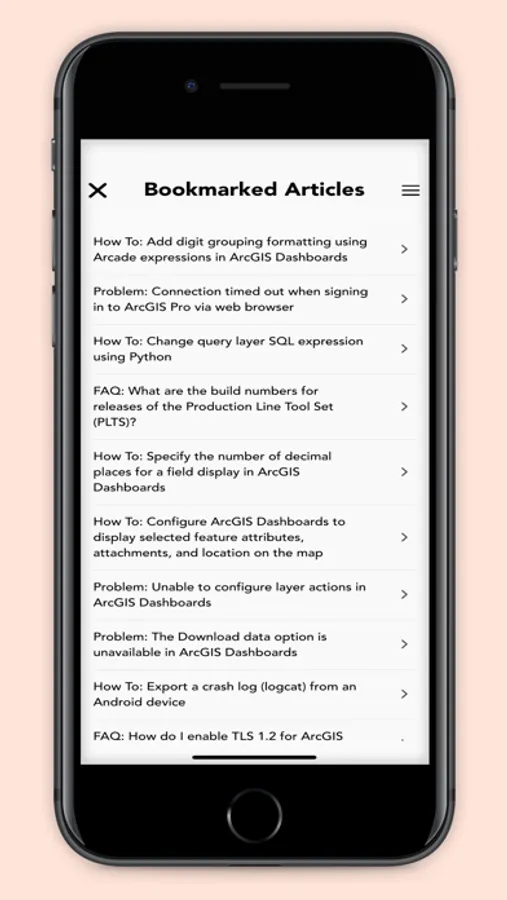
6. Manage your support cases, bugs, and enhancements.
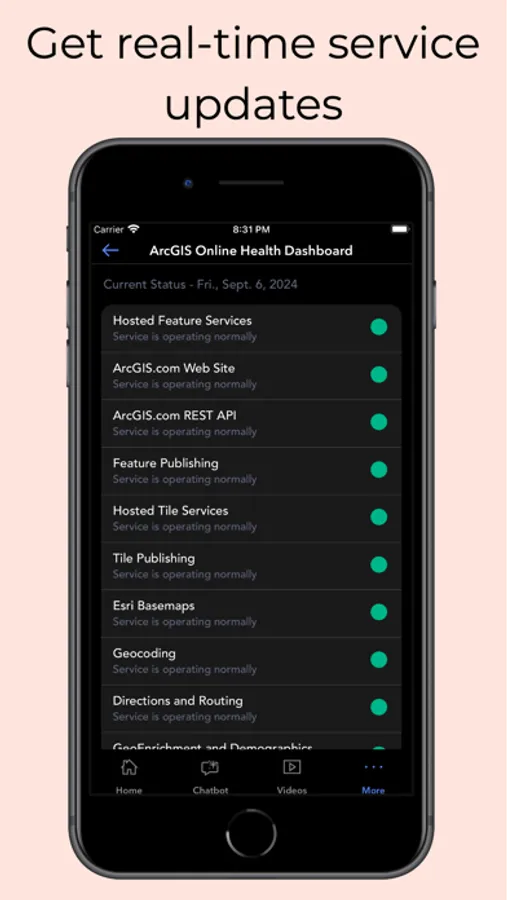
7. Check the status of ArcGIS Online services with the ArcGIS Online Dashboard and get notified when a service is interrupted.
8. Subscribe to bugs and receive notifications whenever new information becomes available.
Esri Support Screenshots
Tap to Rate:
Reviews for Esri Support
No Org Support
No Organizational Account Support
Looks very helpful but for 100,000’s of people like me, it’s useless because we can’t login with our org account.
ageber01
Allow anyone to track bugs
Great app but I would like the ability to track bugs without needing to be connected to an organization. I don’t understand why I need to be connected to an organization to track bugs.