AppRecs review analysis
AppRecs rating 2.3. Trustworthiness 72 out of 100. Review manipulation risk 23 out of 100. Based on a review sample analyzed.
★★☆☆☆
2.3
AppRecs Rating
Ratings breakdown
5 star
0%
4 star
14%
3 star
43%
2 star
0%
1 star
43%
What to know
✓
Low review manipulation risk
23% review manipulation risk
✓
Credible reviews
72% trustworthiness score from analyzed reviews
⚠
Mixed user feedback
Average 2.3★ rating suggests room for improvement
About AuraHDR Camera
It can deliver fantastic images on any iOS device camera from the oldest to the latest iPhones and iPad
What makes AuraHDR different?
1. SUPERB HDR CAMERA
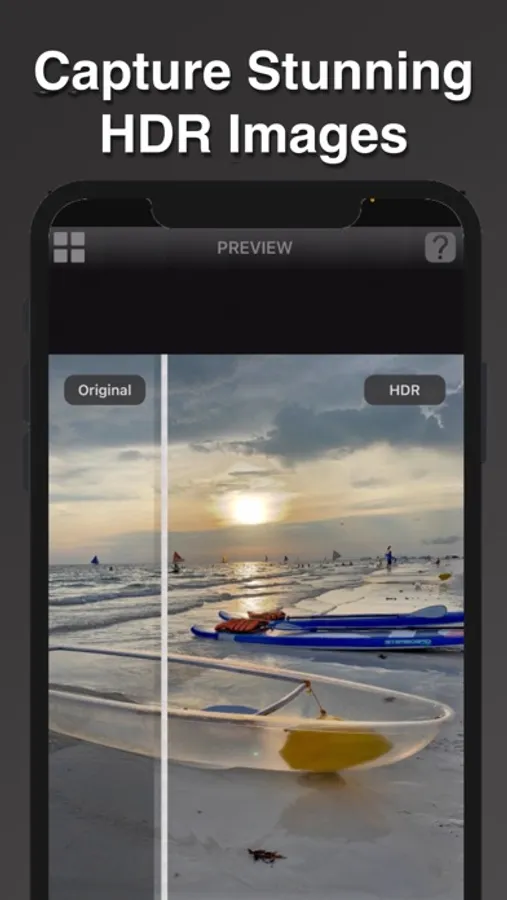
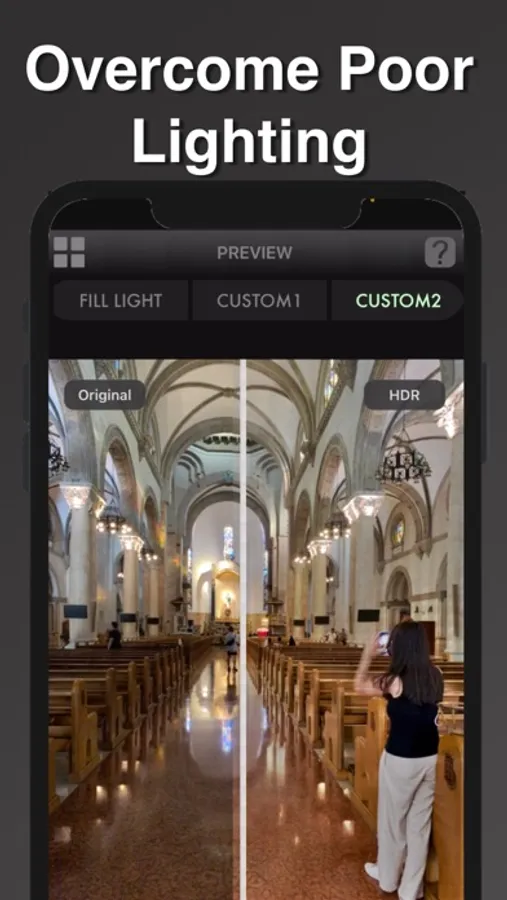
• Our proprietary AuraEngine tone mapping recovers detail in challenging lighting conditions.
• AuraHDR auto-analyses the scene and applies the right tone-mapping automatically.
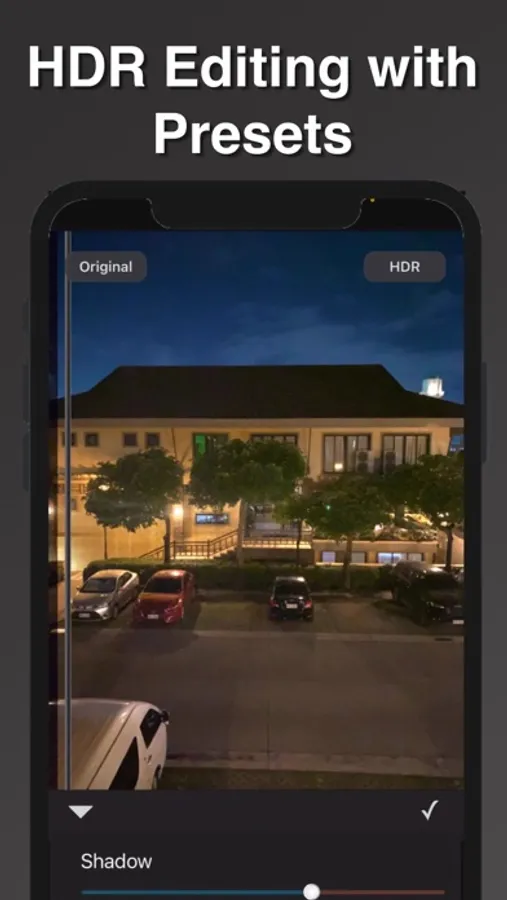
• Unlike other HDR apps, AuraHDR allows you to edit the HDR results with built-in tone sliders.
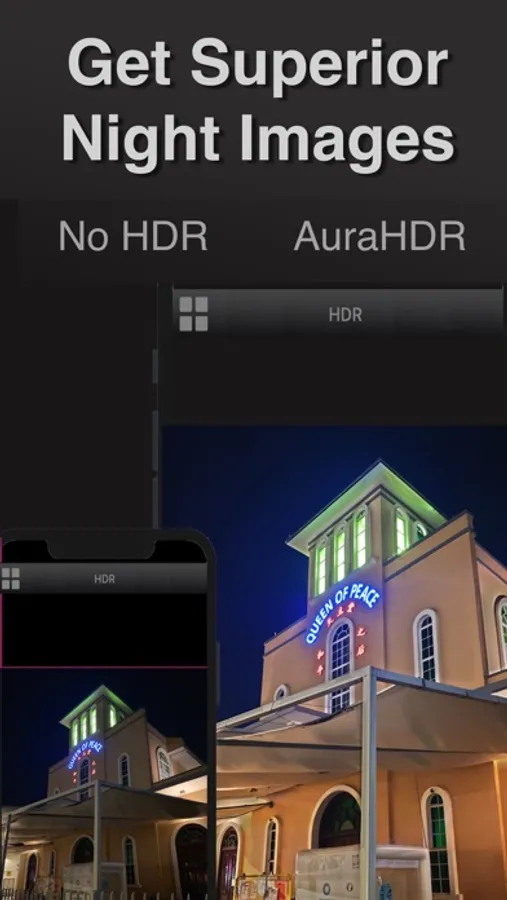
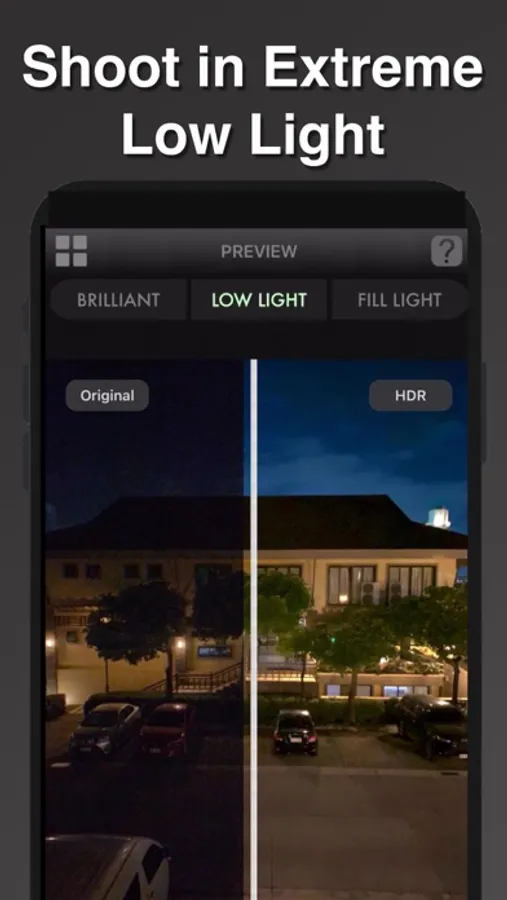
• With the Low Light preset, get Night Mode-like capability to get clean night shots in dark conditions.
2 POWERFUL FOCUS STACKING CAMERA
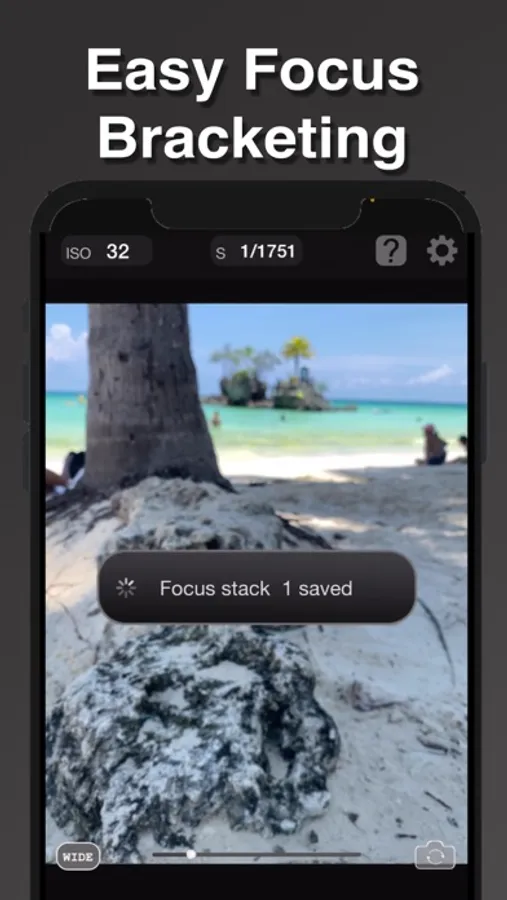
• With AuraHDR 9 now you can capture super sharp close-up shots instantly with our all new focus stacking camera.
• Perfect for product and food photography!
• Simply tap the nearest point to be in focus and take the shot.
• To avoid camera shake a tripod is required.
• The initial bracket and focus stacked shot will be saved into the camera roll.
• Note that this is designed to work with the iPhone's main camera
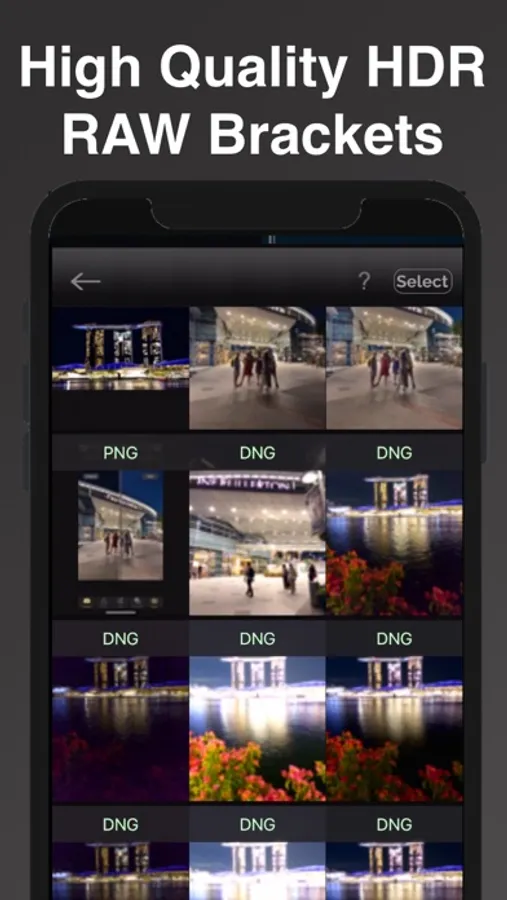
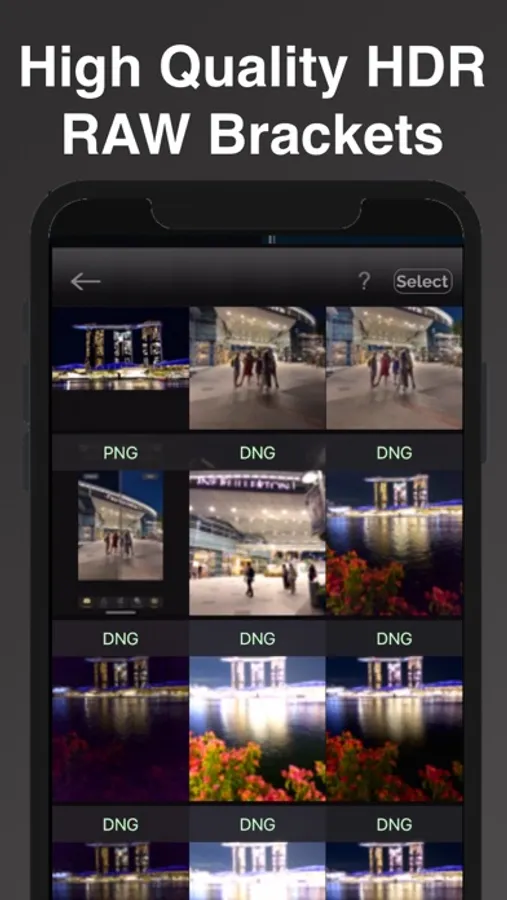
3. RAW EXPOSURE BRACKETING FOR HDR
• Capture RAW/JPEG bracket exposures that can be imported to any HDR editor
for the ultimate in image quality
• Shoot High Quality in Low Light. This special mode allows for capturing the cleanest brackets with the lowest ISO to ensure only the highest quality results. A tripod is recommended for this mode.
• Change the bracketing configuration (i.e.) number of brackets and bracket increment.
• Now supports from 1-5 brackets for maximum choice
4. FOCUS BRACKETING (TWO MODES)
AuraHDR has two modes of focus bracketing for maximum flexibility and performance
a. FOCUS BRACKETING (AUTO)
• Simply choose the nearest point to be in focus and take the shot.
• Up to 100 brackets are supported. You can also change the bracket increment.
b. FOCUS BRACKETING (MANUAL)
With manual focus bracketing mode, instead of selecting an initial focus point, you
simply you simply tap the various points to be in focus.
Import your brackets to professional focus stacking apps like Affinity Photo or Luminar Neo for
edge-to-edge sharpness
5. LONG EXPOSURE SHOOTING
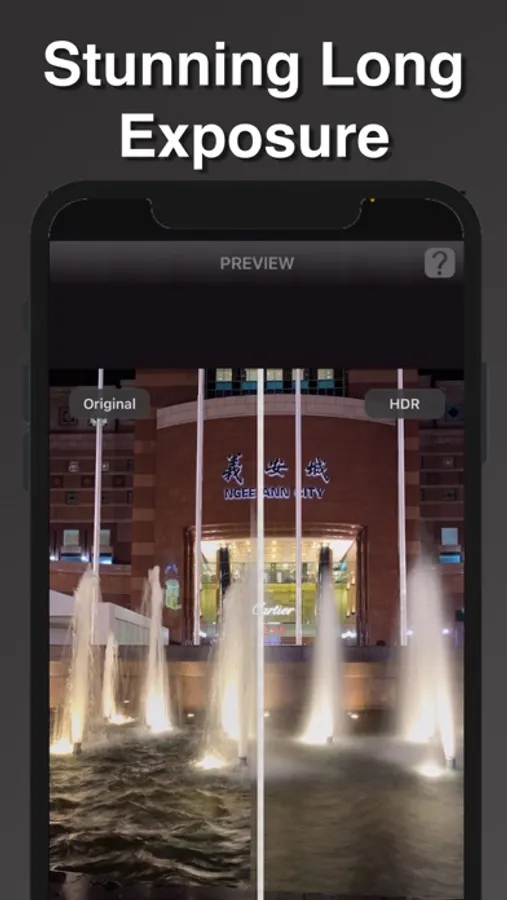
• Easily capture dreamy long exposure shots easily. Great for flowing water or moving lights.
• With 8.0, now you can adjust the duration for different effects
6. MOON SHOOTING
• With the new Moon Shooting Mode, you can easily capture the glorious details of the moon.
• Simply zoom in and shoot.
• 4 Exposure will be automatically saved.
Visit our Youtube page to accesss the ever increasing list of tutorials on how to use all the features of AuraHDR and how to merge HDR and focus brackets
AuraHDR Camera Screenshots

Tap to Rate:
Reviews for AuraHDR Camera
gotalia21
Not operational do not buy
I purchased the unlock features and nothing happened. No features were activated. No way to reach company
wisailer
App crashes when capture button clicked
I recently downloaded and purchased AuraHDR and as soon as I click the capture button for any of the HDR modes and long exposure mode - the app shuts down. It DOES work for focus modes. I rebooted the phone - same result. iPhone 16 Pro Max, iOS 18.0.0. AuraHDR 8.0.1 purchased 10/4. UPDATE: November 2024. 8.0.2 resolved the crashing issue. Upgrading rating to 4. Why not 5 star? Remote Bluetooth shutter button does not activate shutter, only changes volume UPDATE: December 2024. App takes nice brackets that I import into Neo or Lightroom - however - when I take a 2nd shot, the app freezes with “High Quality Raw Bracket. Tripod is Advised”. The only way out is to close out the app and restart- which is a cumbersome workaround. Downgrading to 3 star.