Geo-AR
SPRING KNOWLEDGE GLOBAL JOINT STOCK COMPANY
3.0 ★
1 ratings
Free
AppRecs review analysis
AppRecs rating 3.0. Trustworthiness 65 out of 100. Review manipulation risk 22 out of 100. Based on a review sample analyzed.
★★★☆☆
3.0
AppRecs Rating
Ratings breakdown
5 star
0%
4 star
0%
3 star
100%
2 star
0%
1 star
0%
What to know
✓
Low review manipulation risk
22% review manipulation risk
About Geo-AR
• 3D Geometry is hard to approach at the beginning
• A 3D shape on paper is very hard to understand how it looks like in real
Geo-AR is here to help
• With Geo-AR, 3D Geometry is not a nightmare anymore
• Learn 3D geometry will be easier and interesting
What is Geo-AR
• Geo-AR is a tool to help you learn 3D Geometry in a better way
• By using Augmented Reality technology, Now your 3D shape will be put in the real world
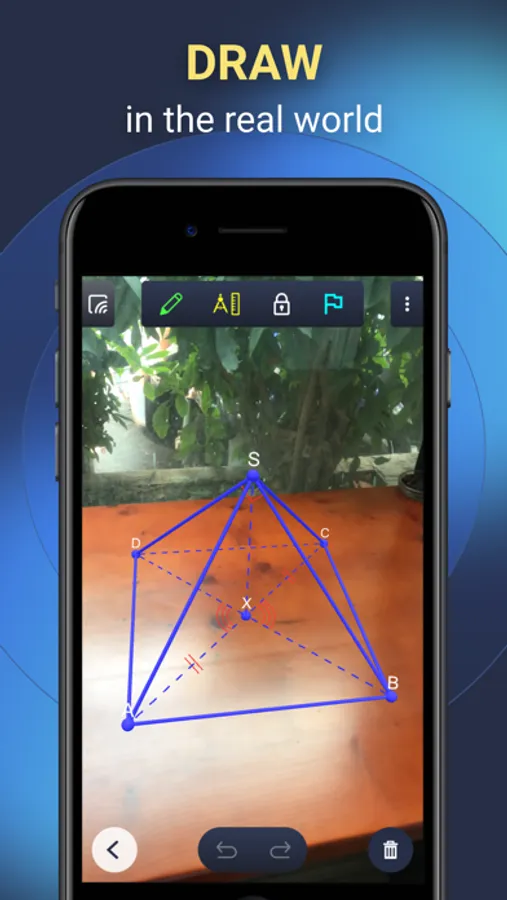
• Put your model on the table then see all of its aspects
What can Geo-AR do
• Create points and connect them together
• Auto recognize hidden line and draw it as a dashed line
• Create a relationship such as perpendicular, parallel, equality, ...
• Add a sign to the line or angle to mark them as equality pair
• Move, scale, rotate the model to see all of its aspect (or just walk around it)
• Share your view with others to let them see your action on your model in real time
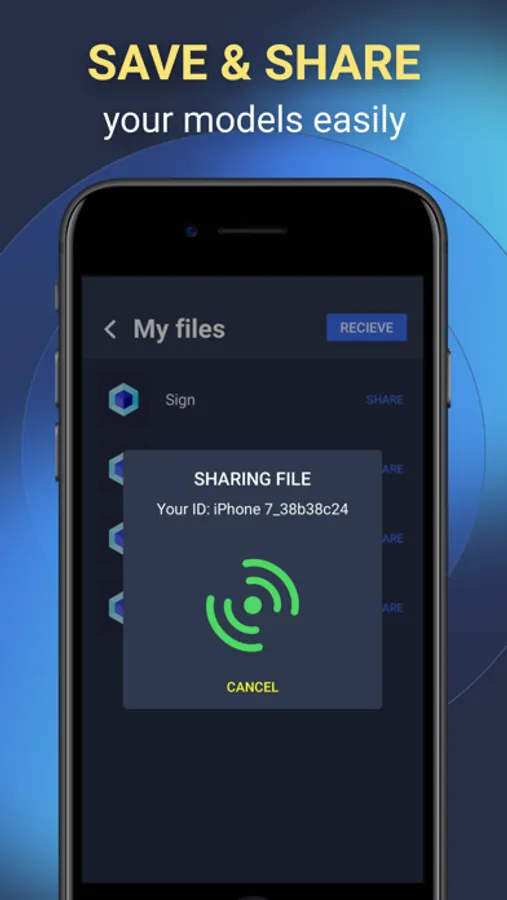
• Save and share your model with others
Geo-AR Screenshots


Tap to Rate:
Reviews for Geo-AR
Schmooj
Most versatile app out there, but that’s not saying much...
The app has quite a few nice features, and allows for a tremendous amount of customization and detailed figures, however, the inability to define planes in which a particular angle exists, or planes of any kind, makes construction of irregular figures nearly impossible. The user interface is incredibly unintuitive and lacks basic features like the ability to construct a pre-defines figure, I.e. cube pyramids, even things like squares, pentagons, etc. it does have some very nice features, like the ability to save constructions and access them later without reconstruction, something no other app I’ve looked at offers. All in all, this app has tremendous potential, but it simply lacks some very basic features that any construction of 3D figures require.