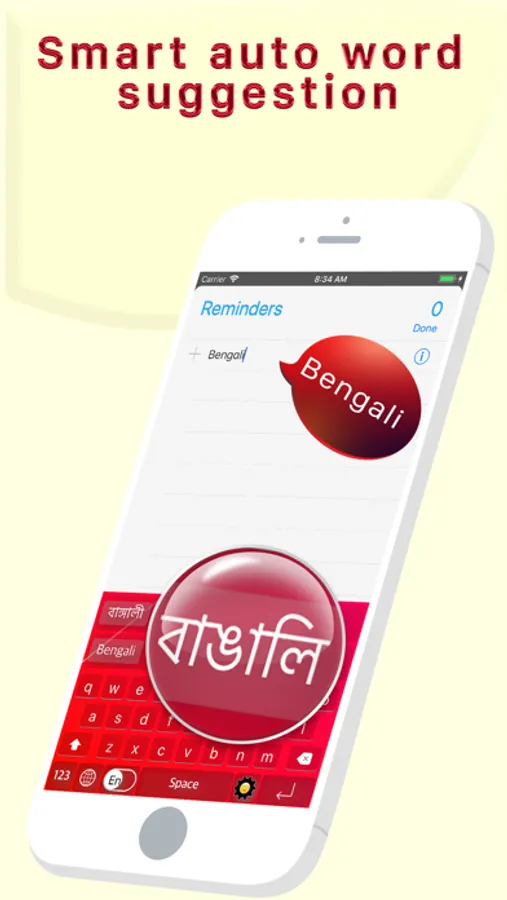
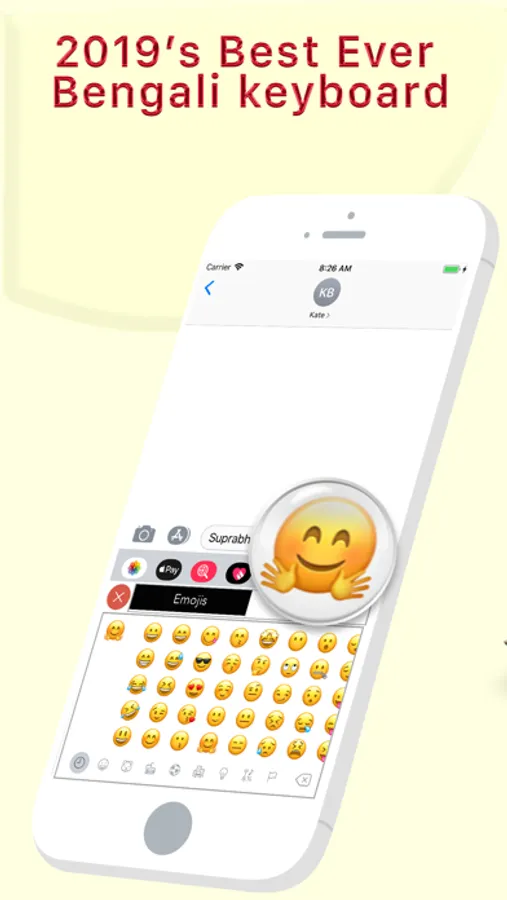
With this keyboard app, you can type in Bangla using letter suggestions and offline translation features. Includes offline letter suggestions and instant Bangla translations.
AppRecs review analysis
AppRecs rating 4.4. Trustworthiness 73 out of 100. Review manipulation risk 34 out of 100. Based on a review sample analyzed.
★★★★☆
4.4
AppRecs Rating
Ratings breakdown
5 star
77%
4 star
8%
3 star
5%
2 star
4%
1 star
7%
What to know
✓
Credible reviews
73% trustworthiness score from analyzed reviews
✓
High user satisfaction
85% of sampled ratings are 4+ stars (4.4★ average)
✓
Authentic reviews
Natural distribution, no red flags
About Best Bengali Keyboard
--------------------------------------------
START USING BANGLA EVERYWHERE
-------------------------------------------
◉ Best Bangla Keyboard Ever for Bangla Speaking Peoples
◉ Type the English word, Get the Bangla Meaning Instantly Offline
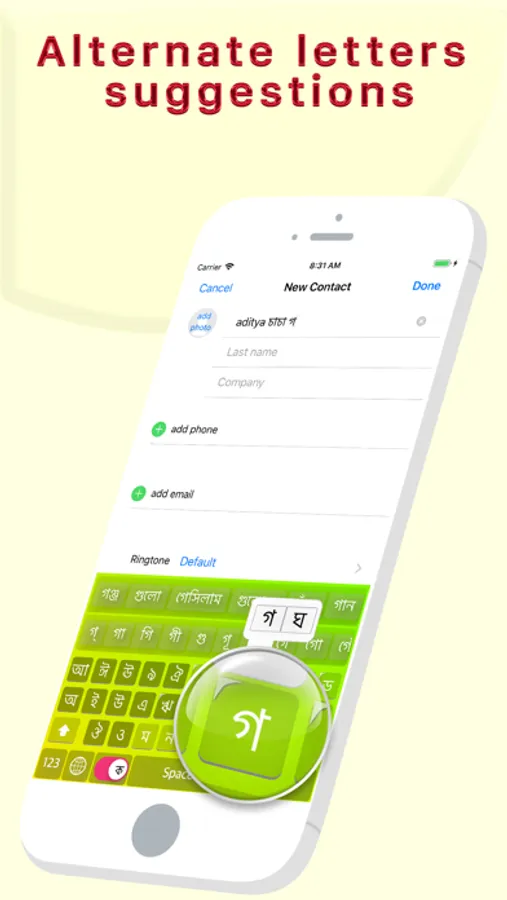
◉ Easy Letter Suggestions - Offline
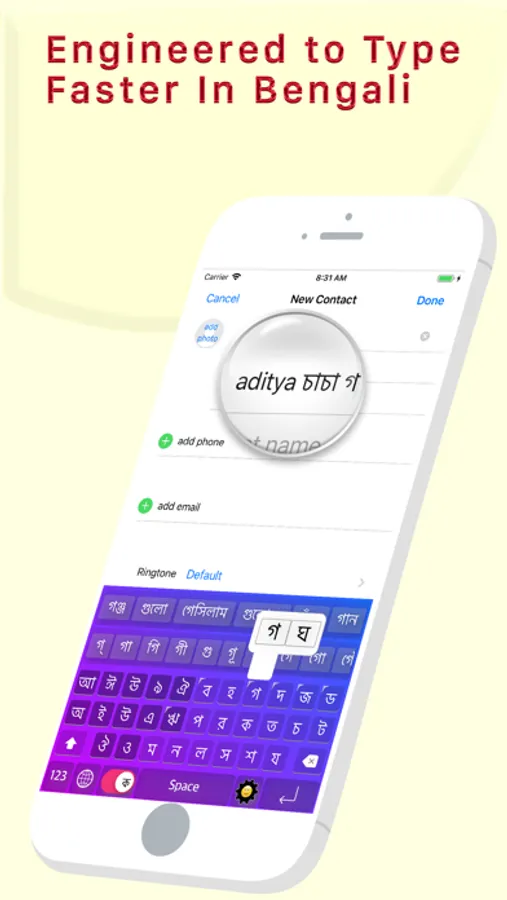
◉ 50% More Faster than normal keyboards
◉ Easily differentiate the Letters
◉ Get suggestions for the letters
◉ Help Grow Bangla Community
◉ Please Support Development By sharing with others
--------------------------------------------
HOW TO INSTALL BEST BANGLA KEYBOARD
-------------------------------------------
Once you downloaded the app from Appstore.
Step 1: Go to iPhone settings.
Step 2: Find General And Click on it.
Step 3:Scroll Down to bottom and see Keyboard option, Click on it.
Step 4: Click on the Keyboards Row.
Step 5: Scroll Down the bottom of the screen and find "Add New Keyboard" Option and tap on it.
Step 6: Scroll down and find the BEST BANGLA Keyboard Option And tap on it, That's it you are done.
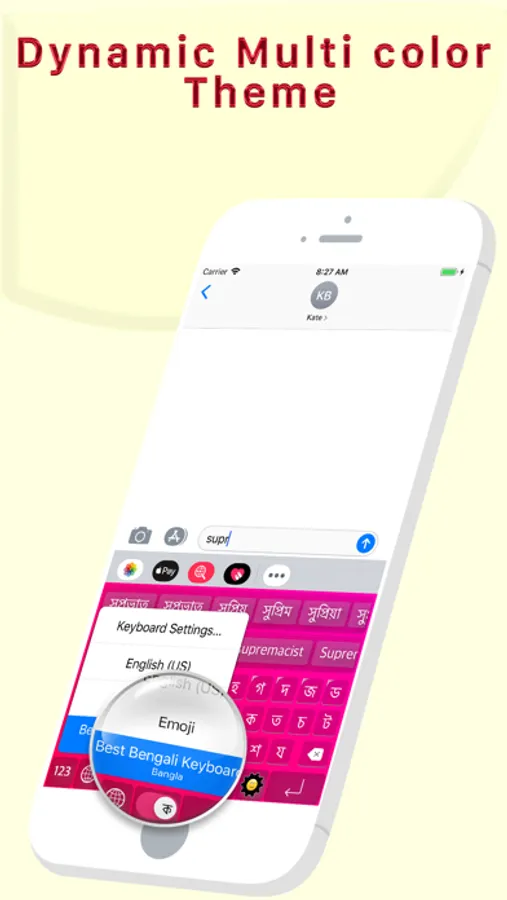
Now finally open any of the WhatsApp, Facebook, Email, Notes, Twitter, SMS app, and long press the Globe icon from the default keyboard, now choose the BEST BANGLA Keyboard Option.
And Start Typing In BANGLA.
START USING BANGLA EVERYWHERE
-------------------------------------------
◉ Best Bangla Keyboard Ever for Bangla Speaking Peoples
◉ Type the English word, Get the Bangla Meaning Instantly Offline
◉ Easy Letter Suggestions - Offline
◉ 50% More Faster than normal keyboards
◉ Easily differentiate the Letters
◉ Get suggestions for the letters
◉ Help Grow Bangla Community
◉ Please Support Development By sharing with others
--------------------------------------------
HOW TO INSTALL BEST BANGLA KEYBOARD
-------------------------------------------
Once you downloaded the app from Appstore.
Step 1: Go to iPhone settings.
Step 2: Find General And Click on it.
Step 3:Scroll Down to bottom and see Keyboard option, Click on it.
Step 4: Click on the Keyboards Row.
Step 5: Scroll Down the bottom of the screen and find "Add New Keyboard" Option and tap on it.
Step 6: Scroll down and find the BEST BANGLA Keyboard Option And tap on it, That's it you are done.
Now finally open any of the WhatsApp, Facebook, Email, Notes, Twitter, SMS app, and long press the Globe icon from the default keyboard, now choose the BEST BANGLA Keyboard Option.
And Start Typing In BANGLA.
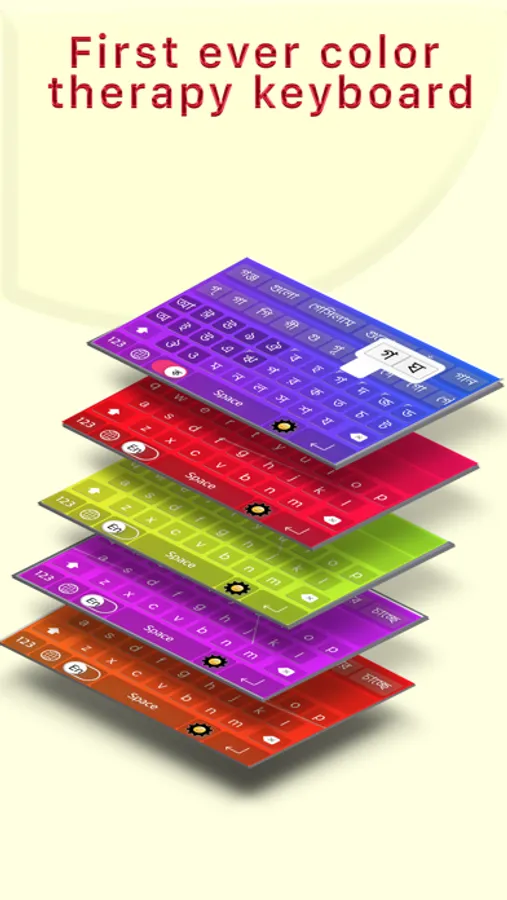
Best Bengali Keyboard Screenshots
Tap to Rate:
Reviews for Best Bengali Keyboard
Hasnatnyc2020
keyboard bangla
awesome keyboard
উথম
অ
লজম৮৯০