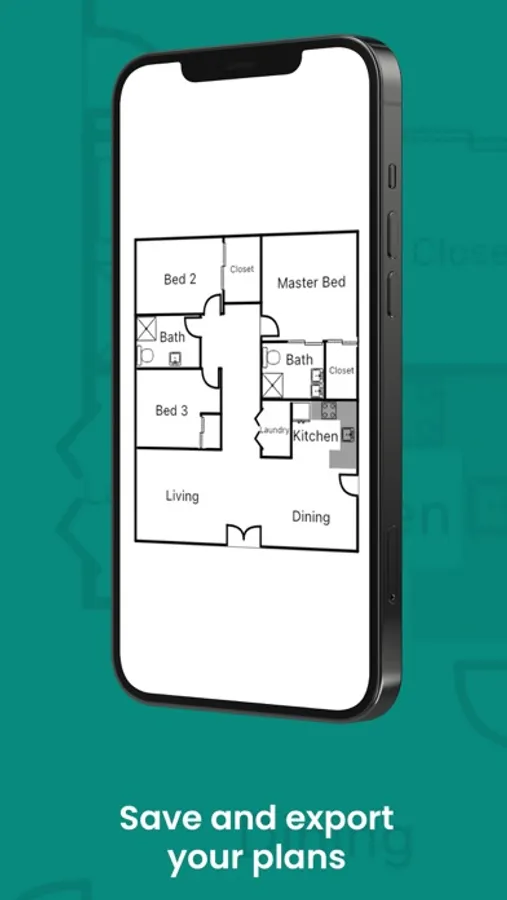
In this design app, you can sketch floor plans with touch controls and add objects or labels to communicate details. Includes tools for managing multiple projects and exporting high-resolution images.
AppRecs review analysis
AppRecs rating 3.0. Trustworthiness 76 out of 100. Review manipulation risk 30 out of 100. Based on a review sample analyzed.
★★★☆☆
3.0
AppRecs Rating
Ratings breakdown
5 star
52%
4 star
7%
3 star
6%
2 star
6%
1 star
29%
What to know
✓
Low review manipulation risk
30% review manipulation risk
⚠
Pricing complaints
Many low ratings mention paywalls or pricing
⚠
High negative review ratio
35% of sampled ratings are 1–2 stars
About DrawPlan
Key Features
Draw your way
Sketch freely with your finger for quick layouts
Or draw precise, to-scale plans with automatic dimensions
AI-assisted drawing
Describe what you want to draw
Let AI help you plan, layout, and learn faster
Objects & details
Add doors, windows, furniture, fixtures, labels, and dimensions
Create and save your own custom objects
Trace and refine
Import images or plans
Trace or draw directly over backgrounds
Built for real work
Perfect for trades, designers, real estate, renovations, and planning
Create clean plans you can actually communicate with
Unlimited projects
Create and manage as many plans as you need
Access your plans across devices with cloud sync
Premium Features
Upgrade to Monthly or Yearly to unlock:
Cloud sync across all your devices
High-resolution exports (PNG/PDF)
Clean exports without grids or watermarks
Priority support and early access to new features
Try it for Free!
Subscription Notes:
Payment will be charged to your Apple ID account after the free trial ends. Subscriptions automatically renew unless canceled at least 24 hours before the end of the current period. You can manage or cancel your subscription anytime in your App Store account settings.
Privacy policy: https://www.drawplan.net/privacy-policy/
Terms of use: https://www.drawplan.net/terms-of-use/
DrawPlan Screenshots
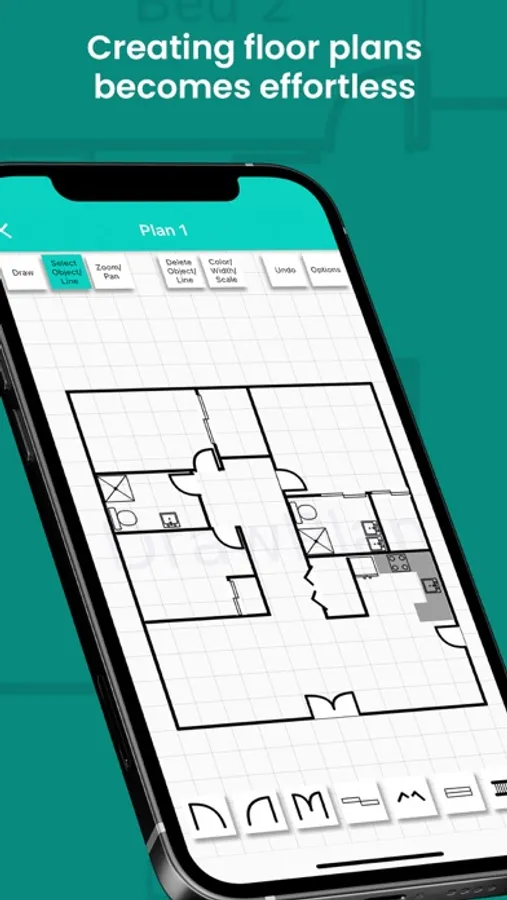
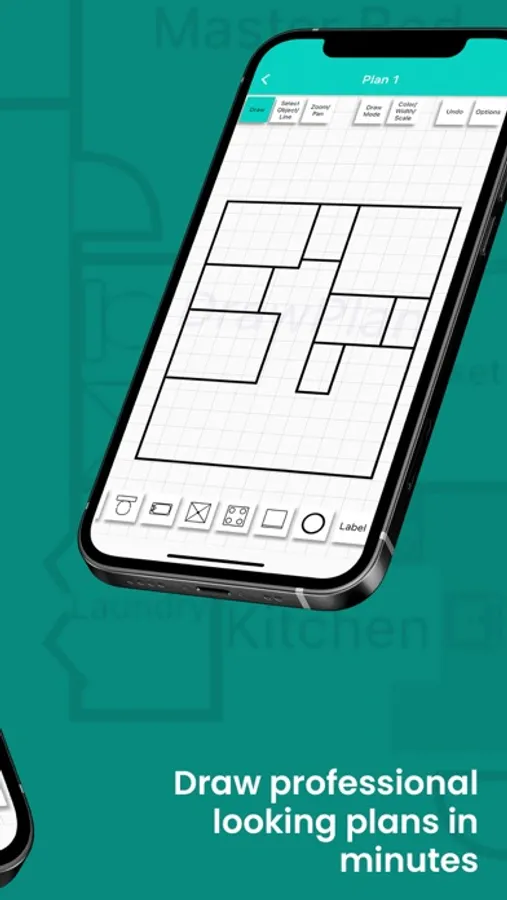
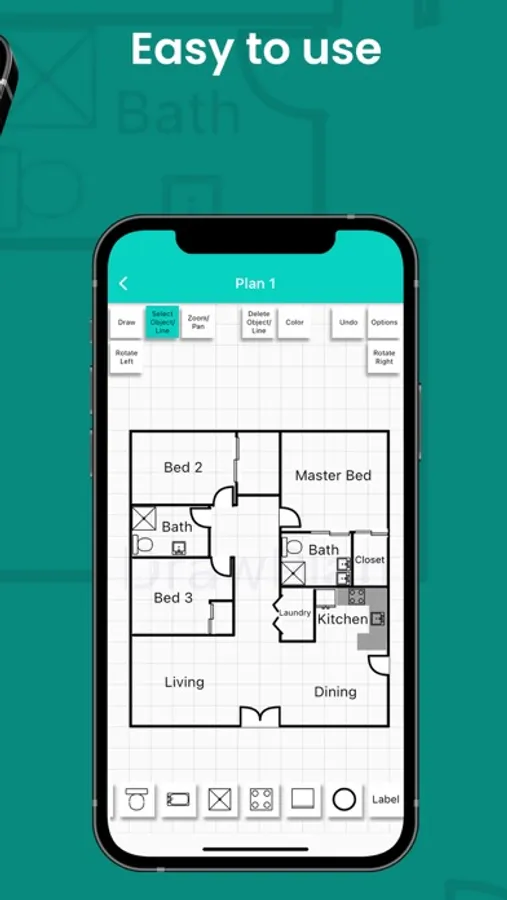
Tap to Rate:
Reviews for DrawPlan
GamutFx
Not quite there yet
App is buggy and even after paying for the plus plan I lost a plan I spent a few hours building. Saved on top of a DrawPlan and now the file won’t open because it’s corrupt. Object builder would be cool if it scaled correctly when you import it into your plan. It never looks like how you originally make it and imports much larger than it’s supposed to. App doesn’t allow you to hit enter when inputing custom sizes and is due to the number pad not scaling or hiding when you click off. Manage to correct it by adjusting to a smaller font size on my phone’s global settings but annoying I have to do that. Also have to hit the enter key like 3-5 times to get to accept the setting. This app has been out for four years, but feels half baked. Could be better but not there yet…
Not recommended to use
Not recommended for kids
I’m not trying to be rude or picky but this app said nothing about payment and I spent over an hour making a design for my bedroom and when I tried to open it back up it said I needed to pay for a just to unlock my creation that was good and spent time to do just for me to never see it again, my parents won’t let me pay money on any apps so if you do actually get this app then make sure you know how to screen shot of record this app, not very good😒