In this drafting app, you can create floor plans and blueprints by drawing lines, shapes, and text on multiple layers. Includes multi-file iCloud support, export options, and Apple Pencil compatibility.
AppRecs review analysis
AppRecs rating 4.3. Trustworthiness 77 out of 100. Review manipulation risk 23 out of 100. Based on a review sample analyzed.
★★★★☆
4.3
AppRecs Rating
Ratings breakdown
5 star
72%
4 star
13%
3 star
6%
2 star
2%
1 star
7%
What to know
✓
Low review manipulation risk
23% review manipulation risk
✓
Credible reviews
77% trustworthiness score from analyzed reviews
✓
High user satisfaction
85% of sampled ratings are 4+ stars (4.4★ average)
About Draft Paper
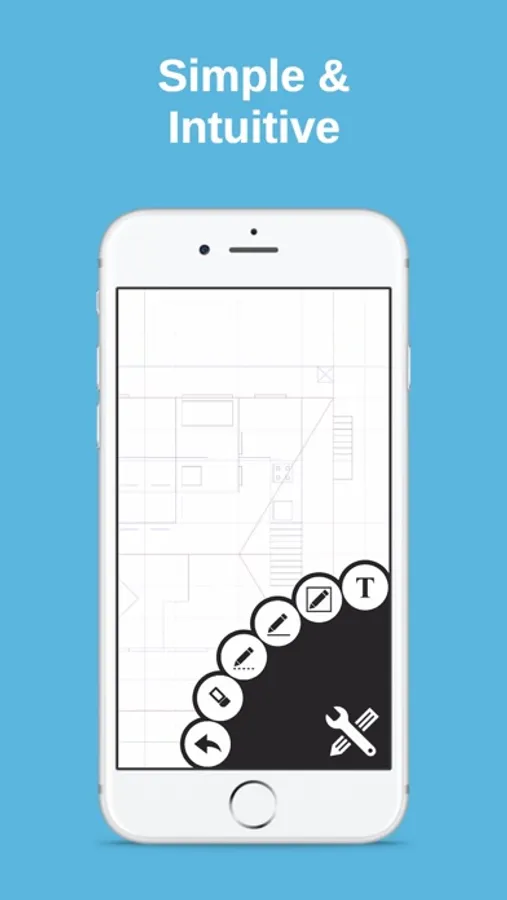
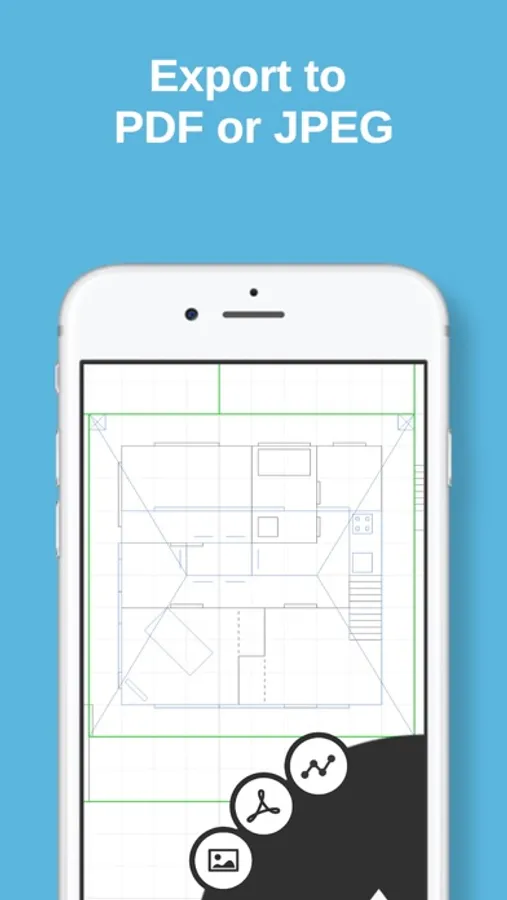
Touch and drag to draw lines and rectangles on up to 10 independent layers, then export directly to PDF, JPEG or DXF ready for printing, emailing or editing in other software.
Full feature list:
+ Drawing: Line, Dotted Line, Arrow, Rectangle, Ellipse, Segment, Text, Erase, Measure, Presentation
+ Multi file iCloud support
+ Export to JPEG / Vector PDF / DXF
+ Upload / download from DropBox or any other compatible app
+ Mirror / translate / rotate / scale operations
+ Smooth, fast and intuitive zooming / panning
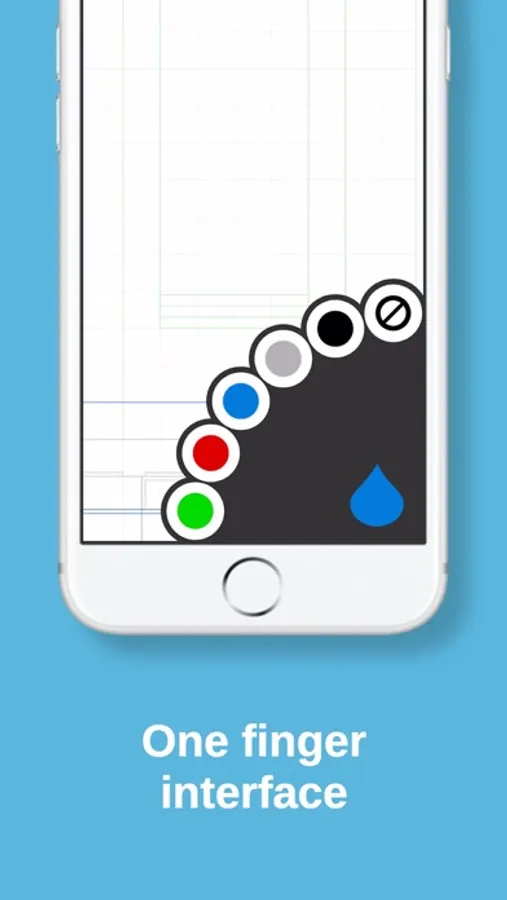
+ Multiple layers and colors
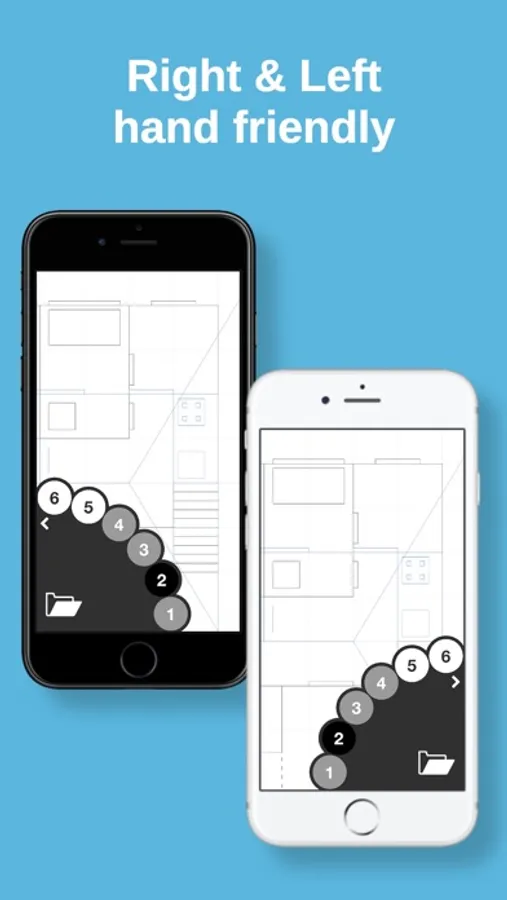
+ Selectable right / left handed modes.
+ Unlimited undo
+ Unlimited size drawing area
+ Apple Pencil support (including double tap)
+ Metric / Imperial (USC) units support
+ Designed for iPhone and iPad
For full instructions please visit our website, http://draftpaper-app.com
Draft Paper Screenshots
Tap to Rate:
Reviews for Draft Paper
dansmeah
everything i’ve always wanted
very phone user friendly technical drawing app. allows me to draw things out wherever i am, go home and design them in cad. the only feature which needs better explanation is that the wheel on the corner rotates for more tools. took me a few minutes. otherwise AMAZING. id pay a subscription for this, i love it.
Chanman3154
Best app
Best app I’ve found to drawl blue prints