
About iDocsWeb Family
iDocsWeb Family app lets family member of patient join the online consultation/telemedicine session of their loved ones.
How can you join the telemedicine consultation with iDocsWeb Family App:
1. When your loved one requires a telemedicine consultation, the nurse will send a request to you and the doctor.
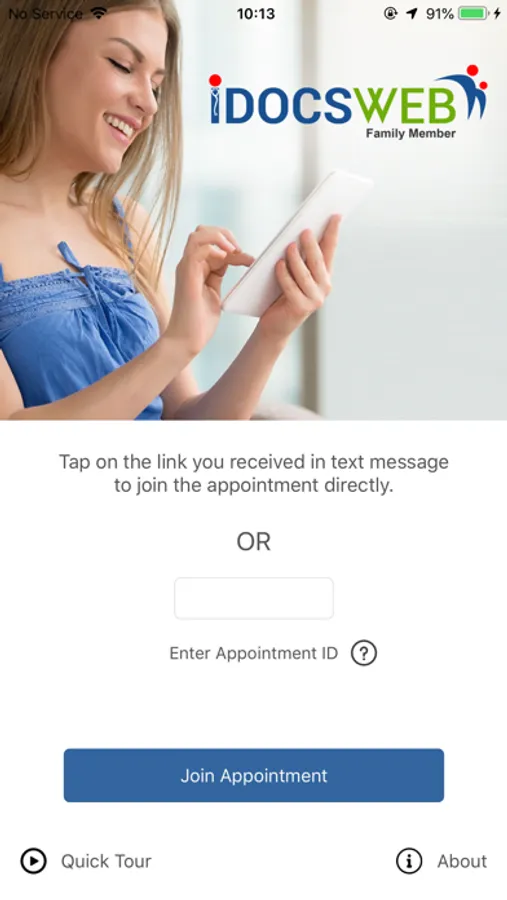
2. Once the telemedicine request is sent, you will receive a text message. Please click on the meeting invite link to connect or enter the Appointment Id received in the text message in the app. No login/authentication is required for this app.
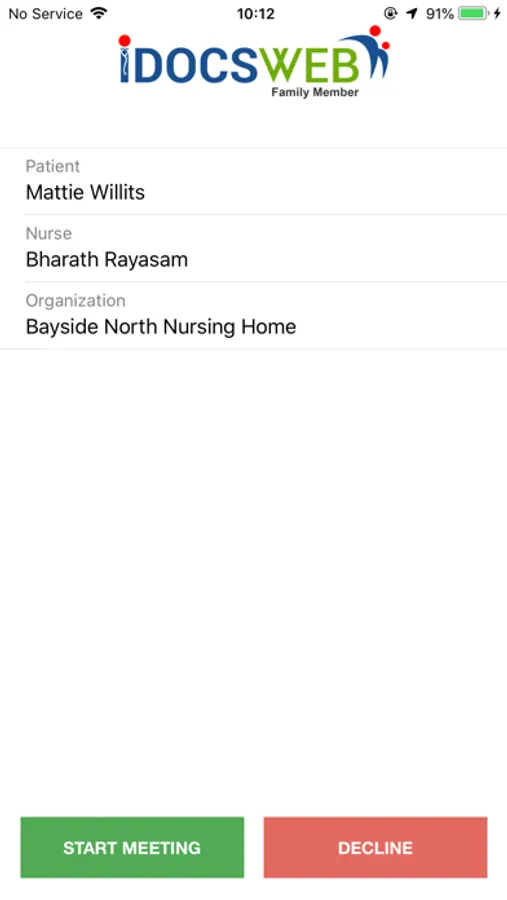
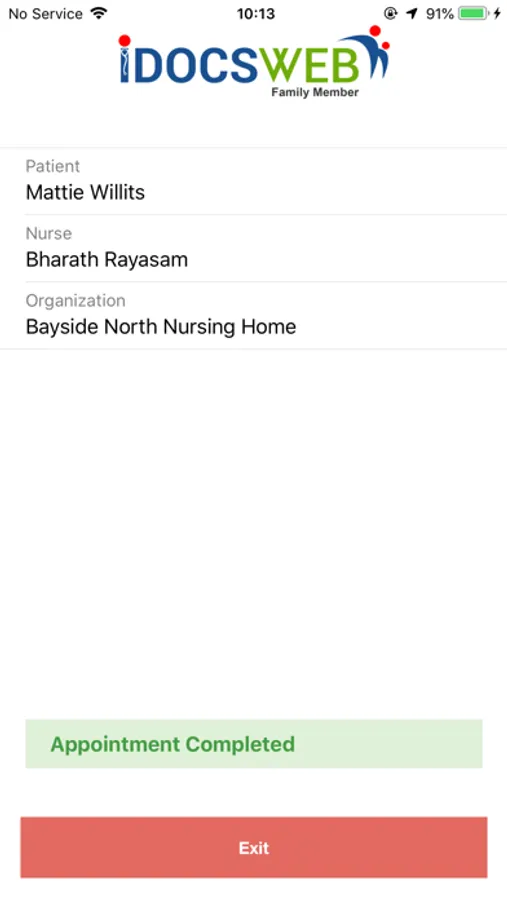
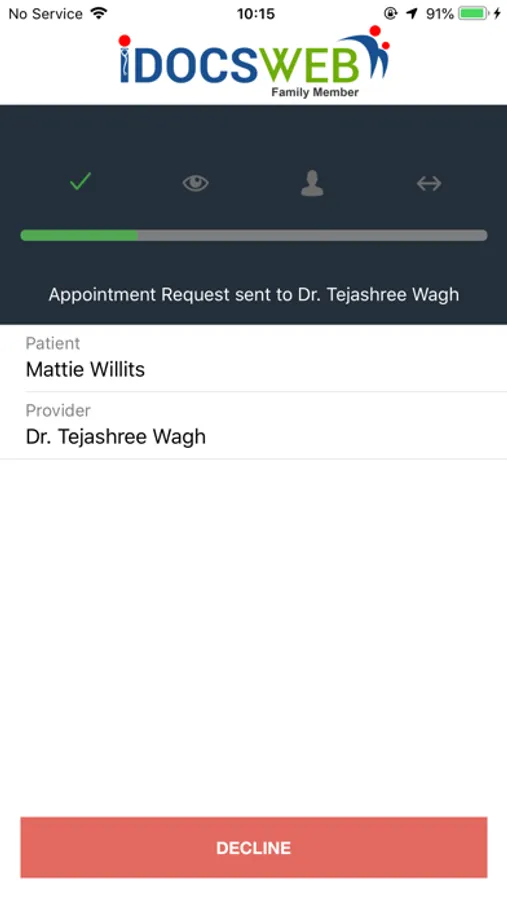
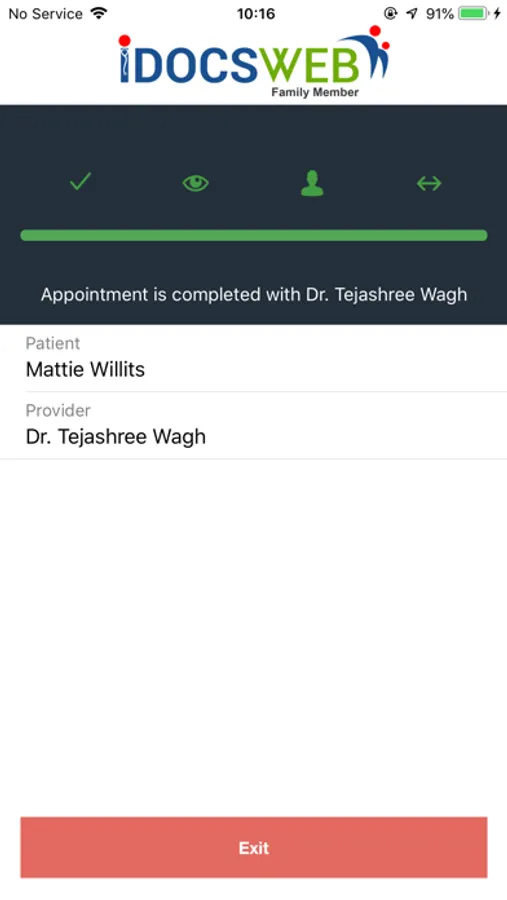
3. Appointment details will be displayed in the app and progress of the telemedicine request will be visible.
4. A “Join Meeting” button appears when the provider joins the appointment. Click the "Join Meeting" button to participate the telemedicine session.
5. You will also receive push notifications when the status of the appointment changes.
How can you join the telemedicine consultation with iDocsWeb Family App:
1. When your loved one requires a telemedicine consultation, the nurse will send a request to you and the doctor.
2. Once the telemedicine request is sent, you will receive a text message. Please click on the meeting invite link to connect or enter the Appointment Id received in the text message in the app. No login/authentication is required for this app.
3. Appointment details will be displayed in the app and progress of the telemedicine request will be visible.
4. A “Join Meeting” button appears when the provider joins the appointment. Click the "Join Meeting" button to participate the telemedicine session.
5. You will also receive push notifications when the status of the appointment changes.
iDocsWeb Family Screenshots
Tap to Rate: