
My Masjid Community
TALENTED EARTH ORGANIZATION A/S
4.5 ★
22 ratings
Free
AppRecs review analysis
AppRecs rating 4.5. Trustworthiness 61 out of 100. Review manipulation risk 35 out of 100. Based on a review sample analyzed.
★★★★☆
4.5
AppRecs Rating
Ratings breakdown
5 star
82%
4 star
5%
3 star
5%
2 star
0%
1 star
9%
What to know
✓
High user satisfaction
82% of sampled ratings are 5 stars
About My Masjid Community
My Masjid provides list of features mentioned below
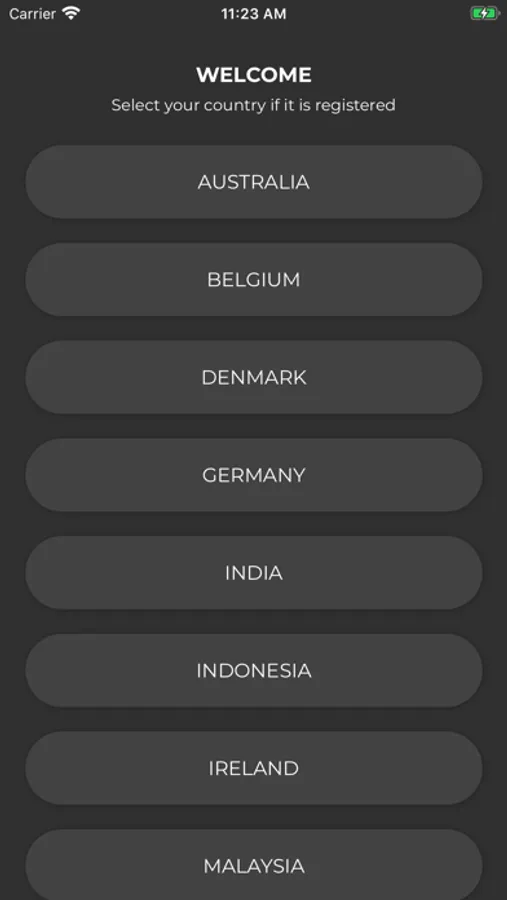
1. Masajid Selection based on your current Country and City
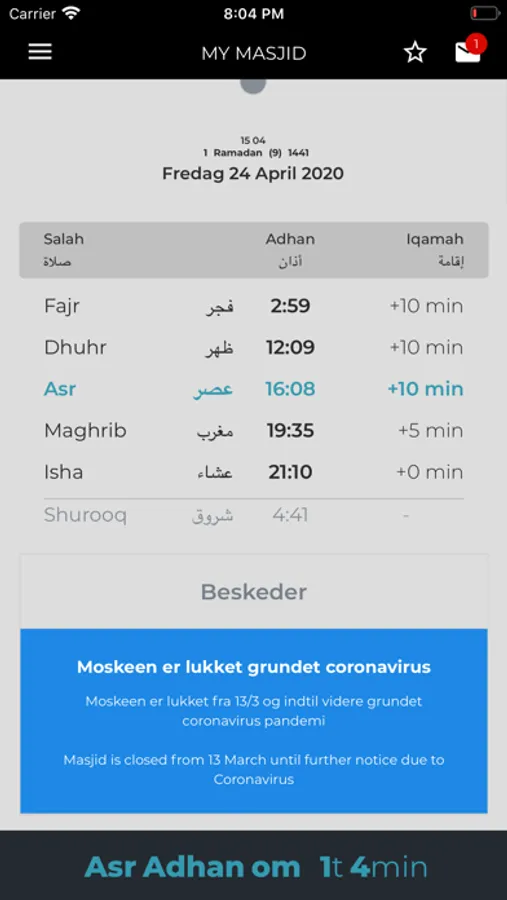
2. View Salah timings on Home screen (we call it Timings Screen). Here you should be able to see:
•Selected Masjid name and address
•Adhan and Jamaat timings for the Masjid selected
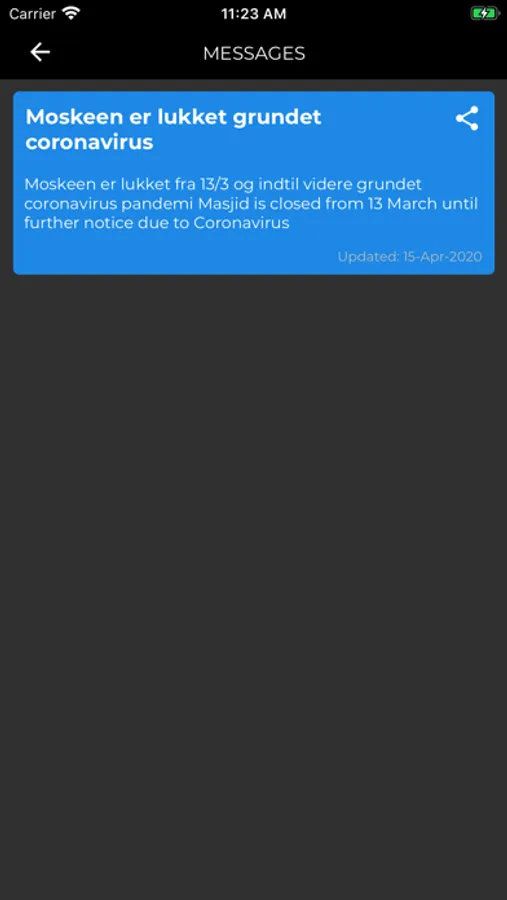
•Any important message(s) from masjid (we call it Alert messages, displayed with a blue background)
•Services and About information related to Selected Masjid (if specified from the admin panel)
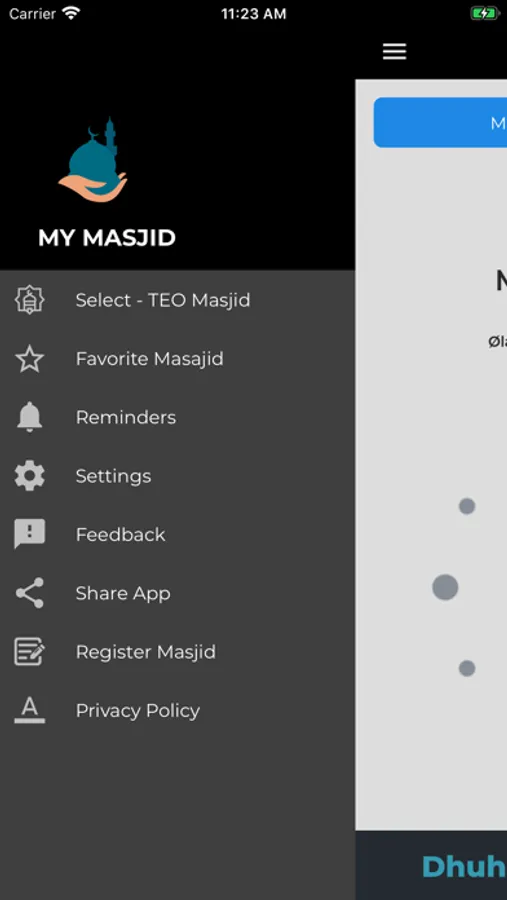
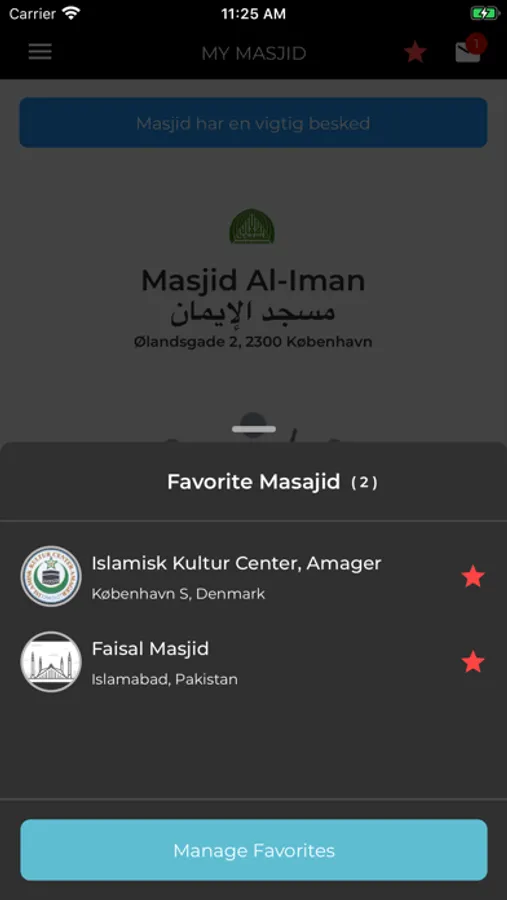
3. Mark a Masjid as Favorite / Unfavorite
4. Check Messages published from a Masjid (a number of messages are published via TEO Masjid for testing purposes)
· Check Messages count on Inbox icon
· The alert messages would have blue background (because they are important ones)
· Try Share a message
· Event messages type would allow you to save it in Calendar for a Reminder
· Messages could comprise of Image or Text
5. Switch between Masajid (favorites or via Select Masjid in Left Menu)
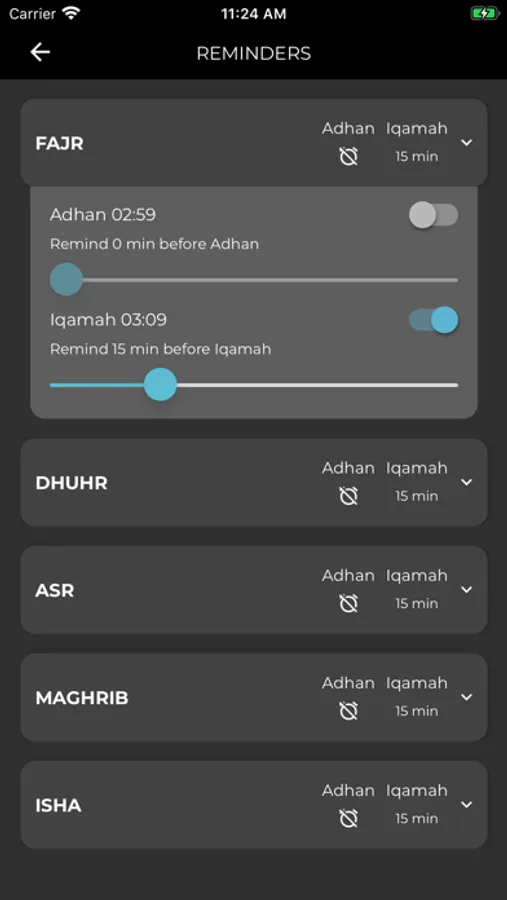
6. Set Reminders (Important ):
· Specify your preferred times to have notifications for Adhan and Iqamah
· Enable or disable reminders for certain salah
7. Set Reminders Sounds via Settings Menu Item
8. Provide at-least one Suggestion or Report a bug via Feedback Module
9. Try to Share app via Share app menu item
10. Try reading Privacy policy
1. Masajid Selection based on your current Country and City
2. View Salah timings on Home screen (we call it Timings Screen). Here you should be able to see:
•Selected Masjid name and address
•Adhan and Jamaat timings for the Masjid selected
•Any important message(s) from masjid (we call it Alert messages, displayed with a blue background)
•Services and About information related to Selected Masjid (if specified from the admin panel)
3. Mark a Masjid as Favorite / Unfavorite
4. Check Messages published from a Masjid (a number of messages are published via TEO Masjid for testing purposes)
· Check Messages count on Inbox icon
· The alert messages would have blue background (because they are important ones)
· Try Share a message
· Event messages type would allow you to save it in Calendar for a Reminder
· Messages could comprise of Image or Text
5. Switch between Masajid (favorites or via Select Masjid in Left Menu)
6. Set Reminders (Important ):
· Specify your preferred times to have notifications for Adhan and Iqamah
· Enable or disable reminders for certain salah
7. Set Reminders Sounds via Settings Menu Item
8. Provide at-least one Suggestion or Report a bug via Feedback Module
9. Try to Share app via Share app menu item
10. Try reading Privacy policy
My Masjid Community Screenshots

Tap to Rate:
Reviews for My Masjid Community
ZealousAZ1
Nice
Pretty good tho
AlShab63
Very useful
This app is very useful and I really appreciate the developers. Jazakum allahu khair for this and for the widget function it has. Wallah I really appreciate this app.