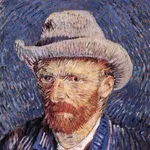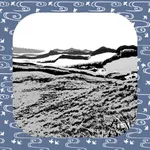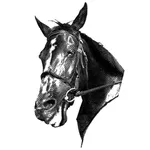
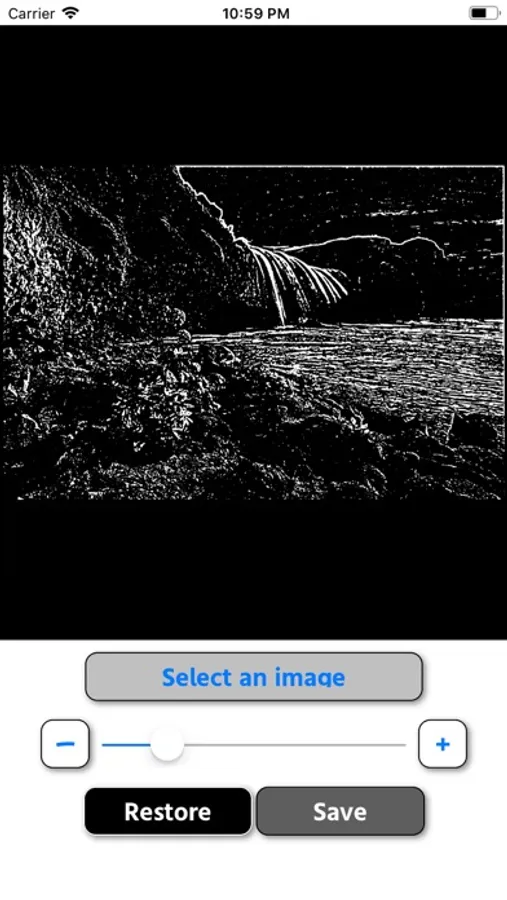
With this photo editing app, you can select an image from your album and adjust it using sliders and buttons. Includes fine-tuning controls and saving options.
AppRecs review analysis
AppRecs rating 4.5. Trustworthiness 0 out of 100. Review manipulation risk 0 out of 100. Based on a review sample analyzed.
★★★★☆
4.5
AppRecs Rating
Ratings breakdown
5 star
55%
4 star
36%
3 star
9%
2 star
0%
1 star
0%
What to know
✓
High user satisfaction
91% of sampled ratings are 4+ stars (4.5★ average)
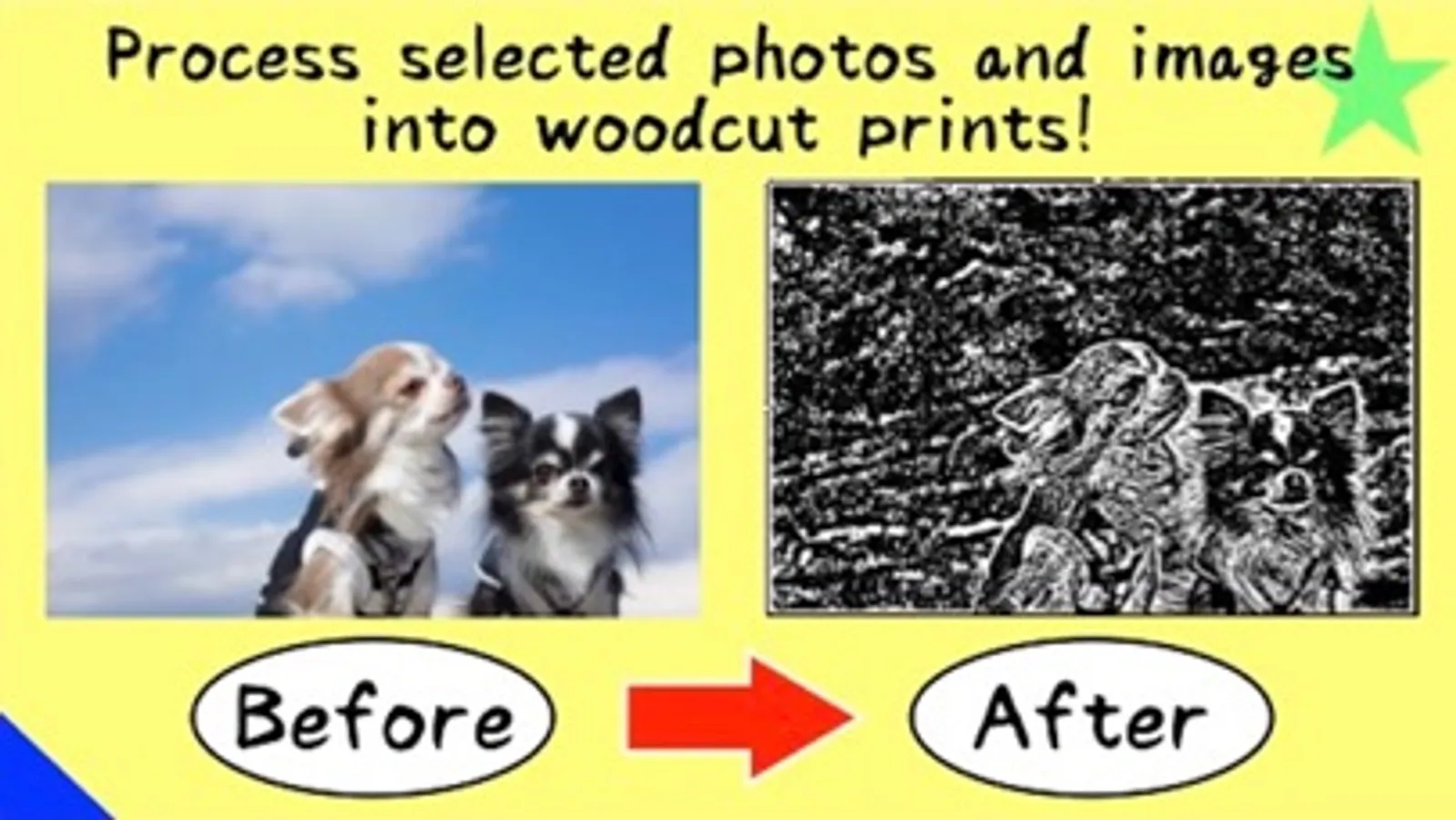
About Change photo/image to woodcut!
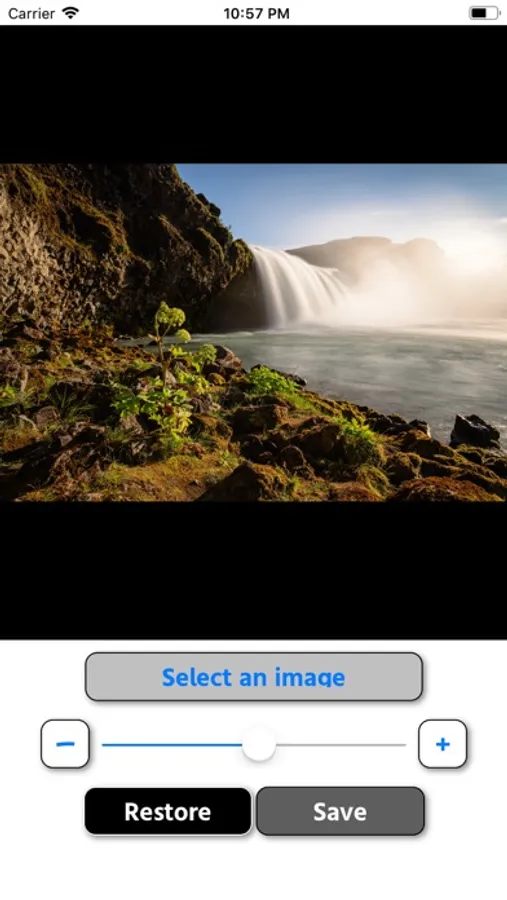
- Just select the image you want to process from the album and adjust with the slider!
- Tap the "-" and "+" buttons on the left and right of the slider to make fine adjustments.
- The processed image is saved in "WB_DATA" in the album.
Please contact the review section or DM here.
https://twitter.com/corasck
- Tap the "-" and "+" buttons on the left and right of the slider to make fine adjustments.
- The processed image is saved in "WB_DATA" in the album.
Please contact the review section or DM here.
https://twitter.com/corasck
Change photo/image to woodcut! Screenshots
Tap to Rate: