In this typing video maker, you can input text and customize the typing effect with adjustable speed, font, and color. Includes options for exporting as video, GIF, or transparent GIF with background customization.
AppRecs review analysis
AppRecs rating 4.1. Trustworthiness 77 out of 100. Review manipulation risk 26 out of 100. Based on a review sample analyzed.
★★★★☆
4.1
AppRecs Rating
Ratings breakdown
5 star
77%
4 star
7%
3 star
5%
2 star
2%
1 star
9%
What to know
✓
Low review manipulation risk
26% review manipulation risk
✓
Credible reviews
77% trustworthiness score from analyzed reviews
⚠
Ad complaints
Many low ratings mention excessive ads
About Typewriter: Typing Video Maker
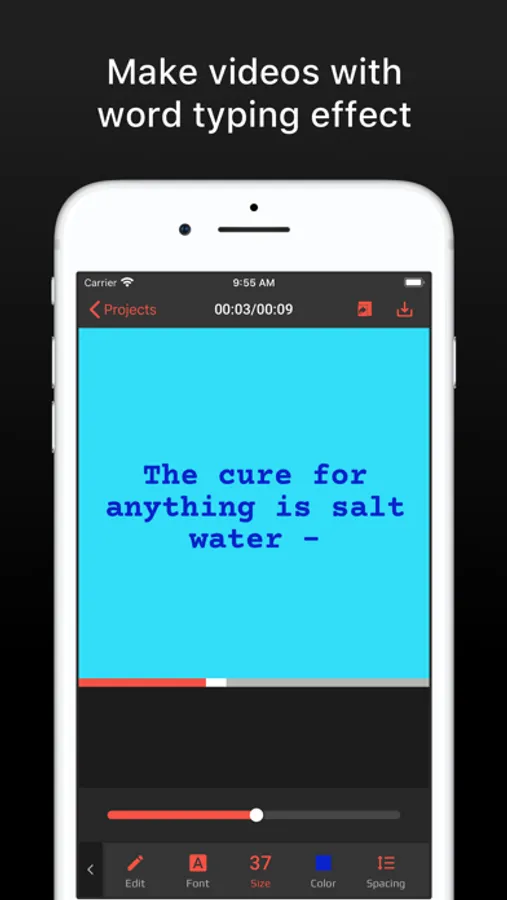
Typewriter helps you to instantly make a video with word typing effect. Just input your text, the app will automatically create a type-on text effect video including the sound effects of keyboard typing.
You can further edit the text animation by:
- Adjust the speed so it can type on faster or slower.
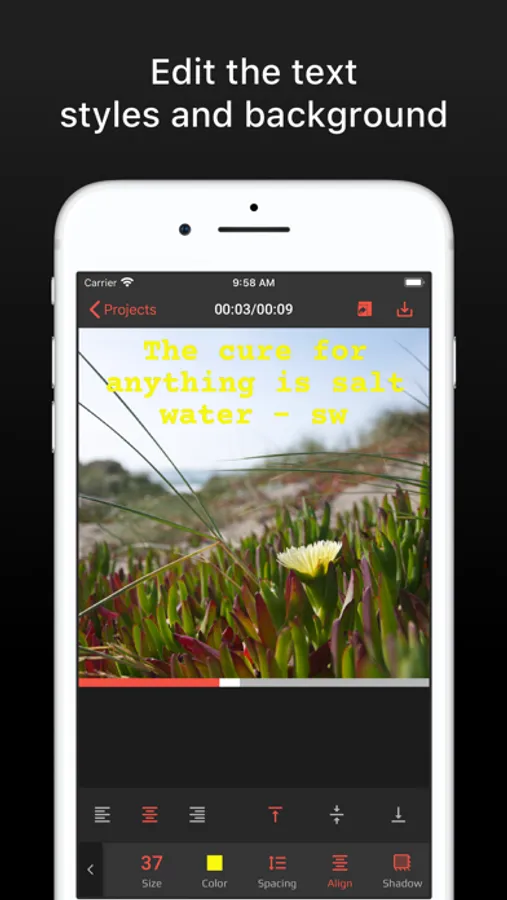
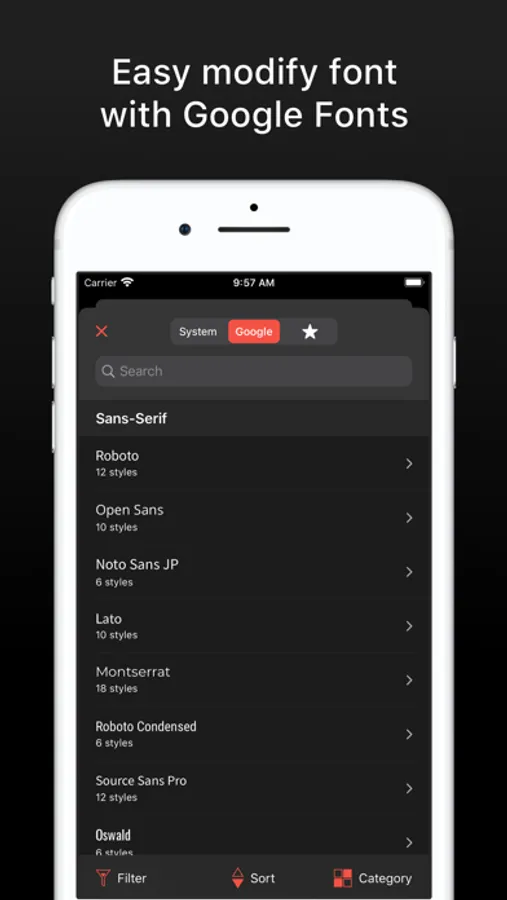
- Change text font, color, and size
- Change text alignment, spacing and line spacing
- Add text shadow
You can also change the video background color or loading background images from your Camera Roll.
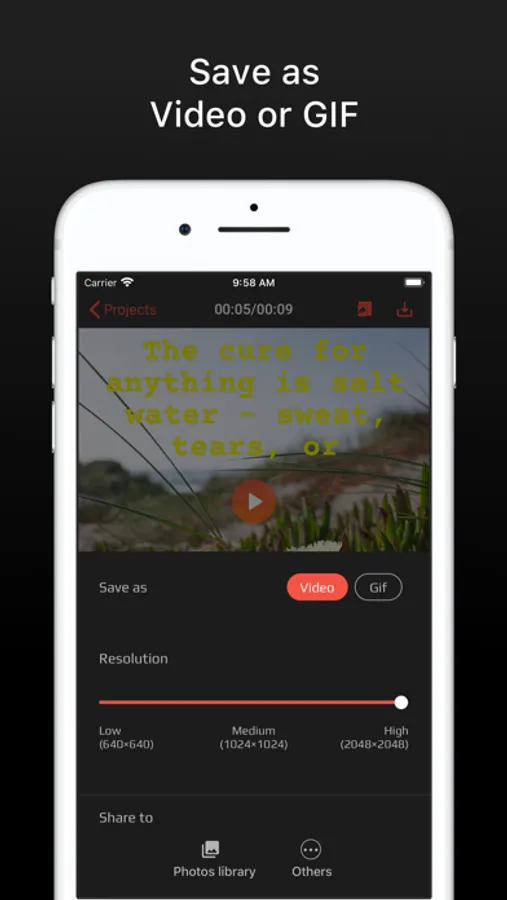
The result can be exported as a video, GIF or transparent GIF
The exported video will look like as you actually tying in a word processing app.
This could take you a lot of time if you use other pro video editors and you also have to find or create the sound effects of keyboard typing by yourself.
- Typewriter Pro offers three subscription options:
$1.99 Weekly
$5.99 Monthly
$17.99 Yearly
Prices may vary by location.
Should you choose to upgrade to a Pro subscription, payment will be charged to your iTunes account at confirmation of purchase. Subscription automatically renews unless auto-renew is turned off at least 24-hours before the end of the current period. Account will be charged for renewal within 24-hours prior to the end of the current period.
You may cancel automatic renewal and manage your subscription by selecting Manage App Subscriptions in your iTunes Account settings and selecting the subscription you want to modify. Any unused portion of a free trial period, if offered, will be forfeited when you purchase a Pro subscription, where applicable.
Privacy Policy: http://tnvapps.com/privacy/typewriter.html
Terms of Use: http://tnvapps.com/terms/typewriter.html
Have any comments or suggestions? We’re here to serve you, and we’re listening. Talk to us at support@tnvapps.com
Thank you
You can further edit the text animation by:
- Adjust the speed so it can type on faster or slower.
- Change text font, color, and size
- Change text alignment, spacing and line spacing
- Add text shadow
You can also change the video background color or loading background images from your Camera Roll.
The result can be exported as a video, GIF or transparent GIF
The exported video will look like as you actually tying in a word processing app.
This could take you a lot of time if you use other pro video editors and you also have to find or create the sound effects of keyboard typing by yourself.
- Typewriter Pro offers three subscription options:
$1.99 Weekly
$5.99 Monthly
$17.99 Yearly
Prices may vary by location.
Should you choose to upgrade to a Pro subscription, payment will be charged to your iTunes account at confirmation of purchase. Subscription automatically renews unless auto-renew is turned off at least 24-hours before the end of the current period. Account will be charged for renewal within 24-hours prior to the end of the current period.
You may cancel automatic renewal and manage your subscription by selecting Manage App Subscriptions in your iTunes Account settings and selecting the subscription you want to modify. Any unused portion of a free trial period, if offered, will be forfeited when you purchase a Pro subscription, where applicable.
Privacy Policy: http://tnvapps.com/privacy/typewriter.html
Terms of Use: http://tnvapps.com/terms/typewriter.html
Have any comments or suggestions? We’re here to serve you, and we’re listening. Talk to us at support@tnvapps.com
Thank you
Typewriter: Typing Video Maker Screenshots
Tap to Rate:
Reviews for Typewriter: Typing Video Maker
larnaque
Can’t share to my gallery. I’m disappointed
Can’t share to my gallery. I’m disappointed. Can’t create GIF . Can’t do anything with.
kenneth colbert
Bad
It was supposed to be a typing thing and it is a editing thing