
With this app, you can measure the pulsation coefficient of light sources by bringing your phone close to the source and pressing start. Includes real-time readings, visual indicators, and measurement guidance.
AppRecs review analysis
AppRecs rating 4.4. Trustworthiness 79 out of 100. Review manipulation risk 23 out of 100. Based on a review sample analyzed.
★★★★☆
4.4
AppRecs Rating
Ratings breakdown
5 star
61%
4 star
19%
3 star
6%
2 star
10%
1 star
3%
What to know
✓
Low review manipulation risk
23% review manipulation risk
✓
Credible reviews
79% trustworthiness score from analyzed reviews
✓
High user satisfaction
81% of sampled ratings are 4+ stars (4.3★ average)
About Illuminance Pulsation Meter
A high coefficient of pulsation can affect fatigue, well-being and eye strain.
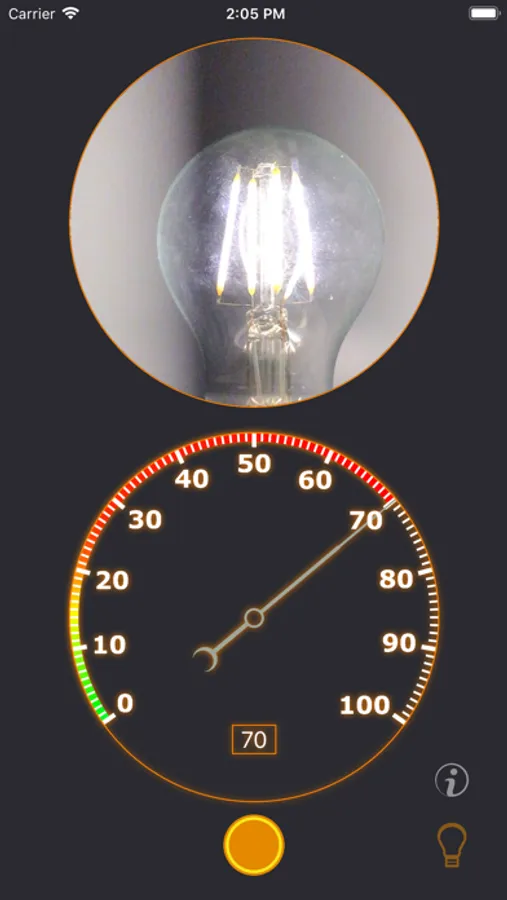
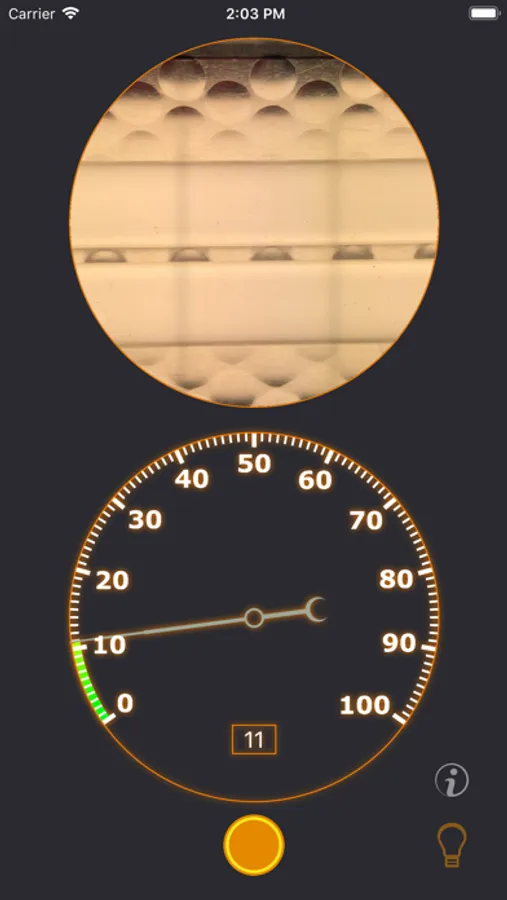
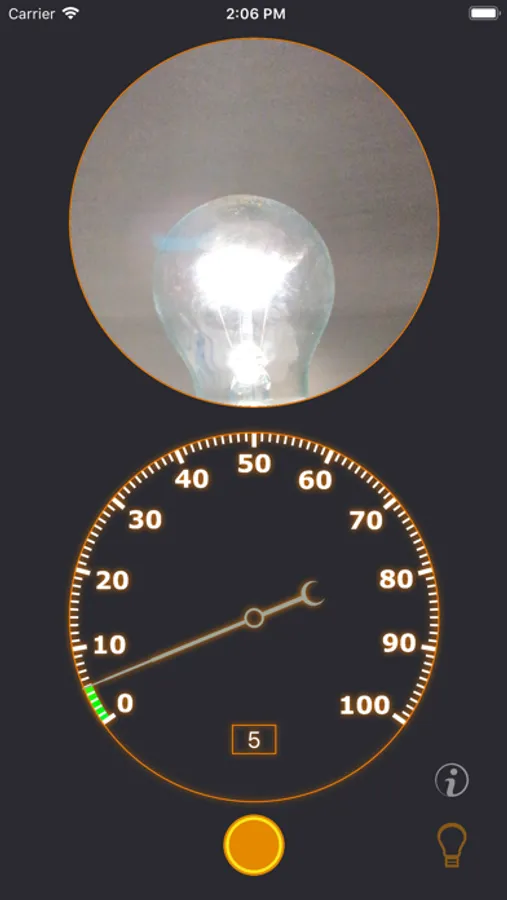
The application allows you to measure the ripple coefficient of radiation sources in the visible spectrum:
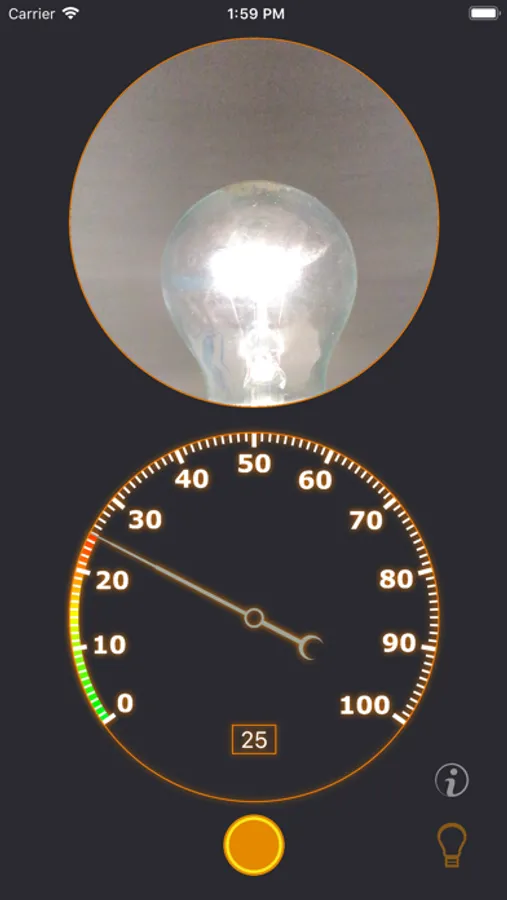
- LED, halogen, fluorescent lamps and incandescent lamps
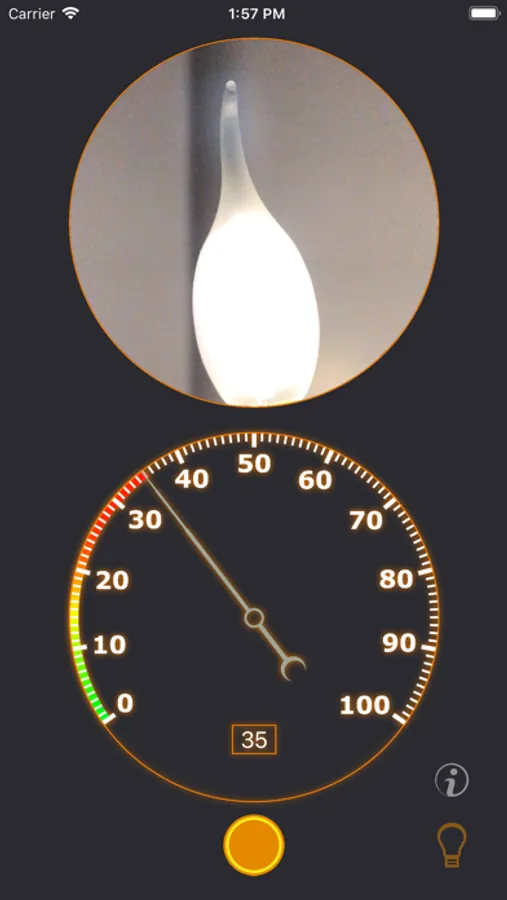
- various lamps
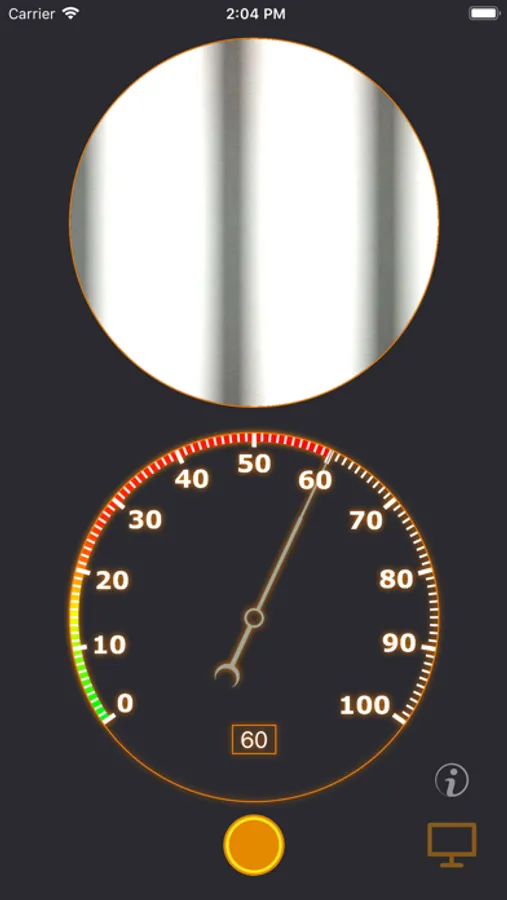
- LCD and LED monitors and TVs
The readings are not 100% reliable and the average error depending on the light source and the frequency of pulsation can be more than 10%.
In order to take measurements, you need to bring the phone to the measured source and press the start button. The measurement results will be updated in real time, the arrow will show the ripple factor, and the scale will be filled from green to red. For best results, keep your phone straight. If the phone is not fixed, an image of the shaking device will appear in the lower left corner of the screen and the readings will be very different from the actual ones.
Illuminance Pulsation Meter Screenshots
Tap to Rate:
Reviews for Illuminance Pulsation Meter
Travis Underhill
Good app with lots of potential
Can only measure frequencies up to 100hz. Would love to see some more advanced frequency counting or use of the slow motion camera to measure higher frequencies. The onboarding process is a bit much, could probably simplify that as using the app is very straight forward.
Stepa Me
Not clear what it does
It outputs a number from 0 to 100. What does it mean? Main frequency? Intensity? Something else?