AppRecs review analysis
AppRecs rating 4.5. Trustworthiness 45 out of 100. Review manipulation risk 33 out of 100. Based on a review sample analyzed.
★★★★☆
4.5
AppRecs Rating
Ratings breakdown
5 star
0%
4 star
100%
3 star
0%
2 star
0%
1 star
0%
What to know
⚠
Limited rating diversity
100% high ratings in sampled reviews
About MixArt Photo Editor
MixArt is a photo editor with many tools. Edit images, use filters and text, improve colors, create collages from photos, use various brushes to create sketches and drawing.
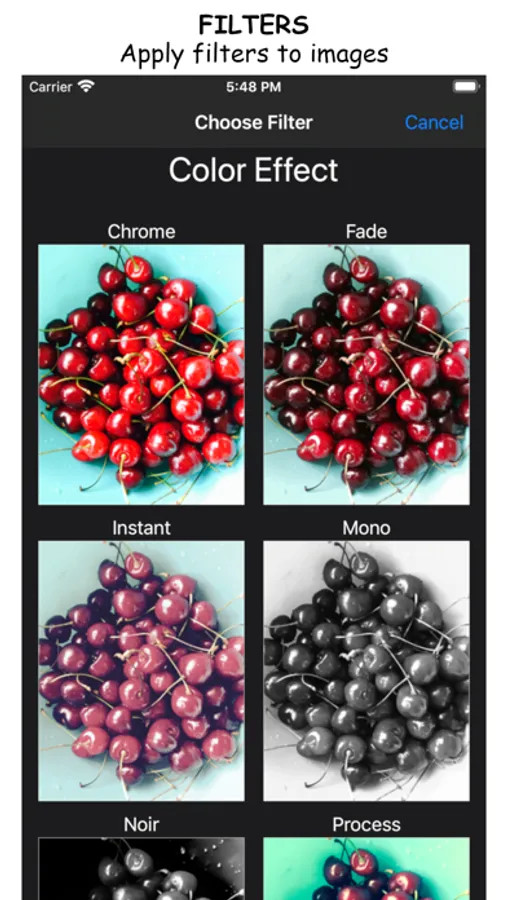
• Improve the look of your photo with various filters.
• Change the color temperature, transparency, exposure, color, contrast, saturation, tone, blur, and apply other color effects.
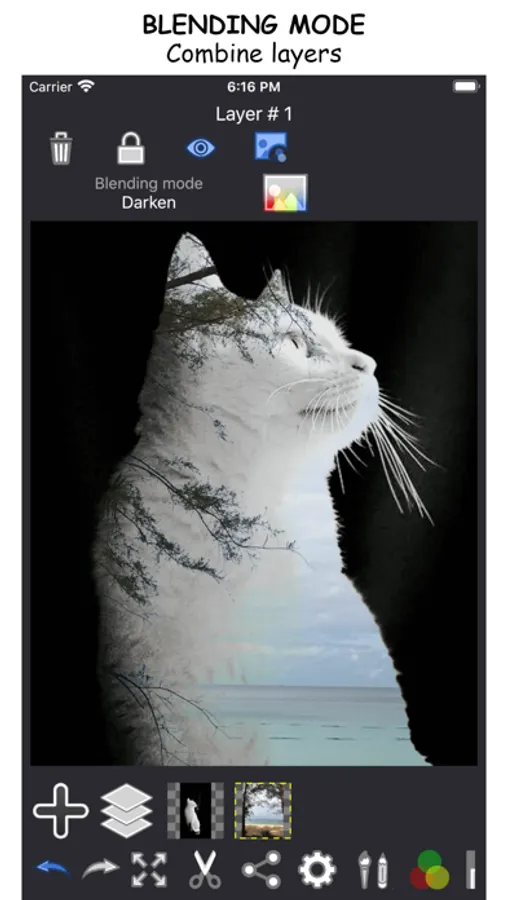
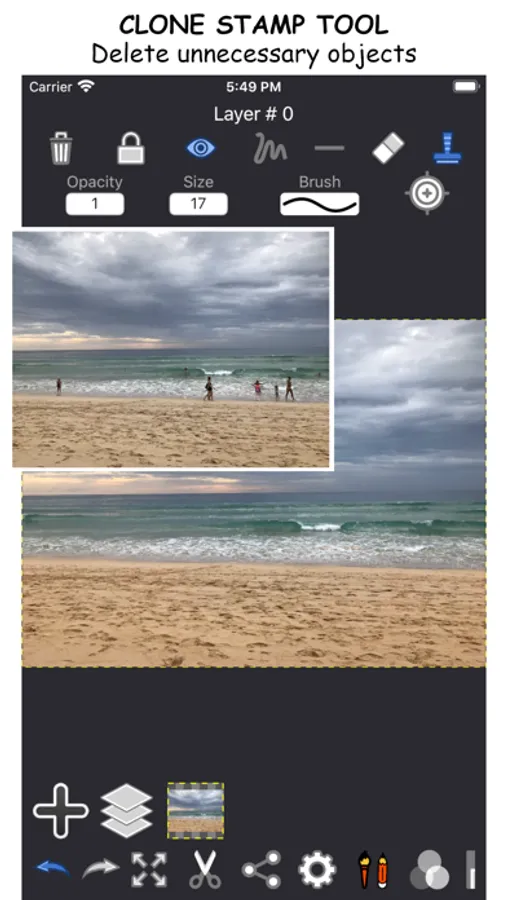
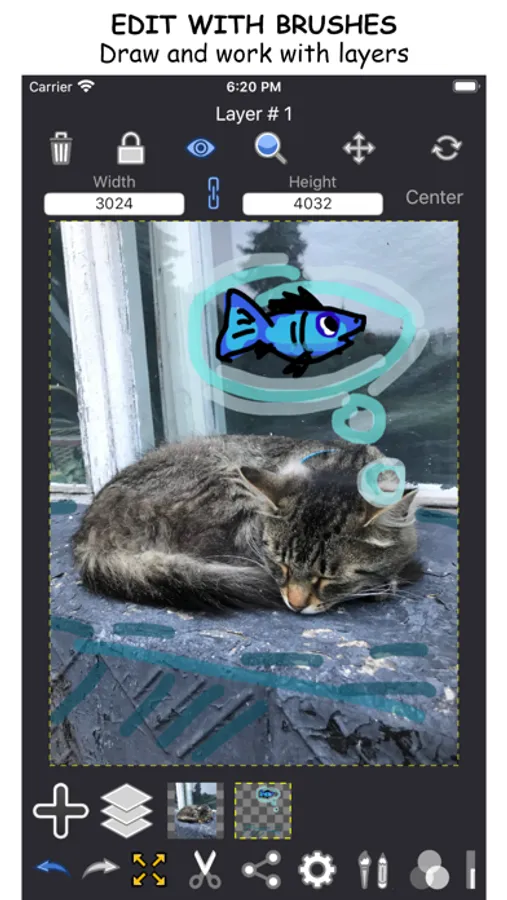
• Add new layers and edit them independently of each other.
• Combine several layers into one.
• Edit layers using scaling, cropping, moving, rotating, copying, mirroring.
• Use scissors to crop or cut the area in the photo. Specify the exact cutting area by selecting it with a line or dots.
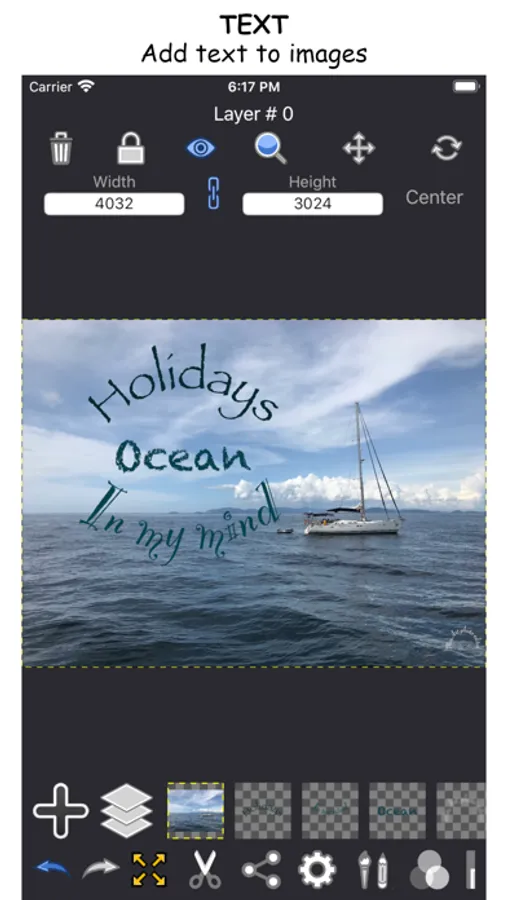
• Add text using different fonts, color, size. Change the radius to write text in a circle.
• Create drawings using drawing tools by changing their transparency, size and color.
• Select a color using the entire color palette.
• Set your own canvas size or stretch it to fit the size of the layers.
• Save images with a transparent (PNG) or opaque background (JPG, BMP, TIFF)
• Improve the look of your photo with various filters.
• Change the color temperature, transparency, exposure, color, contrast, saturation, tone, blur, and apply other color effects.
• Add new layers and edit them independently of each other.
• Combine several layers into one.
• Edit layers using scaling, cropping, moving, rotating, copying, mirroring.
• Use scissors to crop or cut the area in the photo. Specify the exact cutting area by selecting it with a line or dots.
• Add text using different fonts, color, size. Change the radius to write text in a circle.
• Create drawings using drawing tools by changing their transparency, size and color.
• Select a color using the entire color palette.
• Set your own canvas size or stretch it to fit the size of the layers.
• Save images with a transparent (PNG) or opaque background (JPG, BMP, TIFF)
MixArt Photo Editor Screenshots
Tap to Rate:
Reviews for MixArt Photo Editor
94biondo97
Great App but
Needs a tutorial , hard to use for the average person.