
AppRecs review analysis
AppRecs rating 2.3. Trustworthiness 66 out of 100. Review manipulation risk 19 out of 100. Based on a review sample analyzed.
★★☆☆☆
2.3
AppRecs Rating
Ratings breakdown
5 star
25%
4 star
0%
3 star
13%
2 star
0%
1 star
63%
What to know
✓
Low review manipulation risk
19% review manipulation risk
⚠
Mixed user feedback
Average 2.3★ rating suggests room for improvement
About KML Viewer and Converter
What is KML?
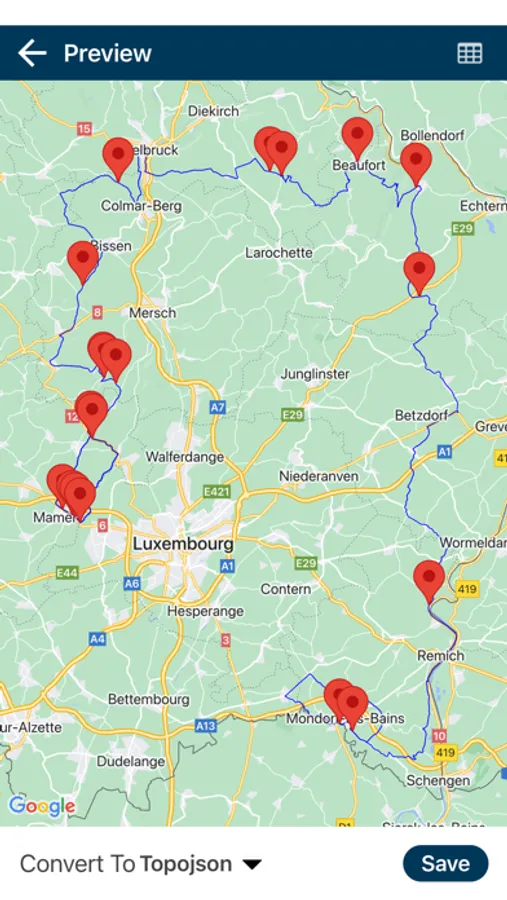
KML stands for the keyhole markup language. KML is a file format that shows geographical data in the Earth browser such as Google Earth. KML is a tag-based structure with nested elements and a structure based on the XML standard. All tags are case-sensitive and this tag's reference depends on the KML file.
It includes lines, polygons, and images. It is used to identify label location, find a camera angle, overlay texture, and add an HTML tag.
What is a KML viewer and converter?
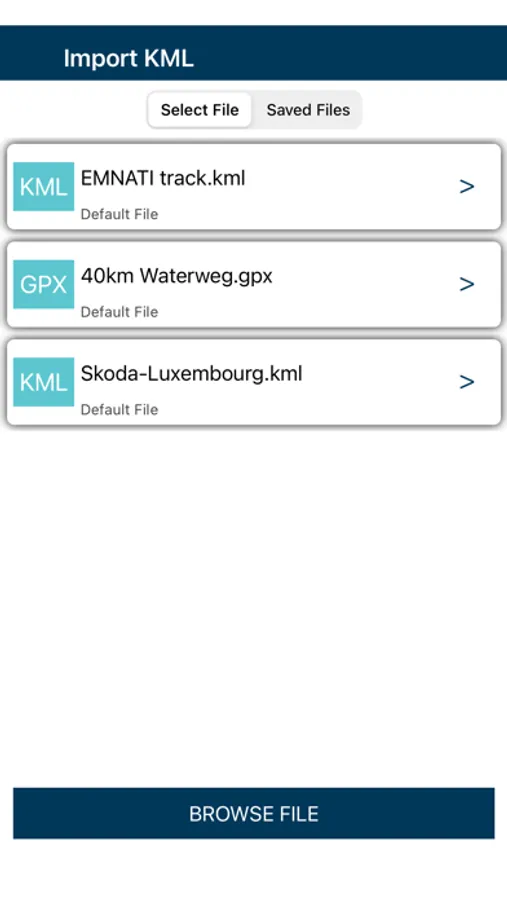
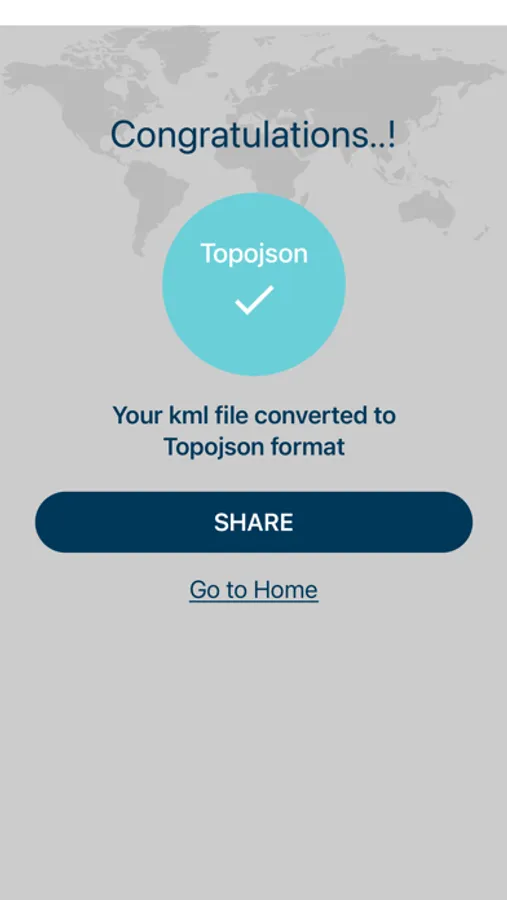
KML viewer and the converter easily convert your file into KMZ, GPX, Geojson, Topojson, and CSV. KML viewer and converter used on the map. Many people have trouble when shown KML files on the map and it is very troublesome. By the use of a KML viewer and converter load, your KML file converts in any form like KMZ, GPX, Geojson, Topojson, or CSV. KML viewer and converter easy to load your file and convert it easily. This app is free to convert and view your file.
How does it work?
KML viewer and converter tools are offhand and convert your file in a fraction of the time.
Features
Convert KML to KMZ
Convert KML to GPX
Convert KML to GeoJson
Convert KML to TopoJson
Convert KML to CSV
Now you can convert all files vise-versa.
Convert KMZ → KML, topojson, geojson, gpx
Convert GPX → KML, topojson, geojson, KMZ
Convert TopoJson → KML, geojson, KMZ, gpx
Convert GeoJson → KML, topojson, gpx, KMZ
Convert KML → gpx, topojson, gpx, KMZ
Payment & Subscription:
- You can choose our plans and get unlimited access to all the features of the App.
Unlock All Features for a month USD 0.99
Unlock All Features for a year USD 4.99
You can cancel your subscription anytime, to cancel subscription follow these steps
on your iPhone/iPad Go to Settings > click on Your Name > Subscriptions > In Active section > KMLFileConverter > Cancel Subscription >Confirm Cancellation
EULA: https://www.bmacinfotech.com/eula
KML Viewer and Converter Screenshots

Tap to Rate:
Reviews for KML Viewer and Converter
Talmonjr
Doesn’t work and constantly takes me to another app even when I select later! Can’t get it to work…
Doesn’t work and constantly takes me to another app even when I select later! Can’t get it to work and it all seems intentional the way it happens. Don’t get this!
bgvhgvhgvhgvhcvhfhfgfygfydkmo
Simply does not work
The platform, while it stated in the description, does not support KML to CSV file converstion. Don't waste the time and effort on this application if you're looking to convert KML to CSV.