Use this printing app to send documents and photos to AirPrint-compatible printers, with automatic paper resizing and smart configuration options. Includes support for over 22 printer brands, cloud file access, and printing preferences.
AppRecs review analysis
AppRecs rating 3.8. Trustworthiness 73 out of 100. Review manipulation risk 30 out of 100. Based on a review sample analyzed.
★★★☆☆
3.8
AppRecs Rating
Ratings breakdown
5 star
66%
4 star
8%
3 star
3%
2 star
3%
1 star
20%
What to know
✓
Low review manipulation risk
30% review manipulation risk
✓
Credible reviews
73% trustworthiness score from analyzed reviews
⚠
Pricing complaints
Many low ratings mention paywalls or pricing
About iPrint Printer for AirPrint
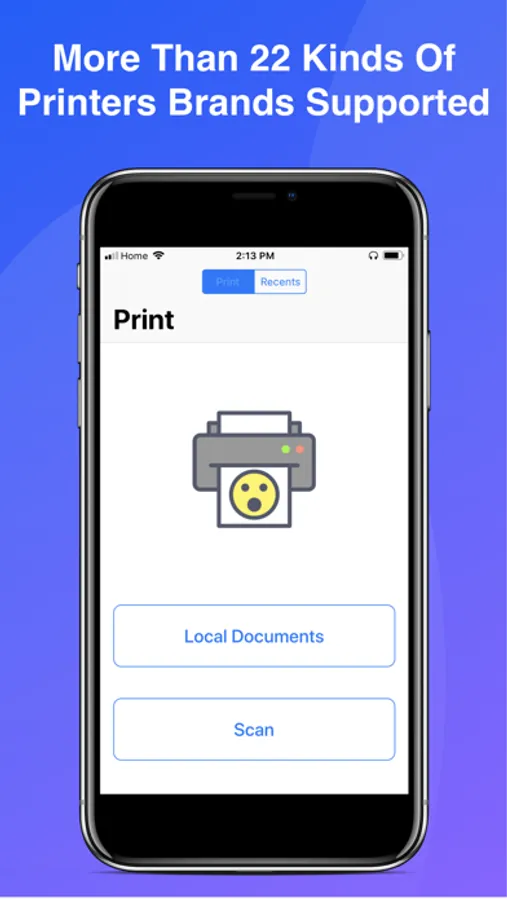
iPrint Printer for Airprint is one of the smartest printer app you can find in the app store. It supports more than 22 printers brands including All Apple AirPrint printers, HP AirPrint, Brother AirPrint, Epson AirPrint, Canon AirPrint, Lenovo AirPrint, Toshiba AirPrint, Samsung AirPrint, Aurora AirPrint, Sharp AirPrint, Fuji Xerox AirPrint, Dell AirPrint and more...
For A Full List of Supported printers brands check out this link
https://support.apple.com/en-us/ht201311
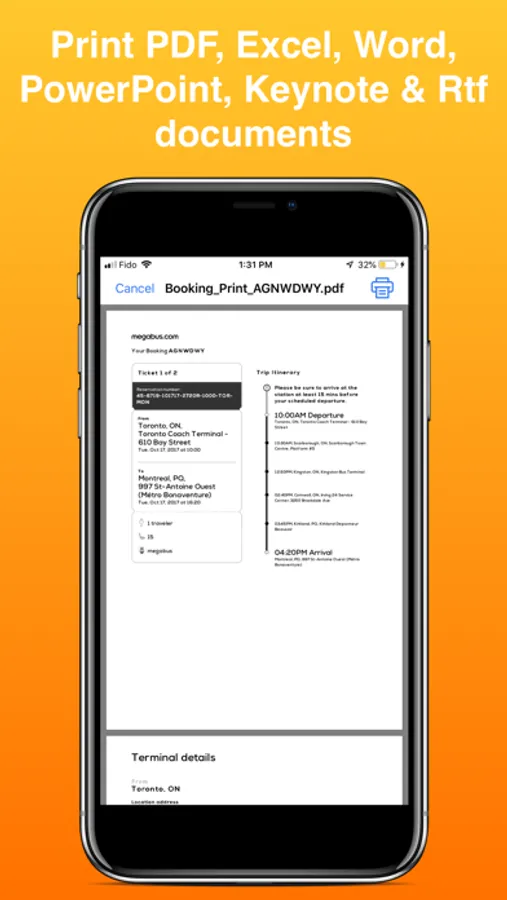
You can print Photos, Documents(PDF,Word,Excel,PowerPoint,Keynote,jpg,png & Rtf)
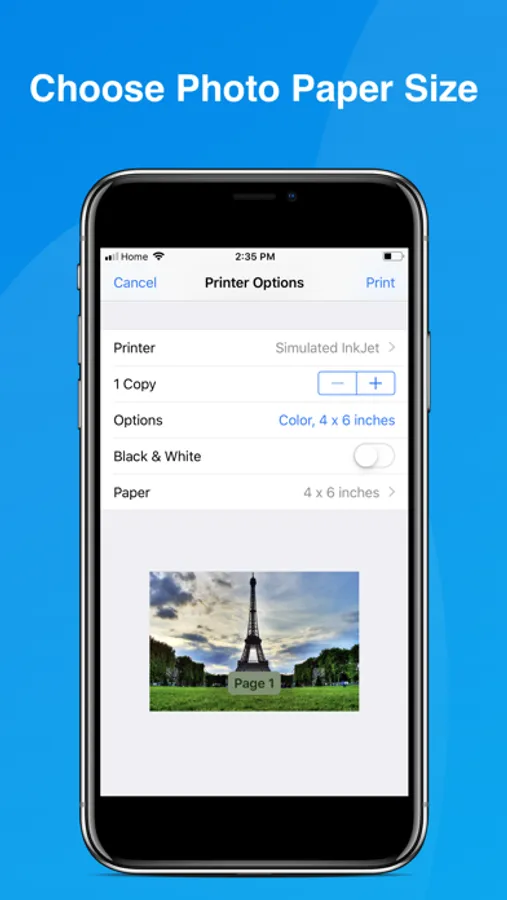
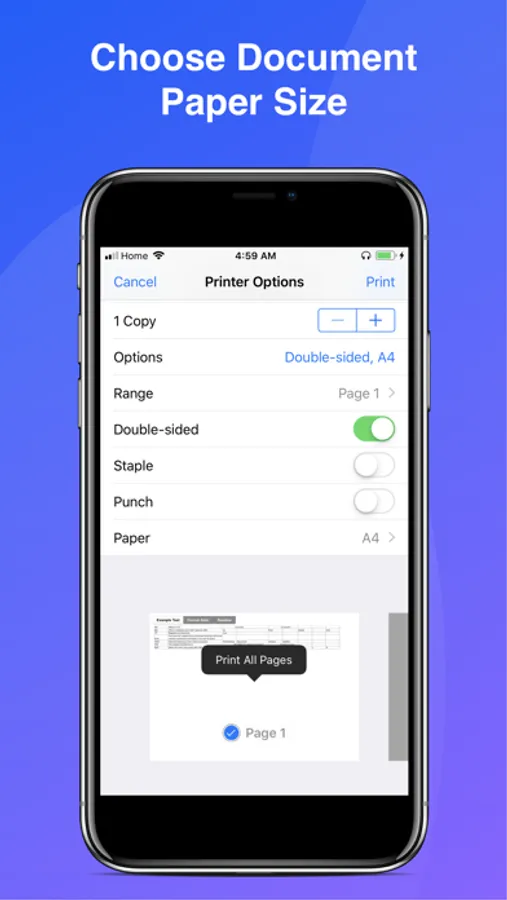
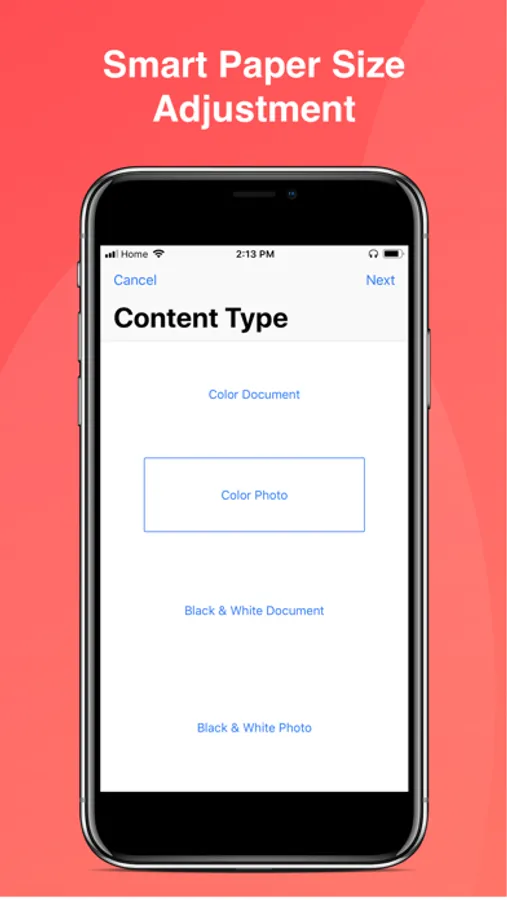
iPrint Printer for AirPrint will automatically resize your paper size base on your printer capability and the type of document you are trying to print
Smart Options are provided to you so that you don't have to do the guest work such as, printing configuration for the type of documents you are printing (Photo or Regular Document), and the best size of that document for your printer
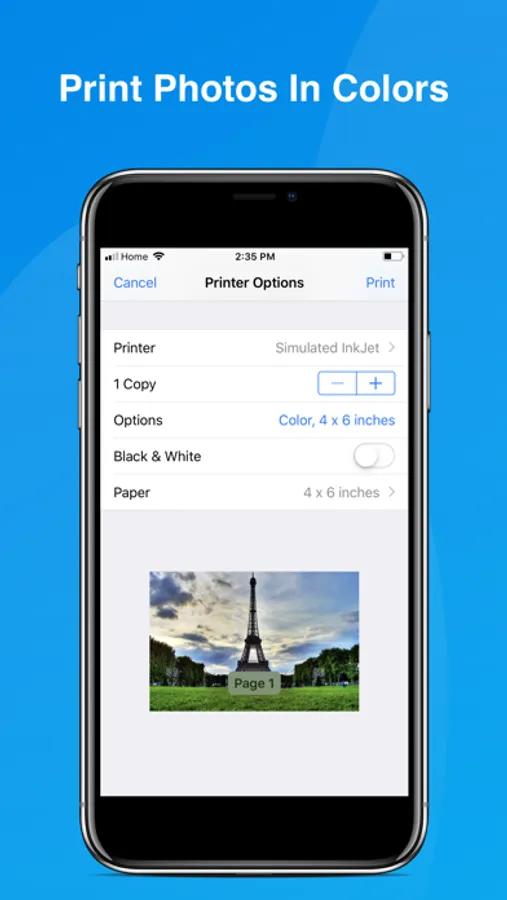
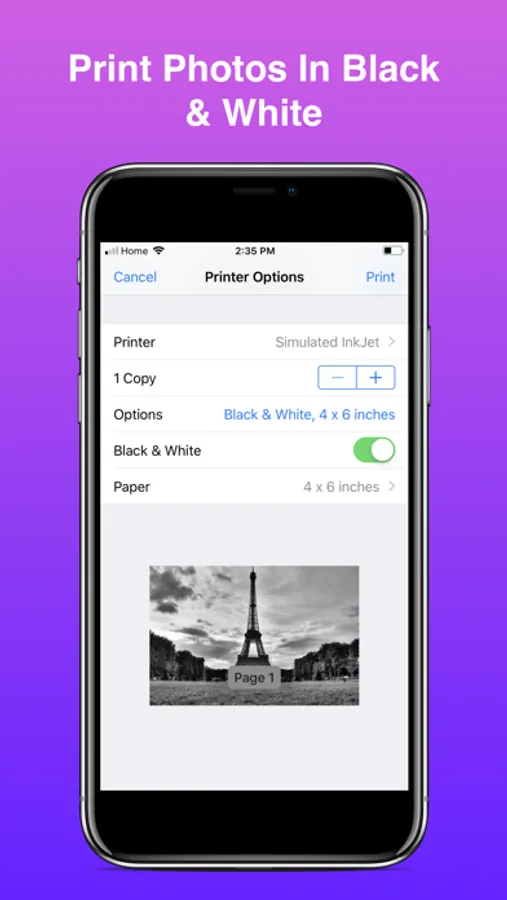
You can also print your colors Photo in Black & White or Your Color Documents in Black & White by choosing that option.
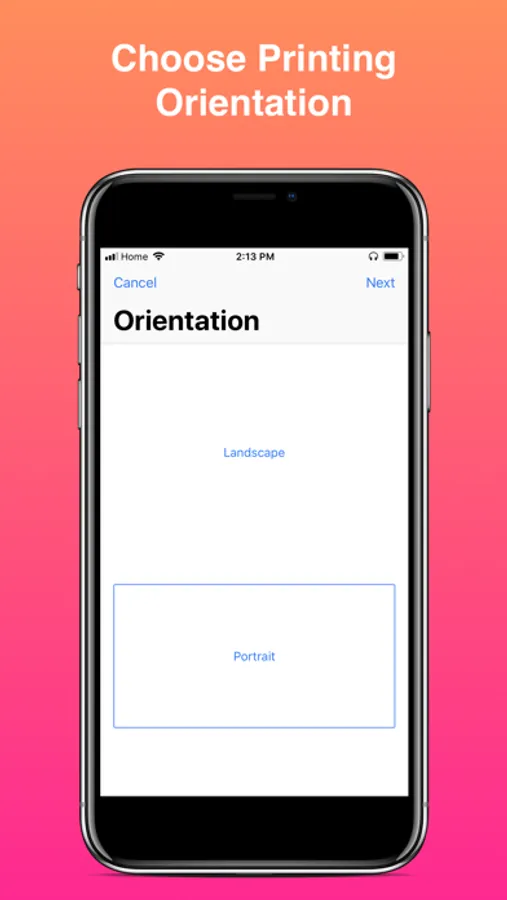
Printing Orientation is also at your fingertips, you choose between print Photos or Documents in Landscape or Portrait.
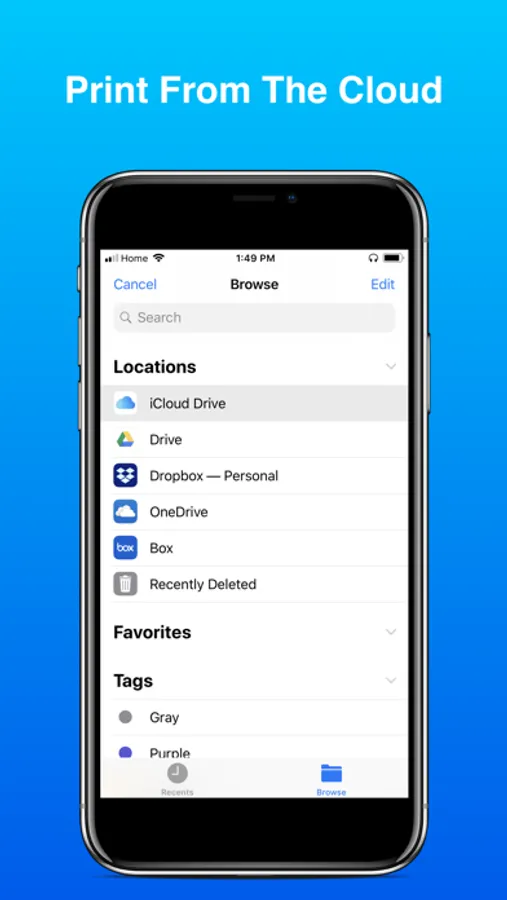
No need to have file save on your phone, you can access any file on the cloud of your choice anytime, anywhere and print from anywhere there is a printer.
For A full list of compatible printers brands checkout
https://support.apple.com/en-us/ht201311
You can test your printer for free.
or use the 3 days free trial to print your own documents and photos for free.
Title of subscription: Unlimited Printing (Unlimited Scan, Document, and Photo printing)
Length of subscription: Weekly, or Monthly, or Yearly
Your Apple ID account will be charged when your free trial ends. Cancel before the free trial ends and you won't be charged. Subscription automatically renews unless it is canceled at least 24 hours before. You can manage and cancel your subscriptions by going to your account settings on the App Store.
Terms of Use: https://fierce-inlet-63133.herokuapp.com/printer-term-of-use
Privacy Policy: https://fierce-inlet-63133.herokuapp.com/iprint
For A Full List of Supported printers brands check out this link
https://support.apple.com/en-us/ht201311
You can print Photos, Documents(PDF,Word,Excel,PowerPoint,Keynote,jpg,png & Rtf)
iPrint Printer for AirPrint will automatically resize your paper size base on your printer capability and the type of document you are trying to print
Smart Options are provided to you so that you don't have to do the guest work such as, printing configuration for the type of documents you are printing (Photo or Regular Document), and the best size of that document for your printer
You can also print your colors Photo in Black & White or Your Color Documents in Black & White by choosing that option.
Printing Orientation is also at your fingertips, you choose between print Photos or Documents in Landscape or Portrait.
No need to have file save on your phone, you can access any file on the cloud of your choice anytime, anywhere and print from anywhere there is a printer.
For A full list of compatible printers brands checkout
https://support.apple.com/en-us/ht201311
You can test your printer for free.
or use the 3 days free trial to print your own documents and photos for free.
Title of subscription: Unlimited Printing (Unlimited Scan, Document, and Photo printing)
Length of subscription: Weekly, or Monthly, or Yearly
Your Apple ID account will be charged when your free trial ends. Cancel before the free trial ends and you won't be charged. Subscription automatically renews unless it is canceled at least 24 hours before. You can manage and cancel your subscriptions by going to your account settings on the App Store.
Terms of Use: https://fierce-inlet-63133.herokuapp.com/printer-term-of-use
Privacy Policy: https://fierce-inlet-63133.herokuapp.com/iprint
iPrint Printer for AirPrint Screenshots
Tap to Rate:
Reviews for iPrint Printer for AirPrint
Snuffythekitten
NO STARS
Wasn’t what I needed deleted and still got charged for something I will not ever use so NO STARS. Waste of time but total waste of money I didn’t intend to pay!!
xr3g13x
Doesn’t work without paying
Waste of time. Why would I wanna pay to print on my own printer? Pointless app.