In this printer app, you can select documents or photos to print or scan with your printer. Includes support for over 5000 AirPrint-compatible printers and multiple file formats.
AppRecs review analysis
AppRecs rating 4.3. Trustworthiness 72 out of 100. Review manipulation risk 33 out of 100. Based on a review sample analyzed.
★★★★☆
4.3
AppRecs Rating
Ratings breakdown
5 star
79%
4 star
8%
3 star
3%
2 star
2%
1 star
8%
What to know
✓
Credible reviews
72% trustworthiness score from analyzed reviews
✓
High user satisfaction
87% of sampled ratings are 4+ stars (4.5★ average)
⚠
Pricing complaints
Many low ratings mention paywalls or pricing
About Printer App: Print & Scan PDF
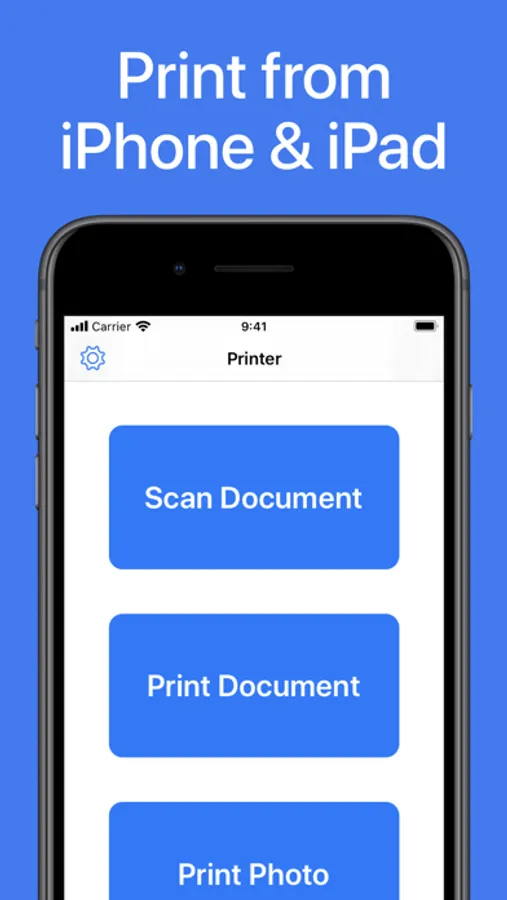
Printer App: Print & Scan PDF helps you to print your documents and photos easily. Scan a new document, select your printer and print your document within seconds. This app supports more than 5000 different AirPrint printers!
► PRINT FROM IPHONE & IPAD
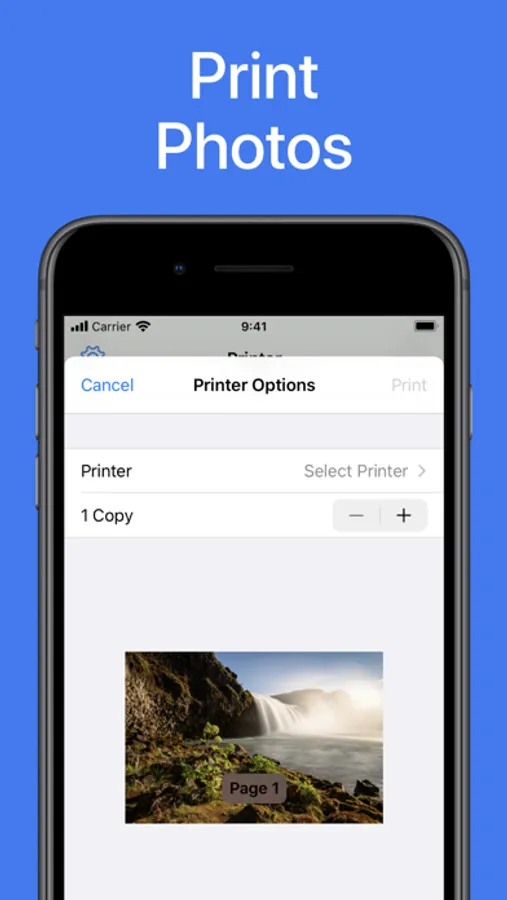
This app makes it really easy for you to print from your iPhone or iPad. Just select the document or photo from your camera that you want to print, select your printer and send the print job. You can print all sorts of different documents: PDF, Word DOC, Excel XLS, PowerPoint PPT, Photoshop PSD, JPEG, PNG, BMP, TIFF, GIF and more.
► SCAN DOCUMENTS & PHOTOS
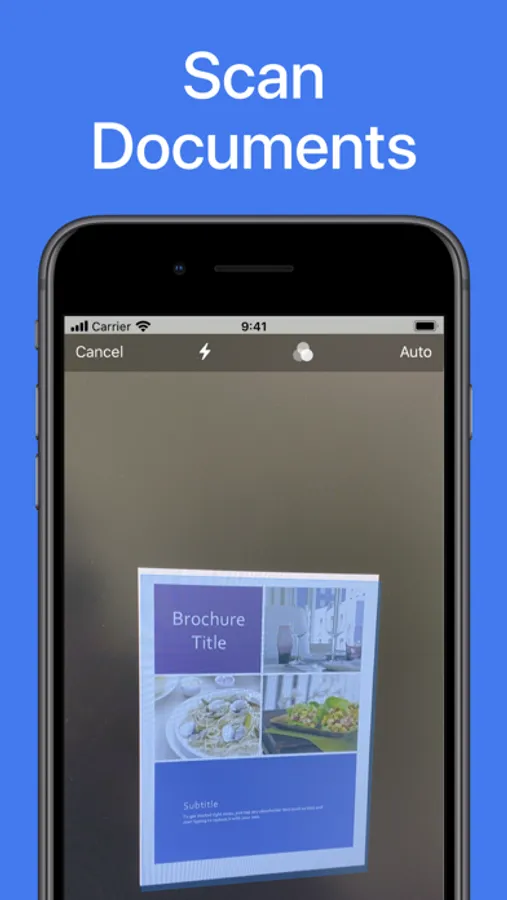
You can also scan already printed documents or photos with the integrated scanner. Just tap on scan and capture the document or photo with your camera. Then you can print the scanned document.
► PRINTER SUPPORT
Printer App: Print & Scan PDF supports more than 5000 printer models like Brother, Canon, Dell, Epson, HP, Kyocera, Lenovo, Lexmark, NRG, Oki, Olivetti, Panasonic, RICOH, Samsung, Sharp, Toshiba, Xerox and more.
DISCLAIMER: We are not affiliated with the mentioned companies in any way. We only developed and tested our App with these devices.
► SUPPORT
Do you need support? Please write us to: support@1Dashcam.com
► PRINT FROM IPHONE & IPAD
This app makes it really easy for you to print from your iPhone or iPad. Just select the document or photo from your camera that you want to print, select your printer and send the print job. You can print all sorts of different documents: PDF, Word DOC, Excel XLS, PowerPoint PPT, Photoshop PSD, JPEG, PNG, BMP, TIFF, GIF and more.
► SCAN DOCUMENTS & PHOTOS
You can also scan already printed documents or photos with the integrated scanner. Just tap on scan and capture the document or photo with your camera. Then you can print the scanned document.
► PRINTER SUPPORT
Printer App: Print & Scan PDF supports more than 5000 printer models like Brother, Canon, Dell, Epson, HP, Kyocera, Lenovo, Lexmark, NRG, Oki, Olivetti, Panasonic, RICOH, Samsung, Sharp, Toshiba, Xerox and more.
DISCLAIMER: We are not affiliated with the mentioned companies in any way. We only developed and tested our App with these devices.
► SUPPORT
Do you need support? Please write us to: support@1Dashcam.com
Printer App: Print & Scan PDF Screenshots
Tap to Rate:
Reviews for Printer App: Print & Scan PDF
Grey Sheet
Unfortunately
I can’t get the printer to print off of my phone
rtiasl
the
the only way