
AppRecs review analysis
AppRecs rating 3.0. Trustworthiness 65 out of 100. Review manipulation risk 22 out of 100. Based on a review sample analyzed.
★★★☆☆
3.0
AppRecs Rating
Ratings breakdown
5 star
0%
4 star
0%
3 star
100%
2 star
0%
1 star
0%
What to know
✓
Low review manipulation risk
22% review manipulation risk
About AUTOCOM GO
AUTOCOM GO naudotis tikrai paprasta:
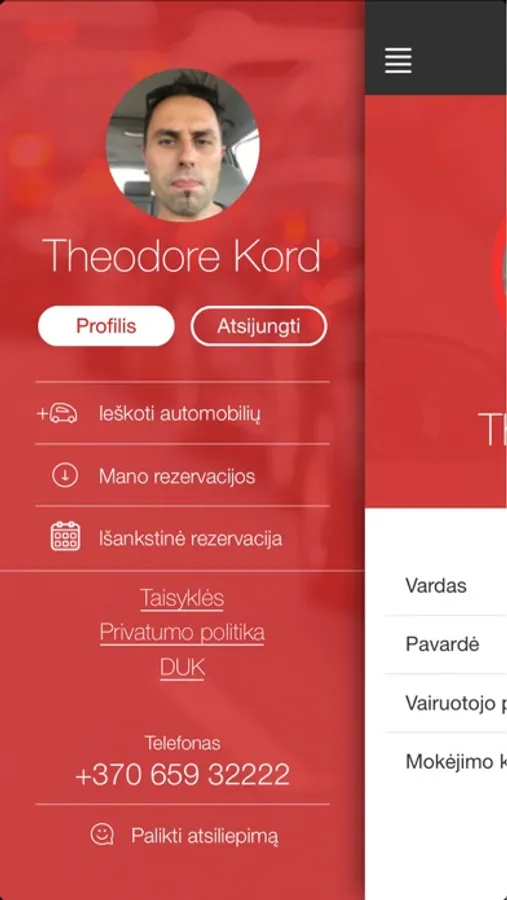
• Atsisiųskite AUTOCOM GO programėlę į savo mobilųjį telefoną.
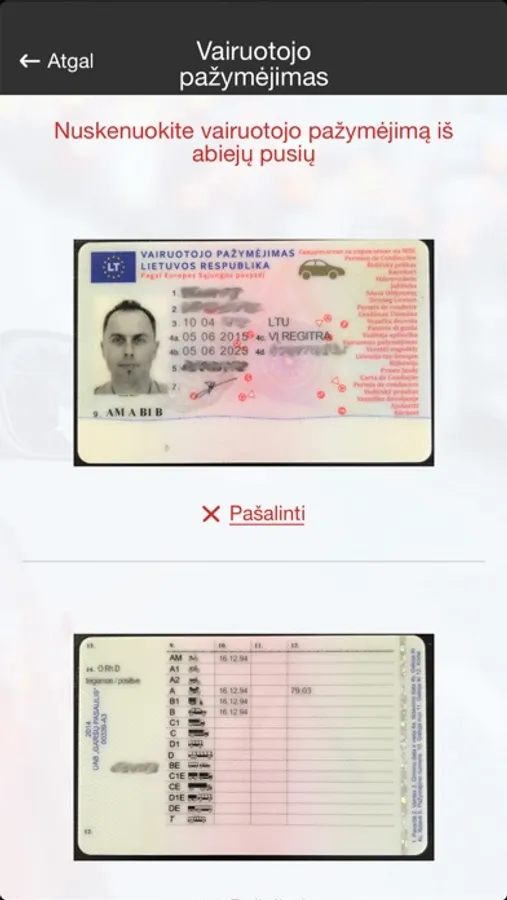
• Užsiregistruokite.
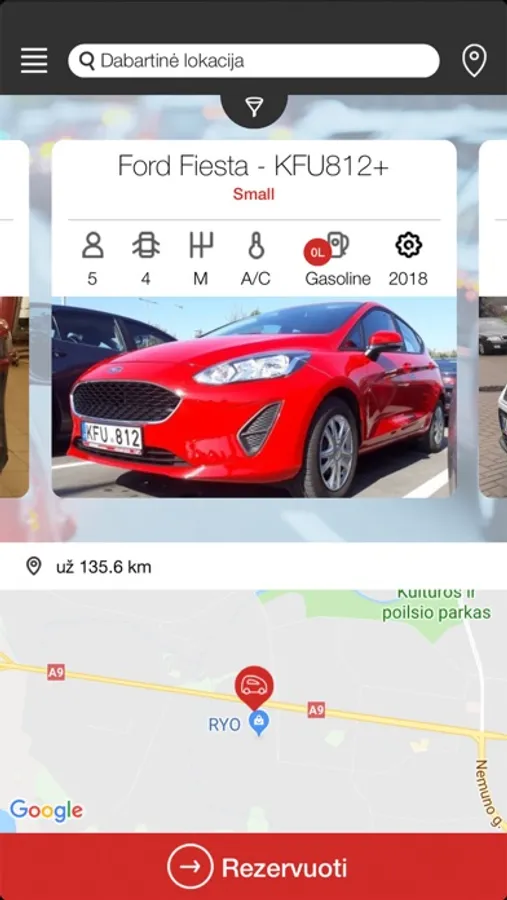
• Rezervuokite Jums patinkantį automobilį programėlėje AUTOCOM GO arba puslapyje www.autocomcarrental.com
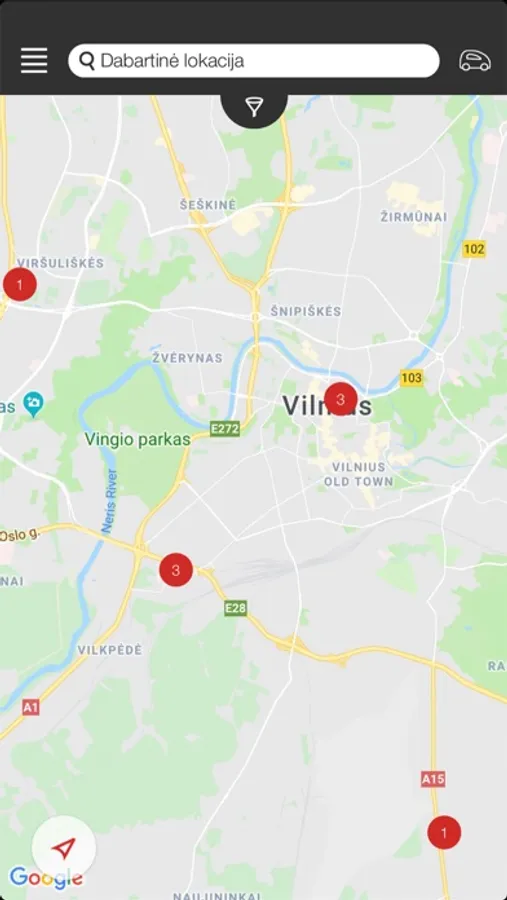
• Atvykus į Jūsų nurodytą rezervacijos vietą, programėlės navigacija padės lengvai surasti Jums rezervuotą automobilį.
• Atrakinkite automobilį vienu paspaudimu ir keliaukite jums reikiama kryptimi.
• Po kelionės automobilį palikite rezervacijoje nurodytoje vietoje ir užrakinkite automobilį vienu paspaudimu.
Daugiau jokių eilių prie nuomos biurų ir papildomų mokesčių!
Gerų kelionių su AUTOCOM GO!
AUTOCOM CAR RENTAL – PATOGU IR PAPRASTA!
Daugiau informacijos rasite: www.autocomcarrental.com arba info@autocom.lt
------------------------------
How to start using AUTOCOM GO?
• Download the AUTOCOM GO app to your phone.
• Register.
• Book a car you like through the AUTOCOM GO app or on www.autocomcarrental.com
• After arriving at the specified booking location, the app navigation will help you to easily locate the car you have booked.
• Unlock the car with one click and drive to your destination.
• After the trip, leave the car at the location indicated in the reservation and lock it with one click.
No more extra charges or queues at the rental office!
Have a nice trip with AUTOCOM GO!
AUTOCOM CAR RENTAL – CONVENIENT AND SIMPLE!
For more info please visit www.autocomcarrental.com or contact us at info@autocom.lt
• Atsisiųskite AUTOCOM GO programėlę į savo mobilųjį telefoną.
• Užsiregistruokite.
• Rezervuokite Jums patinkantį automobilį programėlėje AUTOCOM GO arba puslapyje www.autocomcarrental.com
• Atvykus į Jūsų nurodytą rezervacijos vietą, programėlės navigacija padės lengvai surasti Jums rezervuotą automobilį.
• Atrakinkite automobilį vienu paspaudimu ir keliaukite jums reikiama kryptimi.
• Po kelionės automobilį palikite rezervacijoje nurodytoje vietoje ir užrakinkite automobilį vienu paspaudimu.
Daugiau jokių eilių prie nuomos biurų ir papildomų mokesčių!
Gerų kelionių su AUTOCOM GO!
AUTOCOM CAR RENTAL – PATOGU IR PAPRASTA!
Daugiau informacijos rasite: www.autocomcarrental.com arba info@autocom.lt
------------------------------
How to start using AUTOCOM GO?
• Download the AUTOCOM GO app to your phone.
• Register.
• Book a car you like through the AUTOCOM GO app or on www.autocomcarrental.com
• After arriving at the specified booking location, the app navigation will help you to easily locate the car you have booked.
• Unlock the car with one click and drive to your destination.
• After the trip, leave the car at the location indicated in the reservation and lock it with one click.
No more extra charges or queues at the rental office!
Have a nice trip with AUTOCOM GO!
AUTOCOM CAR RENTAL – CONVENIENT AND SIMPLE!
For more info please visit www.autocomcarrental.com or contact us at info@autocom.lt
AUTOCOM GO Screenshots

Tap to Rate:
Reviews for AUTOCOM GO
Simon Urbietis
Not possible to sign up
I am an American with an American phone number. They do not send verification codes to American phone numbers so it’s not possible for me to sign up. You should add an option to allow verification codes through email if you can not send codes to international numbers.