
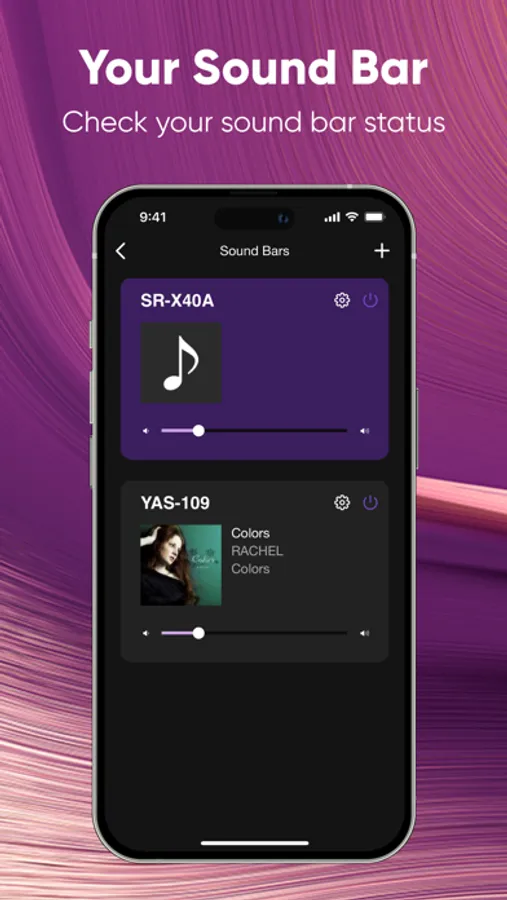
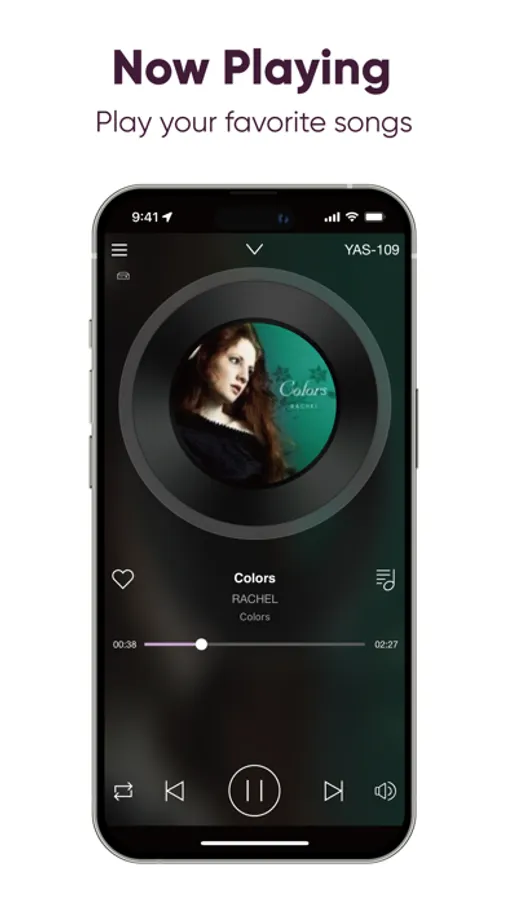
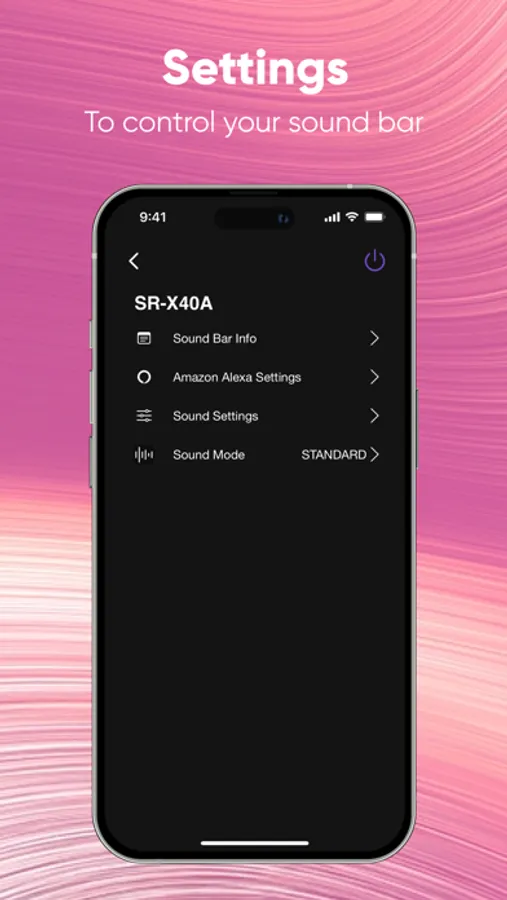
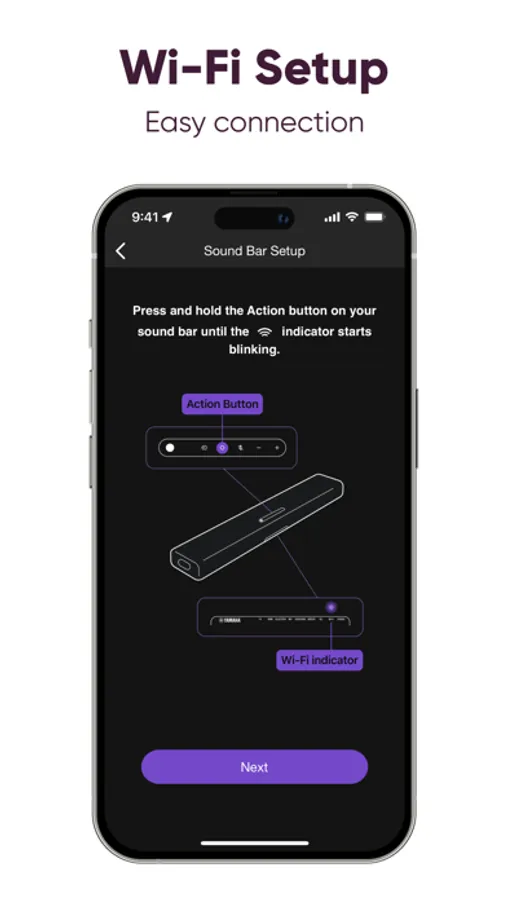
With this app, you can adjust volume, change inputs, and control playback on select Yamaha Sound Bars. Includes setup for Alexa voice control, Wi-Fi audio streaming, and wireless surround speaker volume adjustment.
AppRecs review analysis
AppRecs rating 4.3. Trustworthiness 73 out of 100. Review manipulation risk 22 out of 100. Based on a review sample analyzed.
★★★★☆
4.3
AppRecs Rating
Ratings breakdown
5 star
74%
4 star
9%
3 star
4%
2 star
3%
1 star
9%
What to know
✓
Low review manipulation risk
22% review manipulation risk
✓
Credible reviews
73% trustworthiness score from analyzed reviews
✓
High user satisfaction
83% of sampled ratings are 4+ stars (4.4★ average)
About Sound Bar Controller
Key Features:
- Initial setup of built-in Alexa voice control settings
- Basic control functions such as volume up/down and input selection
- Play audio files stored on your phone or NAS drive through Wi-Fi
- Volume control for wireless surround speakers and wireless subwoofer (Only SR-X40A, SR-X50A, ATS-X500)
[Supported Models]
YAS-109, YAS-209
ATS-1090, ATS-2090
SR-X40A, SR-X50A, ATS-X500
[iOS Version Requirement]
* This application supports iOS version 10 or above.
- A wireless Local Area Network (LAN) and a compatible Yamaha Network product(s)* residing within the same LAN.
Sound Bar Controller Screenshots
Tap to Rate:
Reviews for Sound Bar Controller
Swayboogie
Alexa not compatible
Tried to pair over and over and over again and it just won’t work Idk if everyone else is having this problem but it would be just so much easier if I could control with Alexa and not the outdated remote
Sure. It works.
It works
The app works with the soundbar. So that’s 3 stars. But overall a pretty bottom level app coming from a large company. I think another $20 investment would go a long way with how minimal and old this app feels.