
With this app, you can personalize audio settings, troubleshoot issues, and contact support. Includes EQ adjustments, virtual remote control, and firmware updates.
AppRecs review analysis
AppRecs rating 3.5. Trustworthiness 78 out of 100. Review manipulation risk 25 out of 100. Based on a review sample analyzed.
★★★☆☆
3.5
AppRecs Rating
Ratings breakdown
5 star
47%
4 star
23%
3 star
6%
2 star
6%
1 star
18%
What to know
✓
Low review manipulation risk
25% review manipulation risk
✓
Credible reviews
78% trustworthiness score from analyzed reviews
✓
Good user ratings
70% positive sampled reviews
About Klipsch Connect
• Live Chat in the App or
• https://support.klipsch.com or
• +1-800-KLIPSCH
Klipsch Connect™ works with:
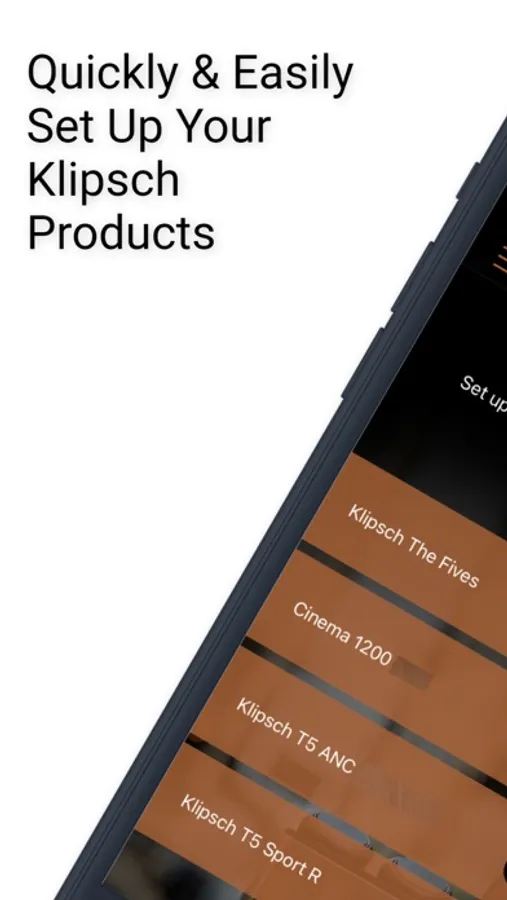
• The One Plus and The Three Plus tabletop speakers
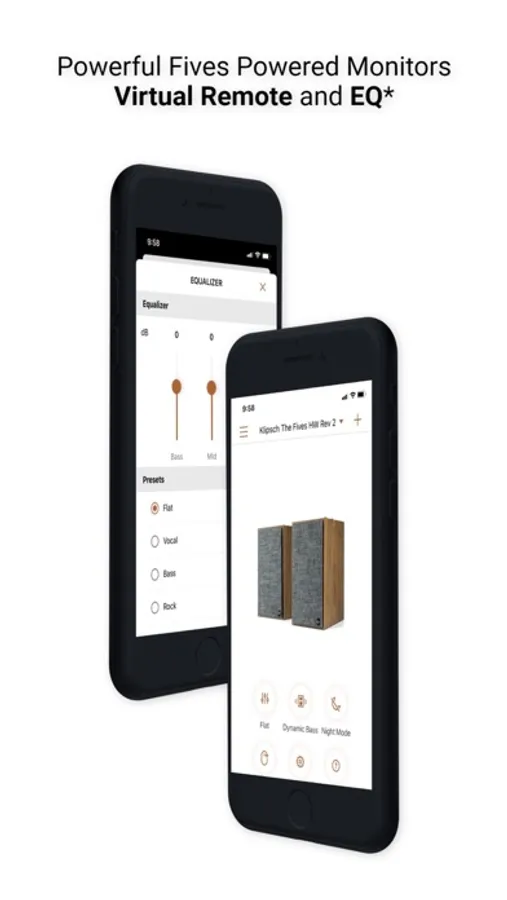
• The Fives, The Sevens, The Nines, and The Nines McLaren powered monitors
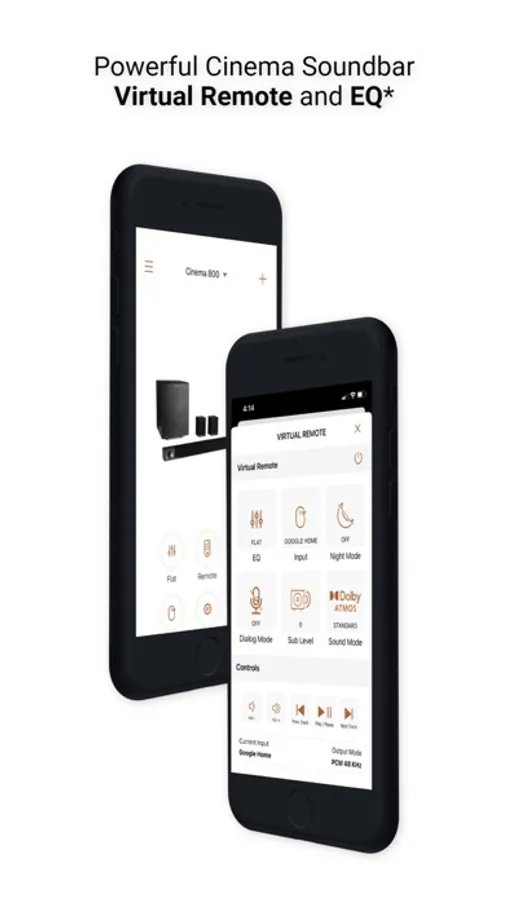
• Cinema 700, 800 and 1200 Series soundbars
• Cinema 600 Series soundbar
• T5 Series True Wireless earphones
• T5 II series True Wireless earphones
• T5 II ANC series True Wireless earphones
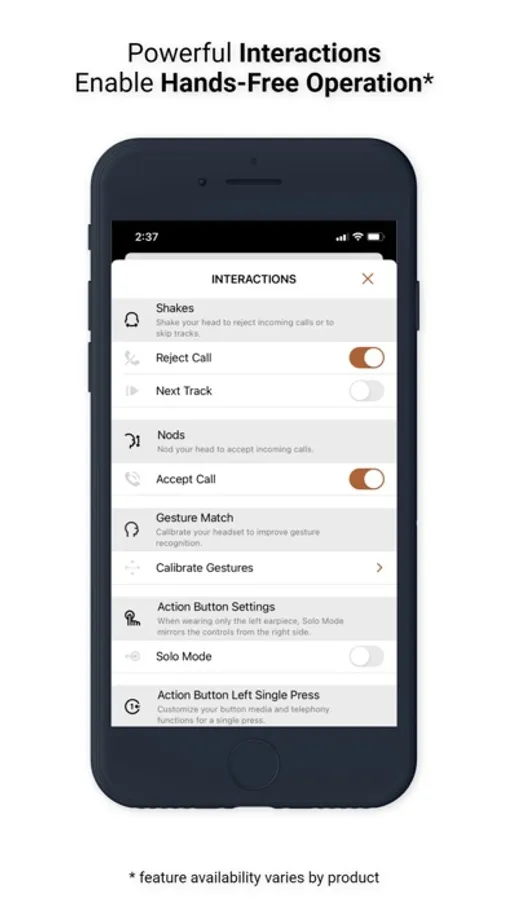
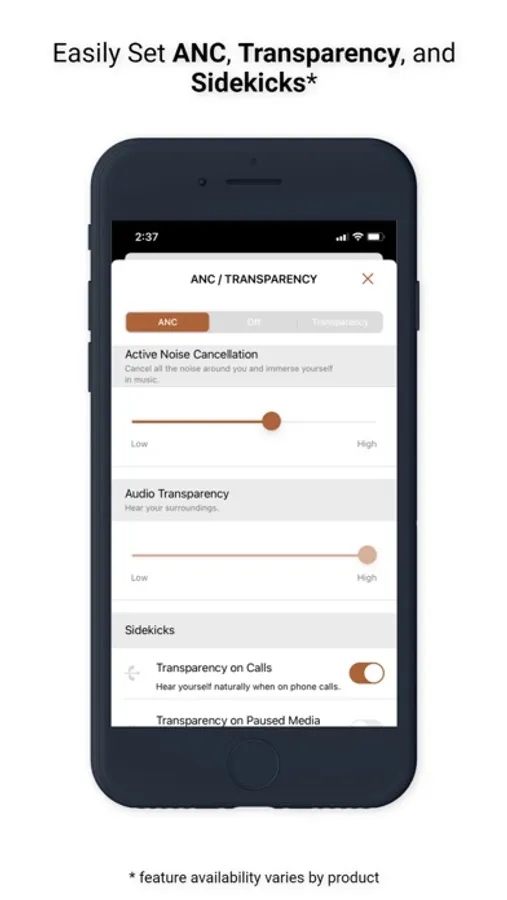
You can easily personalize your experience by adjusting EQ, transparency, and ANC settings. Soundbar and Powered Monitor products all support Virtual Remote Control. You can install feature updates, troubleshoot common issues, contact product support - including in-app Live Chat, and much more.
Features (availability varies by product):
• Virtual Remote Control
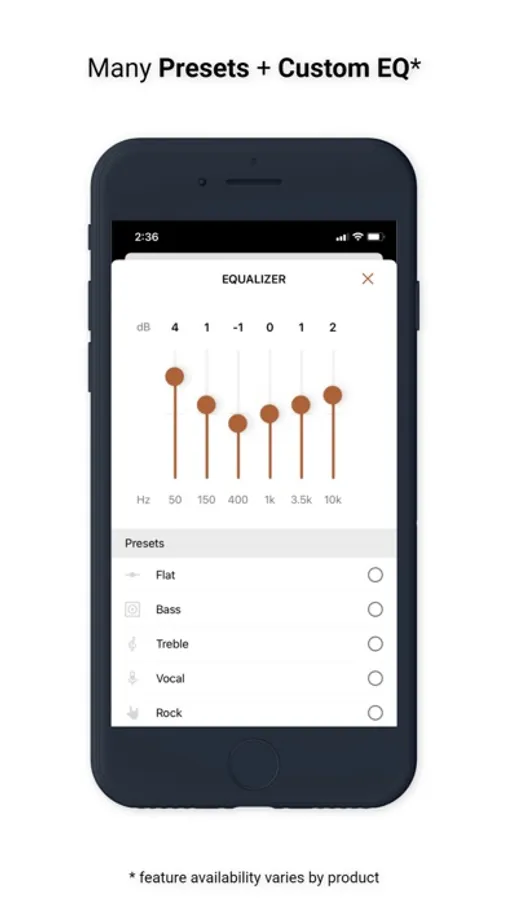
• EQ Presets
• Custom EQ Adjustments
• ANC Level Control
• Transparency Mode & Level
• Dirac HD Sound
• Dynamic Bass Control - a.k.a. "Loudness"
• Room Placement Control - a.k.a. "Bass Cut Mode"
• Dolby Atmos (tm) Sound Mode Control
• Night Mode and Dialog Mode Control
• Channel-Specific Volume Control
• Subwoofer Volume Control
• Bragi AI, Moves & Sidekicks
• Battery Level & Status
• Live Chat with Support (during business hours)
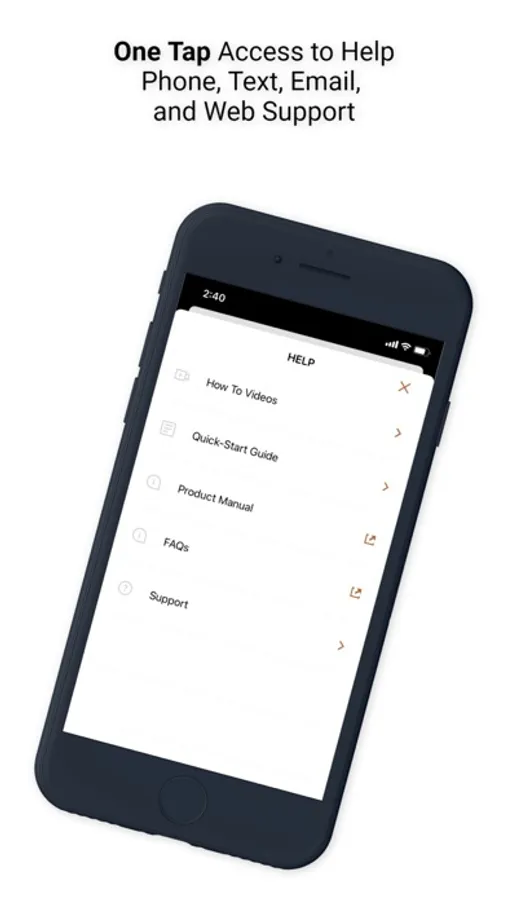
• Quick-Start Guides & Product Manuals
• How-To Videos and FAQs
• Product Firmware and Feature Updates
• Product Registration
• Easy Access to Product Support
IMPORTANT FIVES UPDATE: If you cannot connect after you run the Fives Updater app, that means Step 1 did not complete successfully. Make sure to run the USB update. If you need help, we're here for you - please reach out to Product Support (link below) and we'll help you complete the update.
How to Access Cinema Soundbar and Fives, Sevens, and Nines Virtual Remote Capabilities:
Cinema 1200, 800, and 700
Virtual Remote Control and EQ features require the soundbar be running the latest update. This normally happens automatically when the soundbar has been connected to the Internet, either via Klipsch Connect or Google Home. If your device has not been connected to the Internet, please contact our Product Support Team for assistance. See details below.
The Fives, The Sevens, and The Nines, including McLaren Editions
Virtual Remote Control and EQ features require the powered monitors be running the latest update. If you have not updated your Fives already, please download the free "Klipsch The Fives Updater" app. This will walk you through the update process. After the update is complete, all future updates will come through Klipsch Connect. Our Product Support team can walk you through the entire process. Simply reach out to us at:
• Live Chat in the App! or
• https://support.klipsch.com or
• +1-800-KLIPSCH
Klipsch Connect Screenshots
Tap to Rate:
Reviews for Klipsch Connect
Donran
Easy to use
Easier to use than the remote except there is no volume control for the sub only night mode.
Mikes4point6
Custom eq does not save
For both The Fives and The Sevens, the custom eq does not apply after being turned off and turned back on. In order to get it to work, you have to open the app, go to equalizer, make any change and then it applies. The issue with these speakers is that they are mid bass heavy and need more treble, which would be fixed if the eq stayed what it was set at on the last power off. All presets and the night setting retains, so I’m sure it could be done. They also should have a Treble preset which is weird they chose to make a bass and vocal, but not treble.