In this shared calendar app, you can create and manage multiple calendars, invite members via phone numbers, and view all your calendars together. Includes real-time updates, public calendar options, and integration with existing calendar services.
AppRecs review analysis
AppRecs rating 4.6. Trustworthiness 68 out of 100. Review manipulation risk 32 out of 100. Based on a review sample analyzed.
★★★★☆
4.6
AppRecs Rating
Ratings breakdown
5 star
81%
4 star
11%
3 star
4%
2 star
2%
1 star
3%
What to know
✓
High user satisfaction
81% of sampled ratings are 5 stars
✓
Authentic reviews
Natural distribution, no red flags
About GroupCal - Shared Calendar
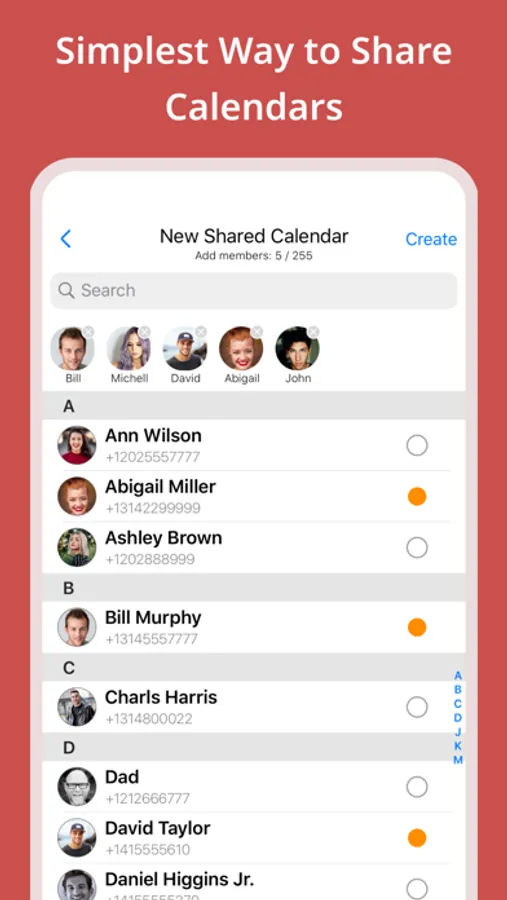
Inviting members to a shared calendar is quick and easy. Simply send a link to members, or invite them using their phone numbers from your contact list. They will be able to instantly view the calendar on any device.
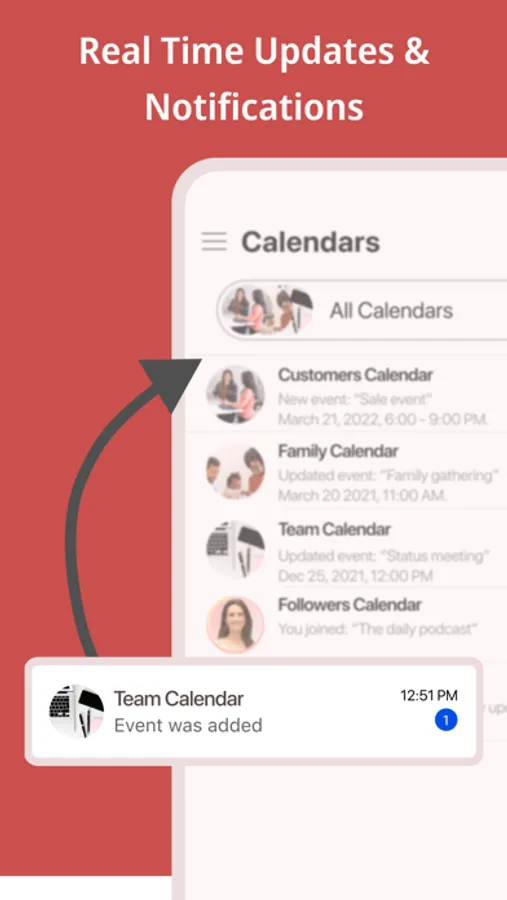
Members of shared calendars get real time updates when events are added or updated.
GroupCal is free, easy to use, and available on any mobile device.
==== GroupCal - Main Features ====
SHARED CALENDARS FOR VARIOUS PURPOSES
People use GroupCal to create shared calendars such as:
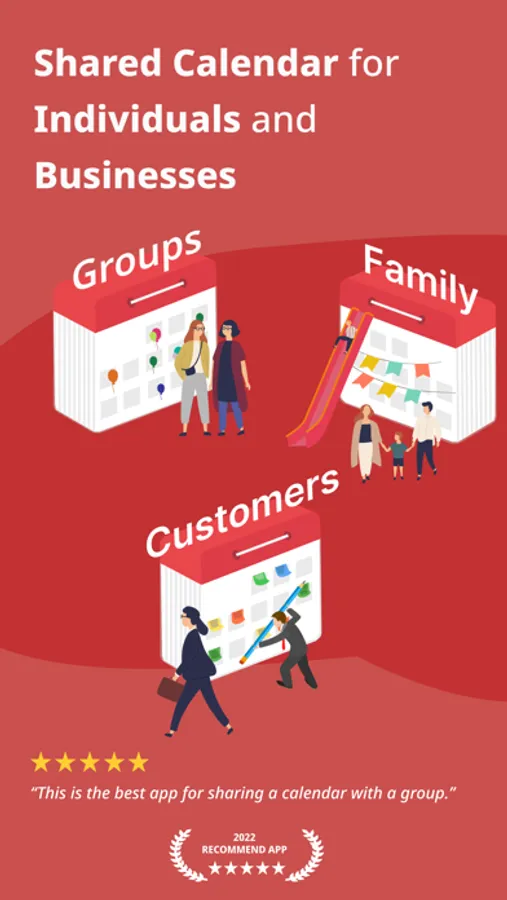
• Family calendar for parents and children
• Calendar for businesses with all activities and events
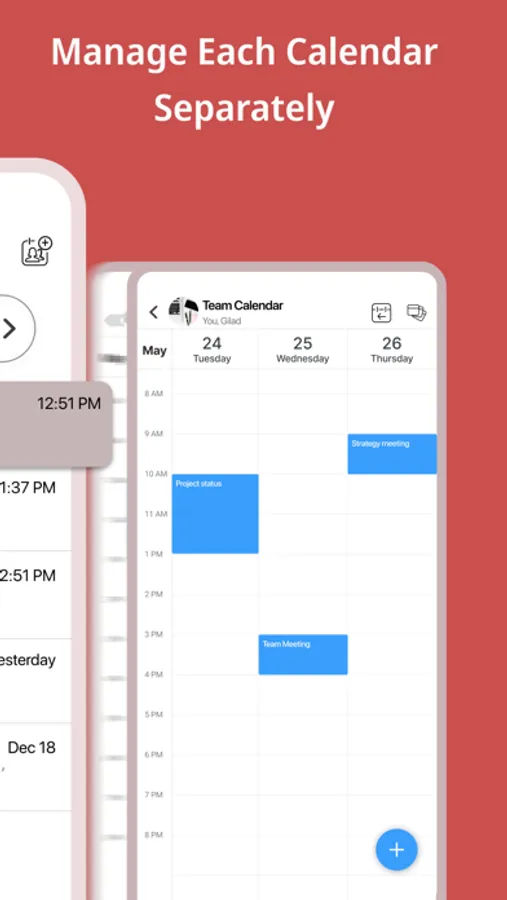
• Calendar for teams to share meetings, projects and schedule
• Calendar for students, teachers and classes
• Calendar for a group of friends
• Calendar for a group with a common interest
• Public calendar for universities, clubs, bands and brands - anyone can search and join it
CREATE MULTIPLE SHARED CALENDARS EASILY
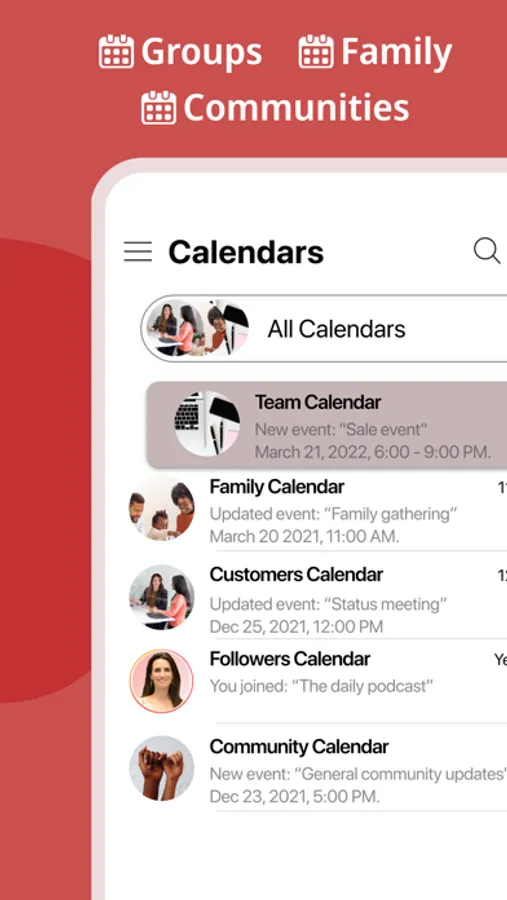
Create multiple shared calendars for different topics and groups. Each calendar is used for its own topic and with its own members.
INVITE USING PHONE NUMBERS. NO NEED FOR EMAIL ADDRESS
Invite members using their phone numbers, right from your contact list, or by sending a link via Email, Messenger, WhatsApp, or SMS.
No need to have email addresses of the members.
ALL YOUR CALENDARS IN ONE PLACE
Your Existing Calendars are also in GroupCal. Your private schedule from Apple Calendar, Google Calendar, and Outlook is presented in GroupCal, side by side to the shared calendar you create or join using GroupCal. You get a unified view of all your calendars on one screen and in one place.
BUSINESSES - CREATE PUBLIC CALENDARS
Set calendars as “public” to have them visible to anyone around the world. Public calendars are searchable by GroupCal users.
REAL TIME NOTIFICATIONS
Members of shared calendars get real time updates and notifications when they are added to the calendar, and when events are added or updated.
JOINING SHARED CALENDARS IS SO EASY
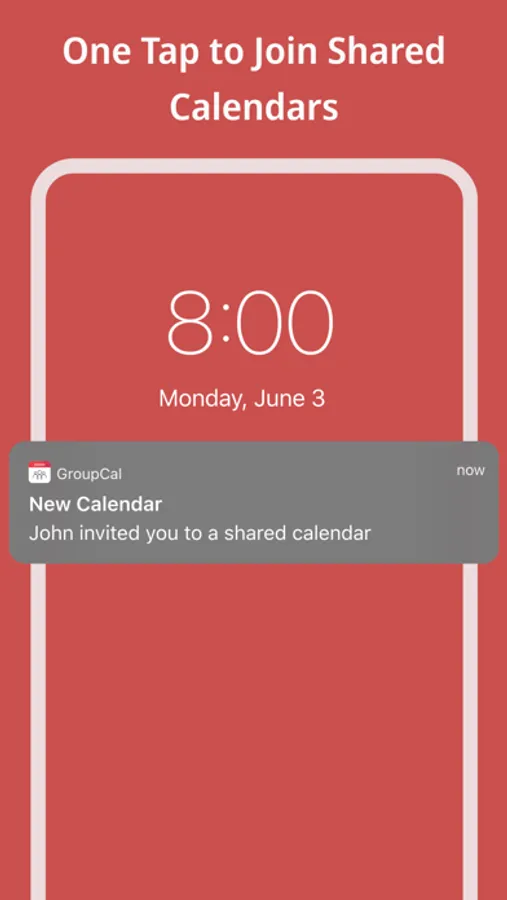
Either click on a link a member sent to you, or join an existing public calendar on GroupCal by using the search option: discover your University's schedule, Yoga class schedule, your favorite band’s concerts and more.
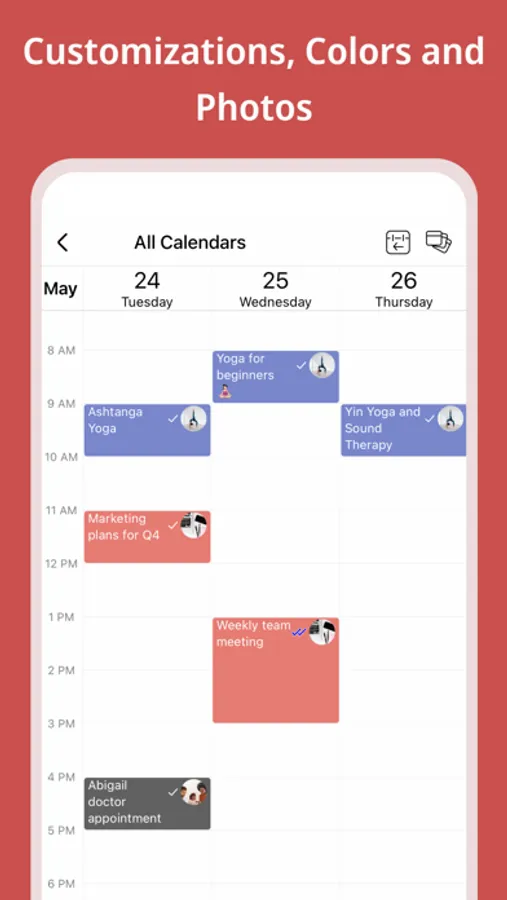
COLOR CODED CALENDARS AND SPECIAL CUSTOMIZATION
Select a color and a photo for each calendar to easily distinguish between calendars and their events.
KNOW HOW’S ATTENDING
Get a better visibility about each event: see when the event was delivered per member, and who accepted or declined participation.
MINIMALIST DESIGN & USER FRIENDLY
GroupCal has a simple and clear design that makes it super easy to use. It’s built to be very user friendly and intuitive. Features in the app are accompanied with short explanations so you don’t have to spend much time to learn and get used to it.
ADD REMINDERS AND TASKS TO CALENDAR EVENTS
Use advanced features such as recurrence to events, multiple reminders for each event, or notes and subtasks which are assigned to events.
ADVANCED CALENDAR PERMISSIONS
Choose the permission level for each shared calendar. Assign admins, set whether the calendar’s name and photo can be changed, who is allowed to add or update events, and whether members can add other new members to the calendar.
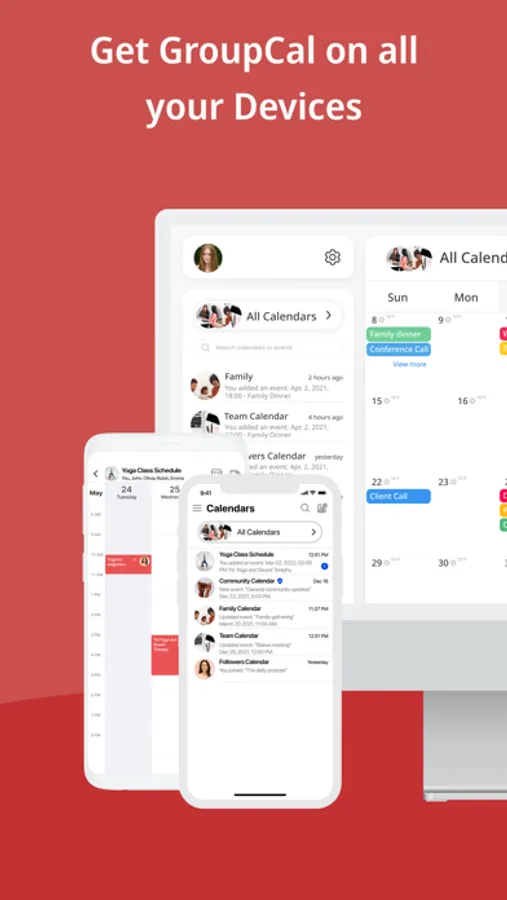
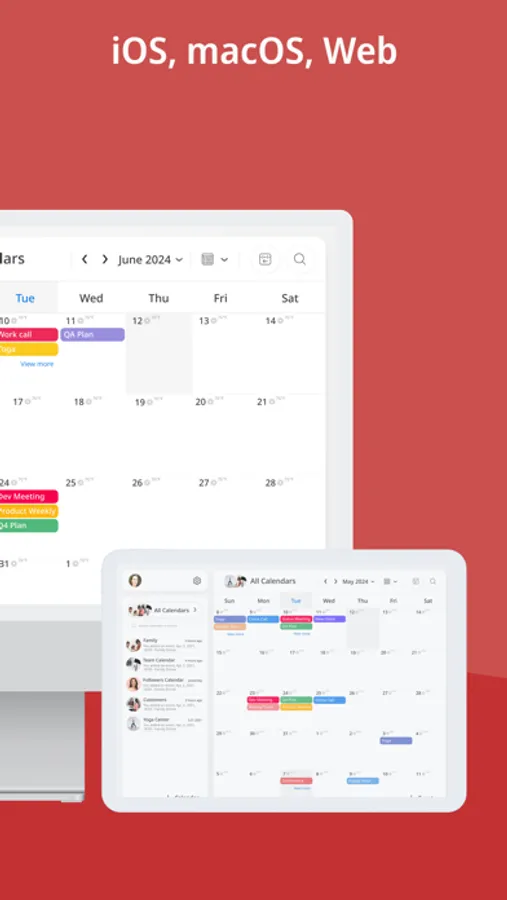
CROSS PLATFORM
GroupCal is available worldwide for all major platforms.
GroupCal - Shared Calendar Screenshots
Tap to Rate:
Reviews for GroupCal - Shared Calendar
W from pa
More user friendly than the others
I got this for my band who is playing a lot of shows. We have Facebook messenger group to chat about shows, but was constantly searching for dates discussed. So I got one calendar that was the highest rated, but their user interface was awful. I got this, sent a link in the group chat, everyone downloaded it and now we can all see when, where, and even open maps with directions.
Mar yolanda
Muy buena app
Ayuda a mantener en orden la agenda familiar