In this audio plugin app, you can apply professional equalization to sound input and analyze the spectrum in real time. Includes spectrum and dynamics analyzers, AI-based suggestions, and customizable filter sections.
AppRecs review analysis
AppRecs rating 4.3. Trustworthiness 77 out of 100. Review manipulation risk 29 out of 100. Based on a review sample analyzed.
★★★★☆
4.3
AppRecs Rating
Ratings breakdown
5 star
88%
4 star
3%
3 star
2%
2 star
0%
1 star
8%
What to know
✓
Low review manipulation risk
29% review manipulation risk
✓
Credible reviews
77% trustworthiness score from analyzed reviews
✓
High user satisfaction
88% of sampled ratings are 5 stars
About TB Equalizer
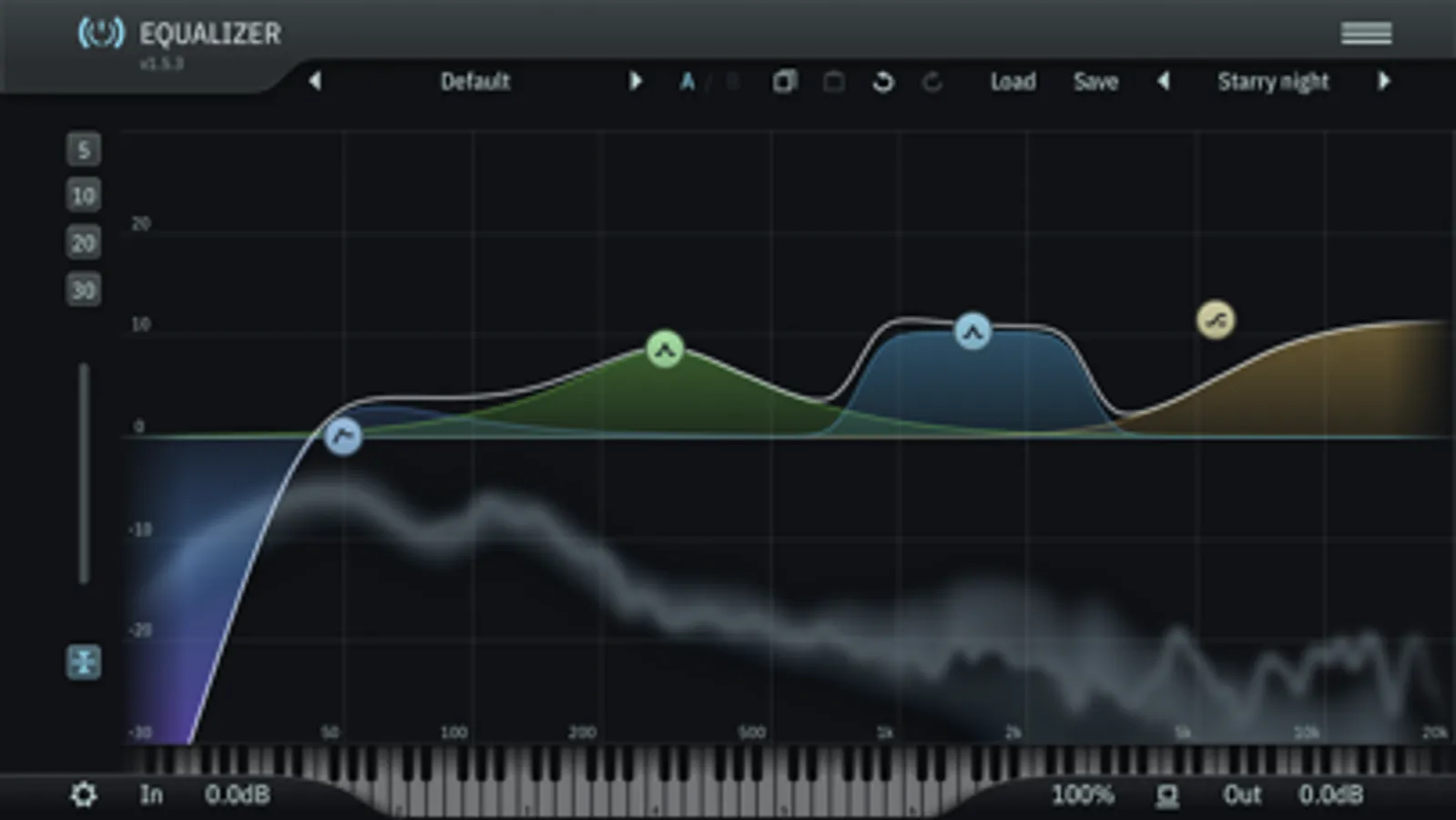
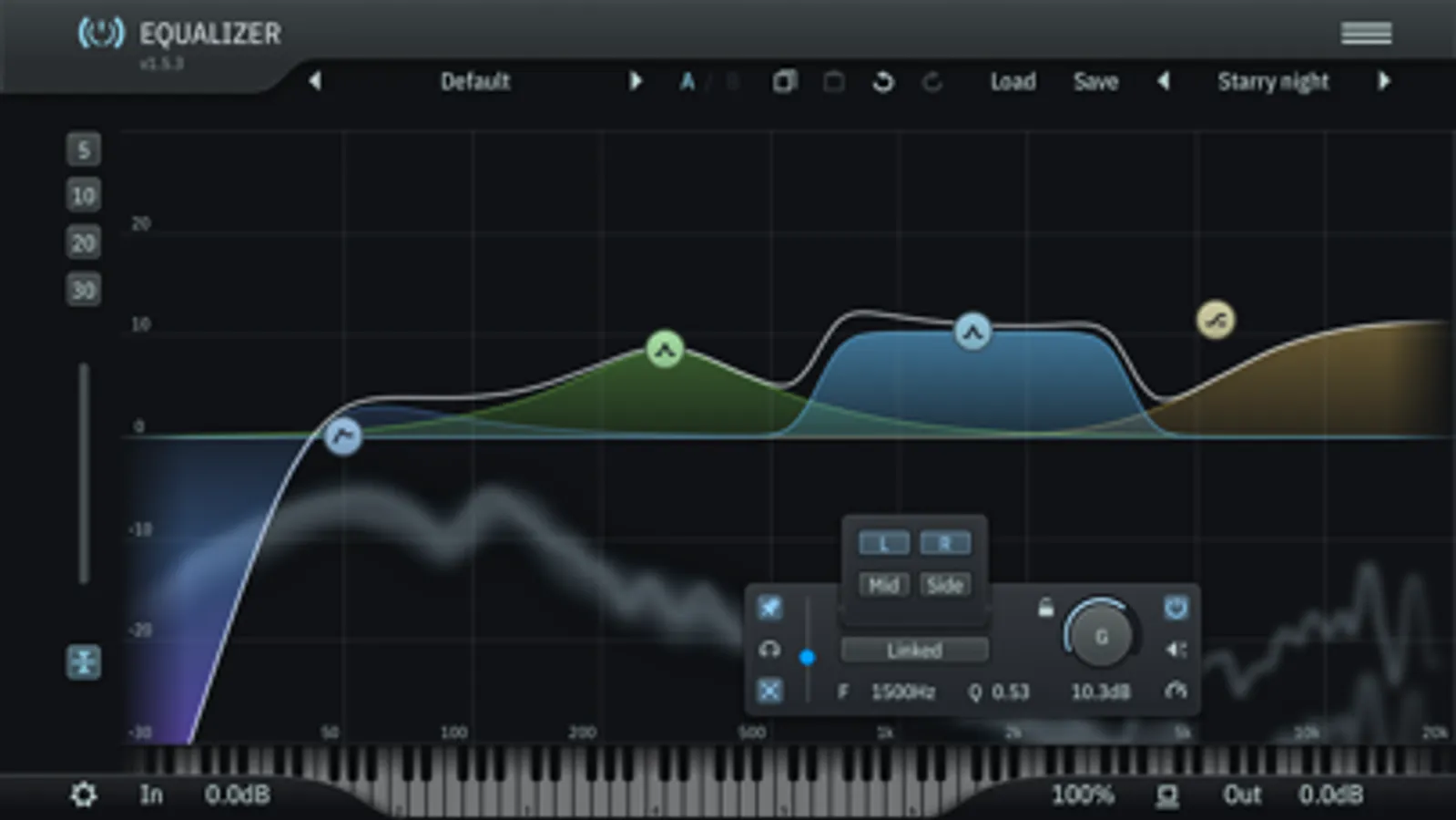
The ToneBoosters Equalizer app captures the microphone (or external sound card) input and processes the signals in real time. To use it as a plug-in, use an AUv3-compatible host app such as Steinberg Cubasis, Apple Garageband, Audio Evolution Mobile Studio, Auria, AUM, or others. ToneBoosters Equalizer will appear in the list of Audio Unit extensions for effect plug-ins.
Key features:
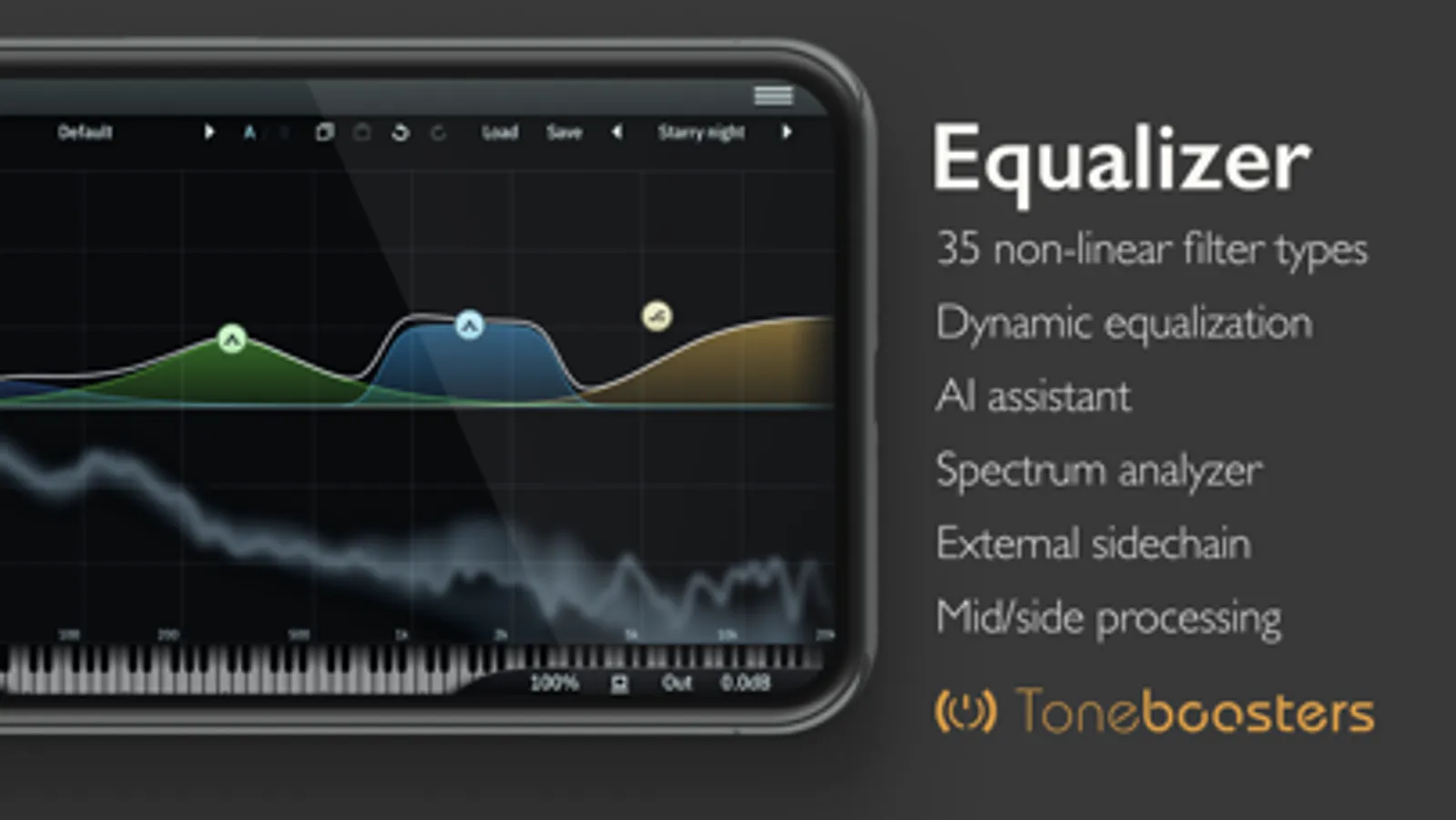
- Mastering grade, professional equalizer
- Integrated spectrum analyser and dynamics analyser
- The same professional sound as the acclaimed desktop version
- Up to 16 filter sections with a very wide range of filter types
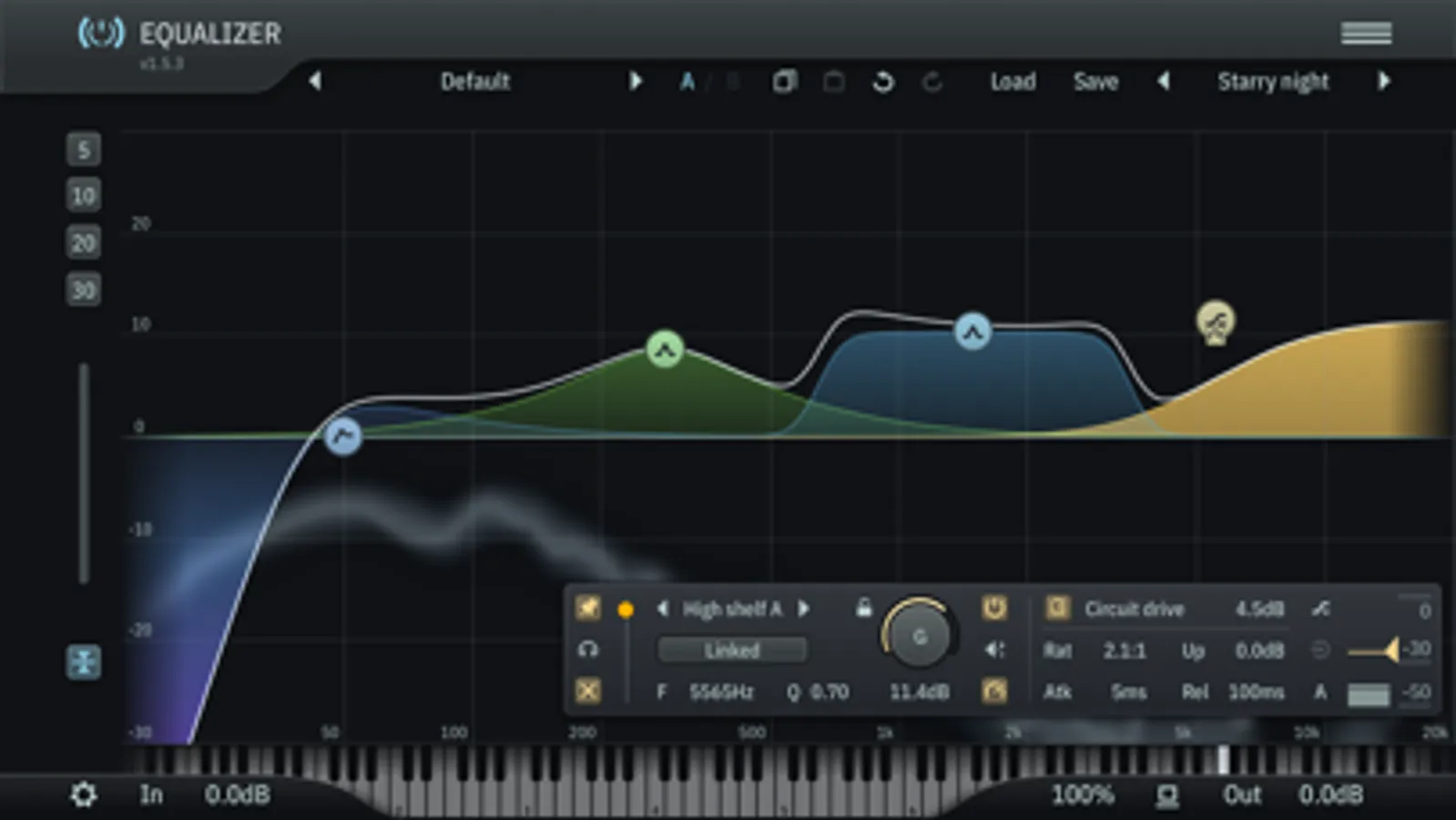
- Run each section in dynamic or static mode
- Run each section with digital purity or with analog character and non-linearities
- Oversampling and anti-aliasing modes to further improve sound quality
- Use Artificial Intelligence (AI) for content-dependent equalisation suggestions
- Audition mode to easily identify problematic frequency areas
- Automatic level make up function for every section
- Zero latency mode for live operation
- Lasso function to select and move multiple filters simultaneously
- Piano display to select musical note frequencies
- Output VU meters showing peak and RMS levels simultaneously
- Undo/redo, and A/B comparison
- Color themes for the user interface
- Adjustable colours for every filter section
- Mid, side, left, right processing for stereo input for each section
- Max screen support in Garageband
- Optimised for iPad and compatible with iPhone and iPod Touch
- Efficient, low CPU usage
What you should know:
- Licenses acquired for this platform are not compatible with other platforms.
- Audio Unit (AUv3) extensions require an iPad mini 2, iPad 4 or later models.
TB Equalizer Screenshots
Tap to Rate:
Reviews for TB Equalizer
Tez 205
Needs an update
This has been a great equalizer for Garageband iOS up until now For some reason it’s not being read correctly as a plug-in when I upload my song and destroys my mixed tracks Please fix this !!!
Sample Zombie
Absolutely incredible for Garageband on iPad
I very, very rarely review apps, but I am compelled to write one for this app. TB Equalizer is absolutely ridiculously great. Amazing. I have been making beats for more than 22 years, and only a few years ago migrated to Garageband on the iPad from a clunky, hardware-laden home studio. I thought I knew every trick in the GarageBand book, but this app is god mode. I was fed up with Apple’s built-in AUV3 BandEQ module (not the basic 3-channel EQ) because it was so glitchy, which is why I finally decided to get this. I can’t believe it was only $10. If this app was $40 to $50 and I had demoed it first, I would have EASILY paid that. I love the ease of adding more channels. The per-channel magic assist or whatever it’s called is actually very good and helpful 50% of the time. The realtime oscilloscope paired with the dynamic EQ mode is just awesome. I’ve been using the AI assist for the final mix, which also comes in handy and is a nice touch. Even HQ mode legitimately improves sound quality. There are so many great functions, and I find none of them gimmicky. The app is also rock-solid stable in GarageBand. 10 stars for this. I can’t commend the devs enough on a great, great job coding this.