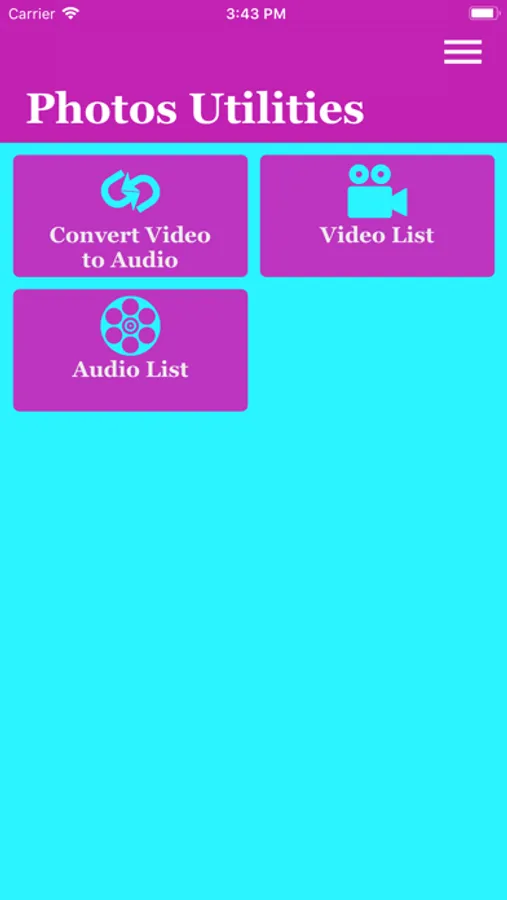
In this app, you can convert videos to audio files and save them to your device. Includes options for extracting MP3 and M4A formats, selecting videos from camera or photos, and sharing audio files.
AppRecs review analysis
AppRecs rating 4.6. Trustworthiness 55 out of 100. Review manipulation risk 37 out of 100. Based on a review sample analyzed.
★★★★☆
4.6
AppRecs Rating
Ratings breakdown
5 star
81%
4 star
7%
3 star
6%
2 star
2%
1 star
5%
What to know
✓
High user satisfaction
81% of sampled ratings are 5 stars
✓
Authentic reviews
No red flags detected
About Video to Audio Converter .
Video to Audio Convert app converts all types of videos to audios and saves huge amount of memory by playing only audios.
Here's what you can do using this app
=> Extract mp3 from mov
=> Extract m4a from mov
=> Convert any type of video to audio
=> Select video from camera and photos options
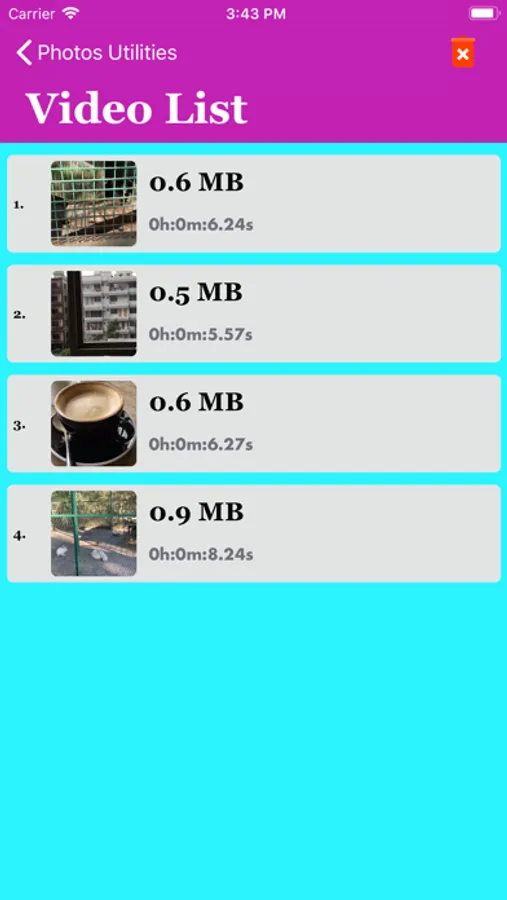
=> save video at video list page
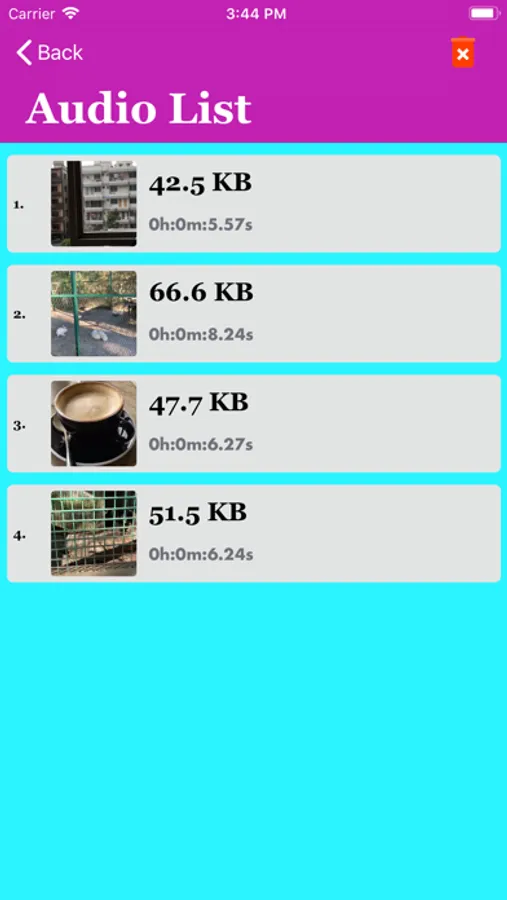
=> save audio at audios list page
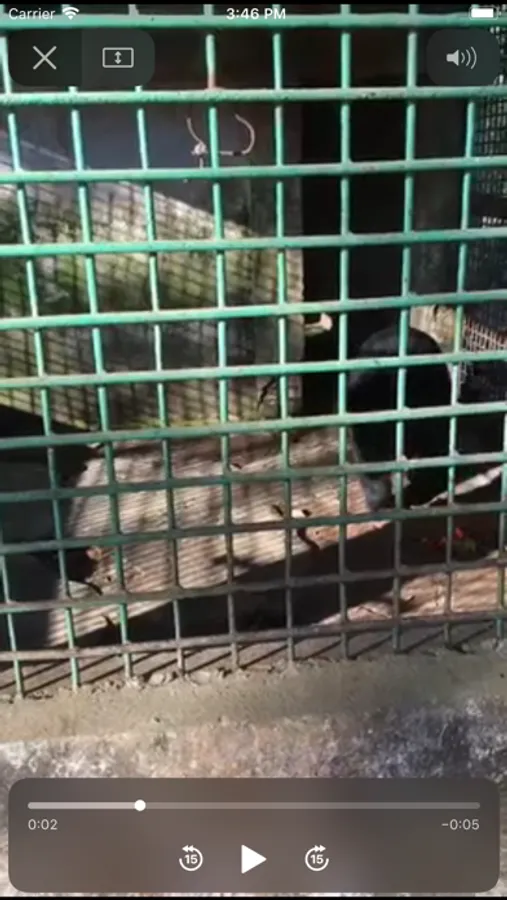
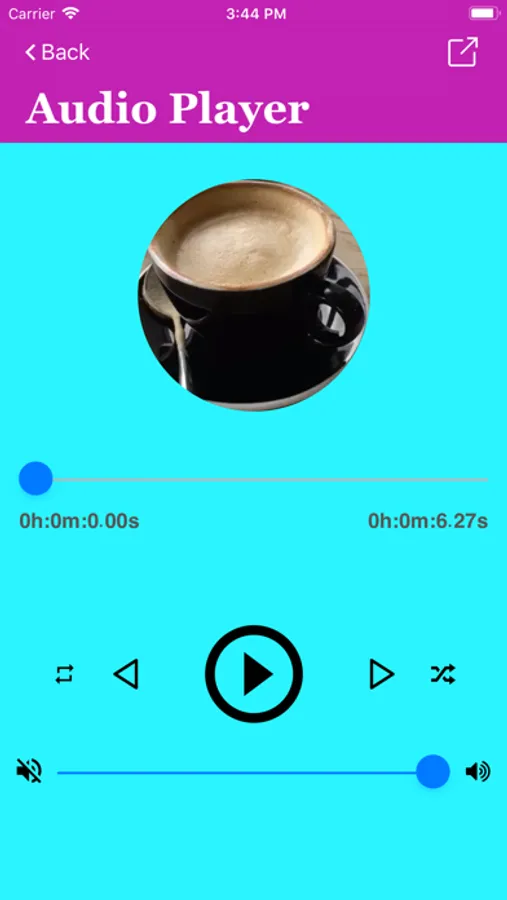
=> Video and Audio player
=> Supported background music
=> Share audio file with friends
=> Remove video and audio files from list
SUBSCRIPTIONS
- You can subscribe for PRO features with unlimited converting videos to audios and playing music or videos, storing music or video, sharing unlimited audio and no ads.
- Subscription options are: 1 month with 3-day trial, 1-week. Alternatively a lifetime payment is available.
- Payment will be charged to iTunes Account at confirmation of purchase.
- Your Subscription automatically renews unless auto-renew is turned off at least 24-hours before the end of the current period.
- Your Account will be charged for renewal within 24-hours prior to the end of the current period with the same cost you have started your subscription.
- Any unused portion of a free trial will be forfeited if you purchase a subscription.
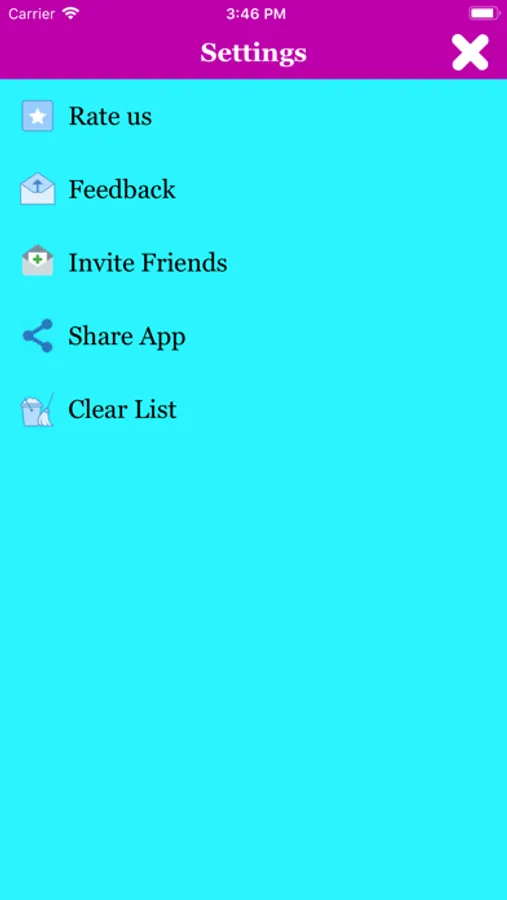
- To restore your upgrade to Video to Audio Converter on a new device, go to the Settings screen, tap the “Restore” option and your subscription or previous purchases will become active free of charge.
For more information :
https://sites.google.com/view/appsplaces-video-converter
Here's what you can do using this app
=> Extract mp3 from mov
=> Extract m4a from mov
=> Convert any type of video to audio
=> Select video from camera and photos options
=> save video at video list page
=> save audio at audios list page
=> Video and Audio player
=> Supported background music
=> Share audio file with friends
=> Remove video and audio files from list
SUBSCRIPTIONS
- You can subscribe for PRO features with unlimited converting videos to audios and playing music or videos, storing music or video, sharing unlimited audio and no ads.
- Subscription options are: 1 month with 3-day trial, 1-week. Alternatively a lifetime payment is available.
- Payment will be charged to iTunes Account at confirmation of purchase.
- Your Subscription automatically renews unless auto-renew is turned off at least 24-hours before the end of the current period.
- Your Account will be charged for renewal within 24-hours prior to the end of the current period with the same cost you have started your subscription.
- Any unused portion of a free trial will be forfeited if you purchase a subscription.
- To restore your upgrade to Video to Audio Converter on a new device, go to the Settings screen, tap the “Restore” option and your subscription or previous purchases will become active free of charge.
For more information :
https://sites.google.com/view/appsplaces-video-converter
Video to Audio Converter . Screenshots
Tap to Rate:
Reviews for Video to Audio Converter .
TotalHog
Pricy but good
Thumbs up
_B_K
👍
Workable app and can convert large videos to audios