AppRecs review analysis
AppRecs rating 4.3. Trustworthiness 79 out of 100. Review manipulation risk 23 out of 100. Based on a review sample analyzed.
★★★★☆
4.3
AppRecs Rating
Ratings breakdown
5 star
86%
4 star
6%
3 star
0%
2 star
3%
1 star
6%
What to know
✓
Low review manipulation risk
23% review manipulation risk
✓
Credible reviews
79% trustworthiness score from analyzed reviews
✓
High user satisfaction
86% of sampled ratings are 5 stars
About Image Converter °
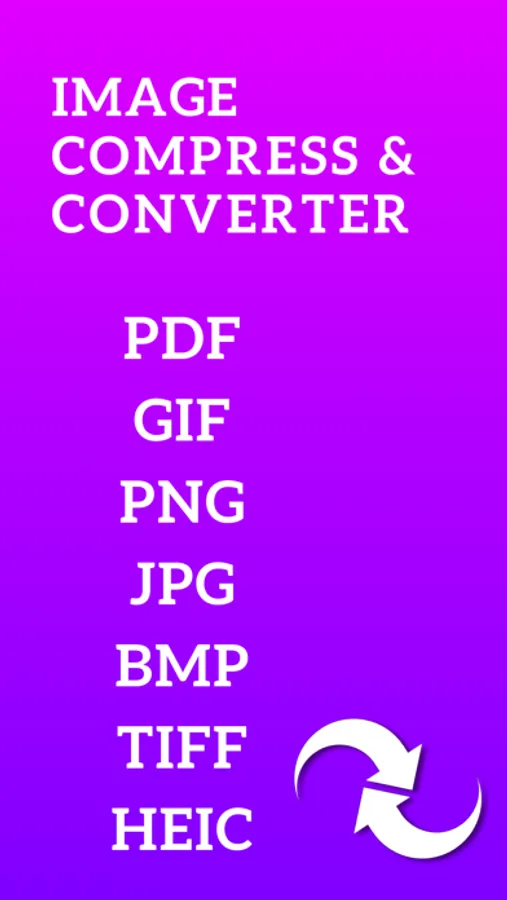
BMP, GIF, JPEG, JPG, PNG, and TIFF
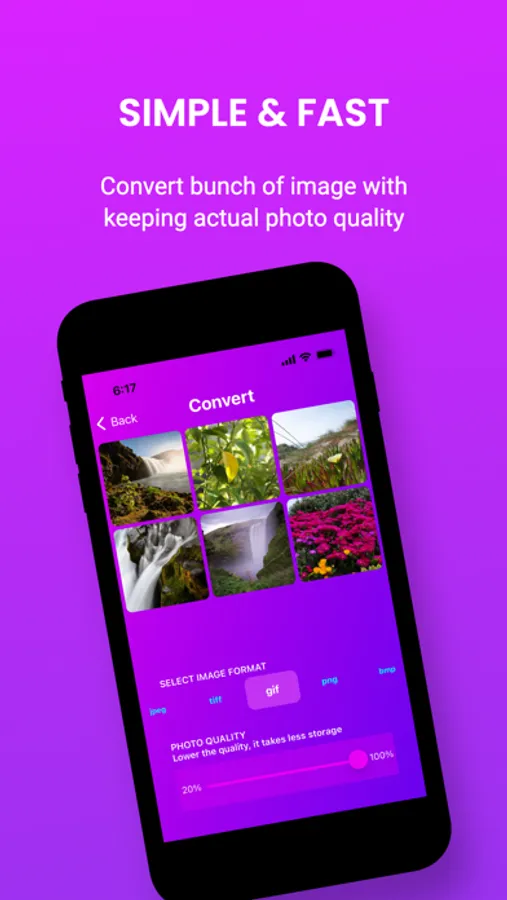
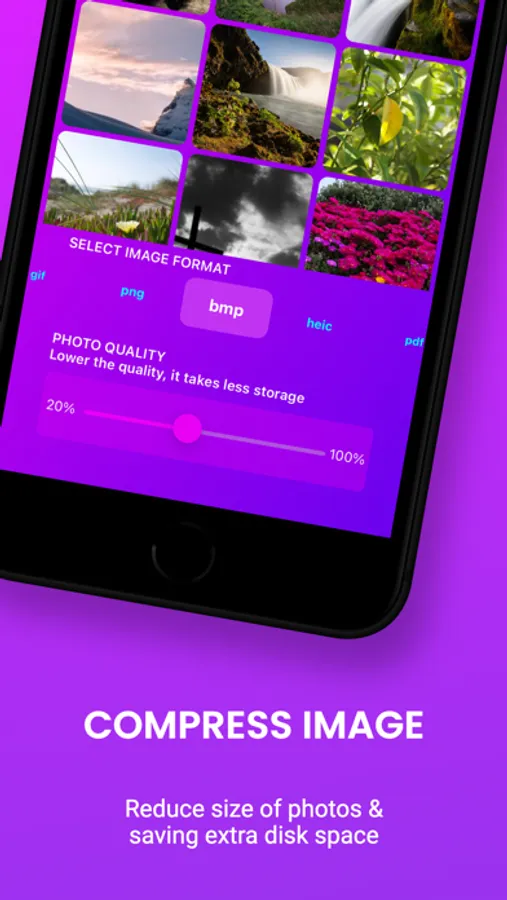
Compress images, reducing photo size, keeping same photo quality and save storage space on your device.
How to Convert Images:
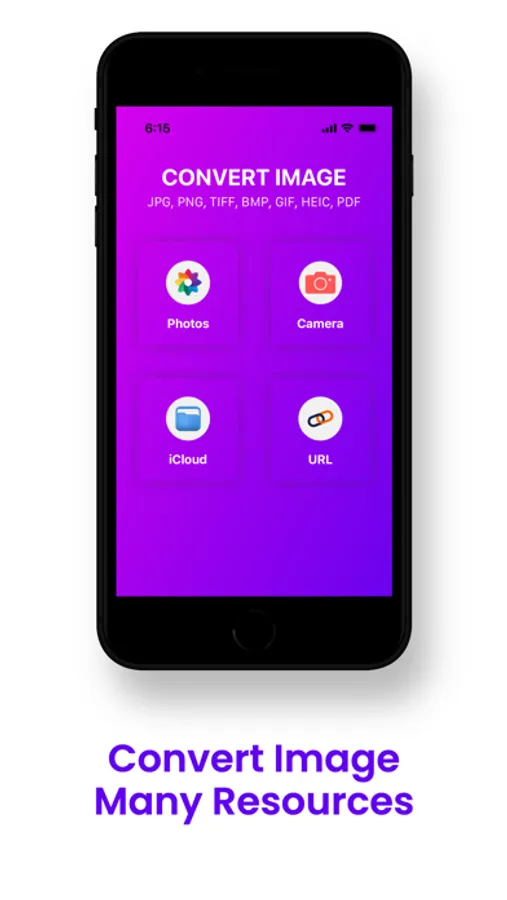
- Pick the image from your photos, online image URL, iCloud(File) or previously converted image from history list which you want to convert, then selected image will be available on your conversion page.
- Select your target format and click on “Convert” Button.
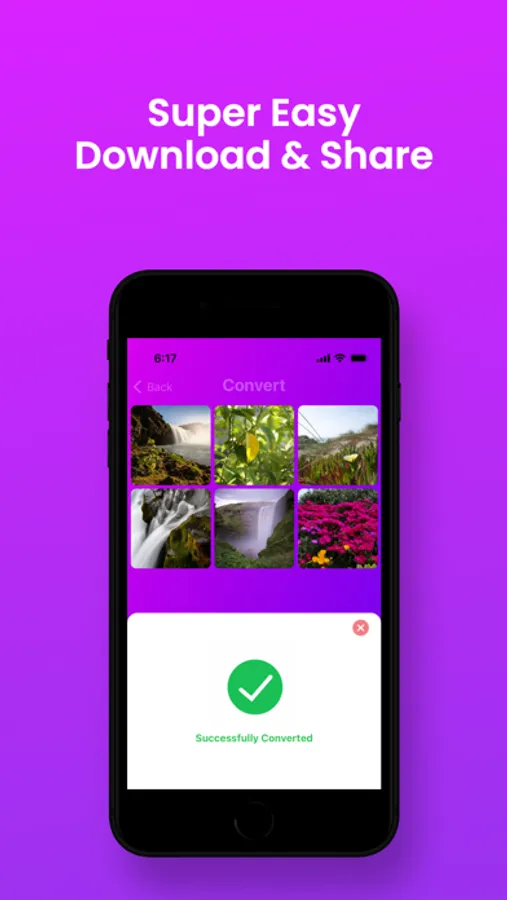
- Wait for some time, your image will be converted to your selected format. Remember the conversion time will vary based on your image size. But most of the time It's take time for a couple of seconds.
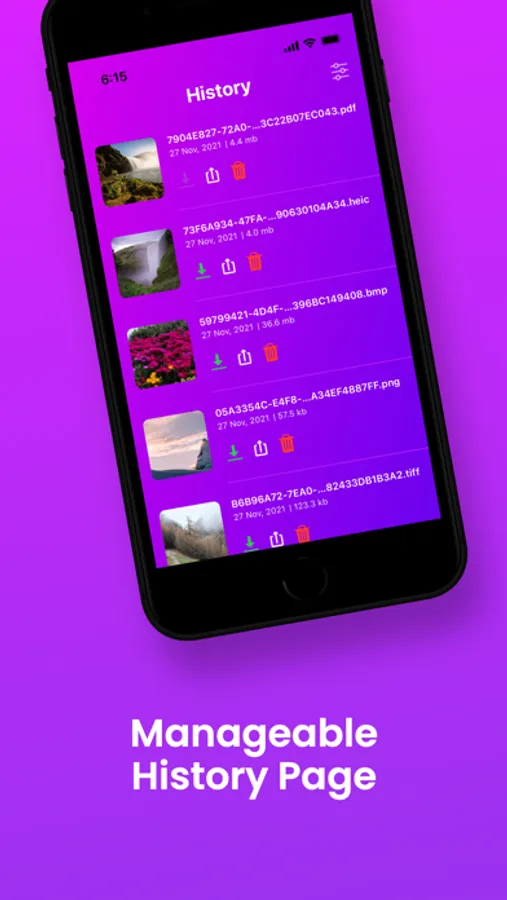
- After successfully conversion your converted image will be stored on history board. From the history you can convert again this image.
- Also can share any social network and download your converted image in photos.
Our free Image Converter supports multiple file formats, including JPG, PNG, TIFF, BMP, GIF.
Input Formats: BMP, GIF, JPEG, PNG, and TIFF, JPG
Output Formats: BMP, JPG, PNG and TIFF
Install and enjoy unlimited image by using this awesome Image Converter application.
In-App purchases:
Subscriptions:
- 1 Week
- 1 Month
- 1 Year
Additional Subscription Information:
- Subscription options are: 1 month, 1 week & 1 year
- Payment will be charged to iTunes Account at confirmation of purchase.
- Your Subscription automatically renews unless auto-renew is turned off at least 24-hours before the end of the current period.
- Your Account will be charged for renewal within 24-hours prior to the end of the current period with the same cost you have started your subscription.
- Any unused portion of a free trial will be forfeited if you purchase a subscription.
- To restore your upgrade to Image Converter on a new device, go to the Settings screen, tap the “Restore Purchase” option and your subscription or previous purchases will become active free of charge.
For more information :
Terms of Use - https://sites.google.com/view/apps-places-image-converter
Privacy Policy - http://appsplaces.com/policy.html
Image Converter ° Screenshots
Tap to Rate:
Reviews for Image Converter °
Cedrictai.com
Doesn’t compress into a GIF
I think the program needs to be more clear that it doesn’t work with moving GIFs, it just selects 1 frame, good thing it’s free to see what it can do, not sure if it’s worth buying if all I need is to take a big 70mb GIF and try to fit it into an email at say 10mb, this can’t do any compression or resizing or optimization like that. I appreciate the purple colors tho, so there’s that…
woodyh430
Doesn’t work
This app doesn’t work at all