
With this app, you can quickly add tasks, review daily plans, and stay synchronized with your calendar. Includes integration with Google Calendar and Outlook Calendar, task management, and daily review features.
AppRecs review analysis
AppRecs rating 4.3. Trustworthiness 84 out of 100. Review manipulation risk 20 out of 100. Based on a review sample analyzed.
★★★★☆
4.3
AppRecs Rating
Ratings breakdown
5 star
78%
4 star
8%
3 star
3%
2 star
4%
1 star
7%
What to know
✓
Low review manipulation risk
20% review manipulation risk
✓
Credible reviews
84% trustworthiness score from analyzed reviews
⚠
Pricing complaints
Many low ratings mention paywalls or pricing
About Sunsama
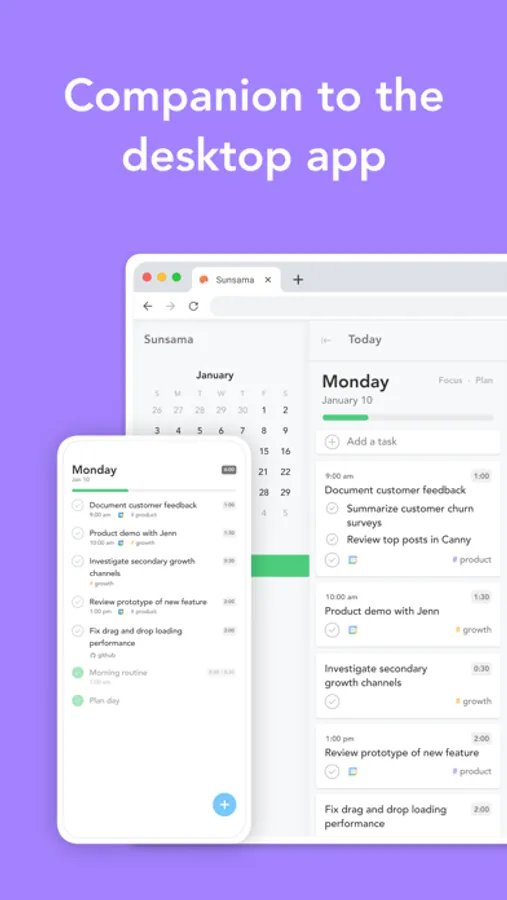
You can use the Sunsama mobile app once you've planned your first day from the Sunsama desktop app.
This mobile app is built as a companion to the desktop app to help you stay in sync when you're away from your desk, not as a standalone replacement.
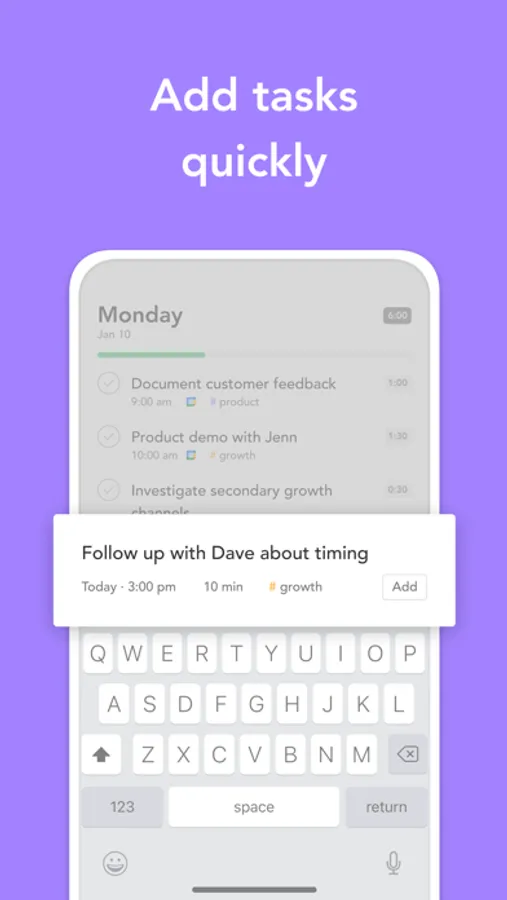
*Add tasks quickly*
When a new tasks comes up and you're not at your desk, quickly add it to your task list. You can schedule it onto your calendar and move it to the right spot on your list to work on it later.
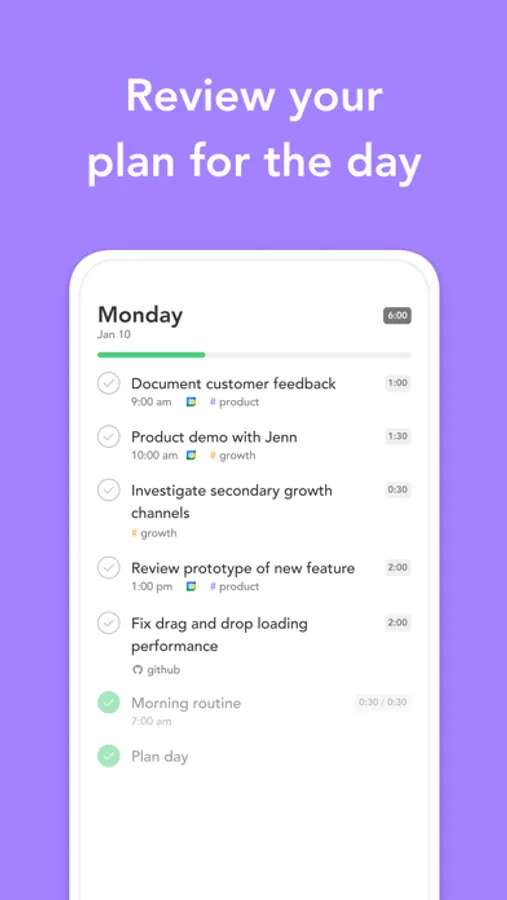
*Stay true to your plan*
Review what you planned for the day. Create a calm, focused space to stay on top of your workload.
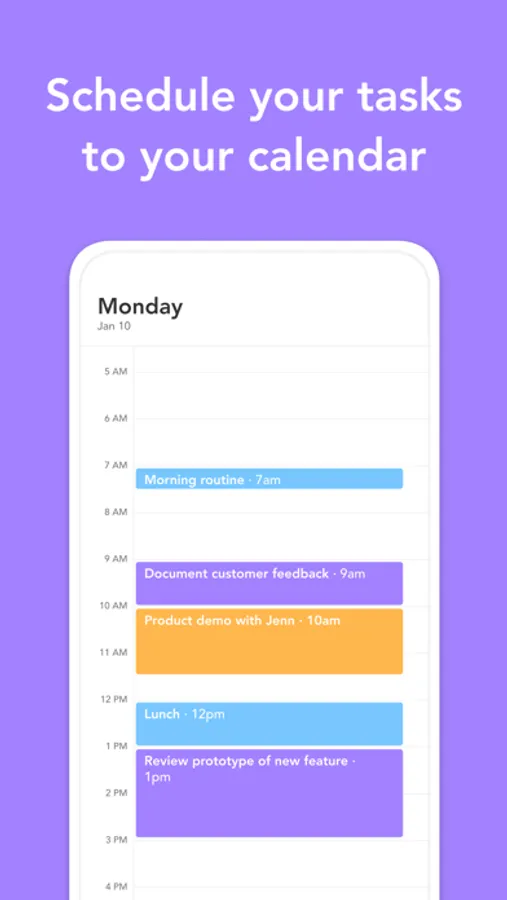
*Synced with your calendar*
Browse both your tasks and calendar events each day. Synced with Google Calendar and Outlook Calendar.
Sunsama Screenshots
Tap to Rate:
Reviews for Sunsama
0XxXxWxXxX0
Excellent Workflows, Poor Mobile Execution
Mobile app is near unusable for task editing/addition. I just spent 5+ minutes trying to move three task around on my day, and adjusting the time. Seemingly the only interface for time changes on mobile is touch. Why on earth can I not just edit the field on the task??? Furthermore, new or resized tasks keep appearing/disappearing from the timeline? Did anybody do QA on the iOS app???? This runs as well if not worse than something spat out at a hackathon. The desktop/web app is much more useful, which makes the mobile app all the more disappointing for us subscribers.
SuzeLeeB
The best to do app I’ve found
I love this app because it can pull in tasks from so many apps and help me create a reasonable workday — email, Apple Reminders, Asana, Clickup, ToDoist and more. It’s gorgeous and works well on phone and desktop. Helps me stay committed to my goals. Absolutely worth the cost. The team is also always willing to listen to feedback.