
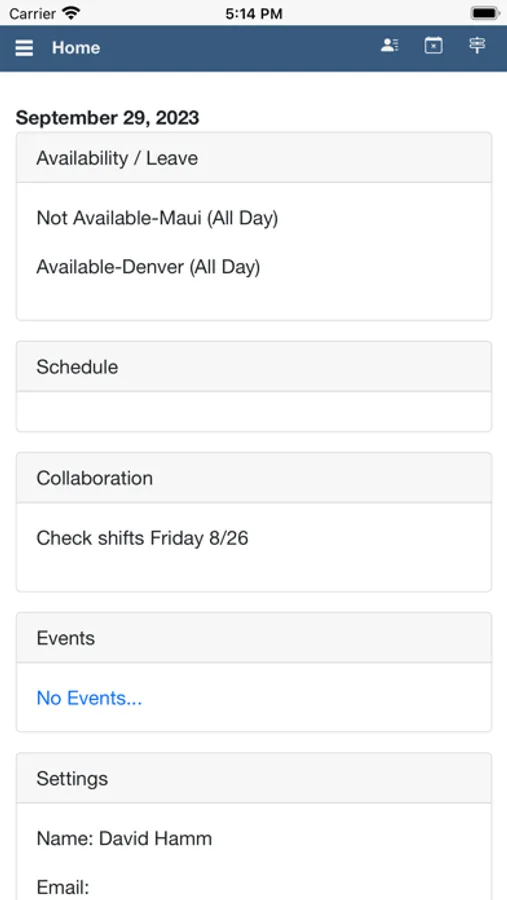
With this employee scheduling app, you can view and manage shifts, leave requests, and bid preferences. Includes notifications, profile management, and shift swapping features.
AppRecs review analysis
AppRecs rating 4.3. Trustworthiness 73 out of 100. Review manipulation risk 22 out of 100. Based on a review sample analyzed.
★★★★☆
4.3
AppRecs Rating
Ratings breakdown
5 star
92%
4 star
3%
3 star
1%
2 star
0%
1 star
4%
What to know
✓
Low review manipulation risk
22% review manipulation risk
✓
Credible reviews
73% trustworthiness score from analyzed reviews
✓
High user satisfaction
92% of sampled ratings are 5 stars
About ScheduleSource TeamWork
Time Clock
Clock in and out via the time clock page. Organizations can enable location based clocking.
Shift Functions
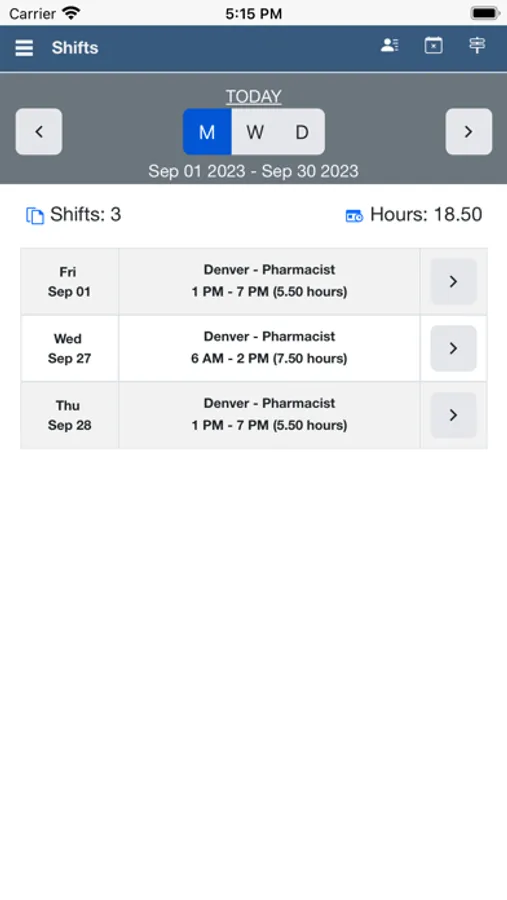
See their current, future and past shifts.
Add and remove their future shifts to the Swapboard.
Split and merge their shifts.
View other employees’ schedules and contact.
Swapboard Functions
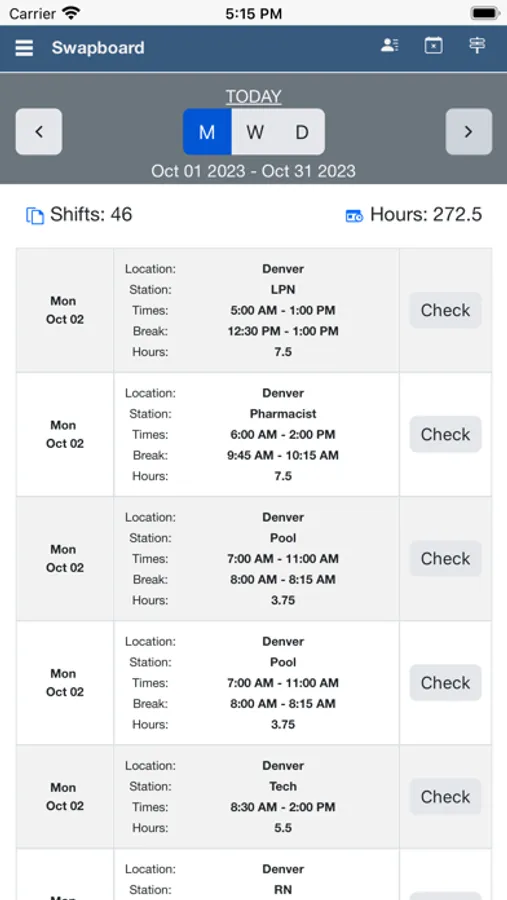
See available shifts, either shifts with no other employee assigned or ones posted by other employees.
Validate available shifts against their employer’s scheduling rules to see if the shift can be claimed by them.
Leave Functions
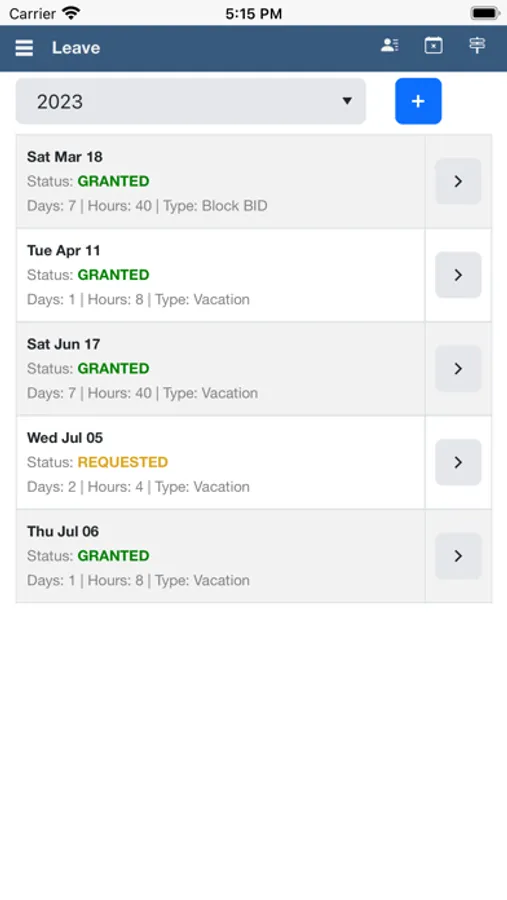
View their current, future and past leave requests.
Add, cancel or delete their leave requests.
Shift Bid Functions
View active bids, add/edit/delete preferences, and view assignments and history.
Leave Bid Functions
View active bids, add/edit/delete preferences, view granted / rejected bids, balances, and history.
Notifications
Receive app notifications on their device when shifts become available, one of their shift changes or when one of their leave requests’ statuses is changed.
Profile
View and edit their personal information.
Change their password.
ScheduleSource TeamWork Screenshots
Tap to Rate:
Reviews for ScheduleSource TeamWork
Lando505
Great
I give 5 stars help a lot with keeping up with scheduling for work
gabsgooster
Server Key
The server key is listed on the website version of schedulesource. I enter it on the app, it does not work then when I put the TW, that server key works but it the login info does not match obviously because it’s not for the company that I work for. It is just overall bad.