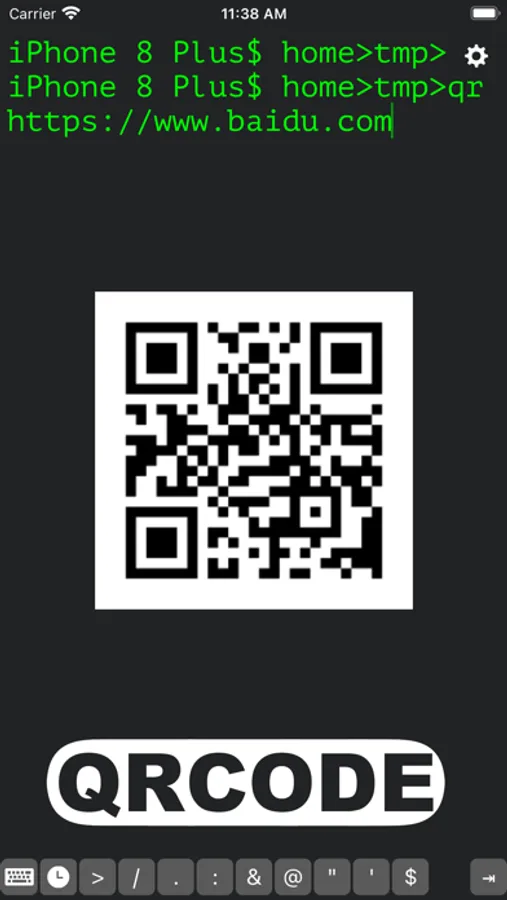
In this terminal emulator app, you can execute Linux commands, manage files, and connect remotely via SSH or FTP. Includes a comprehensive command library, file management tools, network utilities, and scripting support.
AppRecs review analysis
AppRecs rating 4.3. Trustworthiness 81 out of 100. Review manipulation risk 22 out of 100. Based on a review sample analyzed.
★★★★☆
4.3
AppRecs Rating
Ratings breakdown
5 star
73%
4 star
5%
3 star
8%
2 star
3%
1 star
11%
What to know
✓
Low review manipulation risk
22% review manipulation risk
✓
Credible reviews
81% trustworthiness score from analyzed reviews
✓
High user satisfaction
78% of sampled ratings are 4+ stars (4.3★ average)
About OpenTerm
OpenTerm brings the power of a command line interface to iOS, making it the go-to terminal emulator for developers, tech enthusiasts, and professionals on the go. This advanced CLI tool is designed to function seamlessly within iOS’s sandboxed environment, supporting an extensive range of Linux-based commands and providing SSH/FTP client capabilities for secure remote connections.
Key Features:
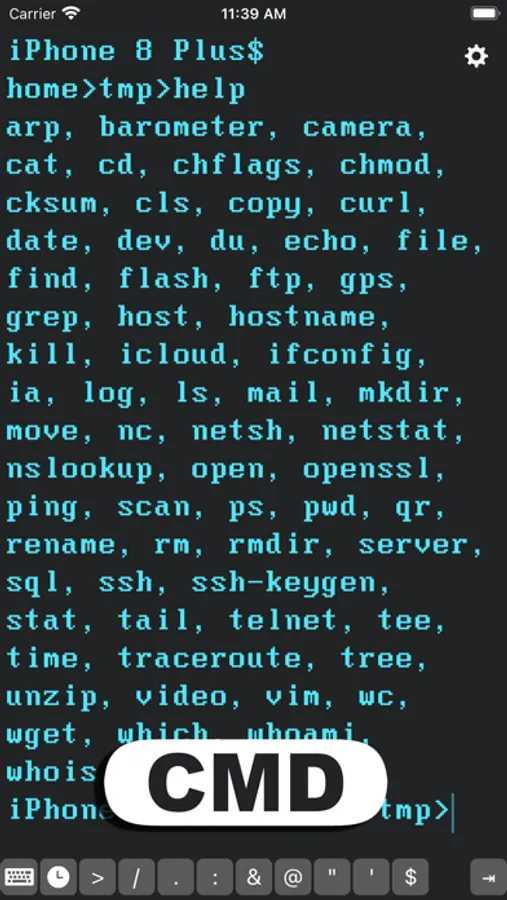
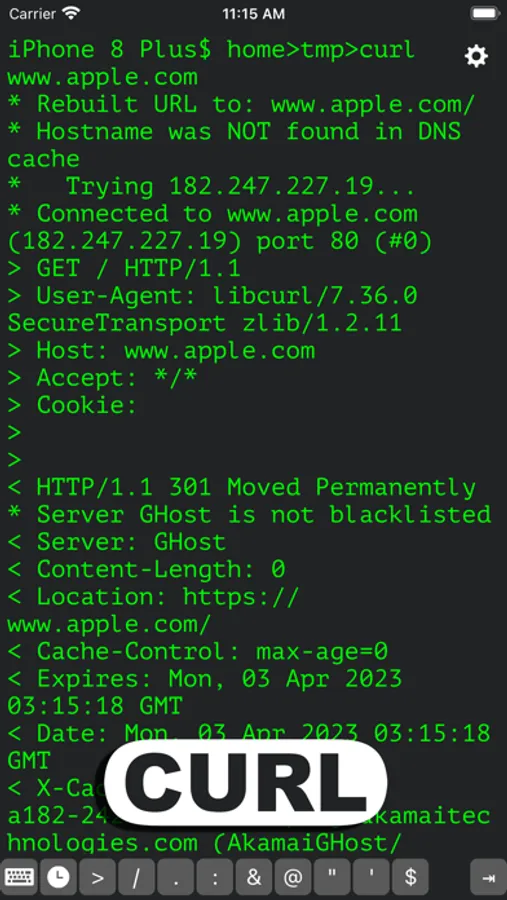
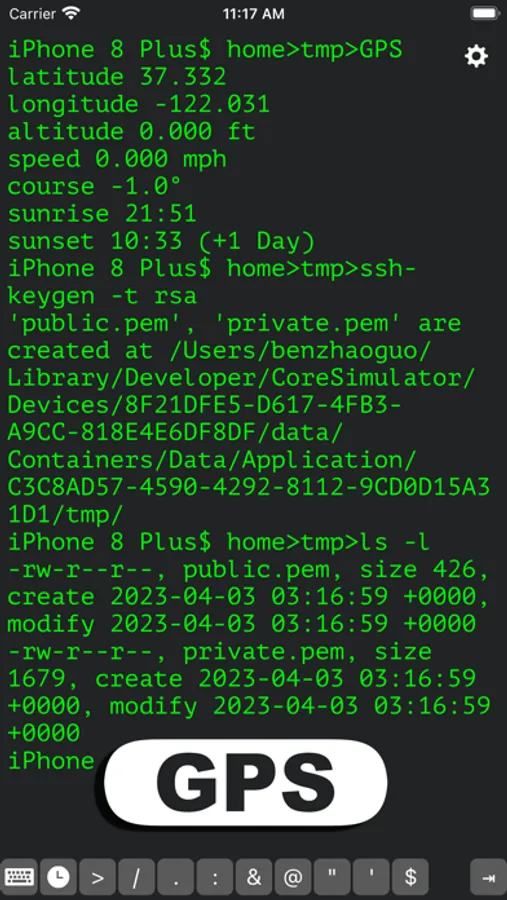
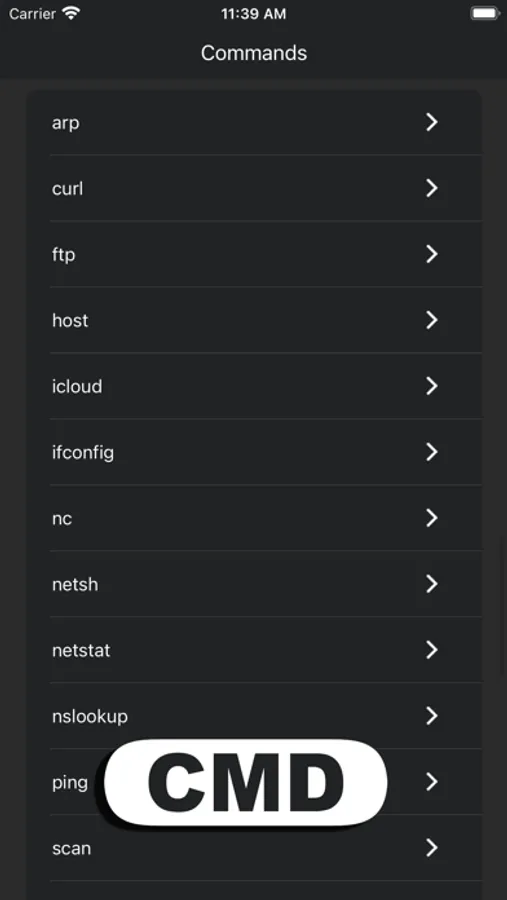
• Comprehensive Command Library: Execute popular commands like `ls`, `cat`, `grep`, `curl`, `echo`, `scp`, `ssh`, and many more. New commands are added regularly to enhance functionality.
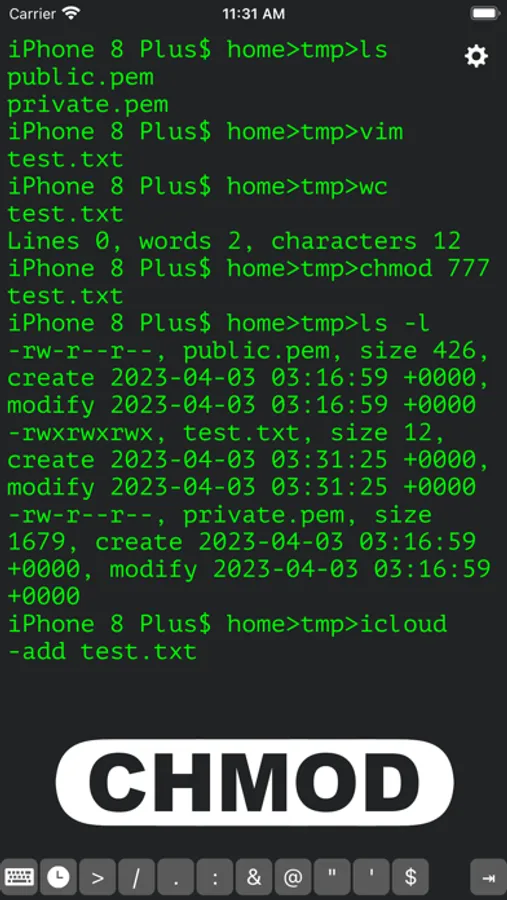
• File Management: Seamlessly create, delete, move, and copy files within your iOS filesystem.
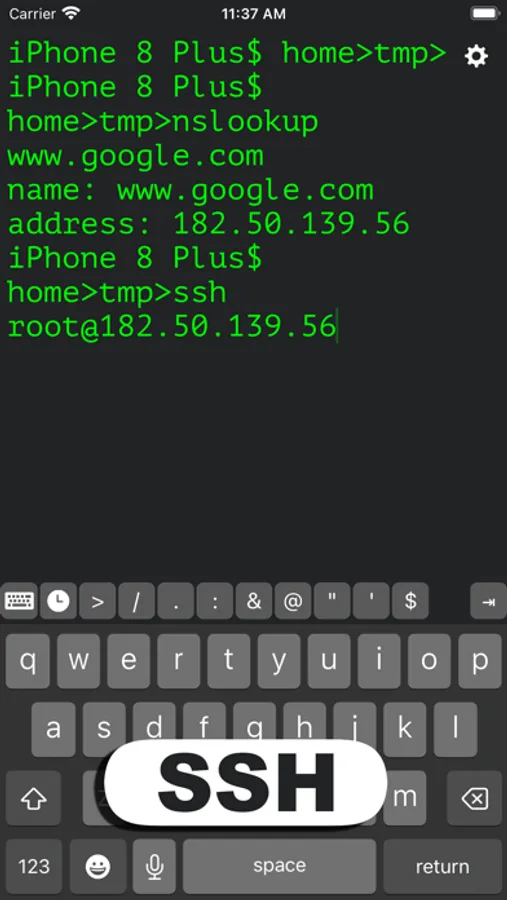
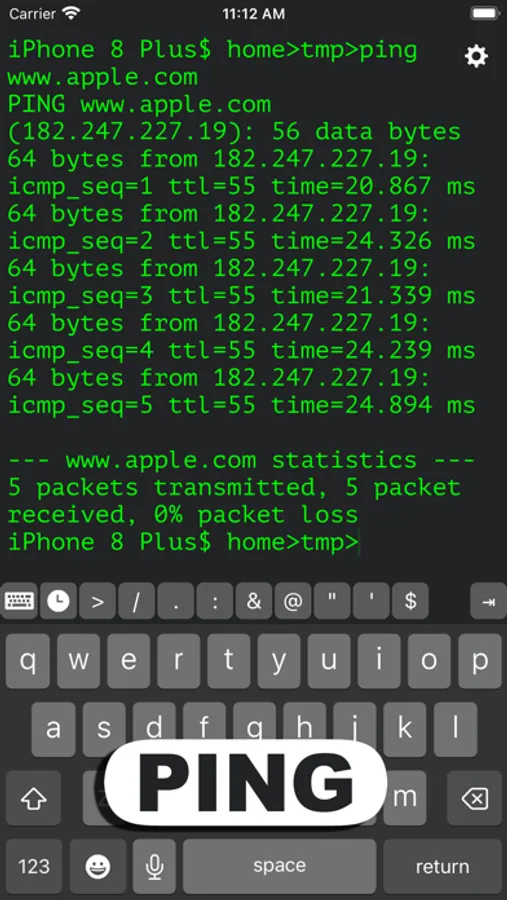
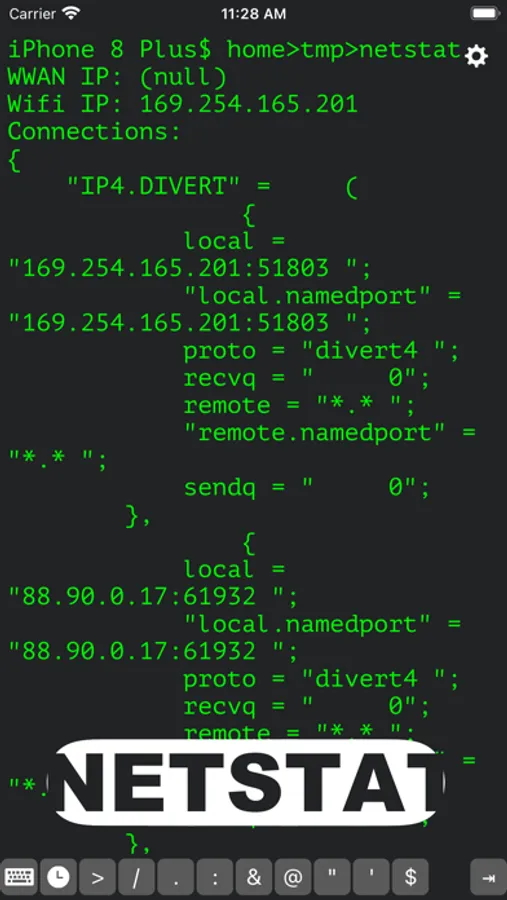
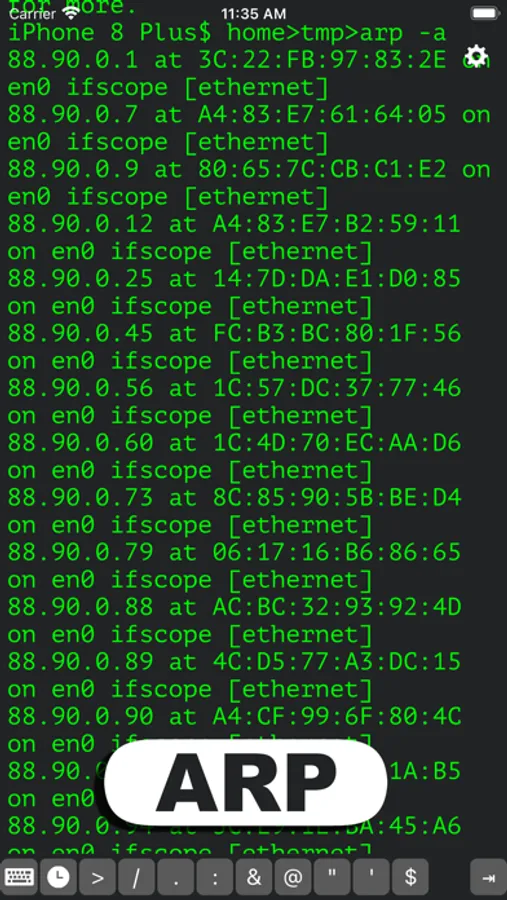
• Network Tools: Utilize commands like `ping`, `nslookup`, `nc`, and `curl` to diagnose network issues and connect with remote systems.
• Remote Access: Securely access and manage servers with SSH and FTP/SFTP, directly from your device.
• Built-in Utilities: Includes useful scripting and automation tools (`awk`, `sed`, `grep`), and utilities like `gzip` for file compression.
• Programming Language Support: Run and experiment with interpreters like **Python** and **Lua**, making it easy to test code snippets or automate tasks on the go.
• Customizable: Tailor your CLI experience with customizable settings, such as enabling command aliases or configuring network connection preferences.
Whether you’re troubleshooting remotely, managing files, running quick scripts, or testing Python/Lua code, OpenTerm empowers you to bring the full power of a command line wherever you are.
More commands and enhancements are coming soon! If you have any feedback or questions, please feel free to contact us at miaozhi.ai@gmail.com.
Key Features:
• Comprehensive Command Library: Execute popular commands like `ls`, `cat`, `grep`, `curl`, `echo`, `scp`, `ssh`, and many more. New commands are added regularly to enhance functionality.
• File Management: Seamlessly create, delete, move, and copy files within your iOS filesystem.
• Network Tools: Utilize commands like `ping`, `nslookup`, `nc`, and `curl` to diagnose network issues and connect with remote systems.
• Remote Access: Securely access and manage servers with SSH and FTP/SFTP, directly from your device.
• Built-in Utilities: Includes useful scripting and automation tools (`awk`, `sed`, `grep`), and utilities like `gzip` for file compression.
• Programming Language Support: Run and experiment with interpreters like **Python** and **Lua**, making it easy to test code snippets or automate tasks on the go.
• Customizable: Tailor your CLI experience with customizable settings, such as enabling command aliases or configuring network connection preferences.
Whether you’re troubleshooting remotely, managing files, running quick scripts, or testing Python/Lua code, OpenTerm empowers you to bring the full power of a command line wherever you are.
More commands and enhancements are coming soon! If you have any feedback or questions, please feel free to contact us at miaozhi.ai@gmail.com.
OpenTerm Screenshots
Tap to Rate:
Reviews for OpenTerm
redtoo
Bug
Can no longer ssh to raspberry pi. Handshake error. Never had problem before.
Accordingtomark
Not the same app anymore.
This app used to allow you to scan local networks via the scan command.