
AppRecs review analysis
AppRecs rating 3.0. Trustworthiness 45 out of 100. Review manipulation risk 28 out of 100. Based on a review sample analyzed.
★★★☆☆
3.0
AppRecs Rating
Ratings breakdown
5 star
0%
4 star
100%
3 star
0%
2 star
0%
1 star
0%
About Tap2Map - DJI Flight Planner
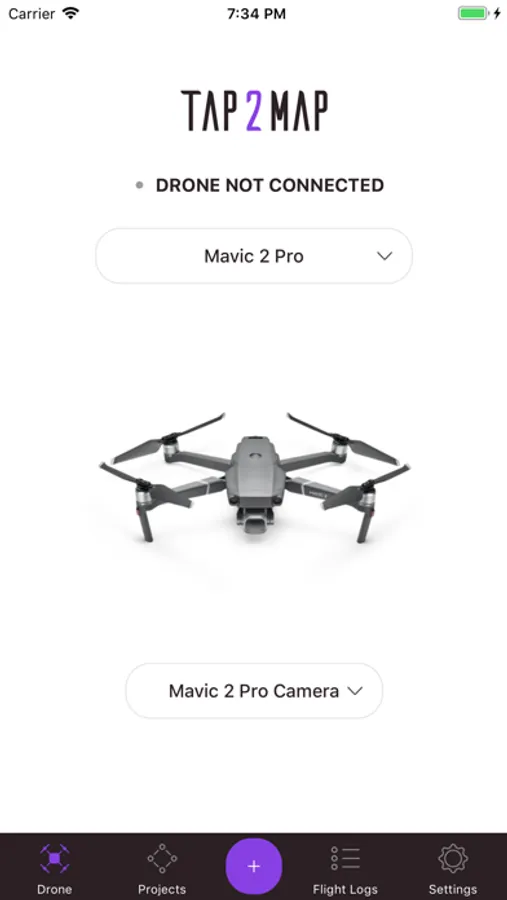
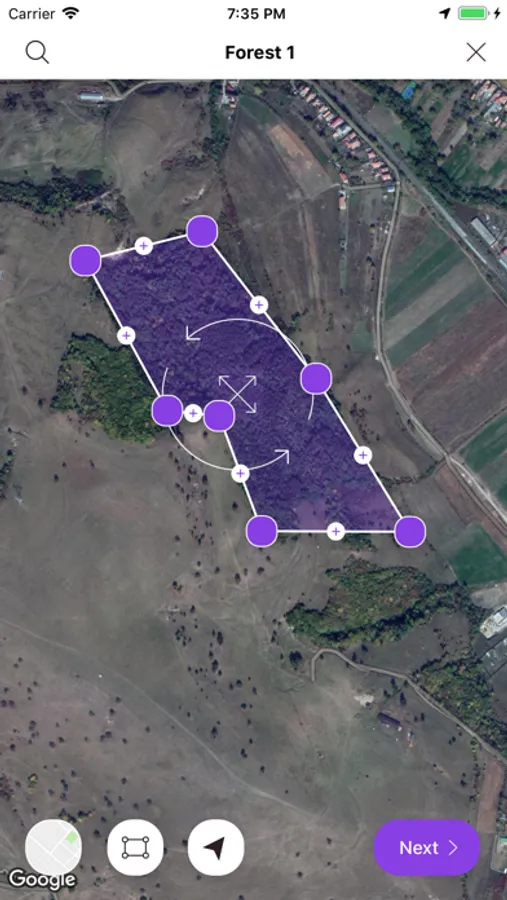
Our comprehensive Tap2Map 3D flight planner for DJI drones app comes with 5 different flight mission types. Each flight mission is designed to be intuitive, accurate and reliable giving you the flexibility that you need even for the most challenging areas or features that are planned to be surveyed. The App also comes with extra features. Each feature will help you to optimize the flight efficiency and keep your flight parameters at their best, for a reliable image collection quality.
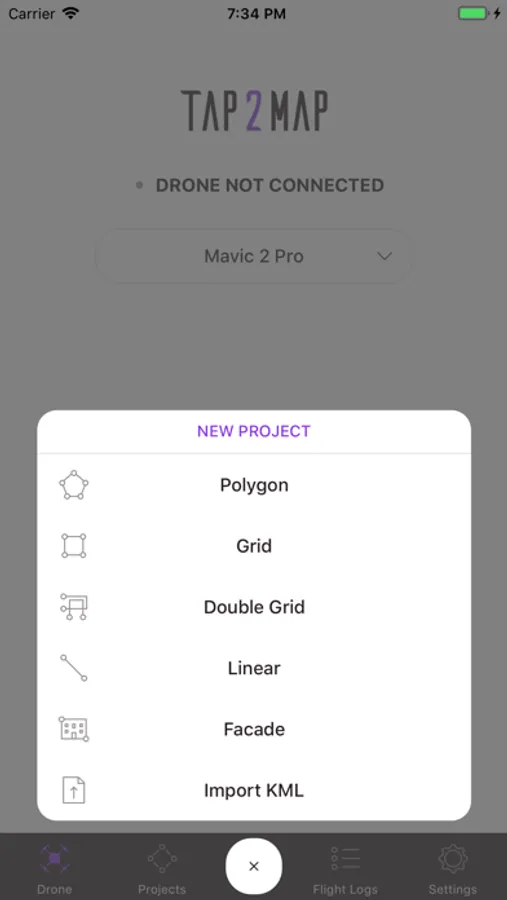
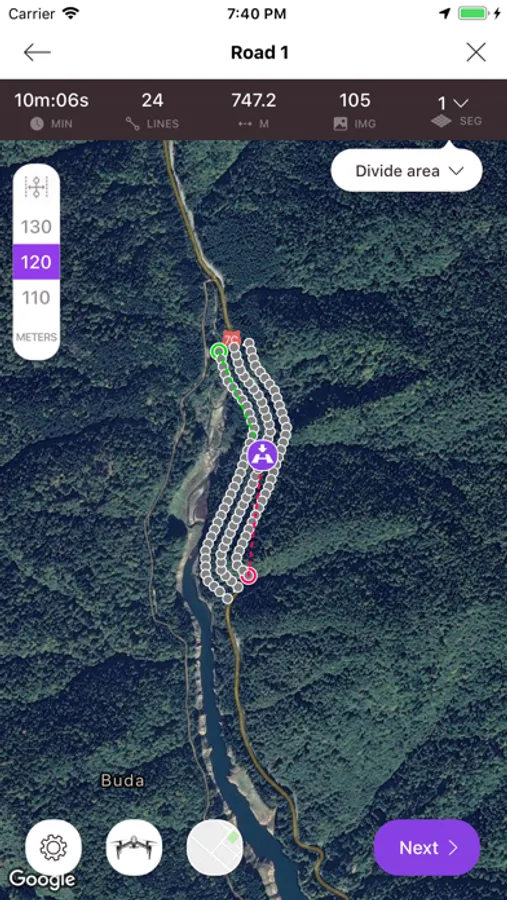
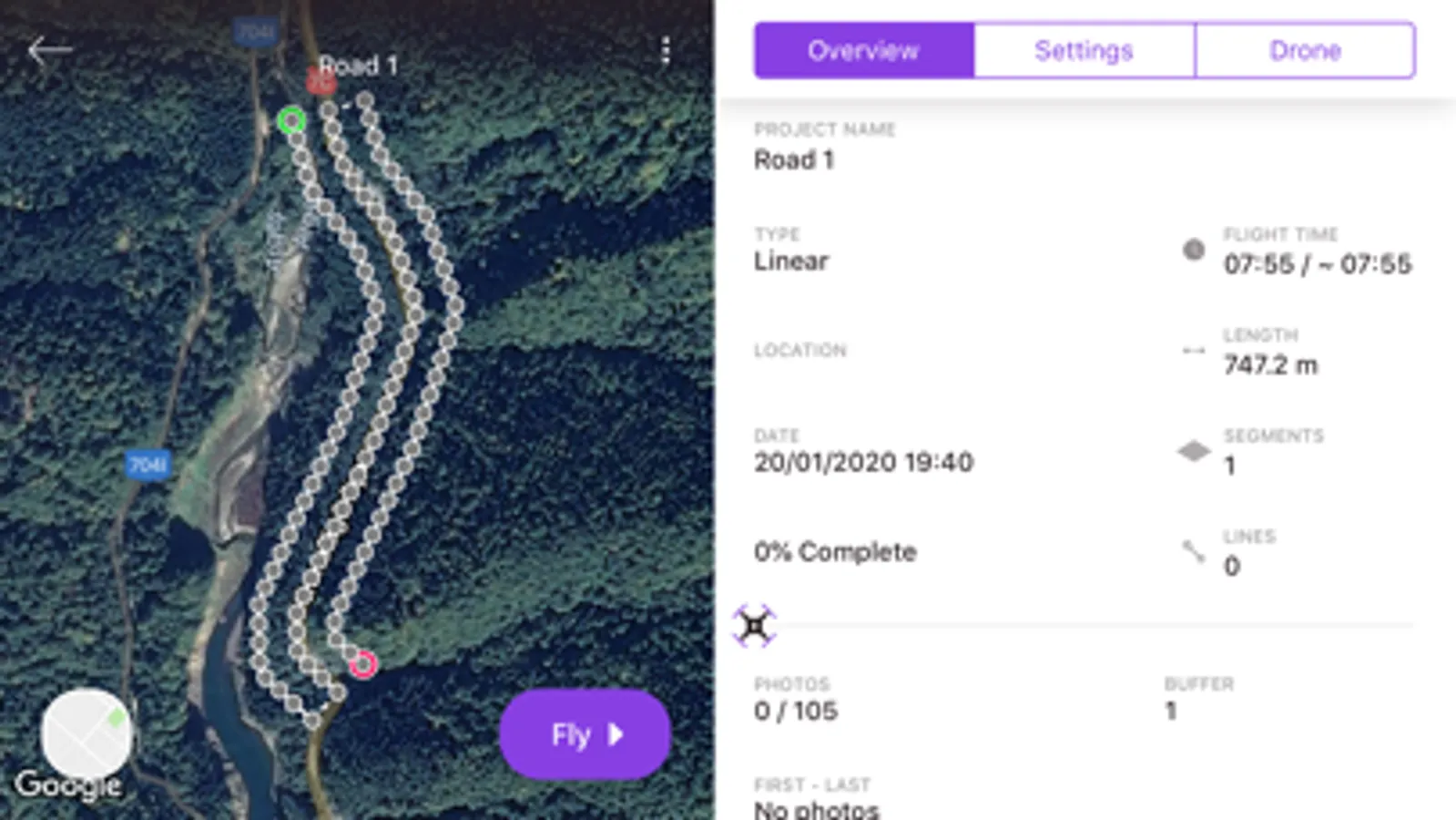
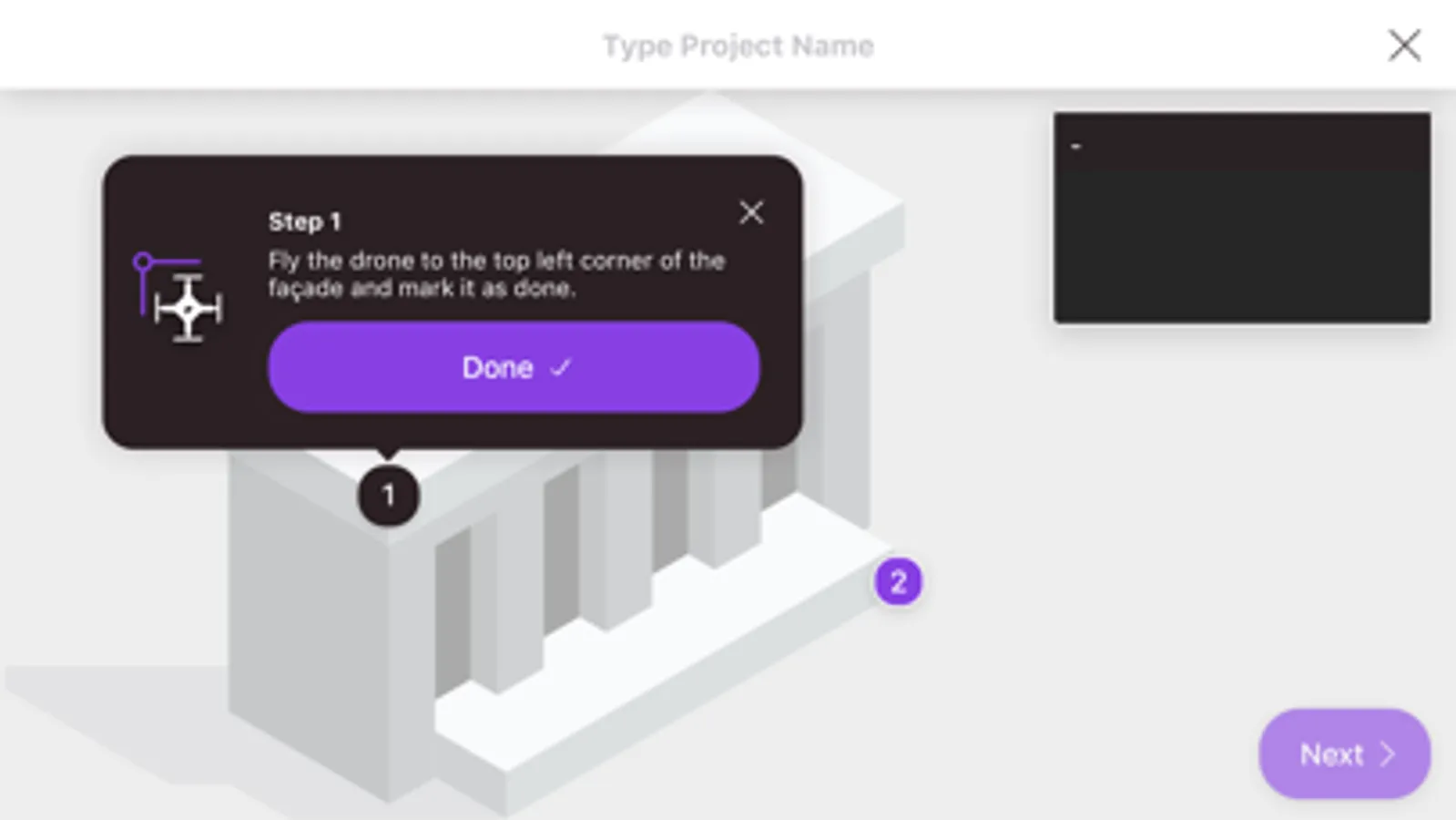
• MISSIONS: Polygon - Linear - Grid - Double Grid - Facade
• FEATURES: Import KML , Terrain Following...
On top of these possibilities are included, for instance:
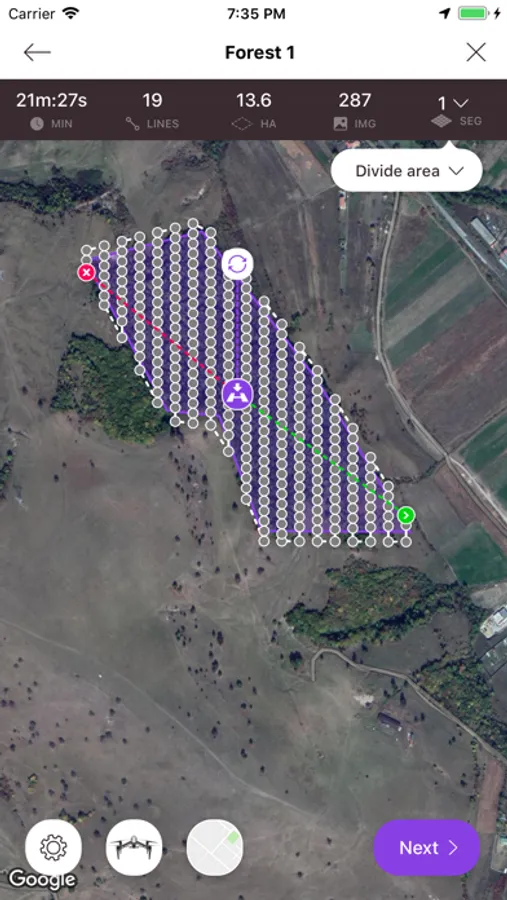
- Image triggering position: accurately calculated respectfully to overlaps needed (no time or distance interval).
- Divide Area according to battery endurance,
- Overlapping images between adjacent blocks,
- Linear flight: Set choice of section length (VLOS).
- Set corridor width,
- Accurate drone speed in m/s,
- Camera settings : Auto Mode or Manual Mode,
- Zenmuse X series camera: choice of available lenses,
- Record both DNG (RAW)+jpeg imagery,
- Set/change Camera gimbal tilt inflight,
- Visual Quality Checking (QC) of the imagery after landing,
- Real time counting and highlighting any missing images,
- Create Custom Sensor,
- Flightlogs
etc....
https://www.tap2map.app/terms-conditions
• MISSIONS: Polygon - Linear - Grid - Double Grid - Facade
• FEATURES: Import KML , Terrain Following...
On top of these possibilities are included, for instance:
- Image triggering position: accurately calculated respectfully to overlaps needed (no time or distance interval).
- Divide Area according to battery endurance,
- Overlapping images between adjacent blocks,
- Linear flight: Set choice of section length (VLOS).
- Set corridor width,
- Accurate drone speed in m/s,
- Camera settings : Auto Mode or Manual Mode,
- Zenmuse X series camera: choice of available lenses,
- Record both DNG (RAW)+jpeg imagery,
- Set/change Camera gimbal tilt inflight,
- Visual Quality Checking (QC) of the imagery after landing,
- Real time counting and highlighting any missing images,
- Create Custom Sensor,
- Flightlogs
etc....
https://www.tap2map.app/terms-conditions
Tap2Map - DJI Flight Planner Screenshots
Tap to Rate:
Reviews for Tap2Map - DJI Flight Planner
BoglinaMalak1pa
Update????
Eagerly awaiting DJI Mini 2 applicability! Great app...