
AppRecs review analysis
AppRecs rating 4.6. Trustworthiness 68 out of 100. Review manipulation risk 17 out of 100. Based on a review sample analyzed.
★★★★☆
4.6
AppRecs Rating
Ratings breakdown
5 star
84%
4 star
6%
3 star
3%
2 star
3%
1 star
3%
What to know
✓
Low review manipulation risk
17% review manipulation risk
✓
High user satisfaction
84% of sampled ratings are 5 stars
About Infomaniak kDrive
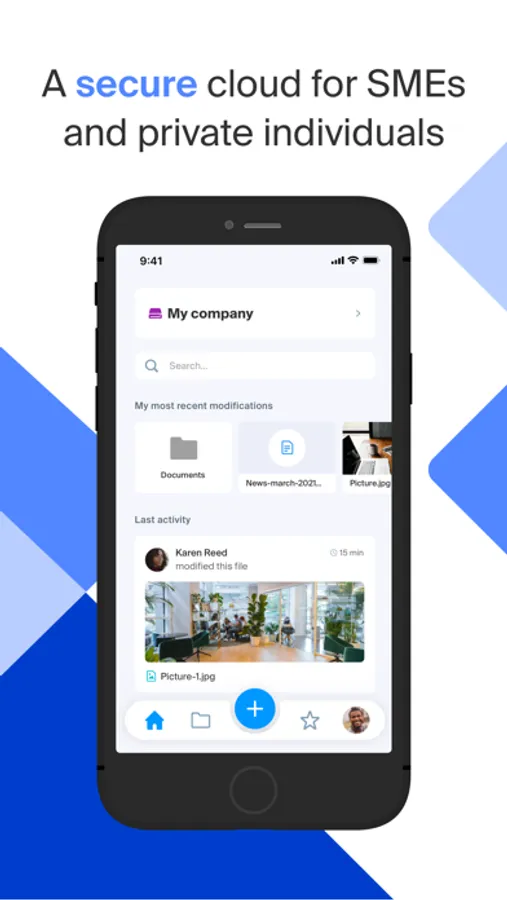
The free package offers 15GB of storage from the etik.com page. Paid offers start from 2 TB of data in a sovereign cloud that respects privacy.
With the kDrive app, you can:
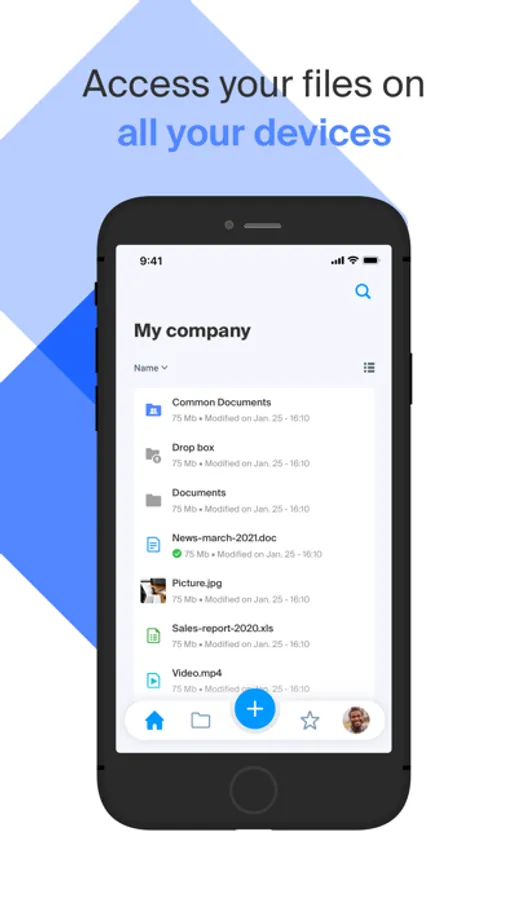
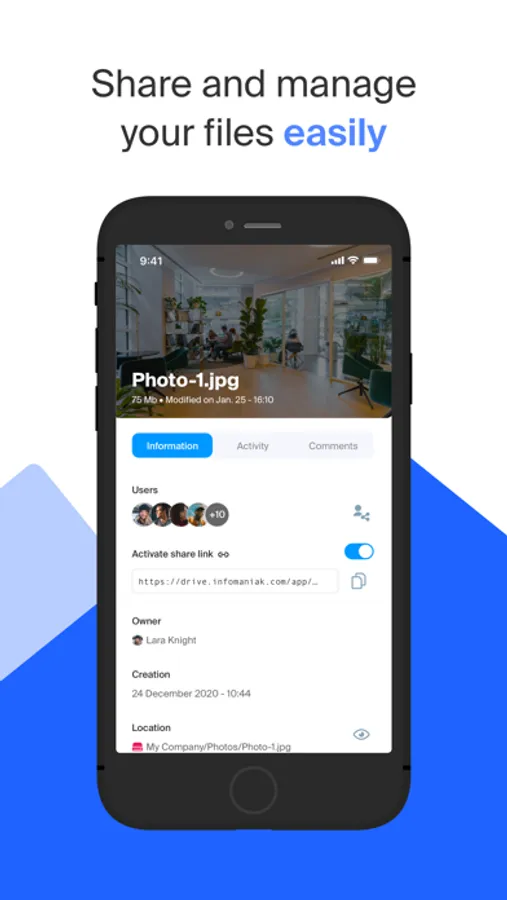
- Manage, share and view your documents, photos, videos and audio files
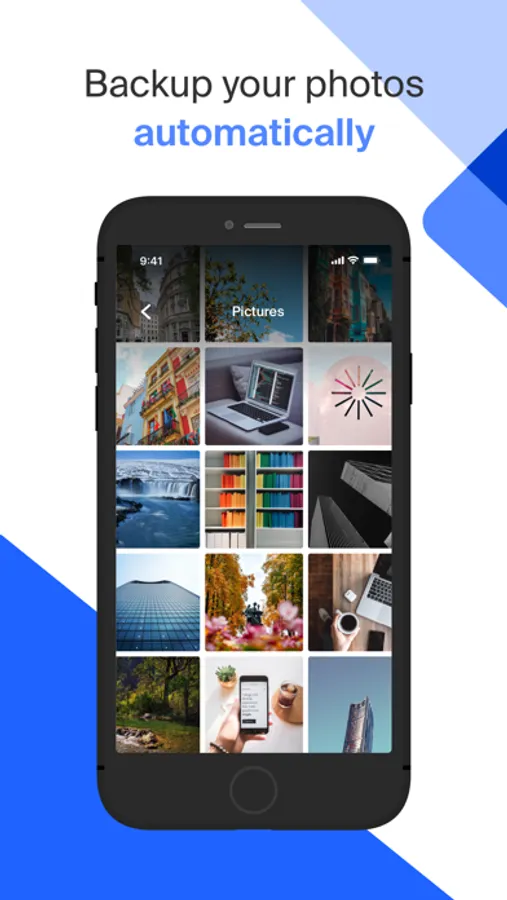
- Automatically back up your photo gallery
- Add any file to your kDrive
- Scan documents using the camera on your device
- Store files locally for offline access
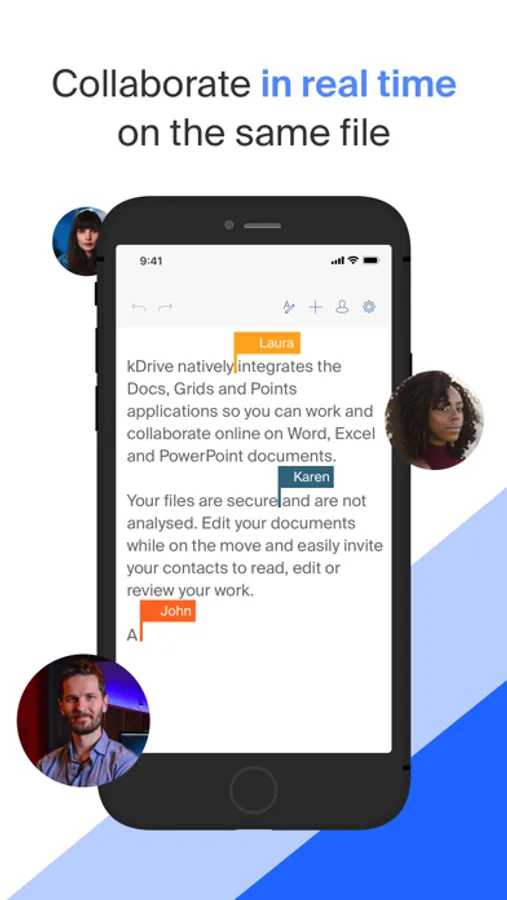
- View, create and edit Word, Excel and PowerPoint files
- Manage multiple Infomaniak kDrives
Infomaniak is an independent company owned exclusively by its employees. We don’t analyse or resell your data. You retain full control of your data and can work and collaborate without any limits in a secure ecosystem. The kDrive app is open source and you can consult its code on the Infomaniak github.
Terms of use: https://manager.infomaniak.com/pdfcgu/en_GB/63/kDrive.pdf
Infomaniak kDrive Screenshots
Tap to Rate:
Reviews for Infomaniak kDrive
d0ntw0rryab0ut1t
Pass.
Requires a phone number to create an account. No privacy company should be asking for one.
lookalivesoftware
Photo backup freezes on large queues
I was really optimistic that kSuite and kDrive would meet my needs. The price for 3TB of storage is very good and the auto-backup of my iphones camera roll sold me. However, with ~12,000 photos to upload, the upload process freezes constantly, even left alone for hours upload would not resume until I quit and opened the app again and a few more photos would trickle in. When I deleted some photos I didn't want from my photo gallery that were in queue the app crashed hard and would not start again until I "un-deleted"/recovered the photos from trash. I would click the icon to start the app and it would just exit instantly. I'll just have to try another way to backup my photo library, maybe with the desktop app, but I never liked creating a virtual cloud folder on desktop - especially when the cloud drive is 6 times larger than my physical disk!