In this teleprompter app, you can import scripts, adjust display settings, and control scrolling with voice or external devices. Includes script import from cloud services, text formatting, and remote control options.
AppRecs review analysis
AppRecs rating 4.7. Trustworthiness 81 out of 100. Review manipulation risk 21 out of 100. Based on a review sample analyzed.
★★★★☆
4.7
AppRecs Rating
Ratings breakdown
5 star
82%
4 star
9%
3 star
4%
2 star
2%
1 star
3%
What to know
✓
Low review manipulation risk
21% review manipulation risk
✓
Credible reviews
81% trustworthiness score from analyzed reviews
✓
High user satisfaction
82% of sampled ratings are 5 stars
About Prompt+ Teleprompter
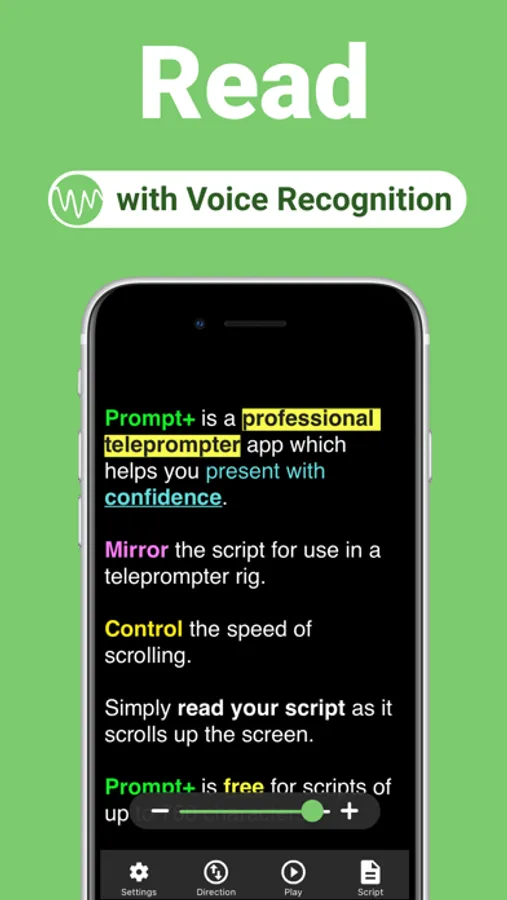
Simply read your script as it scrolls up the screen.
Prompt+ can be used with the Zoom Video Conferencing app in multitasking mode on compatible iPad devices. Overlay your script on a Zoom call and read your script as it scrolls next to the camera. You will present with confidence and engage your audience with excellent eye contact.
It's free for scripts of up to 750 characters and works across all iOS devices. For longer scripts, there is a one-off in-app purchase. This app does NOT require a monthly or annual subscription.
* Scroll the teleprompter using voice recognition (iOS 13+) or speed control.
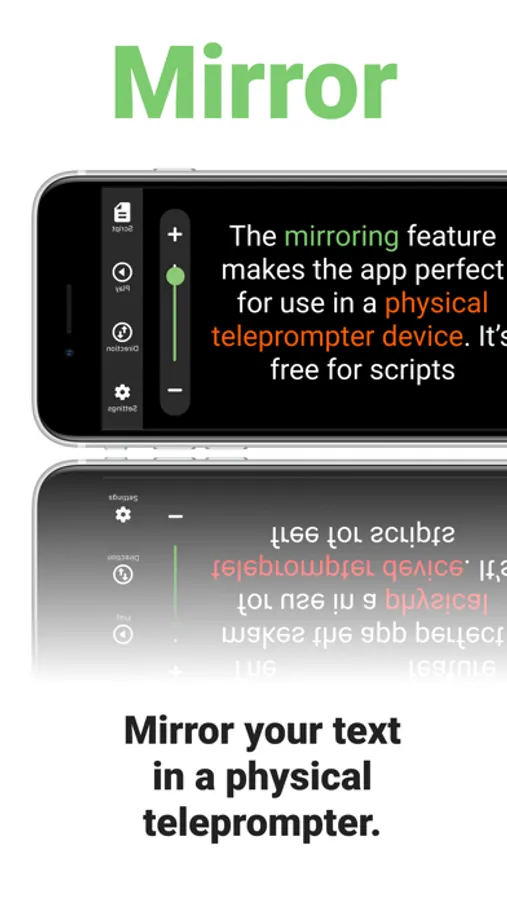
* Mirror your text for use in a physical teleprompter device.
* Display a clock to help you stick to time.
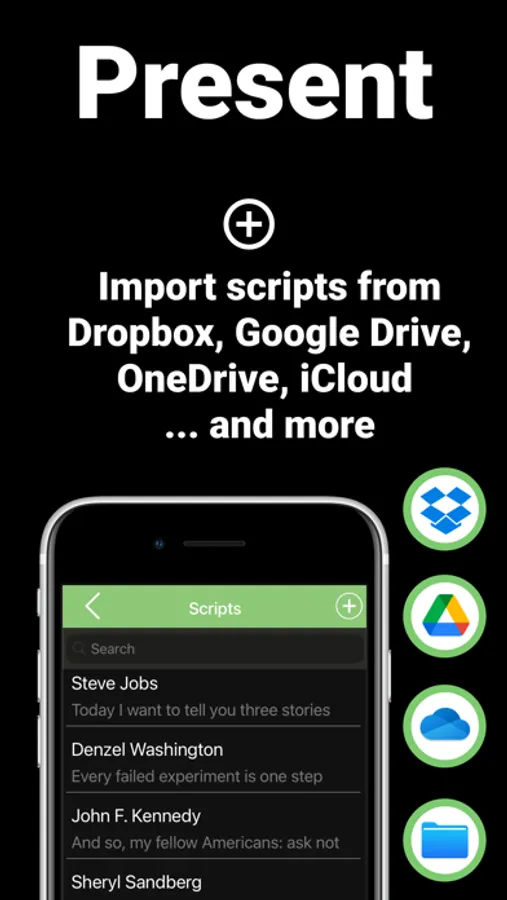
* Import your scripts from Dropbox, Google Drive, iCloud or OneDrive in .doc, .docx, .txt, .rtf or .pdf format.
* Add Rich Text formatting to make them easier to read.
* Set a countdown to get into position.
* Use in landscape and portrait orientation.
* Adjust the font size, colours, text alignment, and width of the text area.
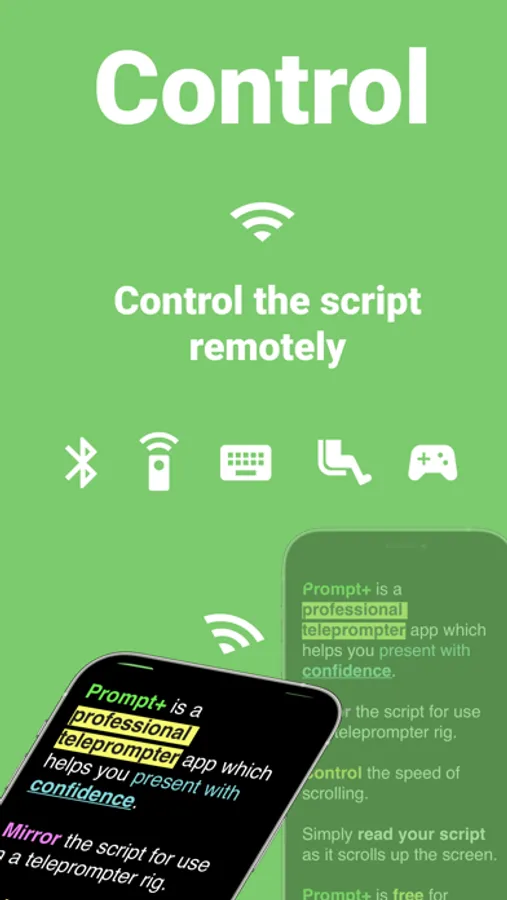
* Control the script remotely using a Bluetooth presentation control, foot pedal, games controller, external keyboard or even another Mac or iOS device.
Prompt+ Teleprompter Screenshots
Tap to Rate:
Reviews for Prompt+ Teleprompter
MikeFlorida!
Excellent prompter with voice scrolling
Does exactly what it should with advanced features like voice detection scrolling for a one time fee compared to other apps that charge monthly or annually! Voice scrolling works great, to text spoken words and scrolls the prompter at your own pace versus being forced into something that’s time based and turns out being very monotone. Has all the options you would need for a teleprompter plus control with another iOS device Bluetooth device. Great paying for your buck! Support by the developer is very prompt.
ElDapperCaballo
Bugs everywhere
I’m not sure what the developer has been doing for the past 2-3 years, but it hasn’t been improving stability, at least based on older review. Because the app today in 2025 is a buggy mess. Yes, it’s incredible when it works. It has a great feature set, and is easy to use. But that’s only when a random bug isn’t getting in your way. iPhone being used as remote disconnects randomly from the ipad, causing it to continue scrolling, causing a bad take? Yep, it happens regularly. What to open up settings to reconnect the devices? Oops, thats a freeze, time to restart the app. Need to edit a script on your macbook to make a quick change, or edit the font color? 50% chance of crash. Importing a script from a pdf or copying text over from Word? I hope your talent can read past all the “d”s or whatever random letter being replaced to some random character, making a jumbled mess of a script if you’re in a time crunch. I’ll give an extra star because the app does genuinely do great when it does work. It’s just so unreliable that I’m done with it, and am searching for a replacement. Don’t bother with this app if you need a stable platform.