In this vocal sound generator app, you can manipulate your voice to create diverse vocal effects and sounds using pitch and spectral modulation. Includes features like a 22-channel vocoder, integrated synthesizer engine, and effects such as reverb and delay.
AppRecs review analysis
AppRecs rating 4.1. Trustworthiness 80 out of 100. Review manipulation risk 24 out of 100. Based on a review sample analyzed.
★★★★☆
4.1
AppRecs Rating
Ratings breakdown
5 star
50%
4 star
0%
3 star
21%
2 star
0%
1 star
29%
What to know
✓
Low review manipulation risk
24% review manipulation risk
✓
Credible reviews
80% trustworthiness score from analyzed reviews
About VoxSyn Pro
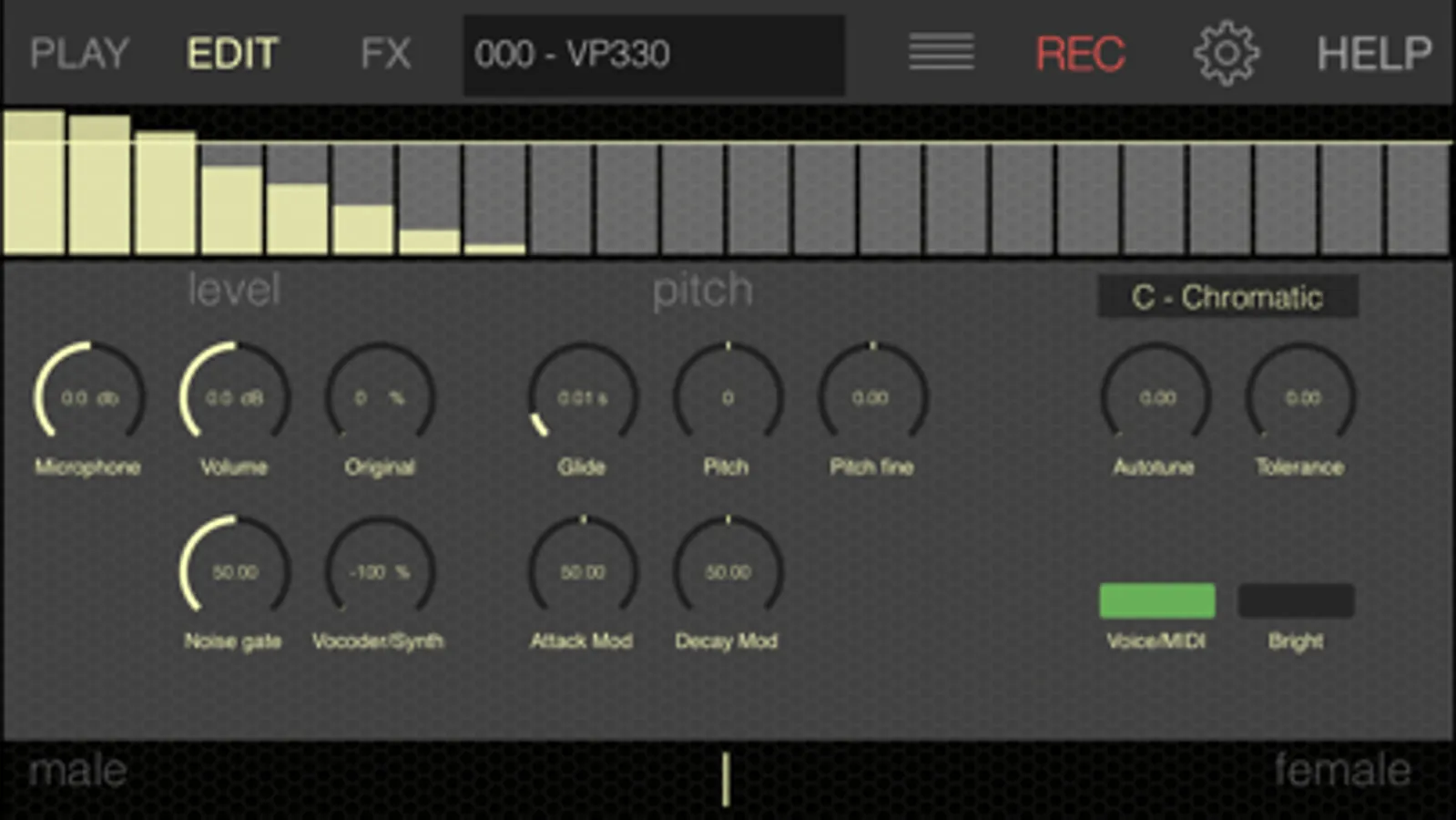
Talk or sing into the microphone and you’ll trigger various synthesizer sounds following your voice pitch or the notes touched on the hexagonal keyboard / external MIDI Keyboard. The basic sounds are selected from a vast pool of predefined sounds from the famous TERA synthesis engine which can be further expanded by its unique random sound generator.
The harmonic table note layout visualises your voices pitch in realtime and also let you play notes for more traditional vocoder effects.
VoxSyn Pro is AUv3 compatible and can be used in AU Host apps like Garageband, Cubasis, AUM and many more.
Important: Users of VoxSyn should wait for the App bundle to save money.
Features:
- Voice control of pitch and timbre
- Free Mix of original voice, synthesizer carrier and vocoded signal.
- 22-channel Vocoder
- Integrated preset synthesizer engine
- Hundreds of presets included
- Hi-end Reverb and Chorus/Delay/Distortion/Phaser effects
- Share/Export of audio recordings
- CoreMIDI / Virtual MIDI and Background audio
- Inter App Audio compatible
- AUv3 AudioUnit with parameter automation
- Audiobus 3 support (Input/Filter/Output) with state saving
VoxSyn Pro Screenshots
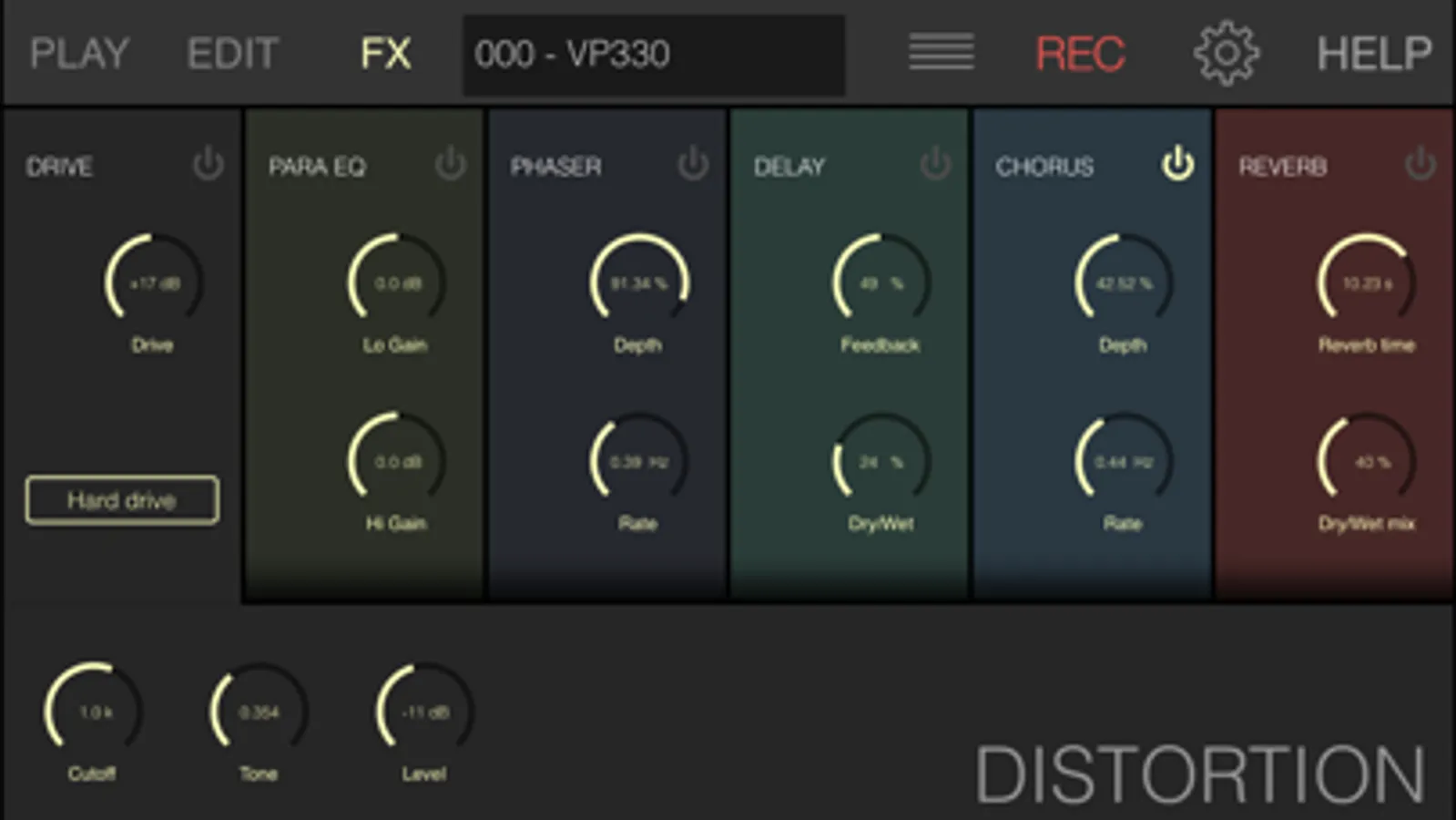
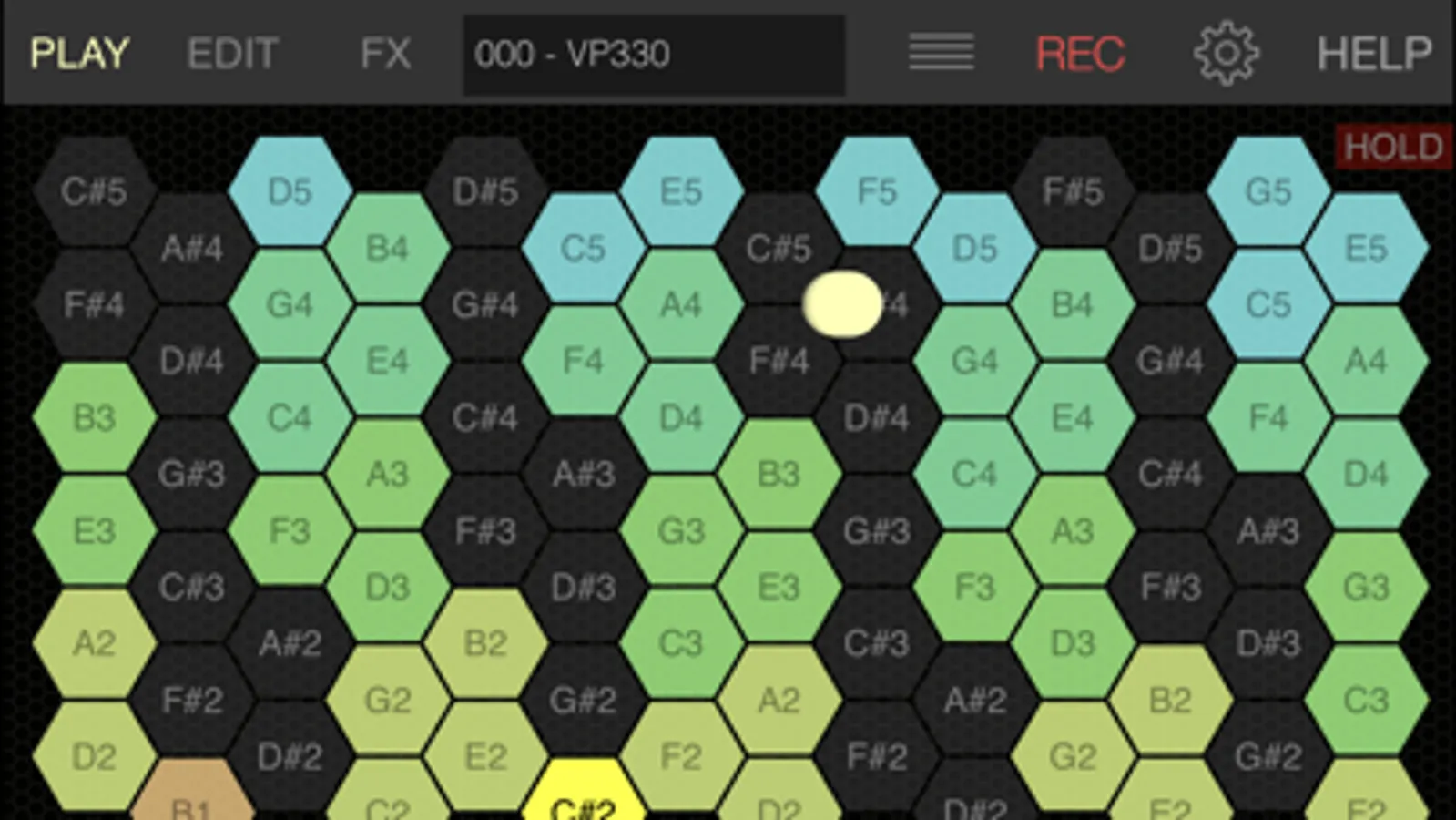
Tap to Rate:
Reviews for VoxSyn Pro
J.TS.C
Have to find work arounds
I previously rated this as one star as it wasn’t appearing for me in inter-app audio or as an AUv3. Amending my review to 3 stars as I found that the AUv3 version only appears in the effects channel slots for AUM. I expected this to function in the instrument, slot, but it only functions as an effect for source channels like a microphone. Stand alone still doesn’t work for me, I really only get a lot of static over a seemingly dry signal. Mostly I’m annoyed that when I reached out to the developer I heard nothing back. Wish the support was better as there aren’t many online guides out there for this app.
[ APPLAUSE ]
Doesn’t work (iOS 18)
AU crashes, AB won’t connect to session, Standalone doesn’t work at all, M1 Mac version doesn’t even launch… Utterly, totally, completely useless.