PDF Calendar - Print & Share
New Marketing Lab, Inc
4.4 ★
1K ratings
Free
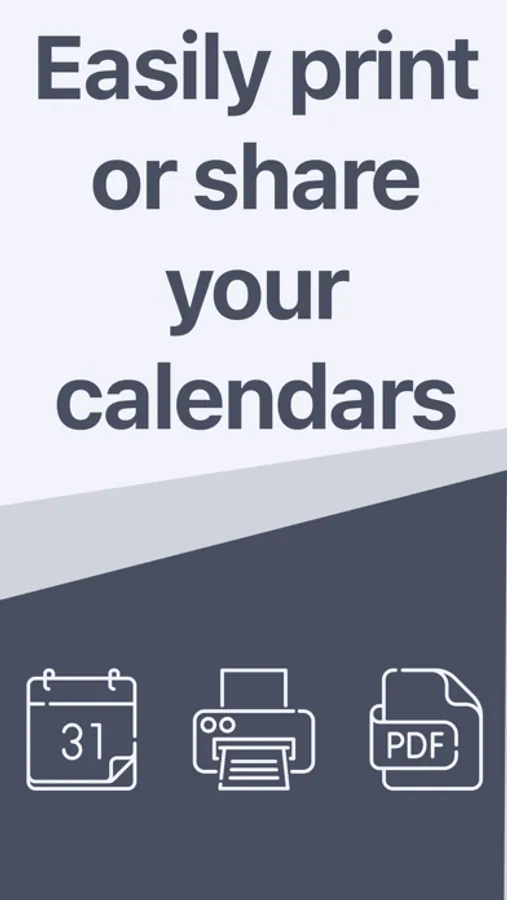
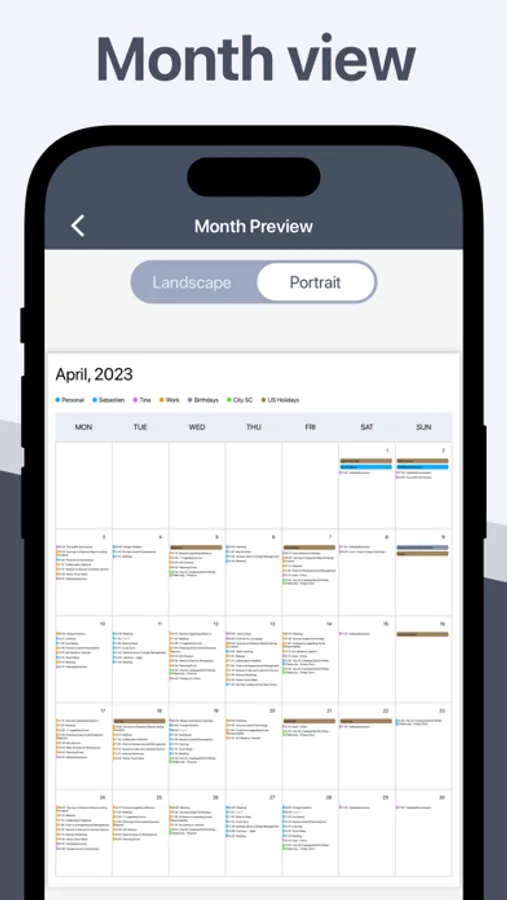
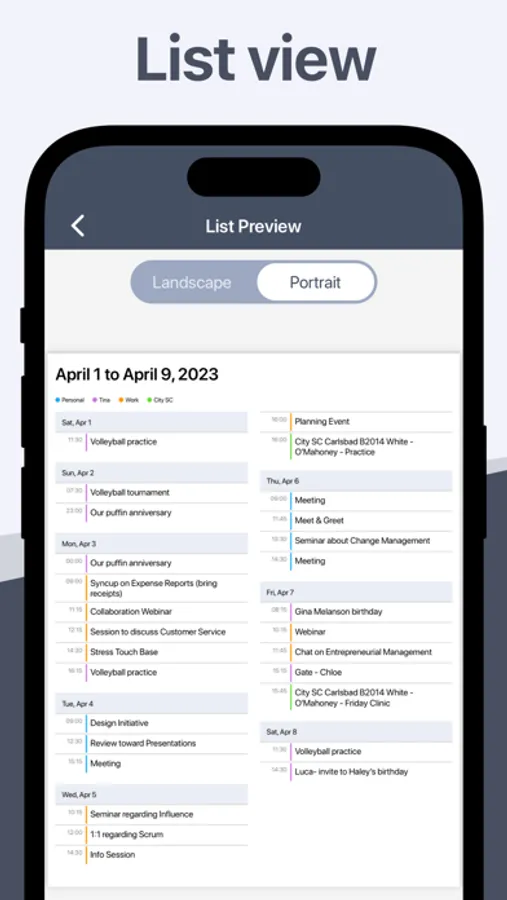
In this calendar app, you can generate PDF files from your iOS calendars and share or print them easily. Includes options for day, week, month, or list views, as well as customizing font size and adding event locations.
AppRecs review analysis
AppRecs rating 3.9. Trustworthiness 80 out of 100. Review manipulation risk 22 out of 100. Based on a review sample analyzed.
★★★☆☆
3.9
AppRecs Rating
Ratings breakdown
5 star
75%
4 star
10%
3 star
4%
2 star
2%
1 star
9%
What to know
✓
Low review manipulation risk
22% review manipulation risk
✓
Credible reviews
80% trustworthiness score from analyzed reviews
⚠
Ad complaints
Many low ratings mention excessive ads
About PDF Calendar - Print & Share
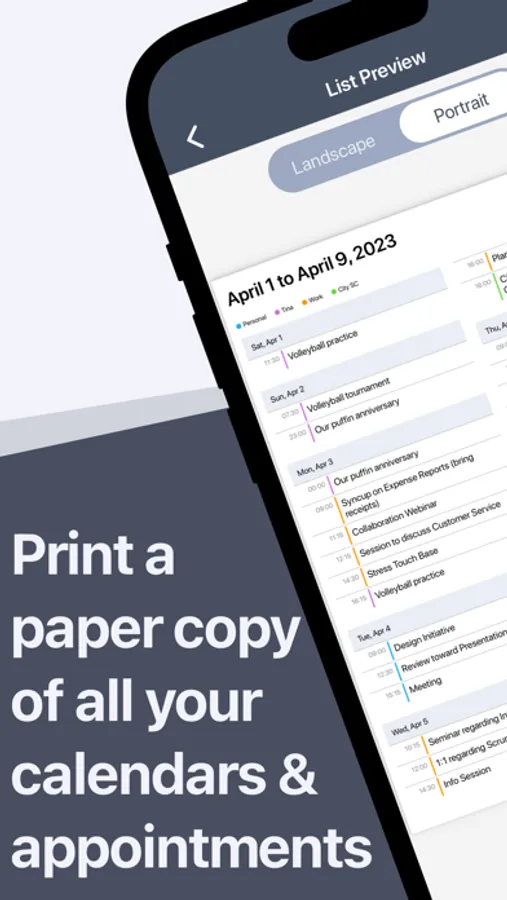
The PDF Calendar app lets you generate a PDF file of all your iPhone or iPad calendars. From there, you can easily print that PDF, or share it with coworkers, family, or friends..
REAL REVIEWS FROM REAL USERS
“Does exactly what it says. If you want to print your calendar this the app to use.” by clymab
“This app has become my go-to because it is easy to use and prints calendars in various formats.” by clingenheim
“Really fast and easy way to share, print or PDF your calendars.” by alavoye
“This app does exactly what it says with no fuss. So easy to use and you can send the pdf to email to print.” by cds7311
“I like to have a paper calendar with all my appointments printed on the individual day for various reasons. This does that one simple thing perfectly.” by Anon666
HOW IT WORKS
- Select a date range
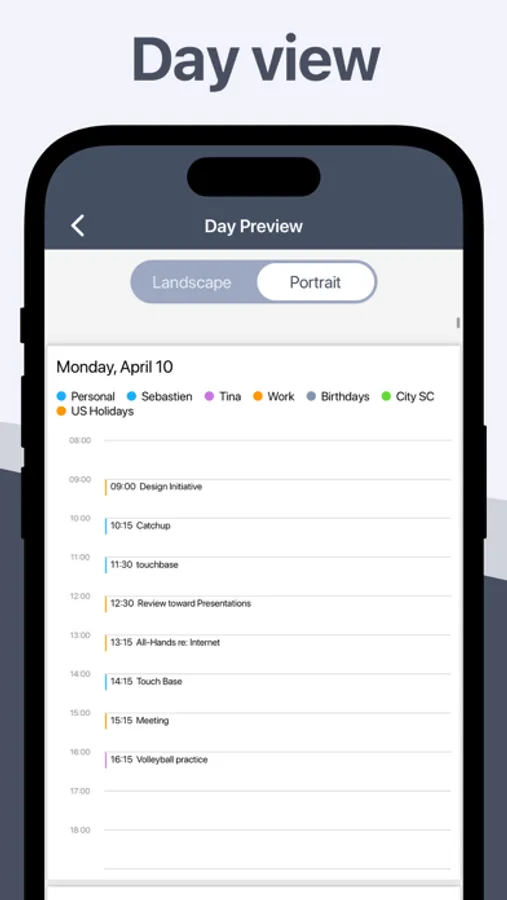
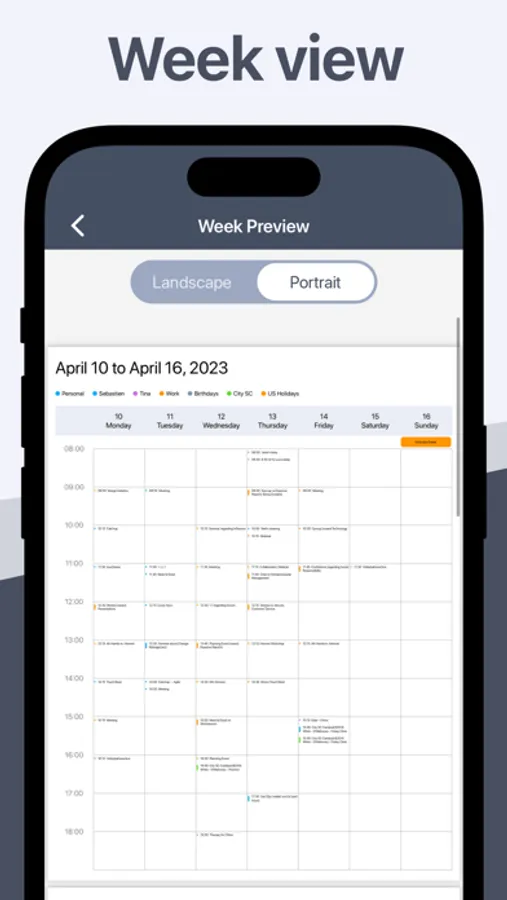
- Choose between Day, Week, Month, or List view
- Select what calendars to include in your PDF
- Generate and preview the PDF
- Print or share the PDF
SPECIAL FEATURES
- Works with your existing iPhone or iPad calendars
- Straightforward and easy to use
- Customize font size
- Optionally add events location
- Choose between a Day, Week, Month, or List view
- Print to any AirPrint printer directly from iPhone or iPad
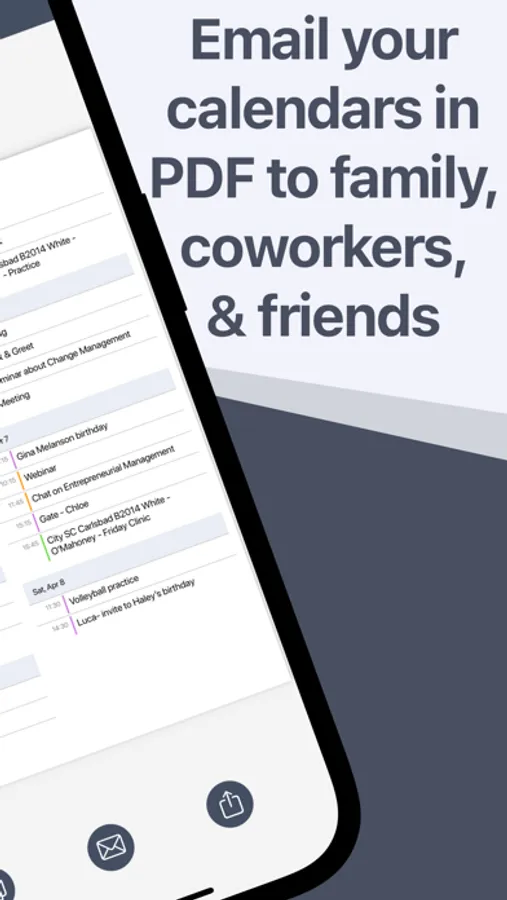
- Share a PDF of your calendar via email, text, Slack, Dropbox, etc
- Customize default calendars to use
- Customize the paper size
USE CASES FOR PDF CALENDAR
- Email your calendar as PDF to someone
- Print your family calendar and put it on the fridge
- Print your work calendar and share it with coworkers
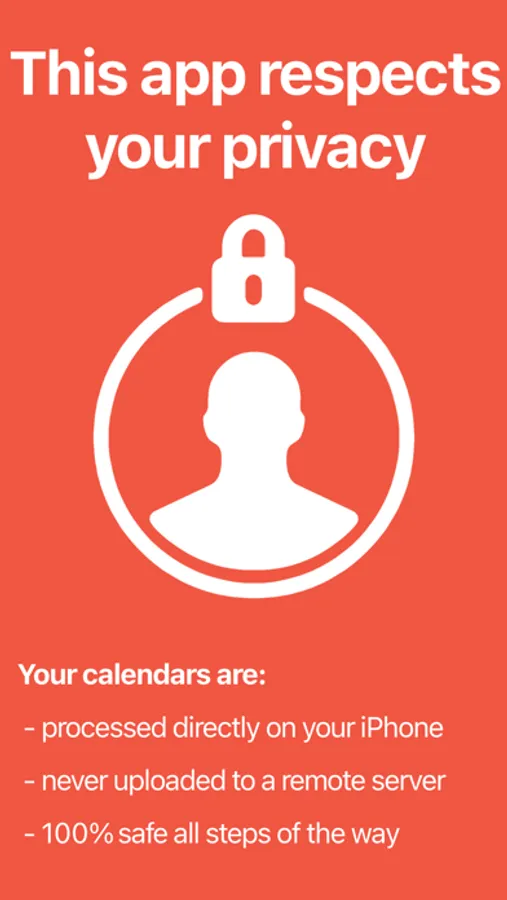
DESIGNED WITH PRIVACY IN MIND
Unlike similar applications, the PDF Calendar app respects your privacy. Your calendars are never uploaded and processed on an outside server. Your calendars are processed directly on your device to guarantee complete security and privacy.
Download it now and give it a try!
The Pro version of PDF Calendar can be purchased via an annual subscription to remove ads, customize day start and end times, customize default calendars, and unlock additional paper sizes. Payment will be charged to your Apple ID account at the confirmation of purchase. The subscription automatically renews every year unless it is canceled at least 24 hours before the end of the current period. Your account will be charged for renewal within 24 hours prior to the end of the current period. You can manage and cancel your subscriptions by going to your App Store account settings after purchase.
Terms of use: https://www.sixstarapps.com/terms/
Privacy policy: https://www.sixstarapps.com/privacy/
HAVE QUESTIONS OR NEED HELP?
If you have any question about the app, or need help about something, please do not hesitate to contact us at www.SixStarApps.com. We’ll be happy to help!
PDF Calendar - Print & Share Screenshots
Tap to Rate:
Reviews for PDF Calendar - Print & Share
LuvsDogs3
Getting stuck in ads
I got stuck in an ad and could not print. This app HAS TOO MANY ADS NOW! I’ve been using this app for years but I am now disgusted.
shawzuki
No way to choose the calendar you wish to print
I have 2 emails accounts with calendars on my phone and I’m not able to choose what calendar to choose from. Work or personal.