
AppRecs review analysis
AppRecs rating 3.2. Trustworthiness 84 out of 100. Review manipulation risk 24 out of 100. Based on a review sample analyzed.
★★★☆☆
3.2
AppRecs Rating
Ratings breakdown
5 star
20%
4 star
40%
3 star
0%
2 star
20%
1 star
20%
What to know
✓
Low review manipulation risk
24% review manipulation risk
✓
Credible reviews
84% trustworthiness score from analyzed reviews
About EXIF Tool - Metadata Tool
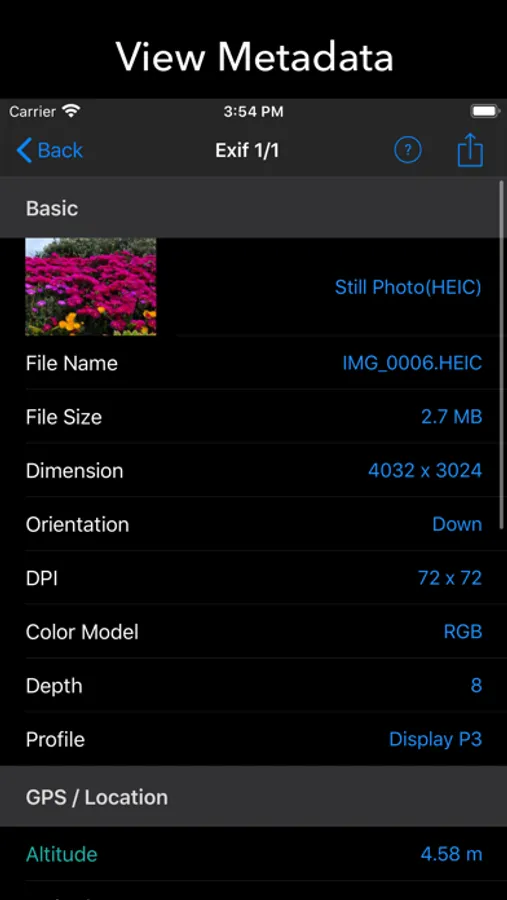
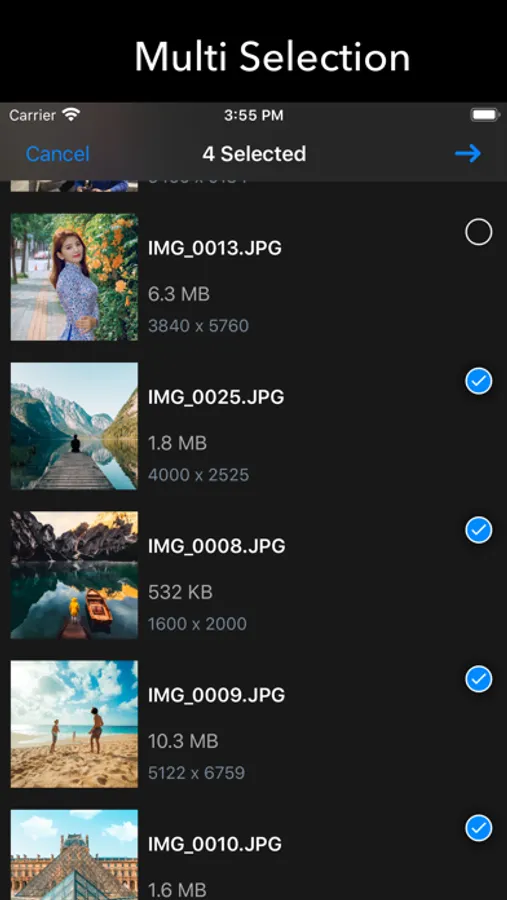
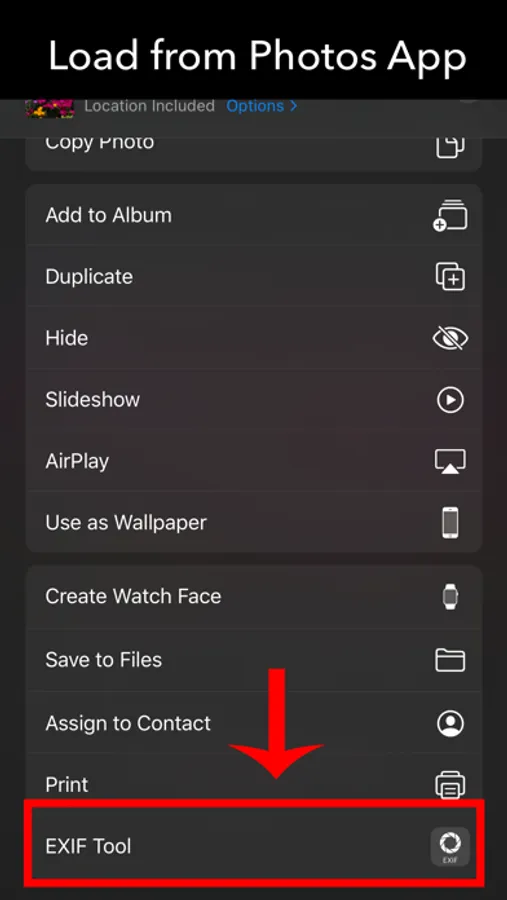
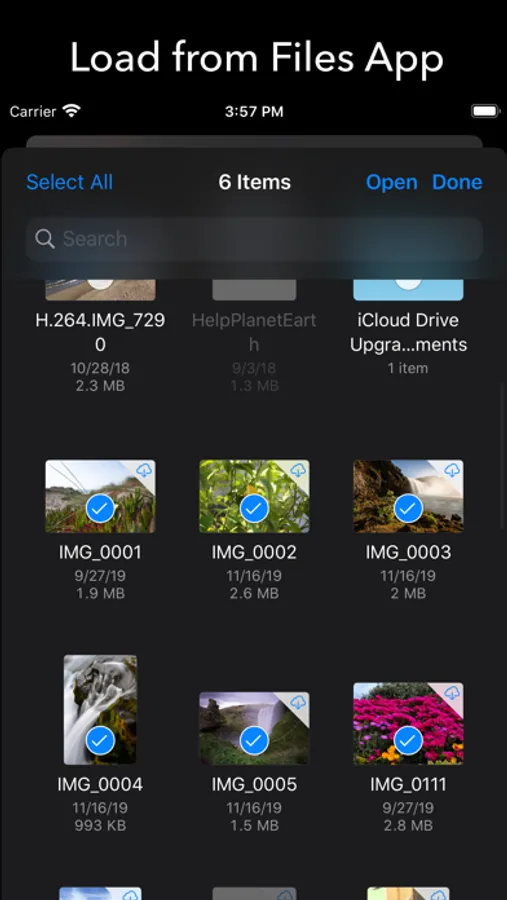
You can view and modify EXIF and meta data directly not only from Photos app but also from any 3rd party app. For those who want more efficient browsing, it also supports powerful photo browser.
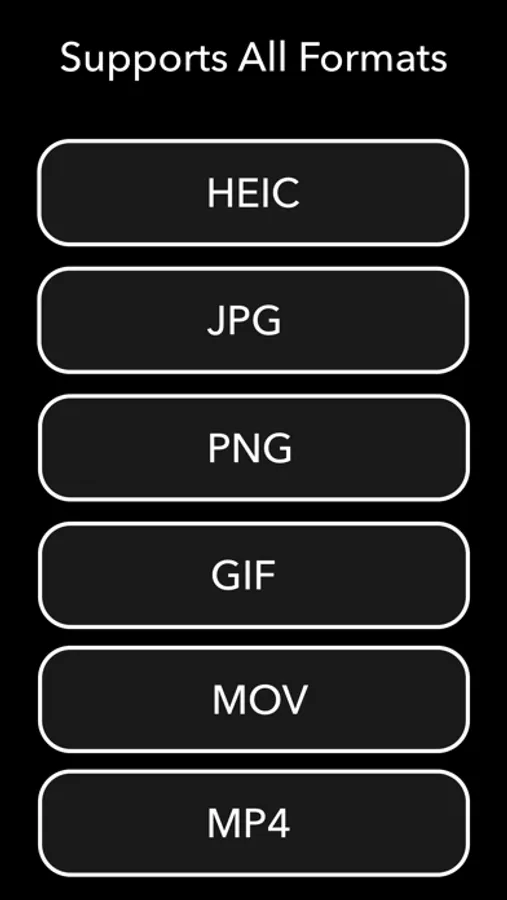
It supports all the image formats including heic, jpg, png and gif. It also supports video.
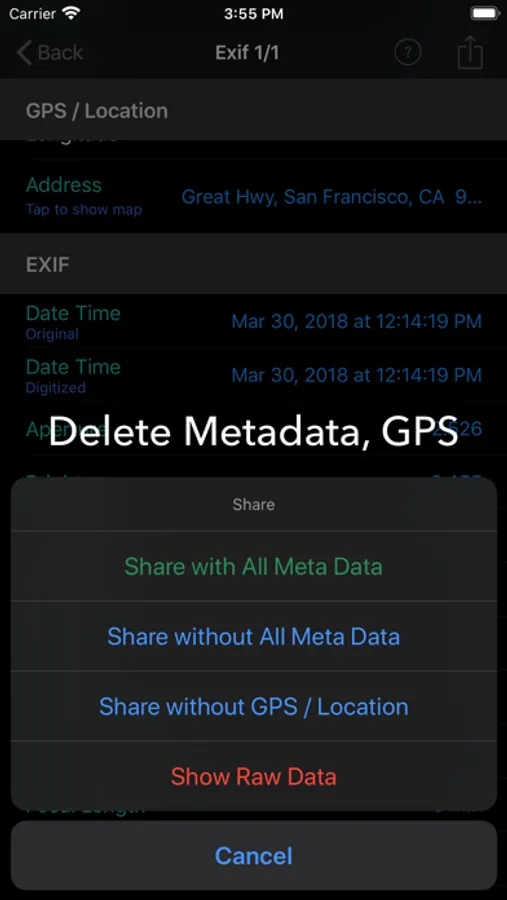
For those who're worried about the privacy, [Exif Browser] enables you to strip EXIF and meta data from your photo. You can choose whether to remove all meta data or just GPS/Location data.
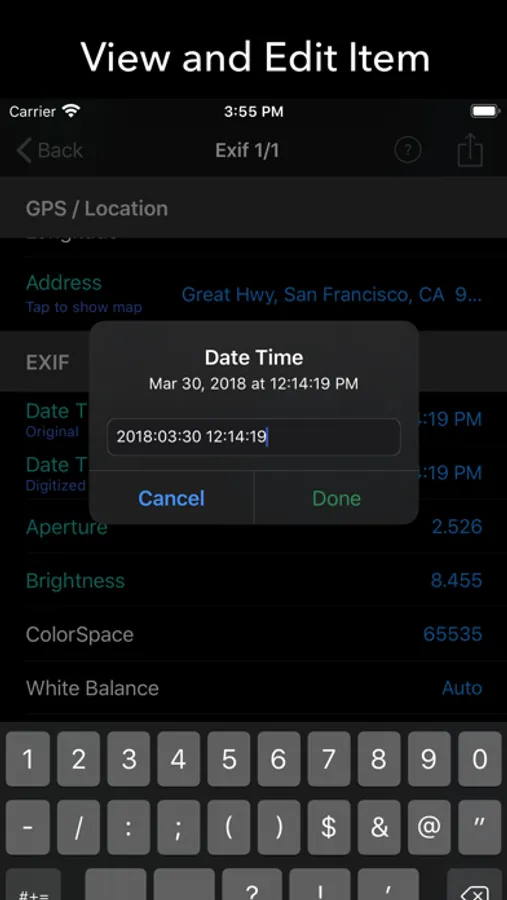
You can also edit each of the meta data items if you want.
• Supports photos extension - View exif data from Photos app and 3rd party apps.
• Also supports powerful photo browsing and viewing.
• Display basic info: file name, file size, dimension, orientation, duration, ...
• Display detailed EXIF info: date time, aperture, brightness, fNumber, shutter speed, focal lenght, ISO speed, exposure, flash, lens, camera, software, ...
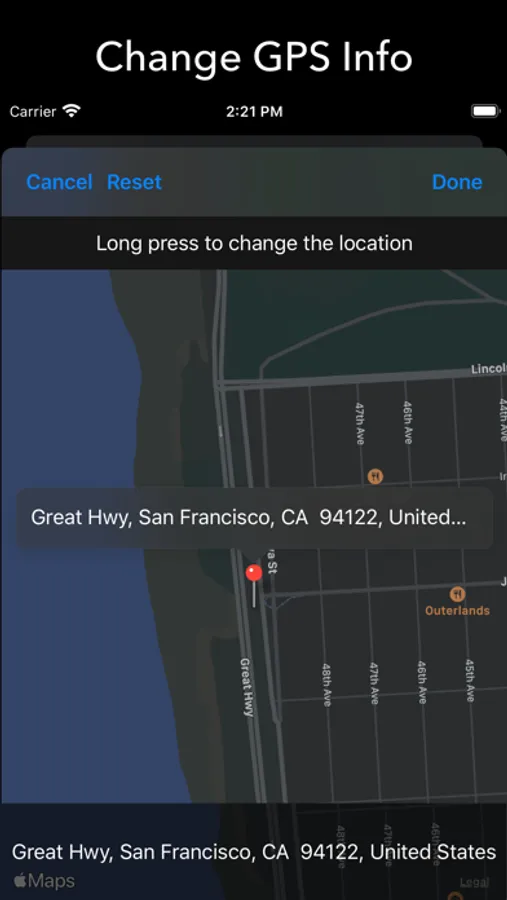
• Display GPS / location info: altitude, latitue, longitude, human-readable address, map, ...
• Display GIF info: delay time, loop count, ...
• Supports all formats including heic, jpg, png, gif, live photo and video.
• Edit each of meta data items.
• Share photo with all meta data removed.
• Share photo with GPS / location removed.
• Show raw data.
EXIF Tool - Metadata Tool Screenshots
Tap to Rate:
Reviews for EXIF Tool - Metadata Tool
Riptide360
Works great for adding location into exif stripped photos
Useful app for seeing and setting photo and video EXIF data like time, date, gps. For existing videos it shows the location as Shandong China. I’m guessing that is the default for Apple not embedding the gps into the video.
bcb750
Complete waste of 3 bucks...
So beings that there was no way to try the stupid app first, you’re forced to go by the word of a developer! Silly me! Of course, it failed at what it stated that it would simply do!