AppRecs review analysis
AppRecs rating 3.7. Trustworthiness 65 out of 100. Review manipulation risk 30 out of 100. Based on a review sample analyzed.
★★★☆☆
3.7
AppRecs Rating
Ratings breakdown
5 star
50%
4 star
0%
3 star
33%
2 star
0%
1 star
17%
About Stream Utility
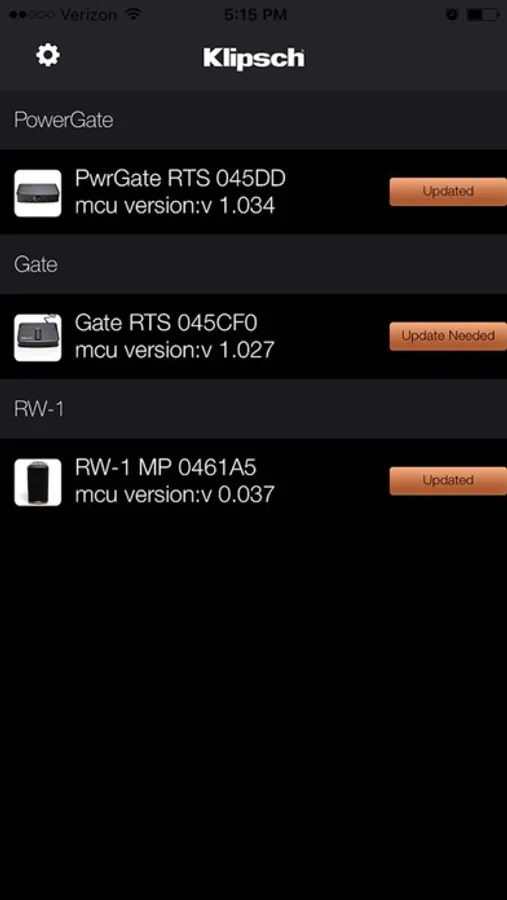
This version of the Stream Utility includes firmware update support for:
Gate
MCU: v1.32 (In Stream app 1.032)
Change Log:
• Added Surround Speaker Support as rear surrounds.
• Removed hard sleep mode so WiFi stays active in sleep mode.
• Overall compatibility and stability fixes.
PowerGate
MCU: v1.45 (In Stream app 1.045)
Change Log:
• Added Surround Speaker Support as rear surrounds.
• Removed hard sleep mode so Wi-Fi stays active in sleep mode.
• Overall compatibility and stability fixes.
RW-1
MCU: v0.38 (In Stream app 0.038)
Change Log:
• Added Surround Speaker Support as a Single Surround.
• Removed hard sleep mode so Wi-Fi stays active in sleep mode.
• Overall compatibility and stability fixes.
Please visit www.klipsch.com/stream-support for more information on how to update the firmware on all of your Klipsch Stream devices as well as step by step instructions.
PLEASE NOTE: This app is for use with the aforementioned Klipsch Stream products and not for use with any products other than those listed above.
@2017 Klipsch Group Inc.
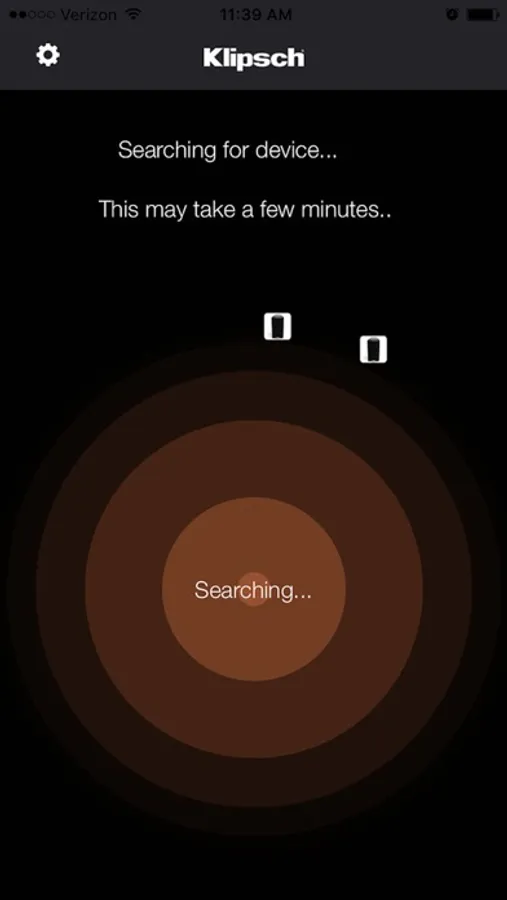
Stream Utility Screenshots
Tap to Rate:
Reviews for Stream Utility
Tom_in_Hawaii
[updated] Only works if device is on WiFi!
This app doesn’t find the Powergate that I’m trying to update. Will update this if support is able to help. Note: Powergate is connected via Ethernet, I have a sneaking suspicion that it may work on WiFi. If it does that’s a huge bug. I don’t want this unit on my WiFi. We’ll see after I hear back from support (hopefully). If I get time to troubleshoot maybe I’ll try it on WiFi. UPDATE: Yup, it can only be updated over WiFi. Huge FAIL. Still haven’t found a way to remove my password from the unit.