With this password manager app, you can securely store, organize, and access passwords, credit cards, and sensitive data using AES-256 encryption and a master password. Includes password generation, data synchronization, and security features like auto-lock and screenshot prevention.
AppRecs review analysis
AppRecs rating 4.7. Trustworthiness 0 out of 100. Review manipulation risk 0 out of 100. Based on a review sample analyzed.
★★★★☆
4.7
AppRecs Rating
Ratings breakdown
5 star
85%
4 star
10%
3 star
1%
2 star
0%
1 star
5%
What to know
✓
High user satisfaction
85% of sampled ratings are 5 stars
✓
Authentic reviews
No red flags detected
About DroidPass Password Manager
CORE FEATURES:
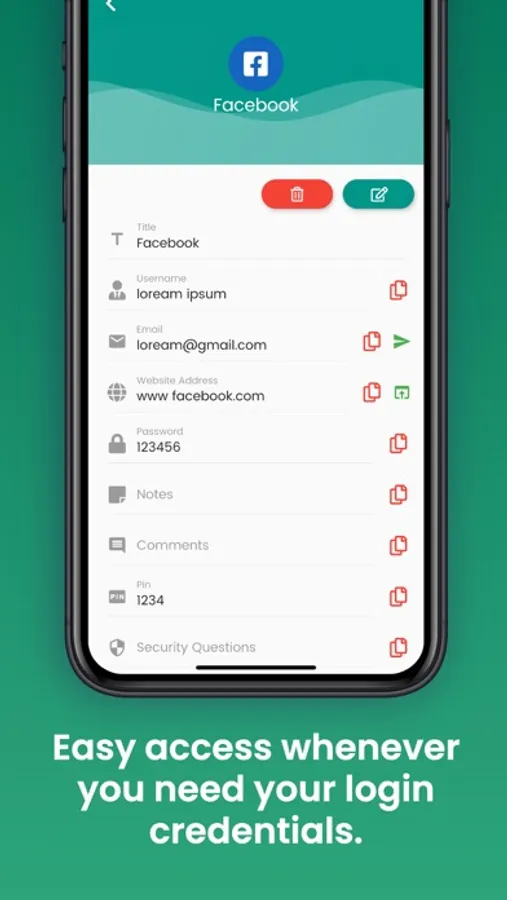
• Secure Password Storage - Store passwords with AES-256 encryption using your master password
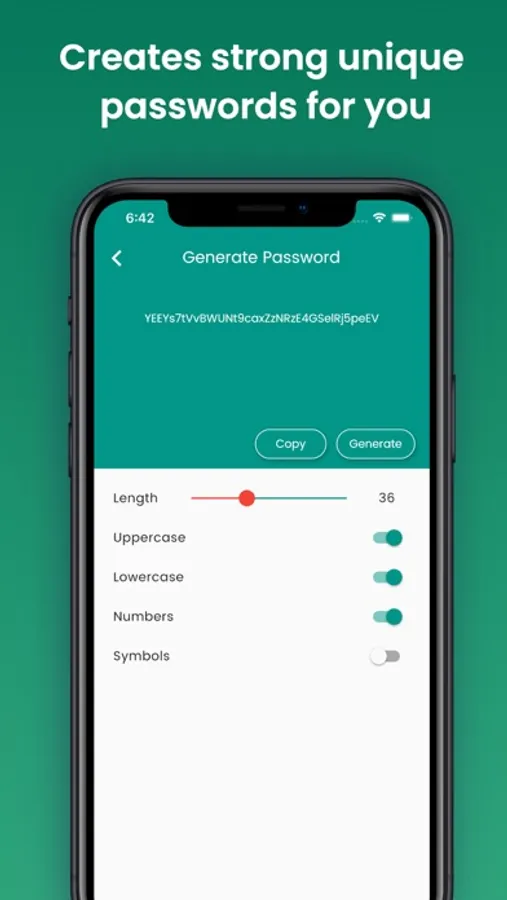
• Password Generator - Create secure passwords with customizable rules and length
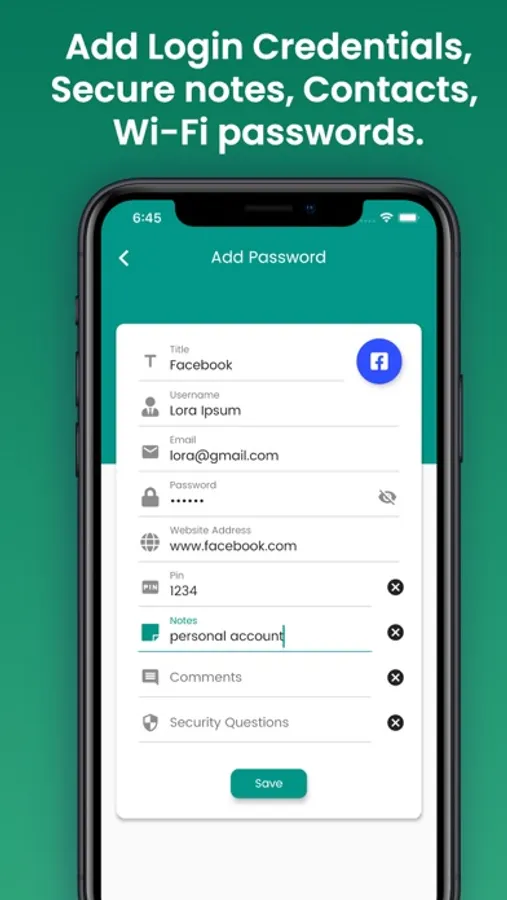
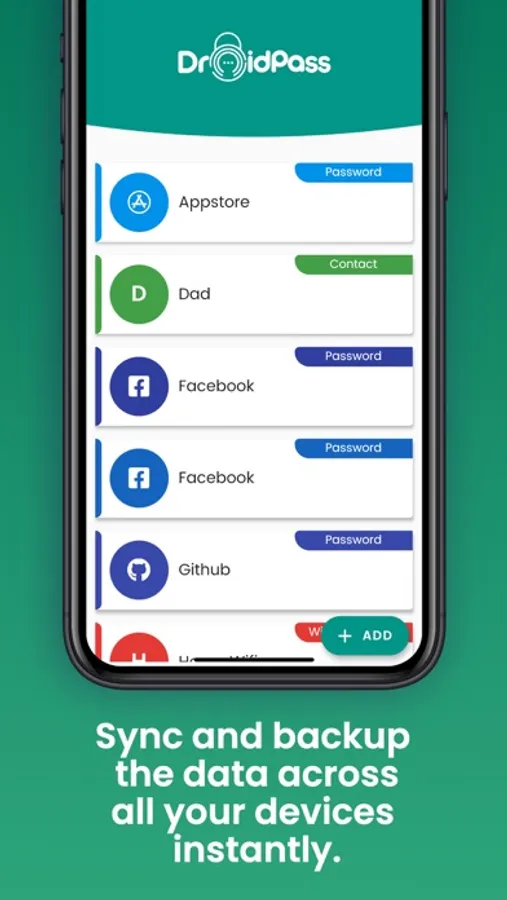
• Personal Information Manager - Store notes, contacts, Wi-Fi, bank accounts, credit cards
• Cross-Device Sync - Instantly sync data across all your devices
• Master Password Protection - Access via one single master password
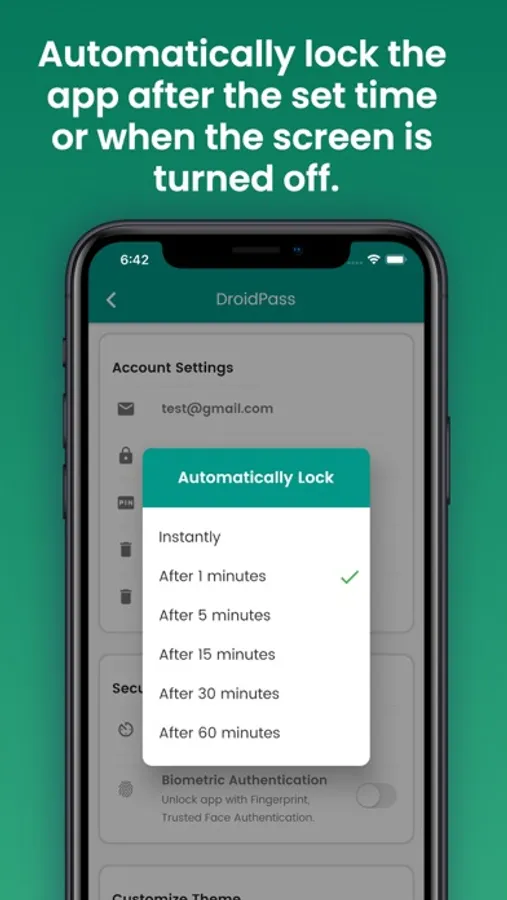
• Auto-Lock Security - Automatically lock the app after set time
• Screenshot Prevention - Prevent screenshots to protect passwords
• Advanced Filtering - Smart filtering & tagging system for quick access
• Favorites System - Enhanced favorites system to prioritize important passwords
• Password Audit - Security analysis with personalized recommendations
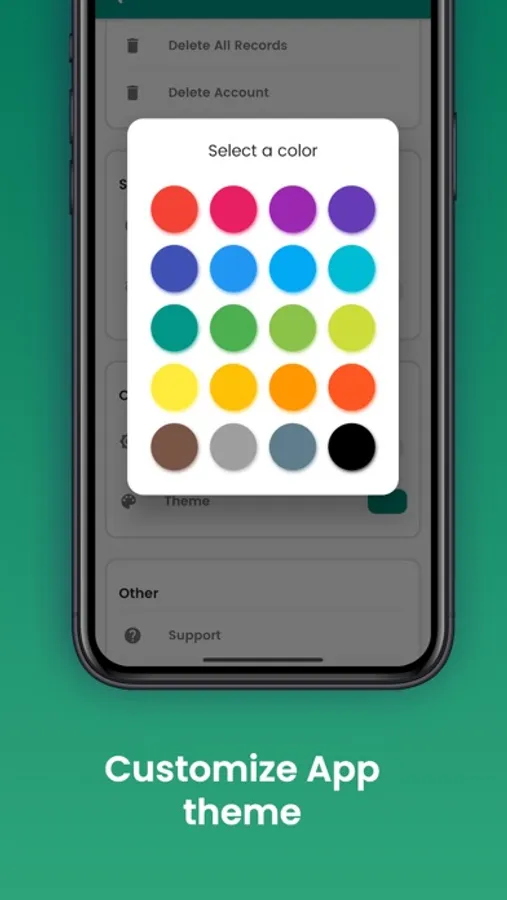
• Custom App Themes - Customize app theme colors and appearance
• Enhanced Dark Mode - Improved dark mode for better visibility
PREMIUM FEATURES (DroidPass Pro):
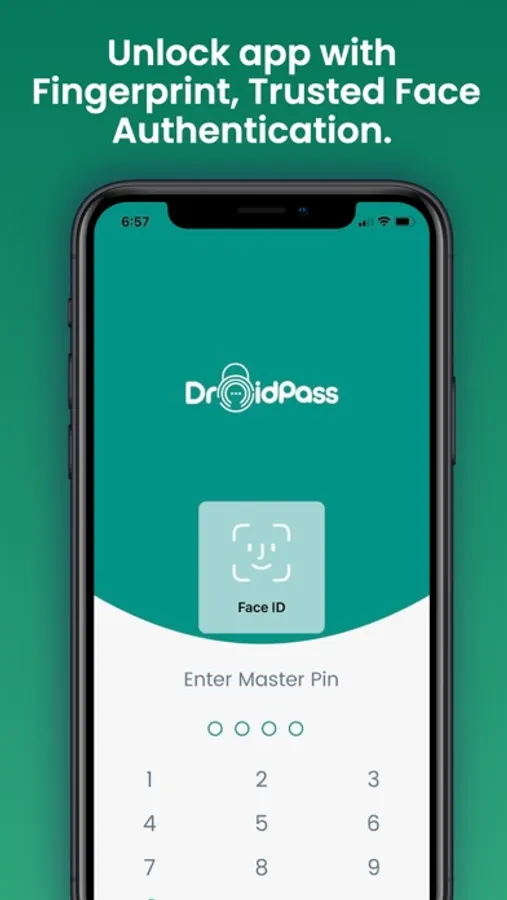
• Advanced Biometric Authentication - Unlock with Touch ID or Face ID
• Unlimited Storage - Store unlimited passwords and sensitive data
• Unlimited Entries - No restrictions on the number of password entries
• Extra Custom Fields - Add additional fields for enhanced organization
• Premium Themes - Exclusive themes and customization options
• Premium Profile Badge - Showcase your premium status with exclusive badge
• Instant Auto-Lock - Automatically lock the app instantly when screen turns off
• Priority Support - 24/7 premium customer support
DroidPass stores information for websites ranging from banking to finances to simple gaming apps. This password manager has a powerful password generator that helps create secure passwords and keeps your information safe. All data is encrypted and synced across your iPhone, iPad, and other devices.
SUPPORT:
If you need assistance, please email support@droidpass.app
Privacy Policy: https://droidpass.app/privacy
Terms of Service: https://droidpass.app/terms
SUBSCRIPTION INFO:
• DroidPass Pro is a subscription service
• Subscription automatically renews unless auto-renew is turned off at least 24 hours before the end of the current period
• Payment will be charged to your Apple ID account at confirmation of purchase
• Account will be charged for renewal within 24 hours prior to the end of the current period
• You can manage subscriptions and turn off auto-renewal in your Apple ID Account Settings
• No cancellation of the current subscription is allowed during active subscription period
DroidPass Password Manager Screenshots
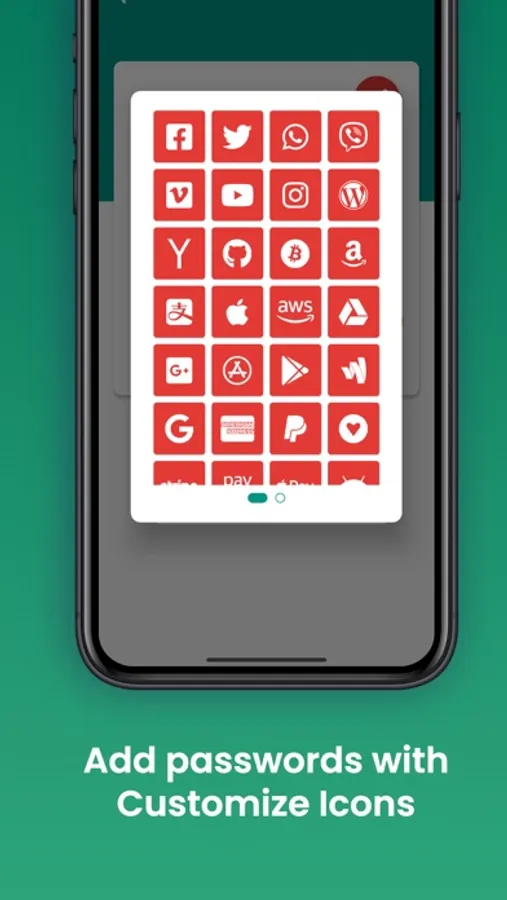
Tap to Rate:
Reviews for DroidPass Password Manager
ERjr@3232
Scam
I tried your free trial for 7 days and canceled my subscription the same day and was charged twice for $2.99 monthly subscription. I demand a refund immediately. I have proof that I cancelled my subscription the same day. I tried sending a email but it was undeliverable. So I am writing you here. Please refund my two payments of $2.99 that you took from my credit card!
Iycy
Can’t use because on the iPhone 13 Pro Max
I can not put in my password because the page doesn’t show but just the first “must use” of the master password. I have used capitals and lower case and special symbols. It will not let me go any further. Arrrrgg